

XML and DITA translation that respects your markup
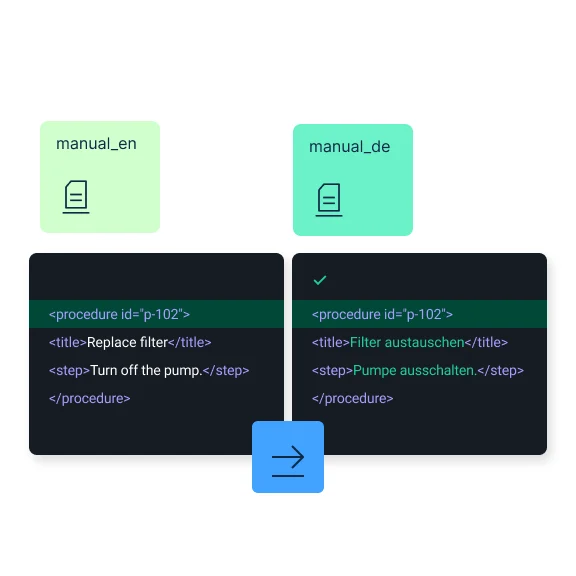
DeepL file translation reads your XML and DITA files the way they’re meant to be read. It translates the words between your tags and leaves attributes, processing instructions, and structure untouched.
Trusted by over 200,000 businesses globally






Why translate XML and DITA files with DeepL?
From technical documentation, to product data feeds, to DITA topics, XML shows up wherever structure matters as much as words. DeepL translates the content between your tags and leaves the markup that defines that structure as it was.
Only text between tags translated
DeepL leaves attribute values and processing instructions alone, so metadata and structural markup stay as they were.

translate="no": element-level exclusion
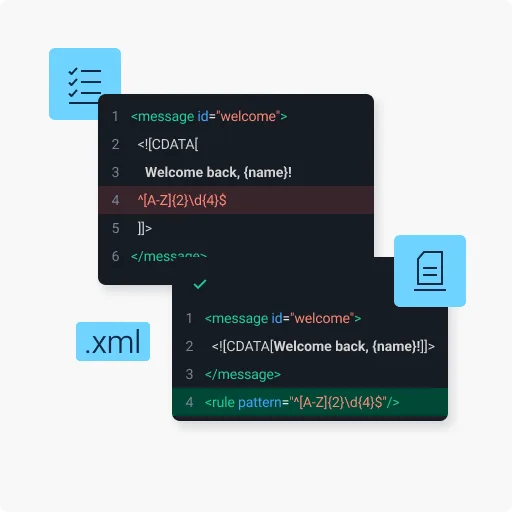
Mark an element translate="no", and DeepL skips its content entirely, giving you element-level control over what gets translated.

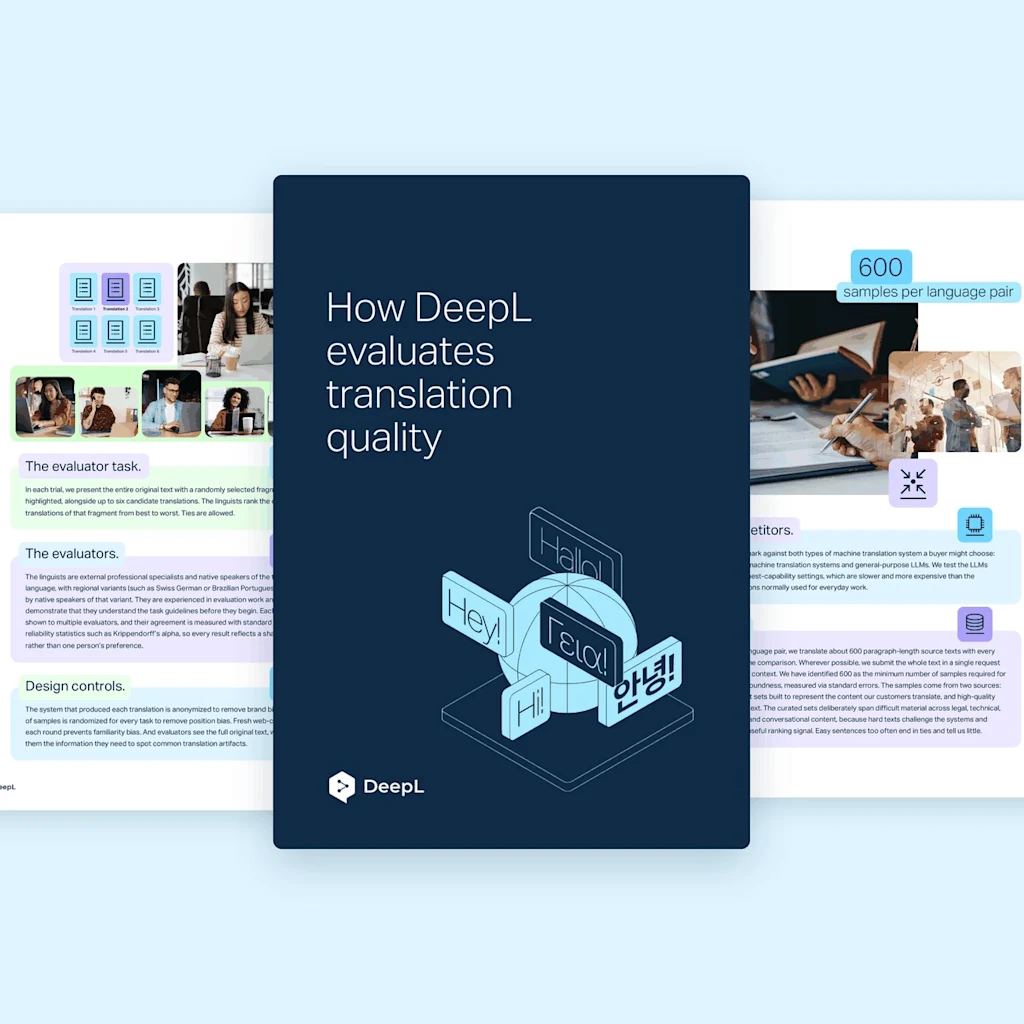
CDATA content translated, markers stripped
Text inside CDATA sections is sent to the engine and translated; the CDATA markers themselves are removed in the output.

Data encrypted in transit and at rest, deleted after translation
Files are encrypted in transit and at rest, and they’re deleted after translation on Pro plans. DeepL complies with GDPR, ISO 27001, SOC 2 Type II, HIPAA, and BSI C5 Type 2. See how DeepL secures your data.

Commitment to quality
Read about DeepL's quality scores, including an 80–90% cost reduction for organizations adopting AI-native platforms, per Nucleus Research.
What to know before translating XML files
XML files have a distinct structure, and that affects how our Language AI tool translates them. Keep these factors in mind before uploading your files.
- Comments may be treated as translatable text: Content inside "!-- comments --" can be picked up for translation, with the comment delimiters escaped in the output. Strip comments before uploading if downstream tooling depends on them being intact.
- Move non-translatable content out of CDATA blocks first: Because CDATA content is translated by default, you should move out code, regex, or other non-natural-language content inside a CDATA block before upload
- Files using ITS 2.0 external rules currently fail: Files referencing external rules via its:rules/@xlink:href return an HTTP 500 error. Inline the rules or remove the reference before uploading.
- Malformed XML returns a server error, not a validation error: Invalid XML currently returns HTTP 500 rather than a clearer 4xx error. Validate your file with a standard XML parser before uploading to catch issues early.
What to know about translating DITA files with DeepL
DITA topic files (.dita) get the same tag-aware translation as XML. These are a few format-specific behaviors that technical writing and documentation teams should be aware of.
- Only topic files are supported, not maps: .dita topic files translate directly; .ditamap files are rejected and need to be handled topic by topic
- translate="no" is fully honored: This applies on both inline and block-level elements for precise control over what DeepL AI translates
- Content references aren't resolved: conref and conkeyref references aren't followed automatically. You need to translate each referenced source topic independently.
- Code samples may lose line breaks: Newlines inside "codeblock", "pre", "msgblock", and "screen" elements may collapse to single spaces. Move code samples out of the topic before translation if line breaks matter.
- Densely marked-up topics may fail: Topics combining multiple inline elements ("filepath", "cmdname", "option", nested "indexterm") in close proximity may return an internal error. Simplify or split the topic if this happens
How do I translate XML and DITA files with DeepL?
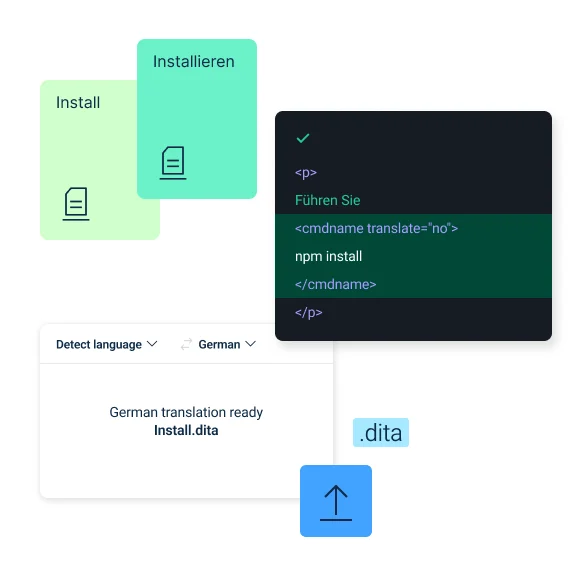
Go to the web translator and follow these steps to translate your file:
- Log in to your DeepL Pro or DeepL API account
- Select the "Translate files" tab
- Upload or drag-and-drop your XML or DITA file
- Set your source language, or let DeepL automatically detect it
- Select your target language
- Click Translate, and wait for completion
- Download your translated XML or DITA file
Translation capabilities built for structured content and technical documentation
XML and DITA exist because technical documentation needs more structure than plain text. DeepL translates that structure without disturbing it.
- Structured-content and technical documentation teams: Translate product manuals, API references, or data feeds built on XML, with markup and metadata preserved
- Technical writers migrating from FrameMaker to DITA: Translate individual DITA topics with the same element-level control your existing authoring workflow relies on
- Medical device and regulated-industry documentation teams: Translate compliance-critical technical documentation with the structural precision regulatory review demands
How DeepL Pro elevates XML and DITA translation
Your technical documentation rarely lives in one file. We crafted DeepL Pro to handle the whole set.
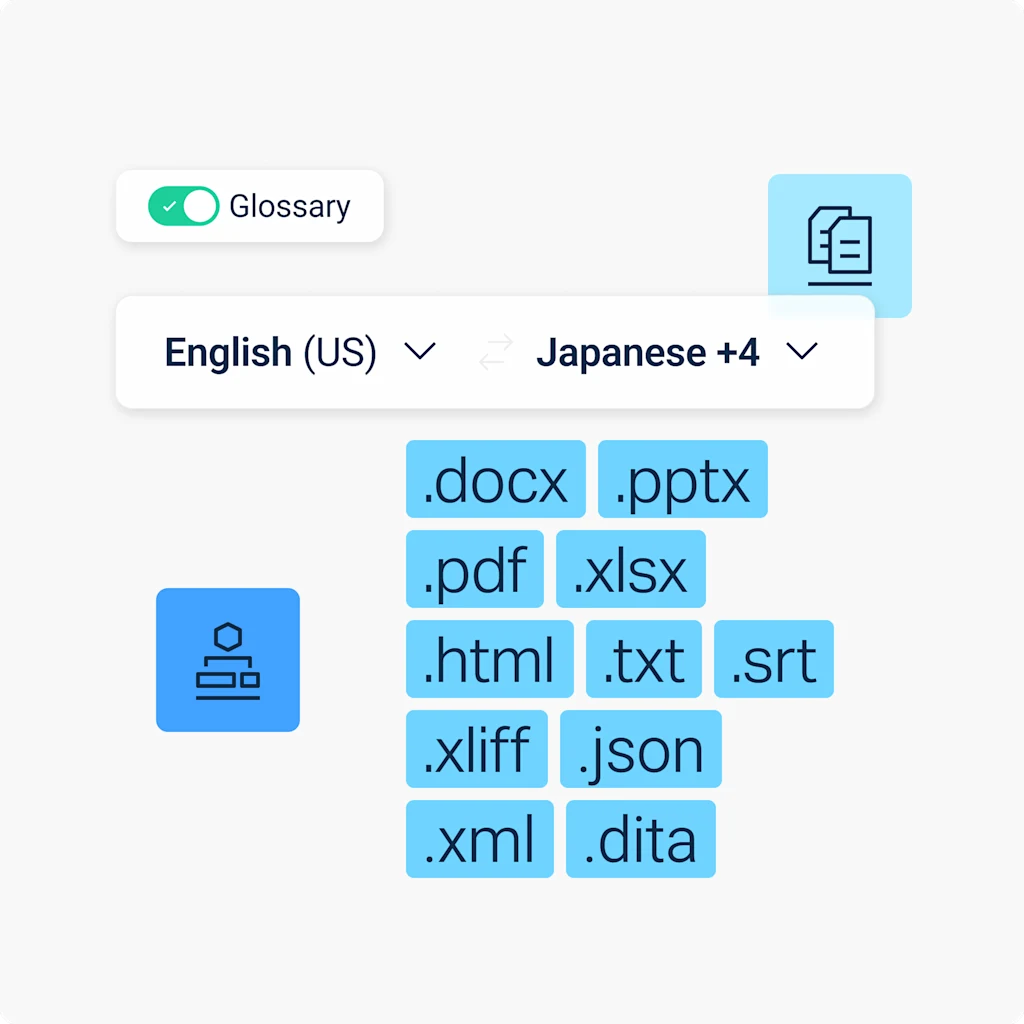
- Translate multiple files and into multiple target languages at once
- Use a glossary so technical terms stay consistent across topics and files
- Activate formal or informal tones, fine-tuning your translation to different audiences
- Benefit from maximum data security
Translate consistently across media formats
Need to translate PDFs, images, and other file types? DeepL’s Language AI adapts visual content to match, so your translations stay consistent and correctly formatted no matter which file you're working with.

Read success stories from dozens of the 200,000 companies around the world that trust DeepL for their translation demands.
Ready to translate XML and DITA files?
Start your free 30-day trial of DeepL Pro and translate XML and DITA files, plus PDF, PPT, Excel, and more.
Documenting a regulated product, migrating your authoring workflow, or maintaining a large structured-content library? Our Sales team will talk you through enterprise plans ideal for that scale.
FAQs
Yes, with the DeepL API. You'll need a Pro plan to translate XML and DITA on the web translator.
No. DeepL translates only text between element tags. The file translation tool doesn’t alter attribute values and processing instructions. Learn more about translating XML files with DeepL.
No. At present, file translation supports only DITA topic files (.dita). The tool rejects .ditamap files, which you’ll need to handle at the topic level. See file translation best practices.
Yes. Like SRT, TXT, XLIFF, and JSON, XML and DITA translations through the API aren't subject to the per-file character billing minimum that applies to Word, PowerPoint, Excel, and PDF files. Read DeepL’s API documentation.
At minimum, you need a DeepL Pro Advanced or DeepL API Free plan to translate XML and DITA files, unless you’re using DeepL API. These tables outline the max file size and character count per file per plan.
XML file size and character limits
Plan | Max file size | Max characters |
DeepL Account (Free) | Not available | Not available |
DeepL Pro Starter | Not available | Not available |
DeepL Pro Advanced | 10 MB | 1,000,000 |
DeepL Pro Ultimate | 10 MB | 1,000,000 |
DeepL Pro Individual | Not available | Not available |
DeepL Pro Team | 10 MB | 1,000,000 |
DeepL Pro Business | 10 MB | 1,000,000 |
DeepL API Free | 10 MB | 500,000 |
DeepL API Pro | 10 MB | 1,000,000 |
DeepL API Developer | 10 MB | 1,000,000 |
DeepL API Growth | 10 MB | 500,000 |
DITA file size and character limits
Plan | Max file size | Max characters |
DeepL Account (Free) | Not available | Not available |
DeepL Pro Starter | Not available | Not available |
DeepL Pro Advanced | 5 MB | 1,000,000 |
DeepL Pro Ultimate | 5 MB | 1,000,000 |
DeepL Pro Individual | Not available | Not available |
DeepL Pro Team | 5 MB | 1,000,000 |
DeepL Pro Business | 5 MB | 1,000,000 |
DeepL API Free | 5 MB | 500,000 |
DeepL API Pro | 5 MB | 1,000,000 |
DeepL API Developer | 5 MB | 1,000,000 |
DeepL API Growth | 5 MB | 500,000 |