

1. Download and sign in
Install the desktop app and sign in with your DeepL account.
Install once, get market-leading live translation in your Microsoft Teams, Zoom Meetings, and Google Meet calls.
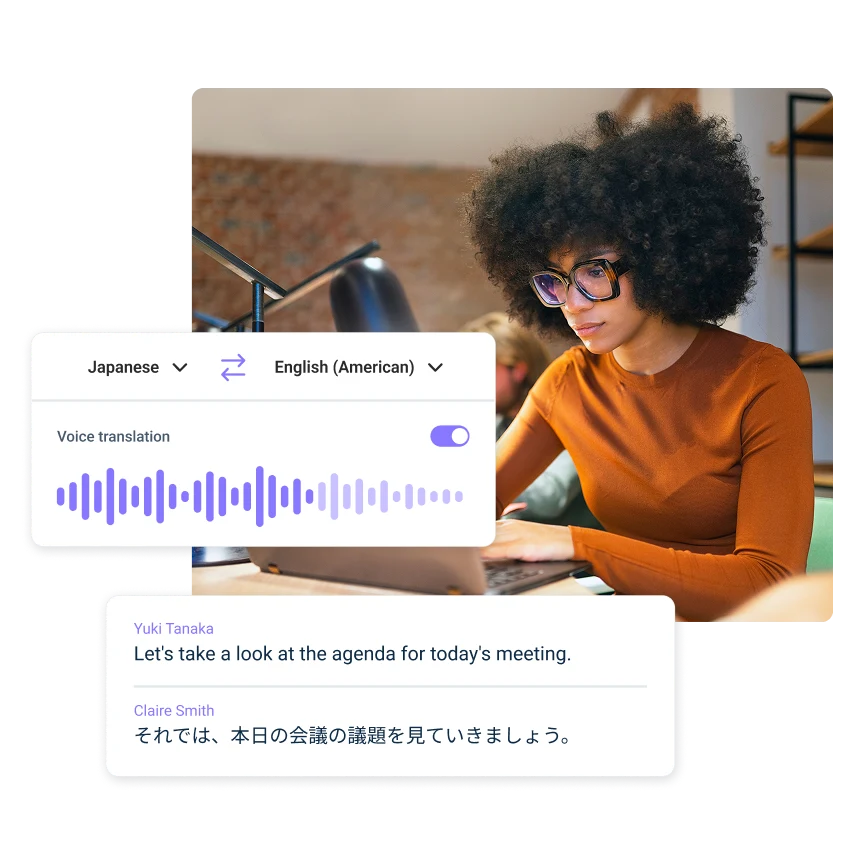
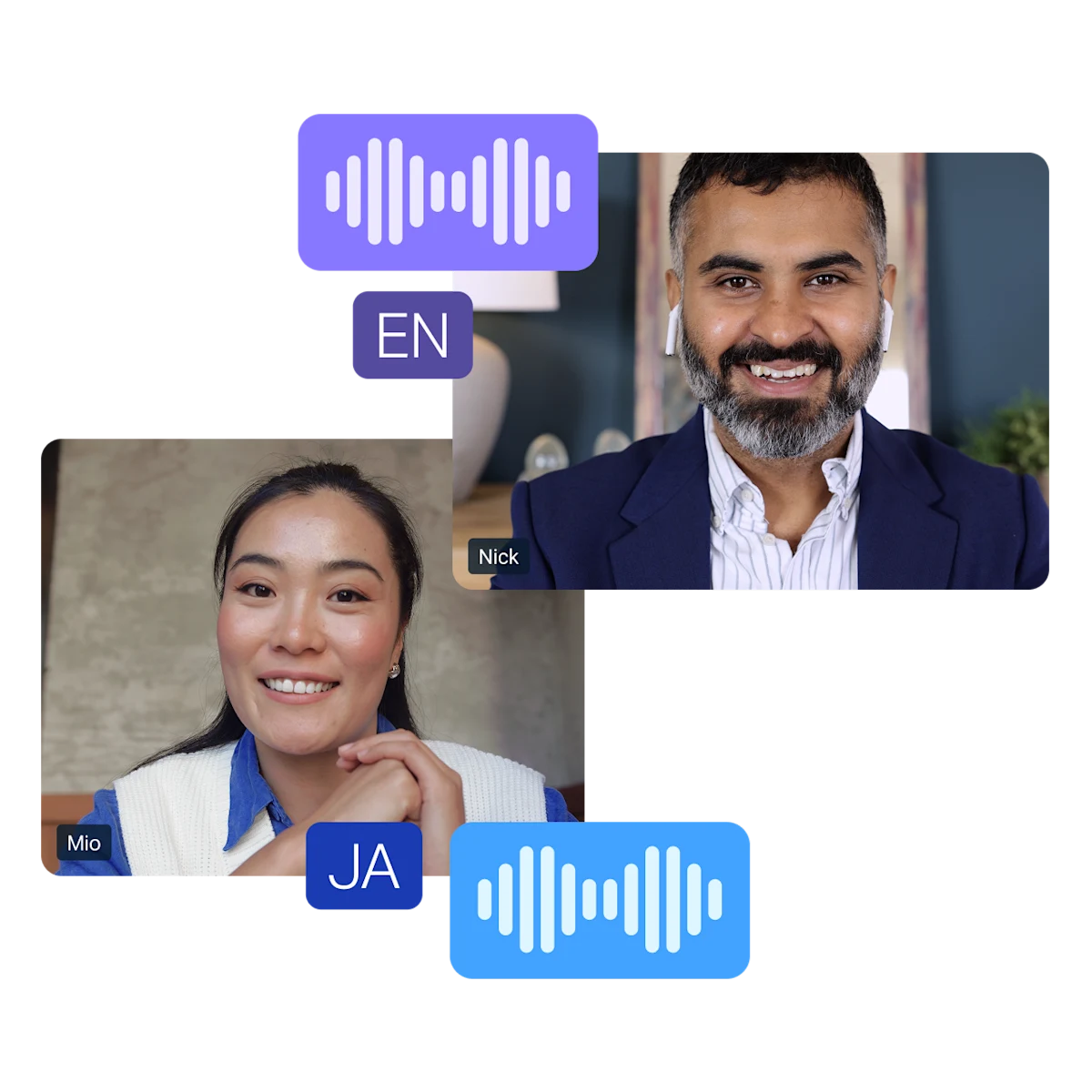
Tired of reading subtitles? Switch on voice translation and hear the conversation in your own language. Voices preserve each speaker’s tone and intonation.
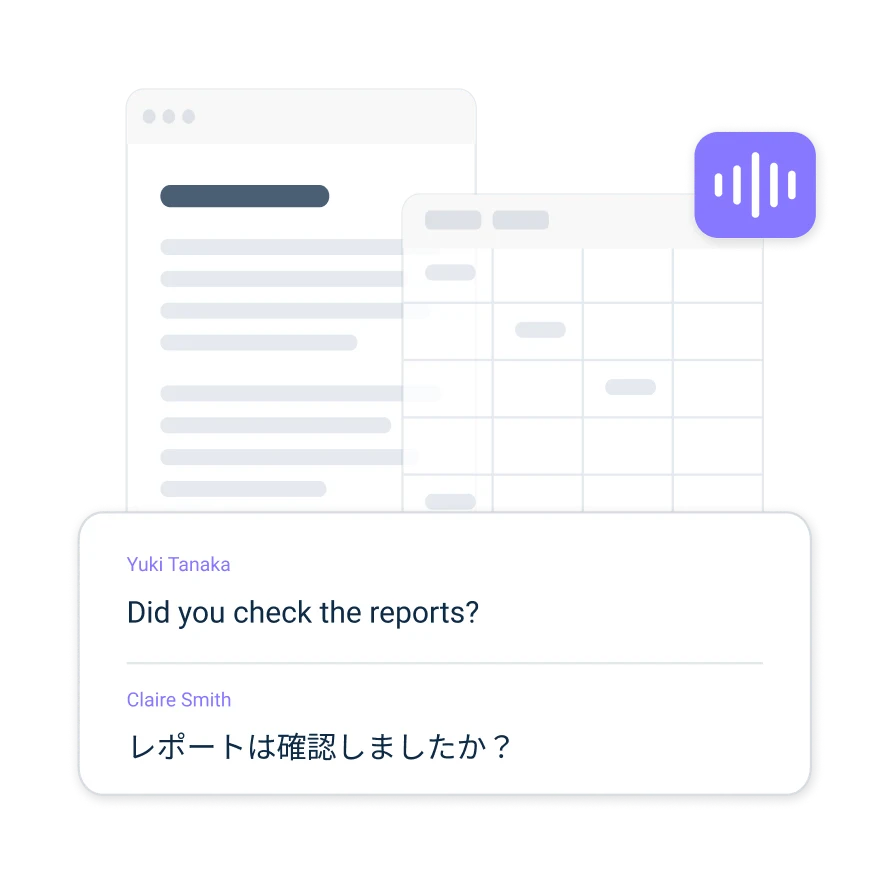
Follow along with translated subtitles in an overlay that stays on top of whatever you’re working on, whether it’s a meeting window, presentation or spreadsheet
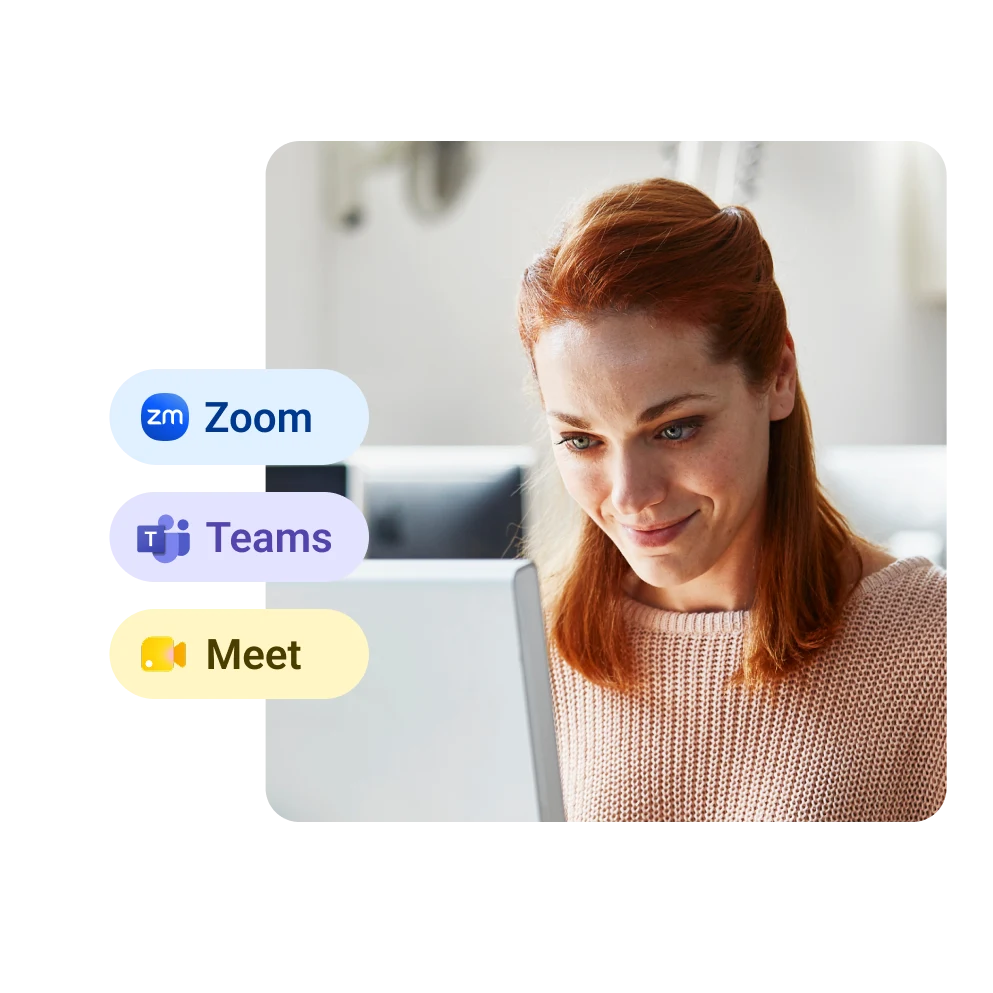
DeepL Voice automatically detects your Microsoft Teams, Zoom Meetings, and Google Meet calls, so you can start translating in a single click.
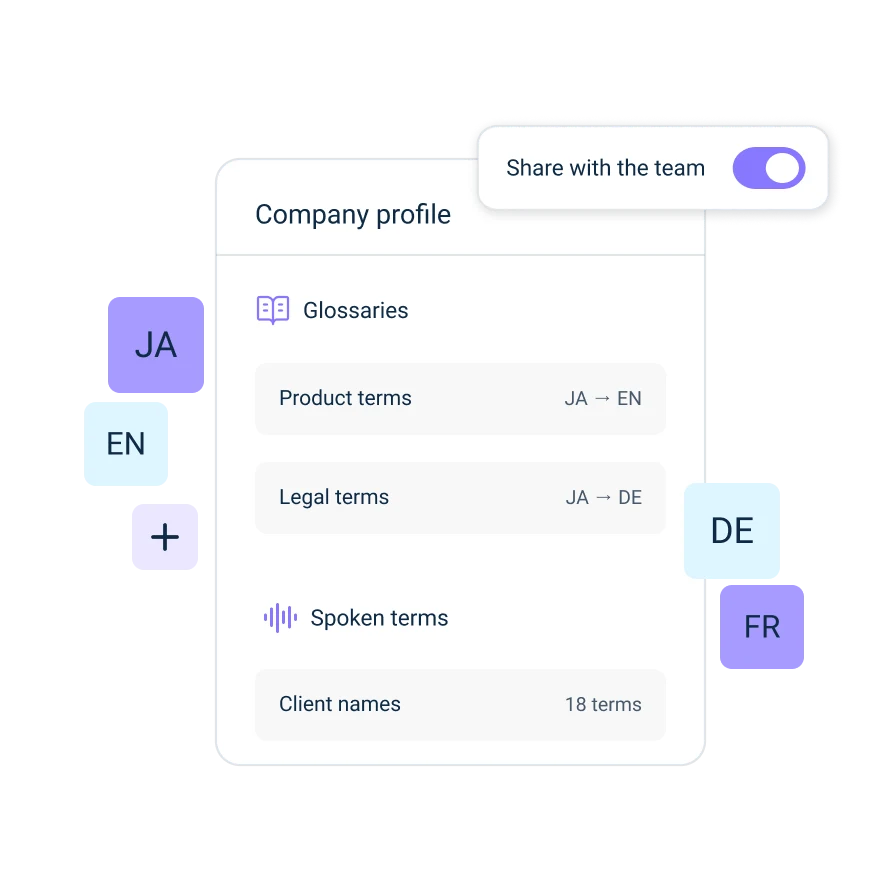
Customize transcription and translation with Glossaries, Spoken terms and Formality controls so company terminology is translated correctly.
Install the desktop app and sign in with your DeepL account.
Start or join your Microsoft Teams, Zoom Meetings, or Google Meet call. DeepL Voice detects it automatically.
Select the language you want to read or hear. Spoken languages are detected as you go.
Follow live subtitles or switch on voice translation. Others can join from the link in the meeting chat.
Your meeting content is never used to train DeepL’s models.

Diagnostic sharing is optional, and crash reports are stripped of transcripts, audio and personal information before they’re sent.

DeepL is ISO/IEC 27001 certified and GDPR compliant, with EU data residency options available for enterprise customers.

For conversations where everyone is in the same room, use the DeepL Voice mobile app.

Install once and DeepL Voice is there in every Microsoft Teams, Zoom Meetings and Google Meet call.
*Intel Macs not supported