

MIF translation built for FrameMaker workflows
Upload a genuine Adobe FrameMaker MIF file, and DeepL translates the content while respecting the format's structure, without needing multiple tools, and without manual reformatting work once you're back in FrameMaker.
Trusted by over 200,000 businesses globally






Why translate MIF files with DeepL?
Technical documentation you created in FrameMaker doesn't translate cleanly with generic tools. MIF's structure has formatting and conditional text that plain-text translation tends to lose. DeepL, though, translates MIF natively, so your file comes back ready for FrameMaker.
Structure, formatting, and text, all preserved
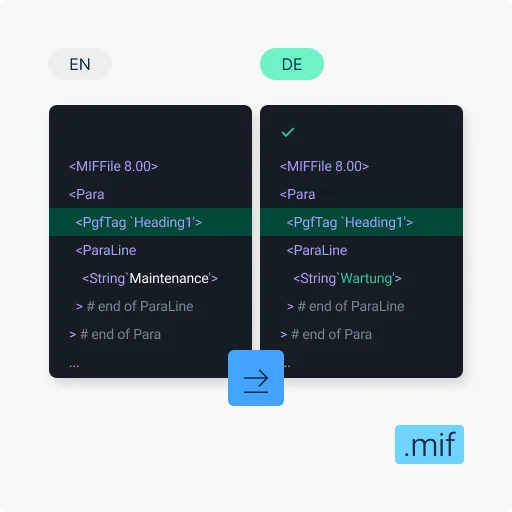
DeepL translates the words in your MIF file while your paragraph formatting, character tags, and file structure stay intact. Your file’s immediately ready to reopen in FrameMaker.

MIF 8.00 and later support
DeepL file translation fully supports files saved from FrameMaker 8.00 or newer. Older MIF variants are handled best-effort.

100+ languages translated
Translate FrameMaker documentation into any of DeepL's 100+ supported languages, so your technical content reads correctly for the market it ships to.

Enterprise-grade security, privacy, and compliance
Files are encrypted in transit and at rest, and DeepL deletes them after translation on Pro plans. DeepL complies with GDPR, ISO 27001, SOC 2 Type II, HIPAA, and BSI C5 Type 2. Learn how DeepL keeps your data secure.

Commitment to quality
Read about DeepL's commitment to quality, including 3-year 345% ROI per a Forrester TEI Study.
What to know before you upload MIF files for translation
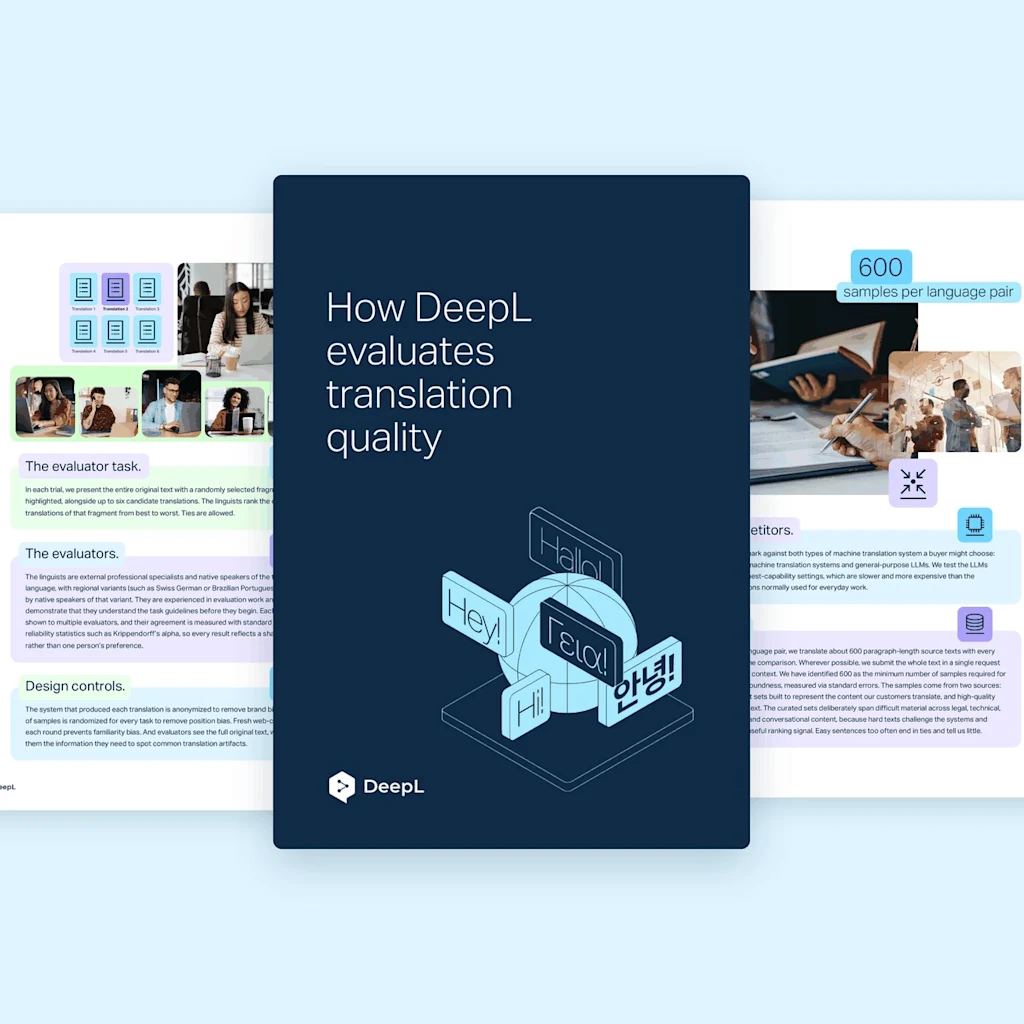
MIF files have strict format requirements. Keep these behaviors in mind before using DeepL file translation to avoid post-translation troubleshooting:
- The file must be genuine Adobe FrameMaker MIF: .mif files from other tools (like Quartus memory-init files or MathML wrapped as MIF) return an HTTP 500 error rather than a clear rejection. Rename or convert non-FrameMaker MIF files before uploading.
- Save as UTF-8 from FrameMaker before uploading: the file should begin with a "MIFFile ..." header
- Older MIF variants are best-effort: ff an upload fails, try resaving the file from a recent version of FrameMaker
- Even some valid FrameMaker 10 MIF files may fail: if you hit an HTTP 500 error on a file you're certain is valid, resaving from a newer FrameMaker version can resolve it
- translate="no" isn't supported for MIF: to exclude content from translation, use FrameMaker conditional text or character formatting
How do I translate MIF files with DeepL?
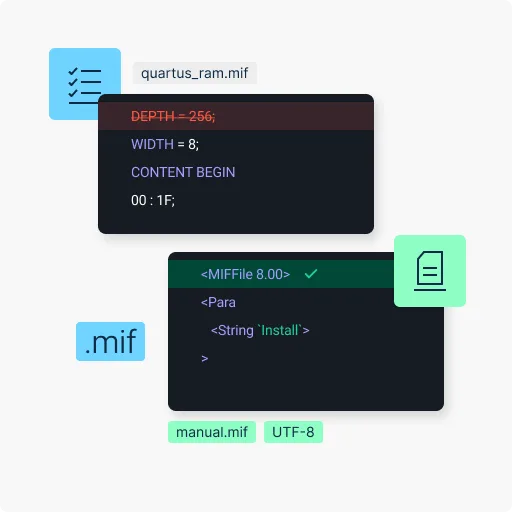
Depending on your plan, translate MIF files through the DeepL desktop app (Windows or Mac) or directly via the API:
- Log in to your DeepL Pro or DeepL API account
- In the desktop app, select the "Translate files" option, or use the API's file-upload endpoint
- Upload or drag-and-drop your MIF file
- Set your source language, or let DeepL to detect it automatically
- Select your target languages
- Click Translate, and wait for completion
- Download your translated MIF file
Translation built for technical publication teams
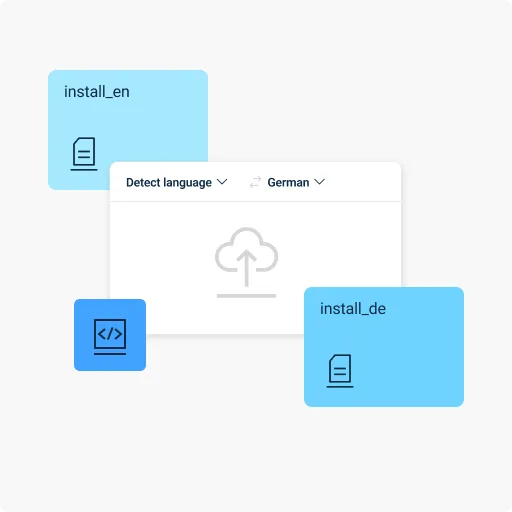
FrameMaker is the standard for structured technical publishing in regulated, engineering-heavy industries. DeepL translates your MIF files without leaving your formatting behind.
- Technical publications teams in aerospace, defense, and manufacturing: Translate equipment manuals, maintenance procedures, and technical specifications, with formatting and conditional text intact
- Teams authoring to S1000D or other regulated technical-publication standards: Translate technical publications built against S1000D or similar aerospace, defense, and equipment-maintenance standards
- Teams maintaining a FrameMaker authoring environment: Translate MIF files directly if you're not migrating to DITA, retaining your publishing pipeline
How DeepL Pro powers MIF file translation
Technical publication files tend to come in batches. DeepL Pro is ready to handle them all.
- Translate multiple files into multiple target languages at once
- Enable a glossary so technical terminology stays consistent across every file
- Apply formal or informal tones, fine-tuning your translation to different audiences
- Enjoy maximum data security
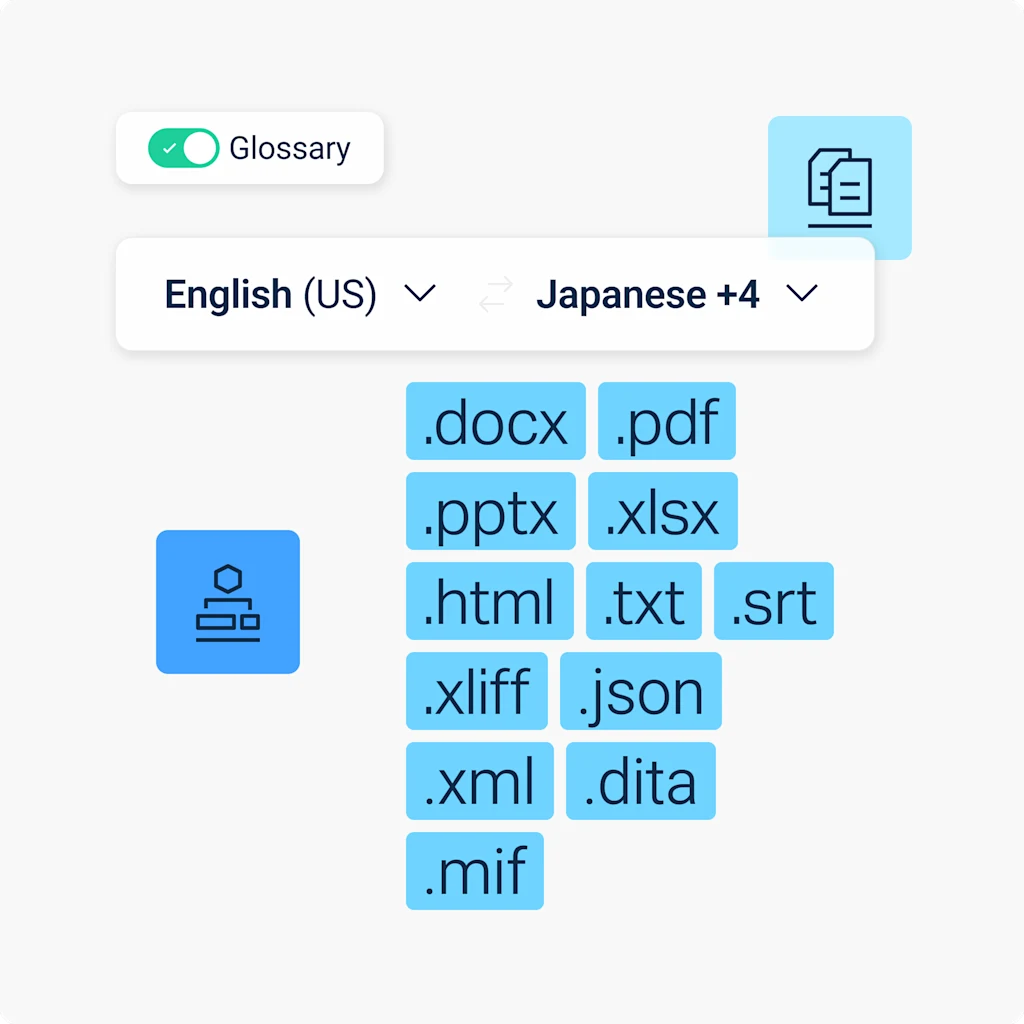
Translate consistently across media formats
Need to translate PDFs, images, and other file types? DeepL’s Language AI adapts visual content to match, so your translations stay consistent and correctly formatted no matter which file you're working with.

Read success stories from dozens of the 200,000 companies around the world that trust DeepL for their translation demands.
Ready to translate MIF files?
Start your free 30-day trial of DeepL Pro and translate MIF files, alongside PDF, PPT, Excel, and more.
Maintaining a large technical publication set in a regulated industry? Contact our Sales team to talk about customized enterprise plans.
FAQs
Yes, with the DeepL API. To translate MIF files through the desktop app, a Pro plan is required.
That depends on the version. DeepL supports MIF 8.00 and later. Older MIF variants are handled on a best-effort basis. If a file fails to upload, resaving it from a recent FrameMaker version often resolves the issue.
Yes, but not with translate="no", which isn't supported for this format. Use FrameMaker conditional text or character formatting to exclude content instead. Read our file translation best practices.
Yes. Like SRT, TXT, XLIFF, JSON, XML, and DITA, MIF translations through the API aren't subject to the per-file character billing minimum that applies to Word, PowerPoint, Excel, and PDF files. Read DeepL’s API documentation.
MIF file size and character limits by plan
You need a DeepL Pro Advanced or DeepL API Free plan at baseline to translate MIF files. This table shows the max file size and character count per file per plan.
Plan | Max file size | Max characters |
DeepL Account (Free) | Not available | Not available |
DeepL Pro Starter | Not available | Not available |
DeepL Pro Advanced | 1 MB | 1,000,000 |
DeepL Pro Ultimate | 1 MB | 1,000,000 |
DeepL Pro Individual | Not available | Not available |
DeepL Pro Team | 1 MB | 1,000,000 |
DeepL Pro Business | 1 MB | 1,000,000 |
DeepL API Free | 1 MB | 500,000 |
DeepL API Pro | 1 MB | 1,000,000 |
DeepL API Developer | 1 MB | 1,000,000 |
DeepL API Growth | 1 MB | 500,000 |