

XLIFF translation built for localization workflows
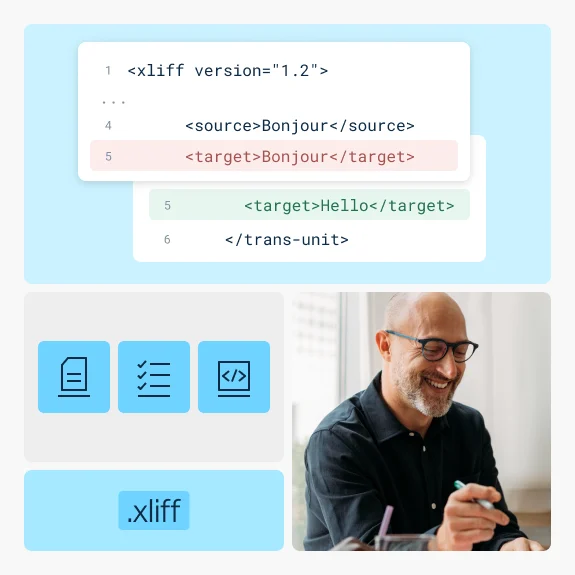
Upload your XLIFF file, and DeepL translates only what's meant to be translated: "source" content in, "target" content out. Your translation states, structure, and tooling metadata stay exactly where your CAT tool expects them.
Trusted by over 200,000 businesses globally






Why translate XLIFF files with DeepL?
Whether you're managing a translation memory pipeline, prepping content for a CAT tool, or handling overflow for an LSP, DeepL translates XLIFF segment by segment, preserving formatting and ensuring it’s ready for CAT tooling.
Supports XLIFF 1.2, 2.0, and 2.1
DeepL translates whichever XLIFF version your CAT tool or TMS exports, with no manual conversion or version-matching required before upload. DeepL also supports the .xlf extension.

translate="no" fully honored
Segments marked translate="no" in "trans-unit" (1.2) or "unit" (2.0) are skipped entirely, so locked or pre-translated content stays untouched.

Batch translation for high-volume localization pipelines
Translate multiple XLIFF files into multiple target languages at once; no more need to process files one at a time.

Encrypted in transit and at rest, deleted after translation
Files are encrypted in transit and at rest, and deleted after translation on Pro plans. DeepL is GDPR, ISO 27001, SOC 2 Type II, HIPAA, and BSI C5 Type 2 compliant. See how DeepL protects your data.

Commitment to quality
Learn about DeepL's quality scores, including a 3-year 345% ROI per a Forrester TEI Study
What to know before you upload XLIFF files
XLIFF's structure means understanding a few behaviors up front. That way, your translated file comes back in a way that fits your workflow:
- Existing "target" values are overwritten: If your file already contains translations, remove or split out those units first if you need to preserve them
- Per-file language attributes are ignored: The source language/target language attributes on "file" don't control the translation. DeepL uses the API's source_lang and target_lang for the entire upload.
- The state attribute isn't updated automatically: If a segment is marked state="needs-translation", that value is preserved as-is after translation. Update it yourself downstream if your pipeline depends on it.
- All uploaded content counts toward billed characters, even content that isn't translated: Segments marked translate="no", or "target" content that isn't touched, still count toward your character total
- An unsupported trgLang on the root "xliff" element is rejected, even if your API target_lang is valid: Check this attribute if you get an "Invalid target language" error
How do I translate XLIFF files with DeepL?
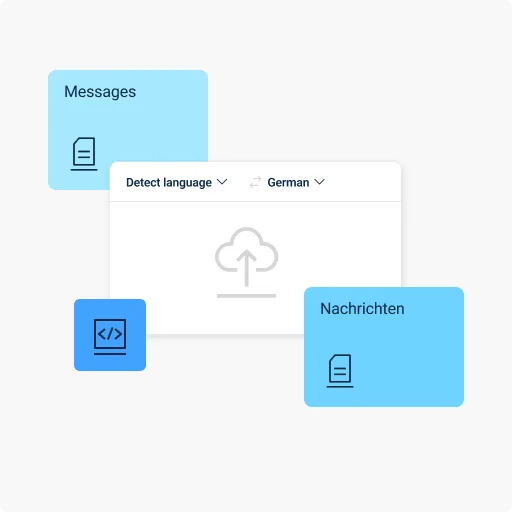
Head to the web translator, or integrate directly via the API, then follow these steps:
- Log in to your DeepL Pro or DeepL API account
- Head to the the "Translate files" tab
- Upload or drag-and-drop your XLIFF file
- Set your source_lang, or let DeepL detect it per segment
- Select your target language
- Click Translate
- Download your translated file once complete
Translation built for localization teams and language pros
XLIFF exists because localization workflows need more structure than plain text. DeepL translates it without cracking that structure.
- Localization engineers: Integrate XLIFF translation into an existing pipeline via the API, with segment-level handling that respects your tooling's structure
- Language service providers (LSPs): Handle client overflow or high-volume batches without manual CAT-tool re-entry for every file
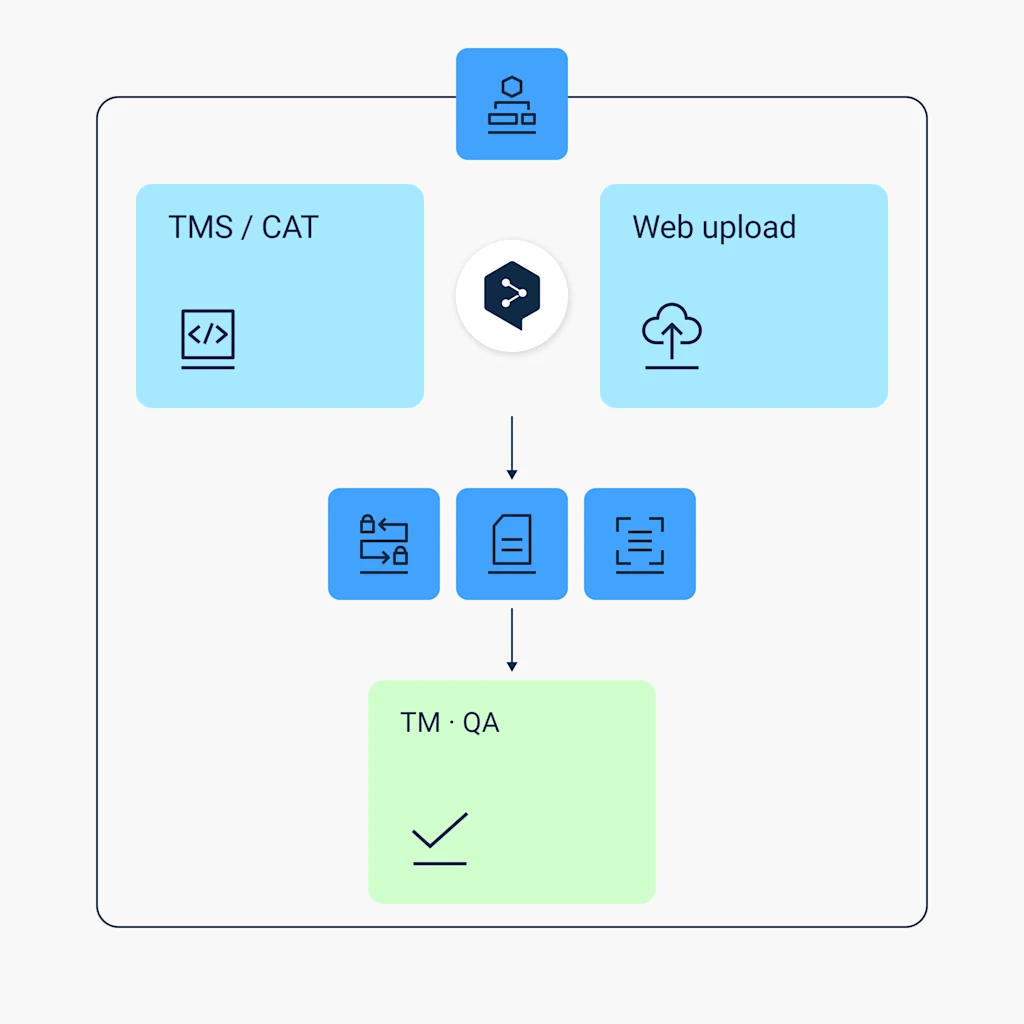
- TMS and CAT-tool users: Translate exported XLIFF segments directly, then re-import into your existing translation memory or QA workflow
- Enterprise localization teams: Standardize XLIFF translation across product, marketing, and support content without a per-team custom process
How DeepL Pro elevates XLIFF translations
XLIFF workflows rarely stop at one file type or one language pair. DeepL Pro is built to handle the batch.
- Translate several files and into several target languages at once
- Enable a glossary so brand and technical terminology stay consistent across every segment
- Choose between formal or informal tones
- Benefit from maximum data security
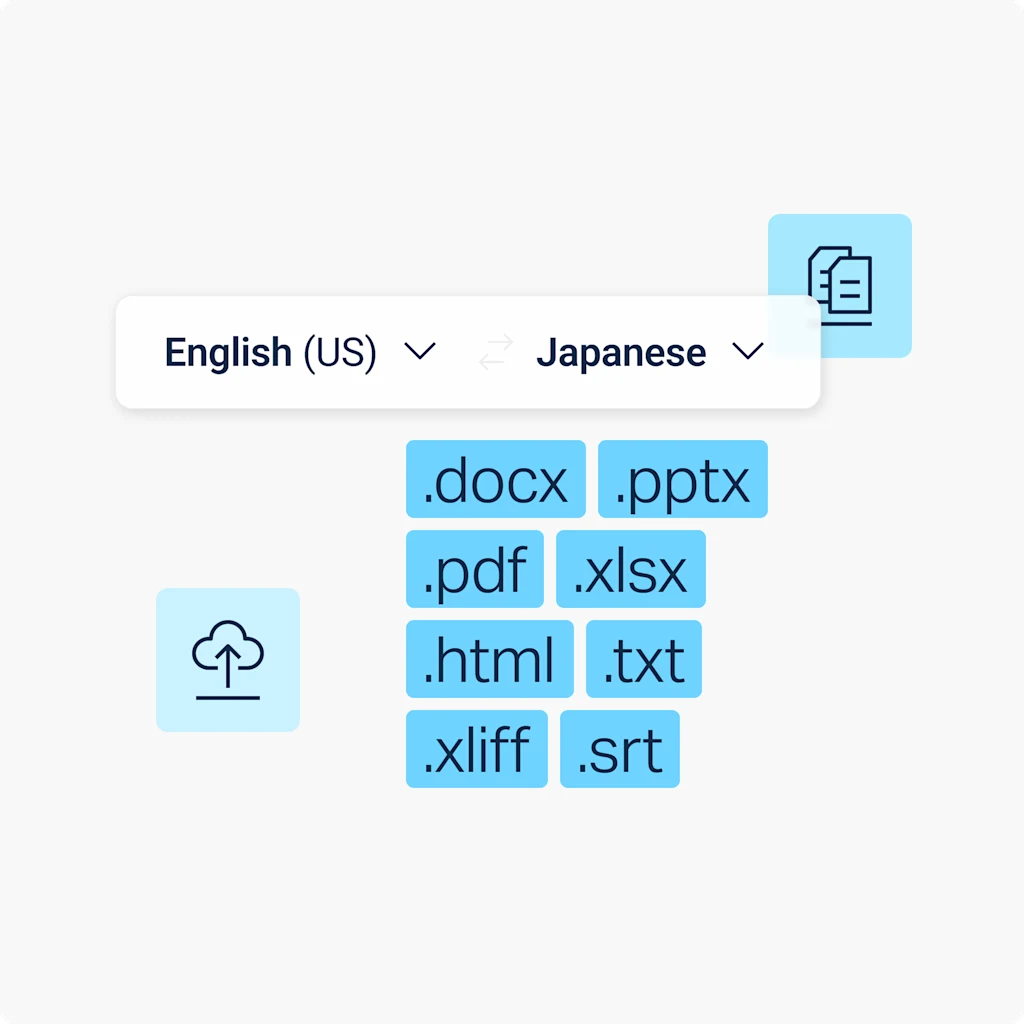
Translate consistently across media formats
Need to translate PDFs, images, and other file types? DeepL’s Language AI adapts visual content to match, so your translations stay consistent and correctly formatted no matter which file you're working with.

Read success stories from dozens of the 200,000 companies around the world that trust DeepL for their translation demands.
Ready to translate XLIFF files?
Start your free 30-day trial of DeepL Pro and translate XLIFF files, as well as Word, PDF, PPT, and more.
Need a custom solution for a full localization pipeline? Contact our Sales team to talk about tailored enterprise plans.
FAQs
Yes, via the DeepL API. You need a DeepL Pro or API plan to translate XLIFF files on the web translator.
DeepL file translation supports XLIFF versions 1.2, 2.0, and 2.1., plus the .xlf extension. Learn more about translating XLIFF files with DeepL.
Yes. Like SRT and TXT, XLIFF translations through the API aren't subject to the per-file character billing minimum that applies to Word, PowerPoint, Excel, and PDF files. Read DeepL’s API documentation.
XLIFF file size and character limits by plan
You’ll need a DeepL Pro Advanced or DeepL API Free plan at baseline to translate XLIFF files. This table outlines the maximum file size and character count allowed per file per plan.
Plan | Max file size | Max characters |
DeepL Account (Free) | Not available | Not available |
DeepL Pro Starter | Not available | Not available |
DeepL Pro Advanced | 10 MB | 1,000,000 |
DeepL Pro Ultimate | 10 MB | 1,000,000 |
DeepL Pro Individual | Not available | Not available |
DeepL Pro Team | 10 MB | 1,000,000 |
DeepL Pro Business | 10 MB | 1,000,000 |
DeepL API Free | 10 MB | 500,000 |
DeepL API Pro | 10 MB | 1,000,000 |
DeepL API Developer | 10 MB | 500,000 |
DeepL API Growth | 10 MB | 1,000,000 |