

IDML translation that keeps your layout intact
Translate your InDesign file with DeepL and get back the same layout, but in a new language. DeepL file translation preserves headlines, captions, and table text, and you get a ready-to-ship design.
Trusted by over 200,000 businesses globally






Why translate IDML files with DeepL?
Design work doesn't survive a copy-paste translation. DeepL translates the text inside your IDML file directly, so the layout, styles, and structures your team designed come back the way you built them.
Layout and design structure preserved
DeepL translates the text in your IDML file while frames, styles, and page structure stay as designed. The file reopens in InDesign prepared for review.

Batch translation for full campaigns and publications
Translate multiple IDML files at once, into multiple target languages, without processing files one at a time.

Built-in enterprise-grade security
Files are encrypted in transit and at rest, and they’re deleted after translation on Pro plans. DeepL complies with GDPR, ISO 27001, SOC 2 Type II, HIPAA, and BSI C5 Type 2. See how we keep your data safe.

Over 100 languages translated
Translate design files into any of DeepL's 100+ supported languages, which include regional variants. Your localized collateral reads correctly for the market it ships to.

Commitment to quality
Learn about DeepL's quality scores, including 50% lower translation workload for linguists and content teams.
What to know before you translate IDML files with DeepL
IDML's design-first structure means it’s wise to understand a few behaviors before you upload a file. That way, your review in InDesign catches what automation can’t.
- Only text frames are translated: Headlines, captions, table cells, and text in master pages and layers are translated. Alt text, metadata, and layer object names aren't touched.
- INDD files aren't supported: export as IDML before uploading
- Fonts may not cover your target language's characters: InDesign embeds font references, not the fonts themselves. Translating into a script the original font doesn't support (say, Korean into a Latin-only font) can produce white boxes or garbled characters. Swap in a font that supports it.
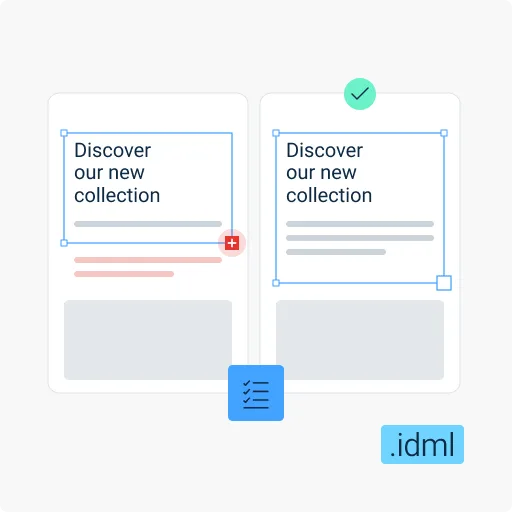
- Translated text often runs longer than the source: This can overset fixed-size frames (as shown by a red "+"). Resize as needed.
- Styles may shift after translation: Overrides can move if translated text differs notably in length from the source. Complex character-style runs occasionally surface internal markers (like "content-1") as visible text.
How do I translate IDML files with DeepL?
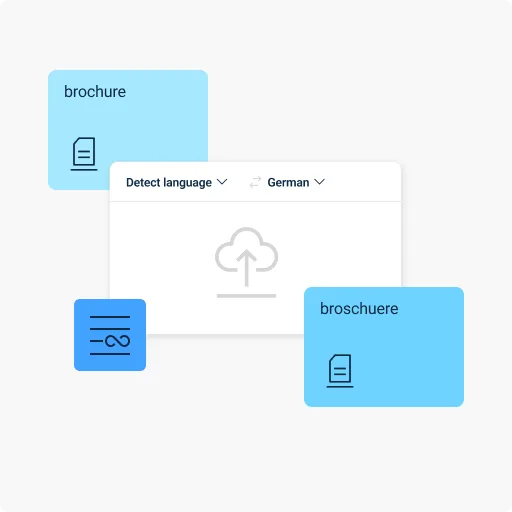
DeepL translates the text in your IDML file while retaining its InDesign layout. Use the web translator, desktop apps ((Windows or Mac), or the API, and follow these steps:
- Log in to your DeepL Pro or DeepL API account
- Select the "Translate files" tab
- Upload or drag-and-drop your IDML file
- Set your source language, or let DeepL automatically detect it
- Select your target language
- Click Translate, and wait for the translation to finish
- Download your translated IDML file
Translation tailored to design, marketing, and publishing teams
A finished layout is often the easiest part to get right in 1 language and the hardest to get right in 10. DeepL translates the words inside your team’s design without touching the frames, styles, or spacing your team spent hours getting right.
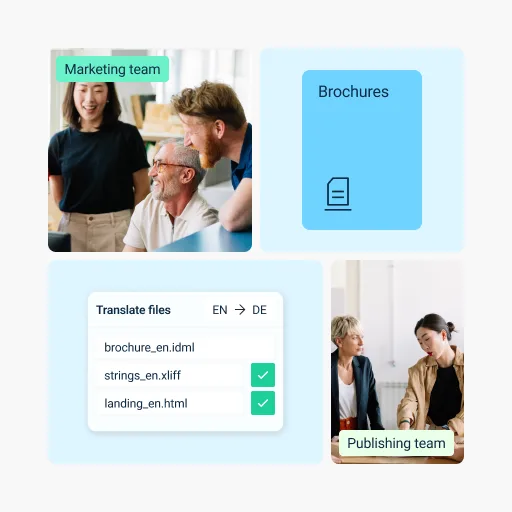
- Marketing and design teams: Translate brochures, packaging, and campaign collateral built in InDesign, with layout and styling prepped for review
- Publishing and editorial teams: Translate long-form publications, catalogs, or layouts with heavy typesetting, ready for a design review pass
- Localization teams managing design-heavy content: Translate IDML exports as part of a larger localization pipeline, alongside XLIFF, HTML, and other in-workflow formats
How DeepL Pro elevates IDML file translation
- Translate multiple files into multiple target languages at once
- Enable a glossary to keep terminology consistent across designs
- Apply formal or informal tones, fine-tuning your text to different audiences
- Enjoy premium data security
Translate consistently across media formats
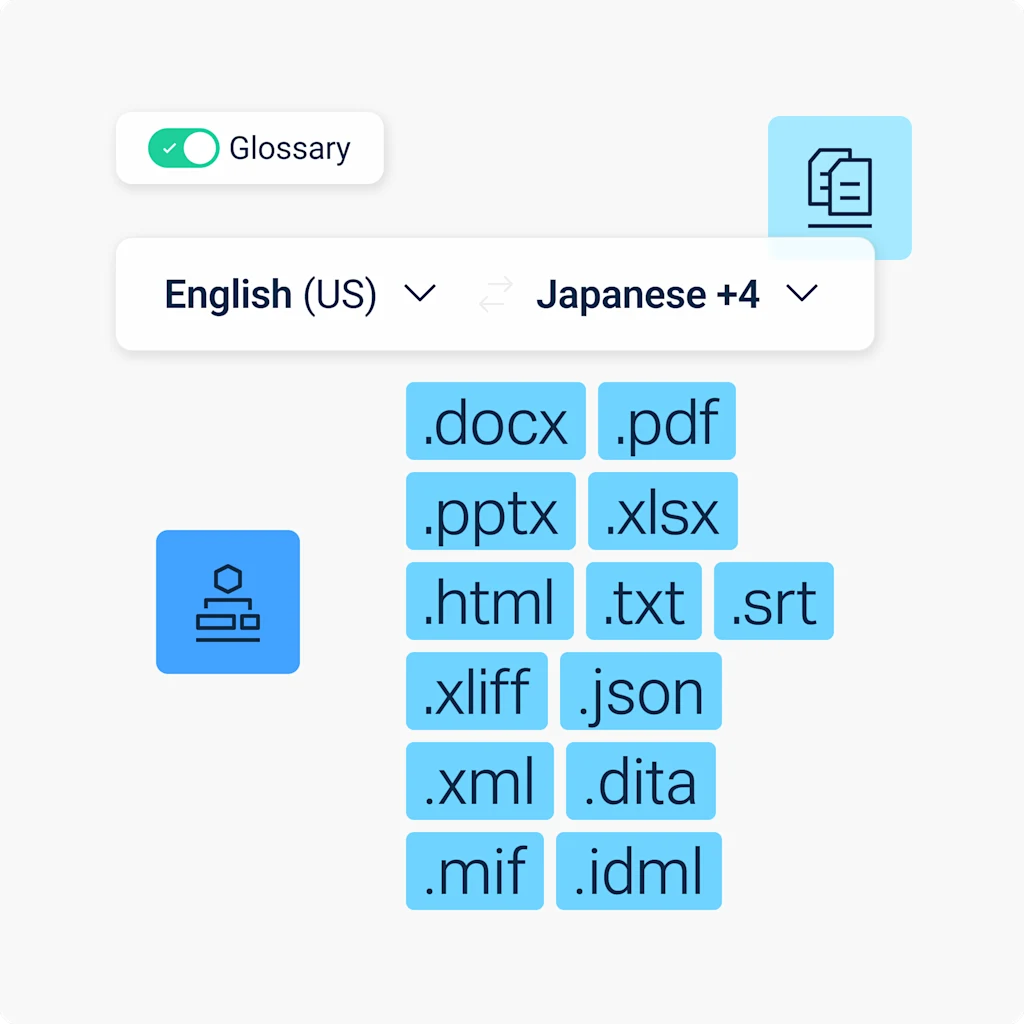
Need to translate PDFs, images, and other file types? DeepL’s Language AI adapts visual content to match, so your translations stay consistent and correctly formatted no matter which file you're working with.

Read success stories from dozens of the 200,000 companies around the world that trust DeepL for their translation demands.
Ready to translate IDML files?
Start your free 30-day trial of DeepL Pro and translate IDML files, alongside PDF, Word, PPT, and more.
Localizing a full campaign or publication library? Contact our Sales team to talk about customized enterprise plans.
FAQs
Yes, via the DeepL API. You need a Pro or API plan to translate IDML files on the web translator.
DeepL translates all text in text frames, including headlines, captions, table cells, and text within master pages and layers. Alt text on embedded images, metadata files, and object names in the layers panel aren't translated. Learn more about translating IDML files with DeepL.
Yes, but not with translate="no", which isn't supported for IDML files. Use InDesign character styles or remove the affected text frames before exporting to exclude content. Read our file translation best practices.
Yes. Like SRT, TXT, XLIFF, JSON, XML, DITA, and MIF, IDML translations through the API aren't subject to the per-file character billing minimum that applies to Word, PowerPoint, Excel, and PDF files. Read DeepL’s API documentation.
IDML file size and character limits by DeepL plan
At minimum, you’ll need a DeepL Pro Advanced or DeepL API Free plan to translate IDML files. This table shows the max file size and character count per file per plan.
Plan | Max file size | Max characters |
DeepL Account (Free) | Not available | Not available |
DeepL Pro Starter | Not available | Not available |
DeepL Pro Advanced | 20 MB | 1,000,000 |
DeepL Pro Ultimate | 30 MB | 1,000,000 |
DeepL Pro Individual | Not available | Not available |
DeepL Pro Team | 30 MB | 1,000,000 |
DeepL Pro Business | 30 MB | 1,000,000 |
DeepL API Free | 10 MB | 500,000 |
DeepL API Pro | 30 MB | 1,000,000 |
DeepL API Developer | 10 MB | 500,000 |
DeepL API Growth | 30 MB | 1,000,000 |