セキュアに効率良く、正確に翻訳
文章力を向上させ、読み手に合わせて推敲
リアルタイムの音声翻訳で多言語コミュニケーションをサポート
プロダクトを多言語化
言語AIを主要な生産性ツールに統合
ついに登場:話し言葉をリアルタイムで翻訳し、話し手の声で再生。今すぐ試す
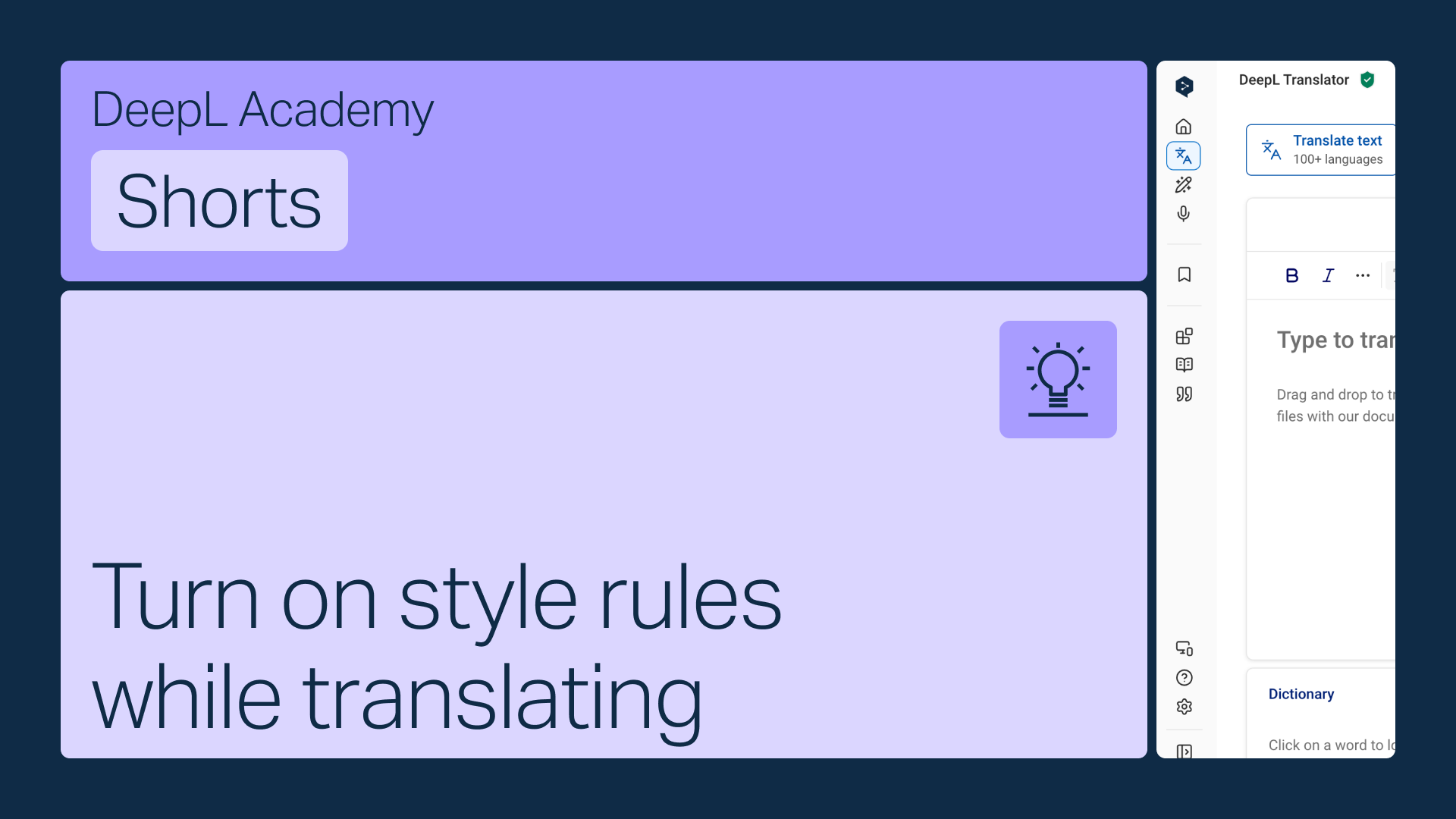
DeepL翻訳のツールバーでカスタムルールを有効にすると、翻訳中に自動的に適用されます。
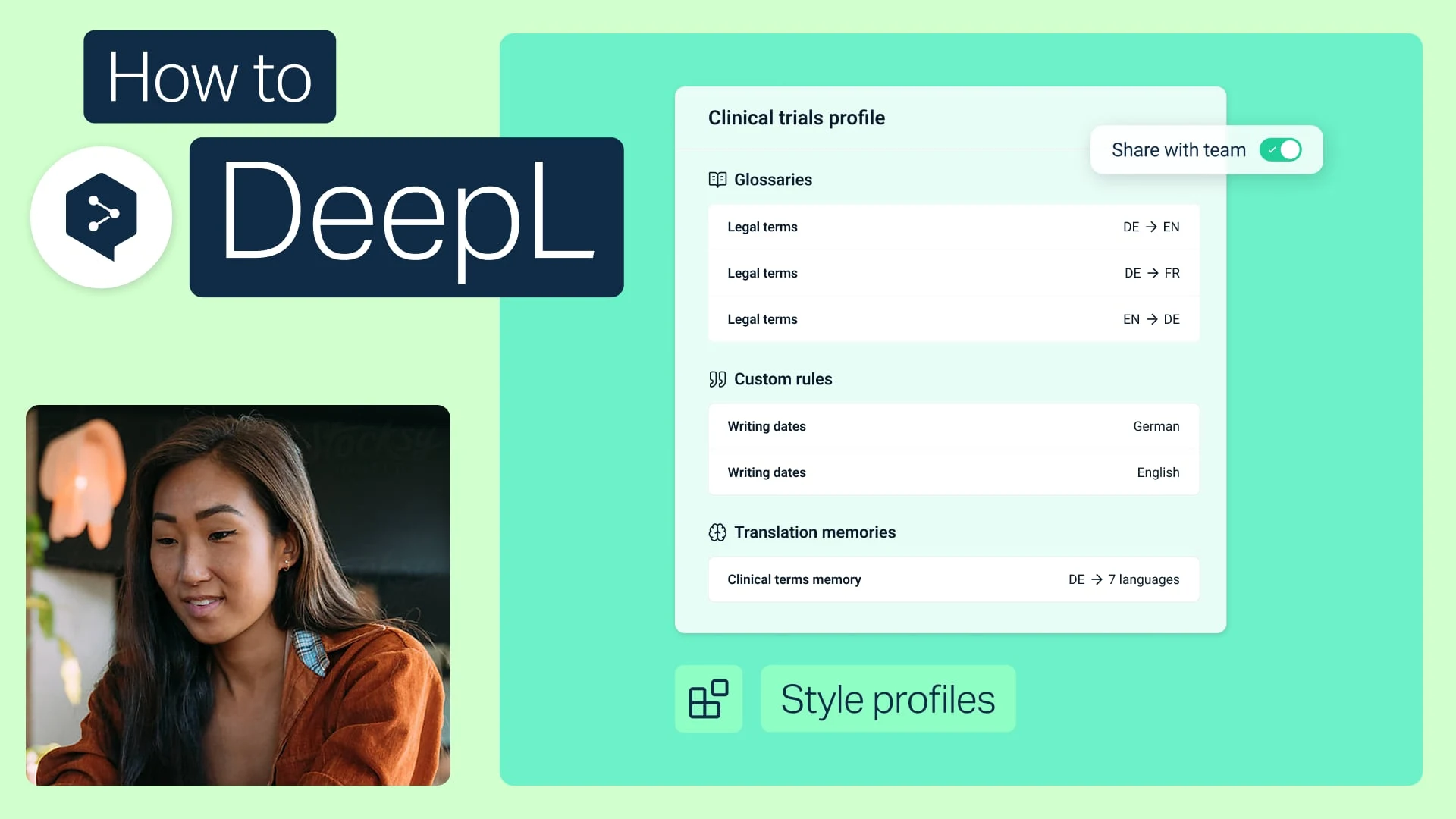
用語集とカスタムルールを1つのプロファイルに組み合わせ、チームの誰とでも共有できます。
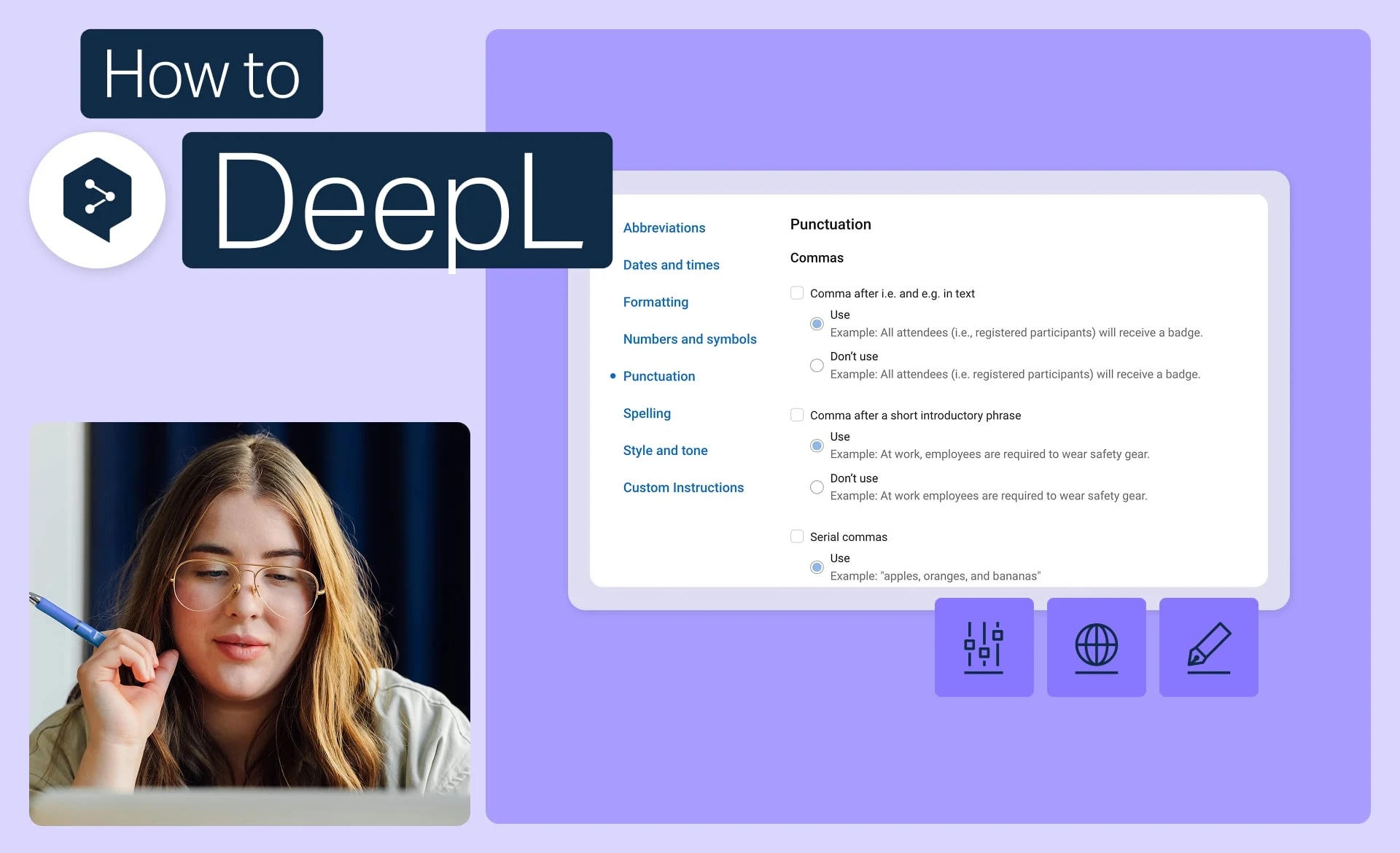
ブランドで実際に使用している正確な語調、書式、表現を設定し、すべての翻訳に適用します。
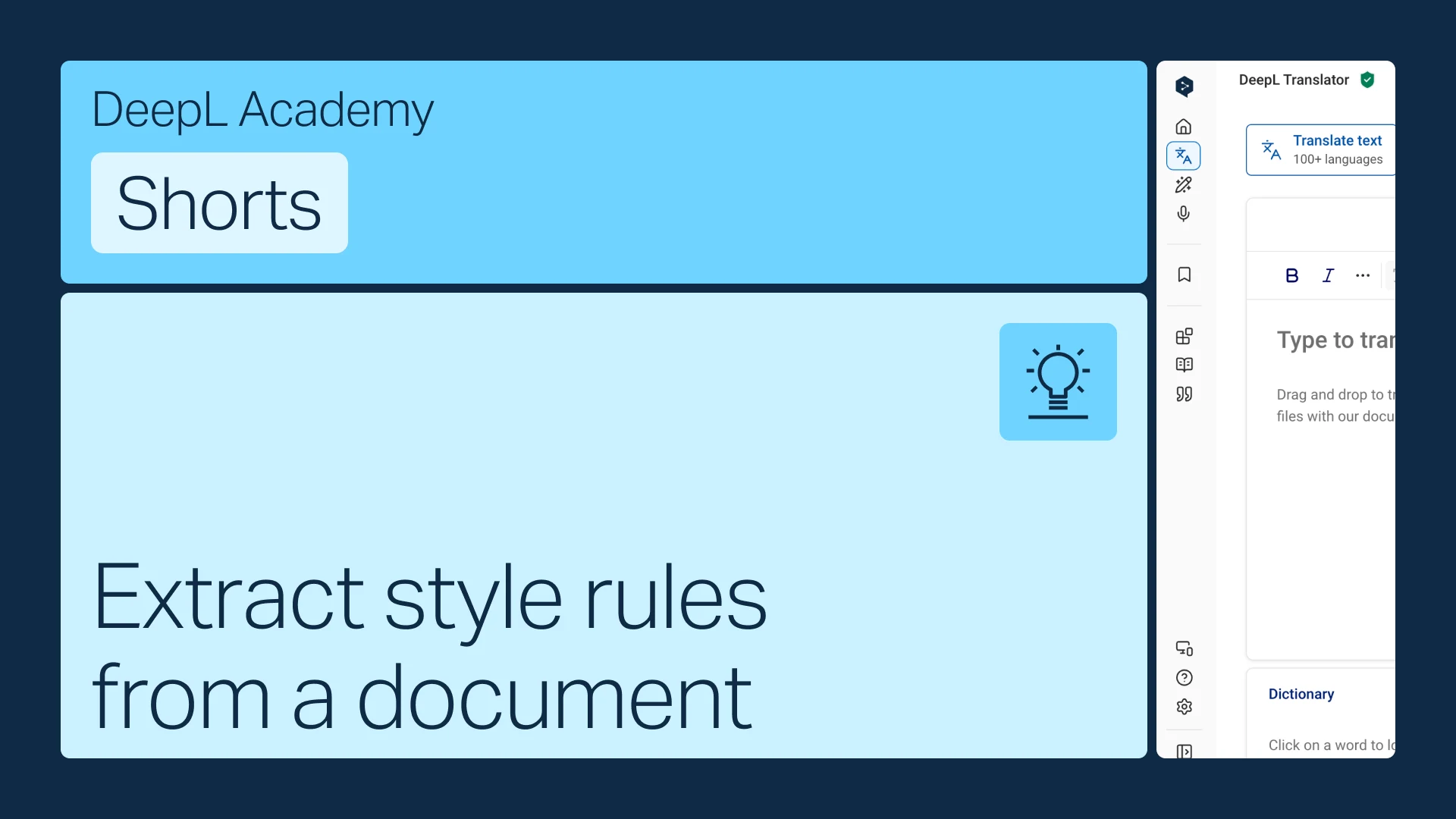
すでにスタイルガイドをお持ちですか?それを、DeepLが自動的に適用するルールに変換しましょう。