

Activa las reglas de estilo mientras traduces
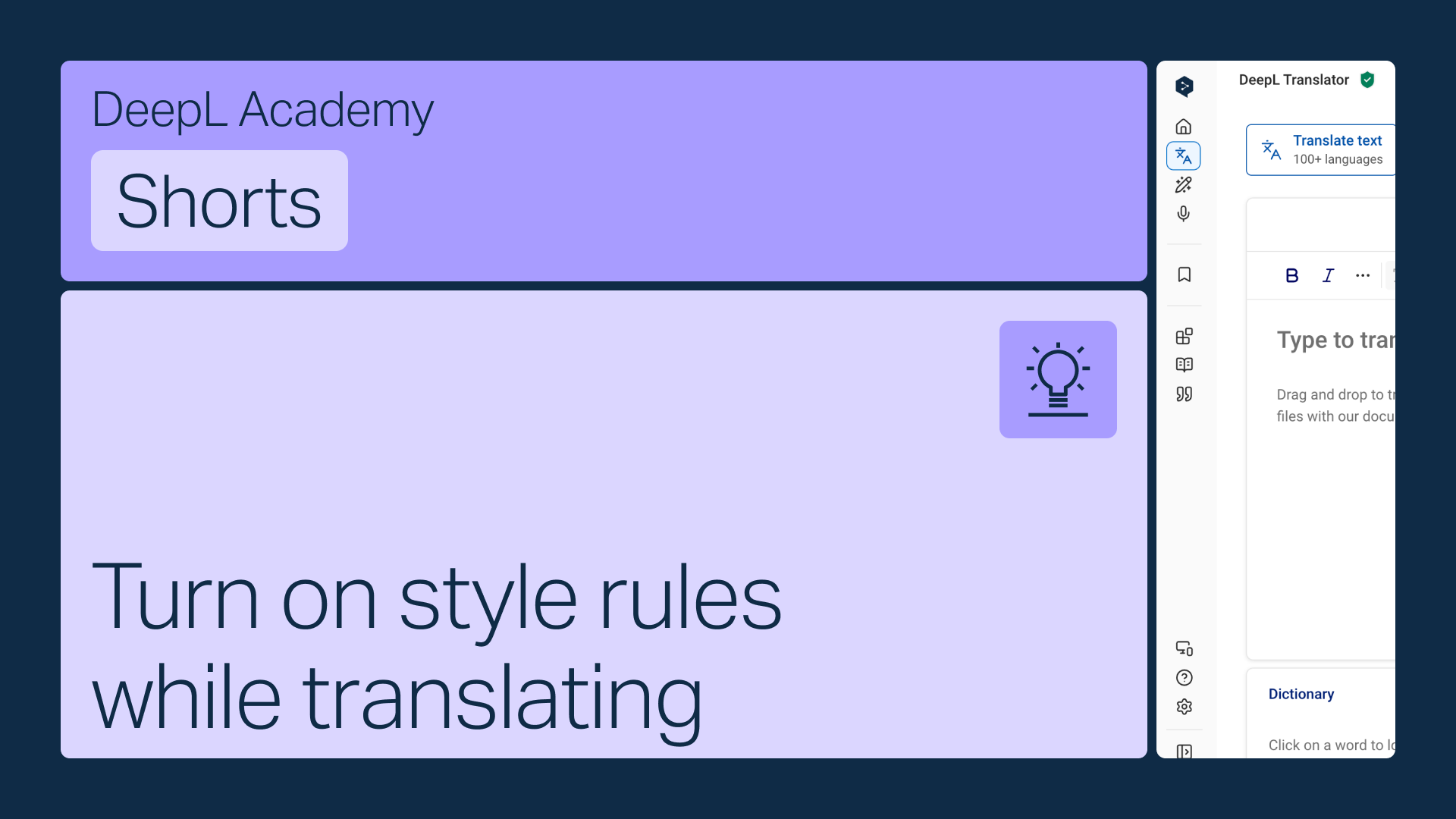
Activa tus reglas de estilo directamente en la barra de herramientas del Traductor de DeepL, para que se apliquen automáticamente mientras traduces.
Aprende a:
- Abre el menú de reglas de estilo en la barra de herramientas
- Elige la lista adecuada si tienes más de una (solo se mostrarán las listas que coincidan con el idioma que hayas seleccionado)
- Actívalas para que se apliquen automáticamente
¡Y esto no es todo!
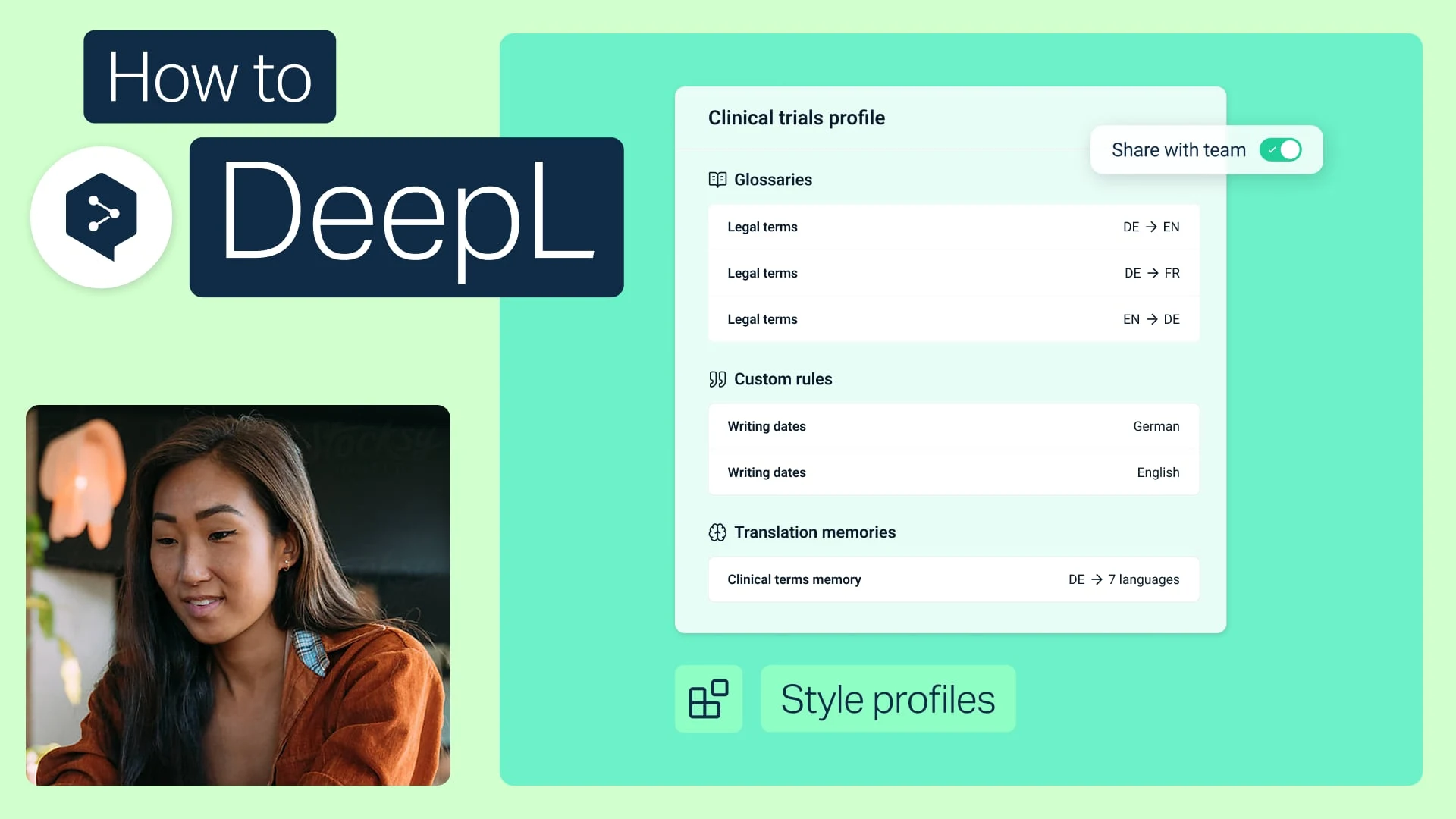
Comparte perfiles de estilo con tu equipo
Agrupa tus glosarios y reglas de estilo en un solo paquete y compártelo con cualquier miembro de tu equipo.
- Tiempo: 2 minutos
Ver ahora
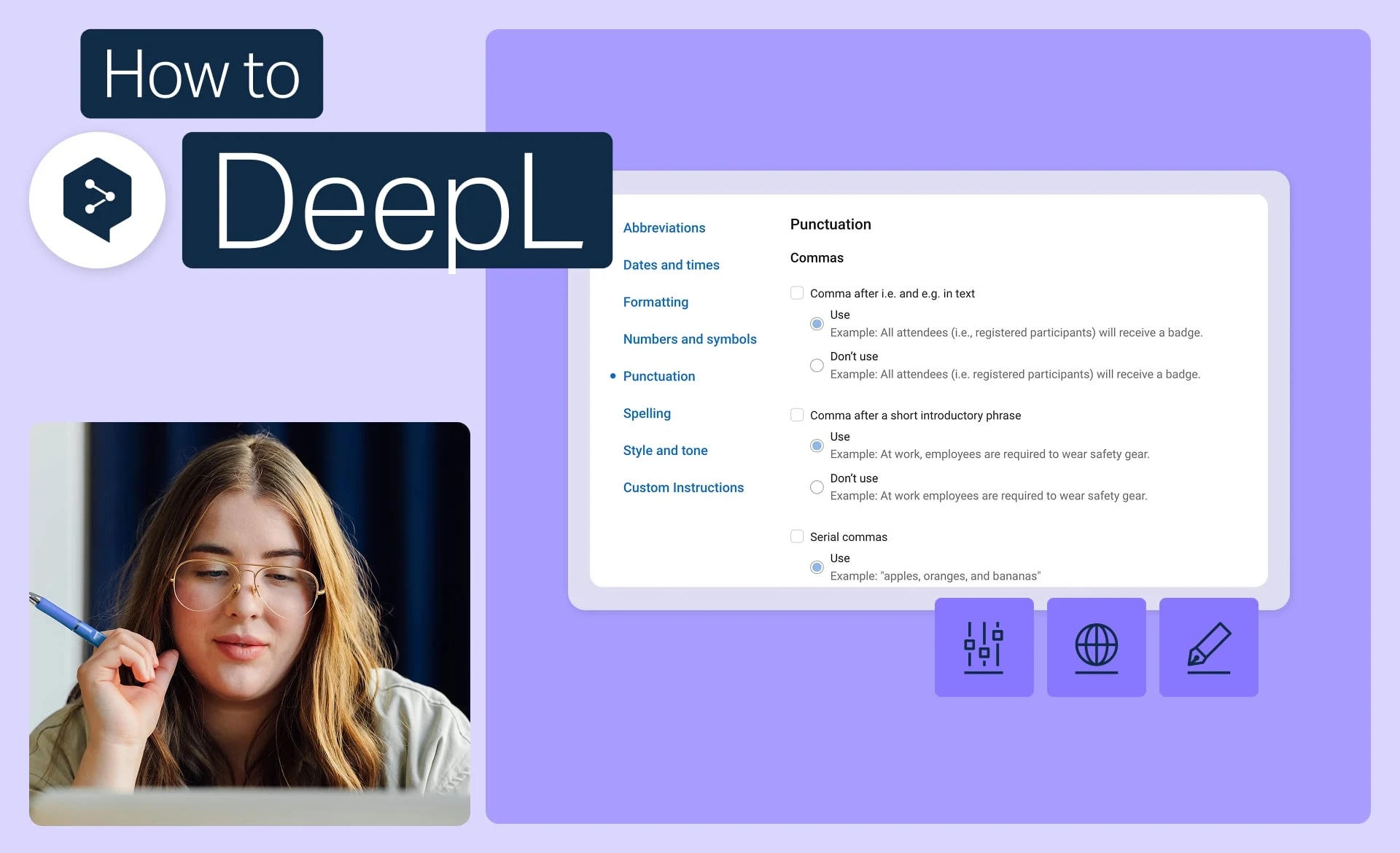
Mantén la coherencia de tu marca con las reglas de estilo
Establece el tono, el formato y la redacción exactos que usa tu marca, y aplícalos a todas las traducciones.
- Tiempo: 2 minutos
Ver ahora
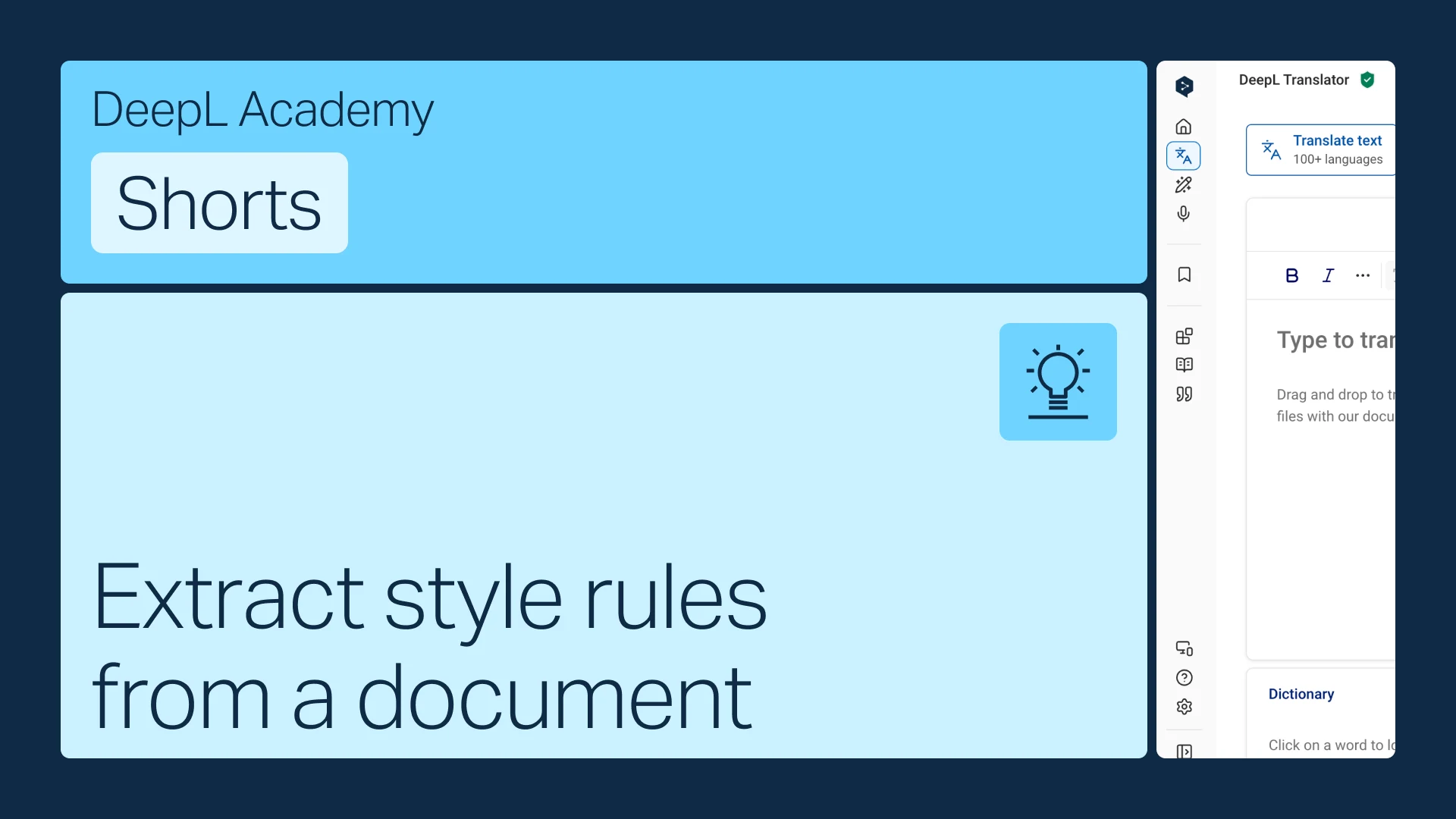
Extrae las reglas de estilo de un documento
¿Ya tienes una guía de estilo? Conviértela en reglas que DeepL aplique automáticamente.
- Tiempo: 1 minuto
Ver ahora