정확하고 안전하며 효율적인 번역
청중에 맞게 텍스트 개선 및 맞춤화
실시간 다국어 소통
제품의 다국어 환경 구축
필수 생산성 도구에 언어 AI 통합
드디어,내가 한 말이 내 목소리로 즉시 번역됩니다. 사용해 보기
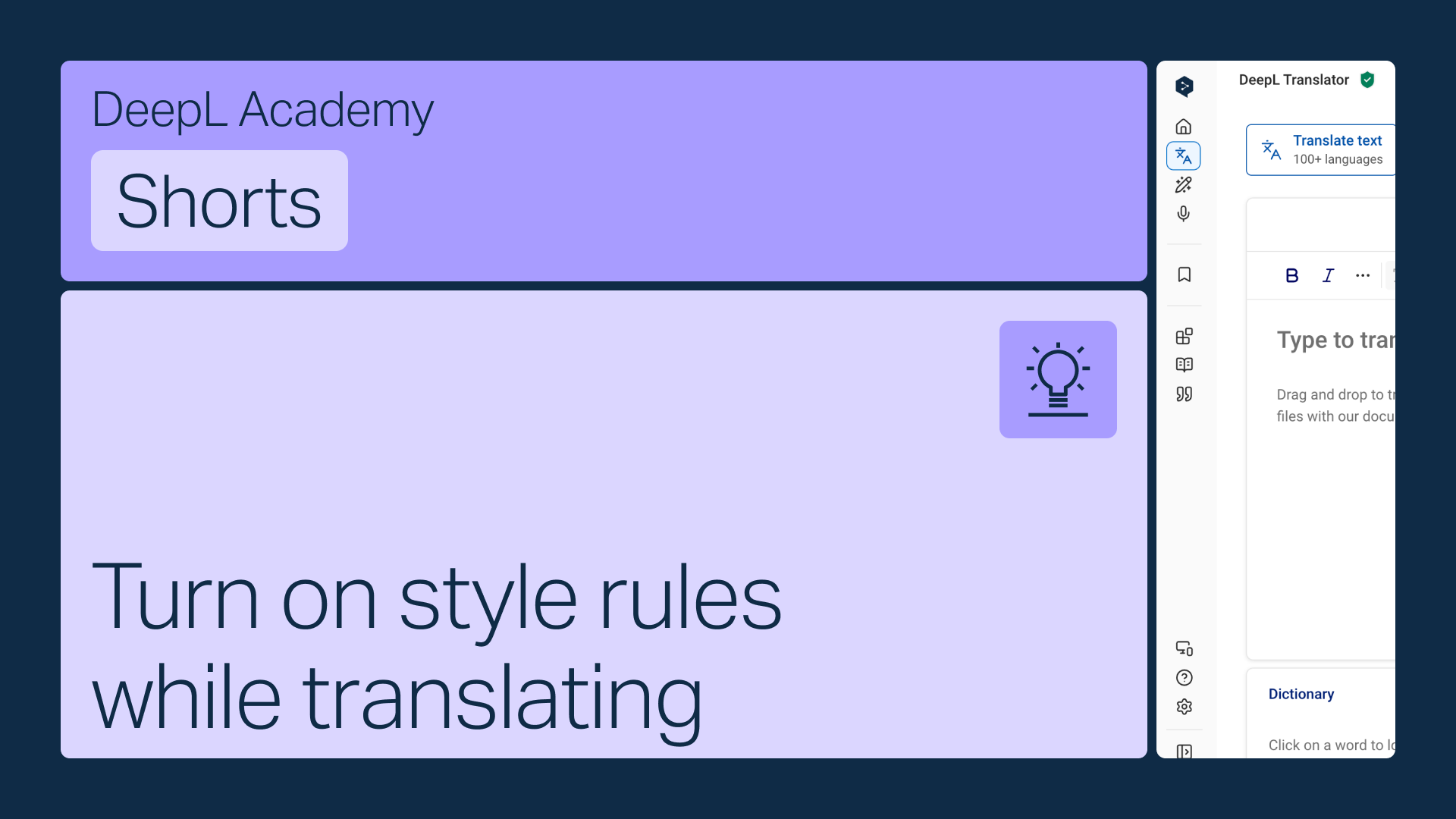
DeepL 번역기 툴바에서 바로 스타일 규칙을 켜면 번역하는 동안 자동으로 적용됩니다.
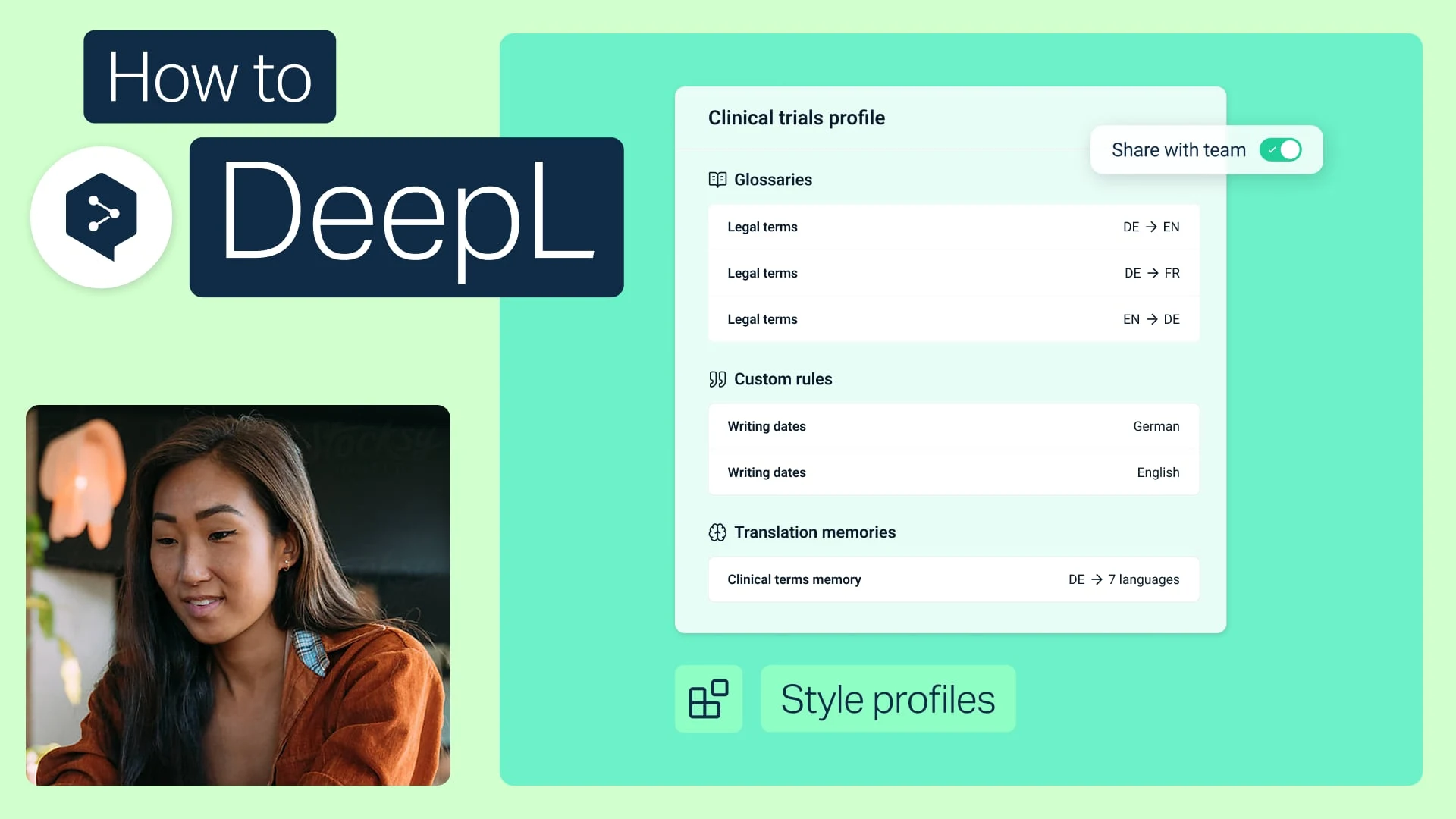
용어집과 스타일 규칙을 하나의 프로필로 번들하여 팀원 누구와도 공유하세요.
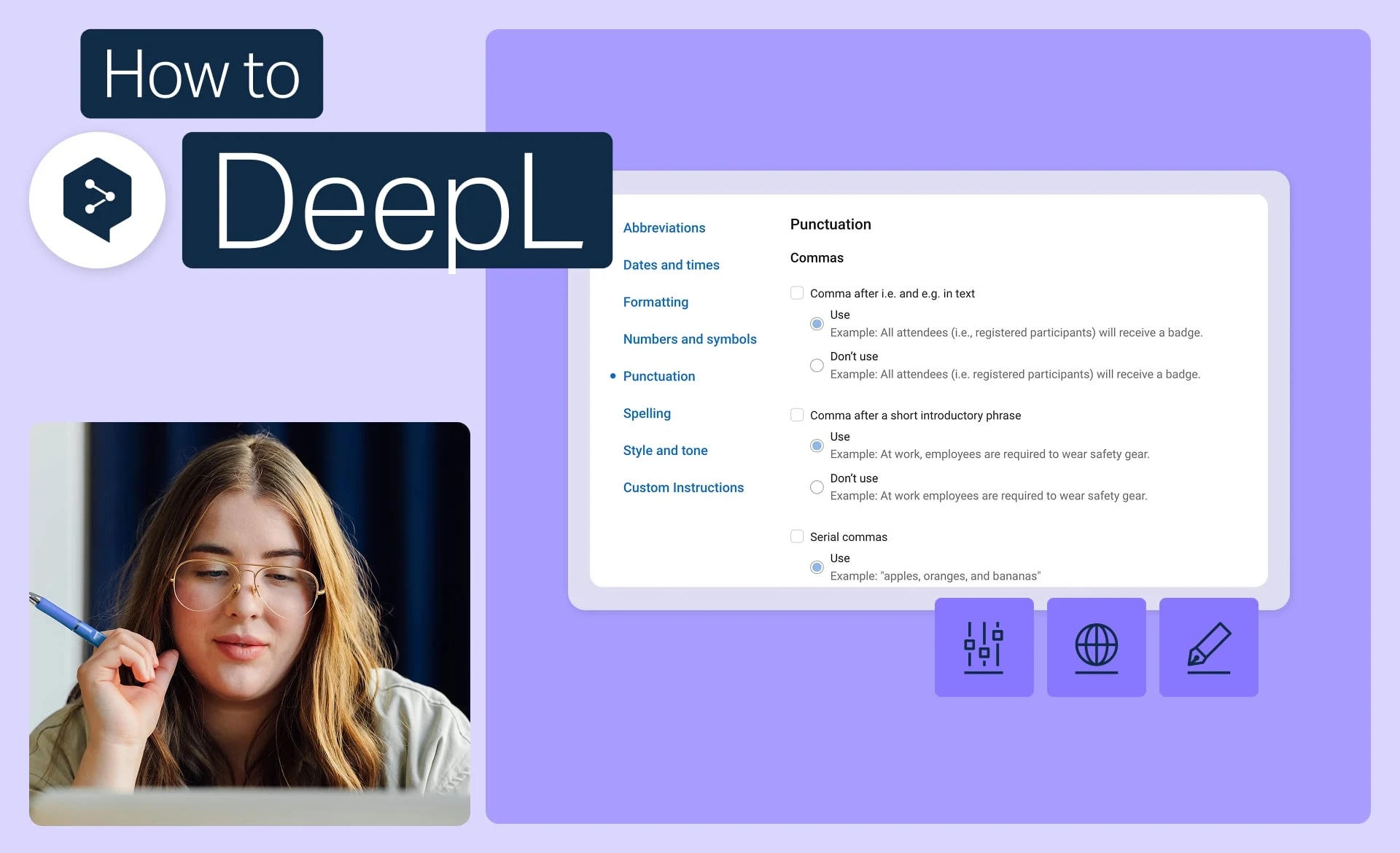
브랜드에서 사용하는 정확한 어조, 서식 및 표현을 설정하고 모든 번역에 적용하세요.
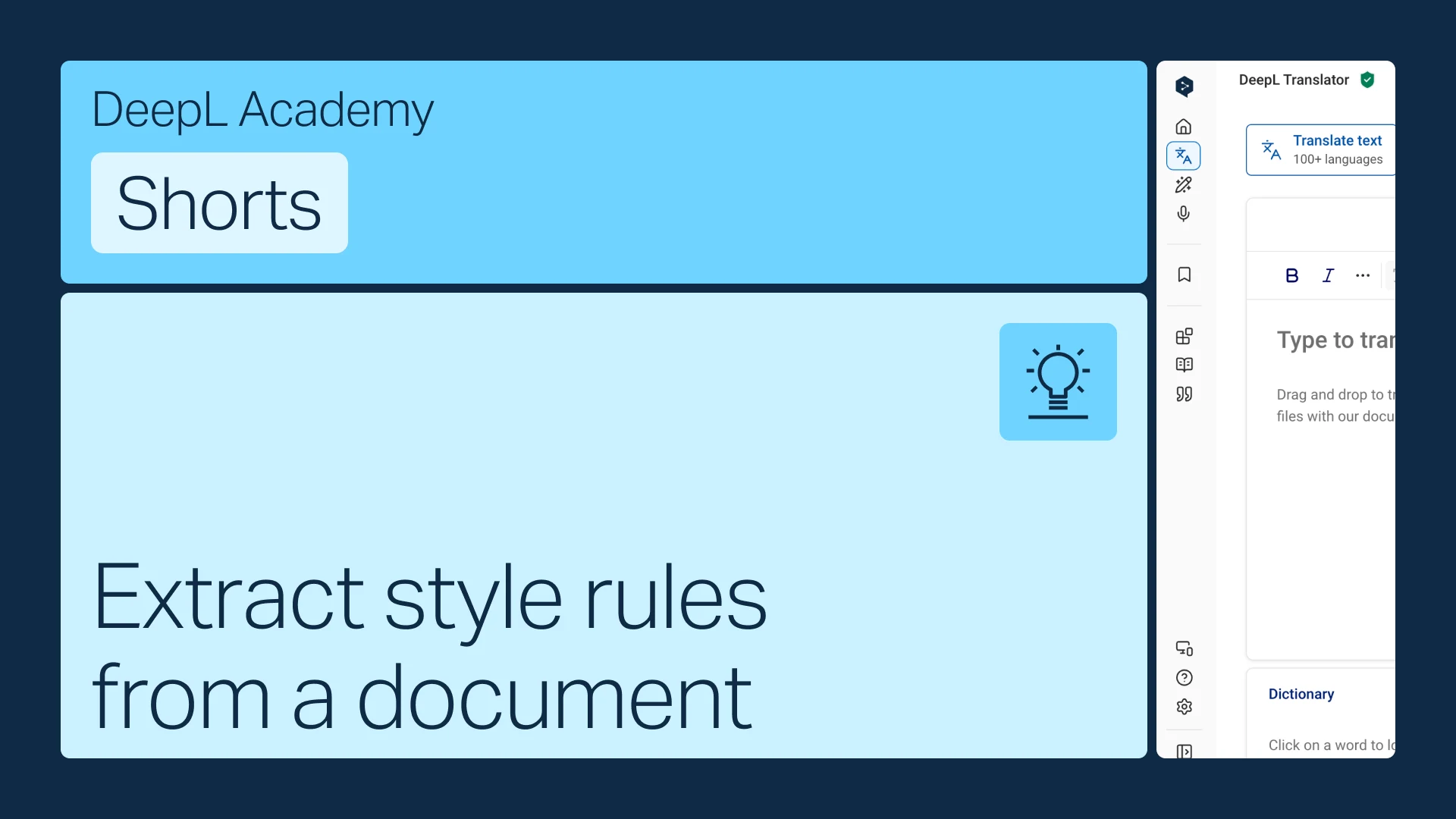
이미 스타일 가이드가 있으신가요? 이를 DeepL이 자동으로 적용하는 규칙으로 변환하세요.