

Aktivera stilregler under översättningen
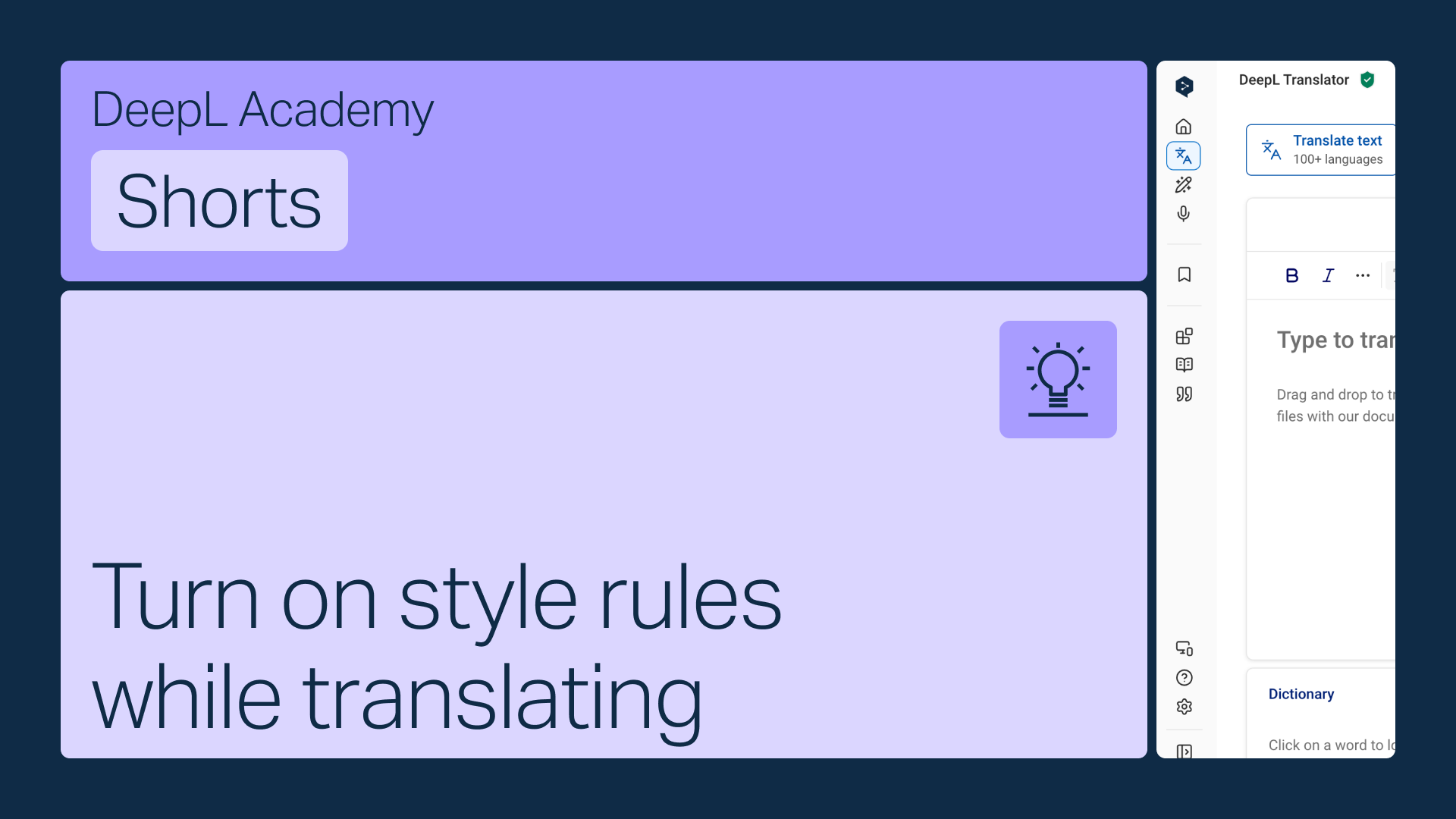
Aktivera dina stilregler direkt i verktygsraden i DeepL Translator så att de tillämpas automatiskt medan du översätter.
Lär dig att:
- Öppna menyn för stilregler i verktygsraden
- Välj rätt lista om du har fler än en (endast listor som matchar det valda språket visas)
- Aktivera den för att tillämpa den automatiskt
Men vänta, det finns mer!
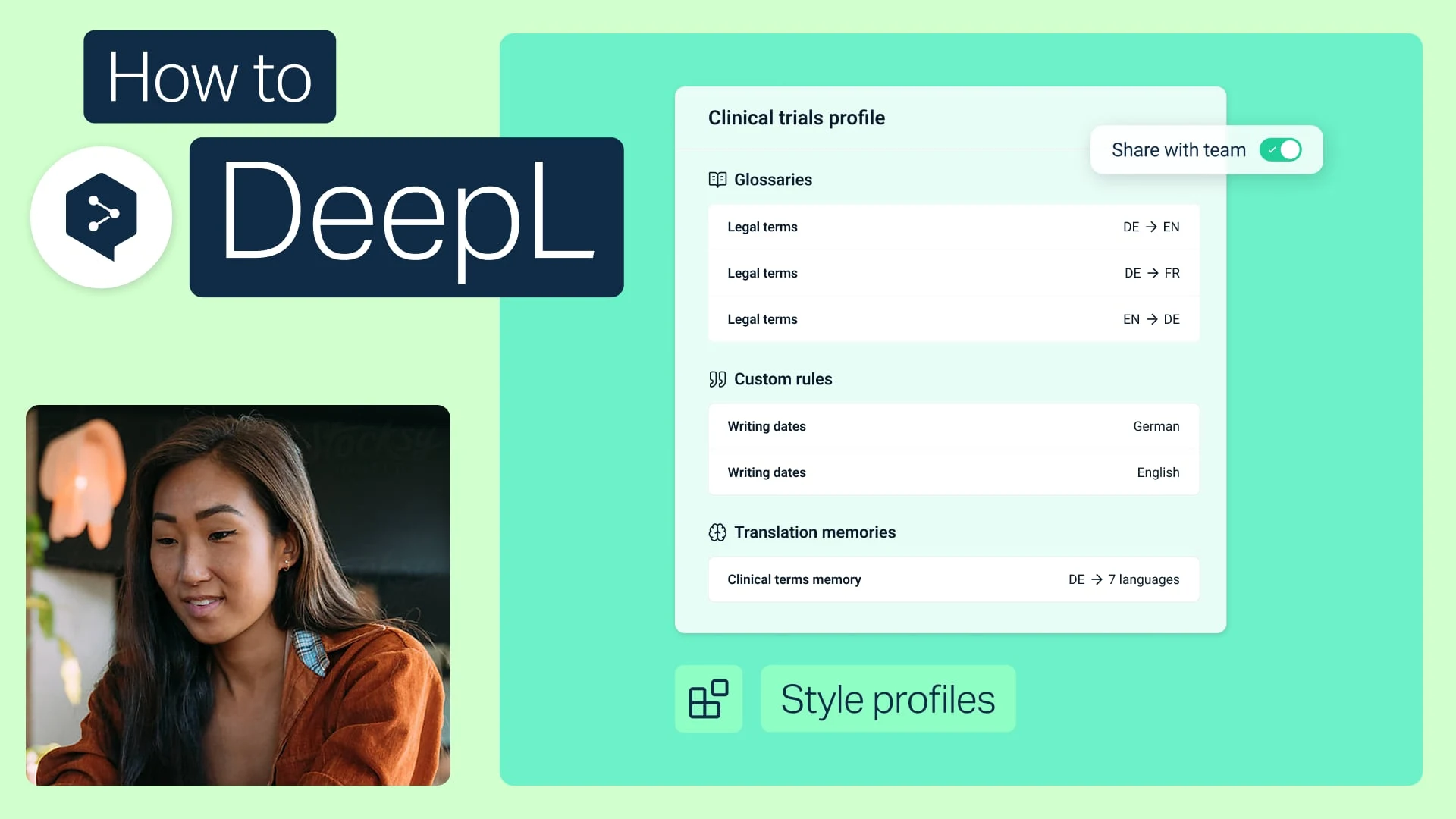
Dela stilprofiler med ditt team
Paketera dina ordlistor och stilregler i en profil och dela den med vem som helst i ditt team.
- Tid: 2 minuter
Titta direkt (engelska)
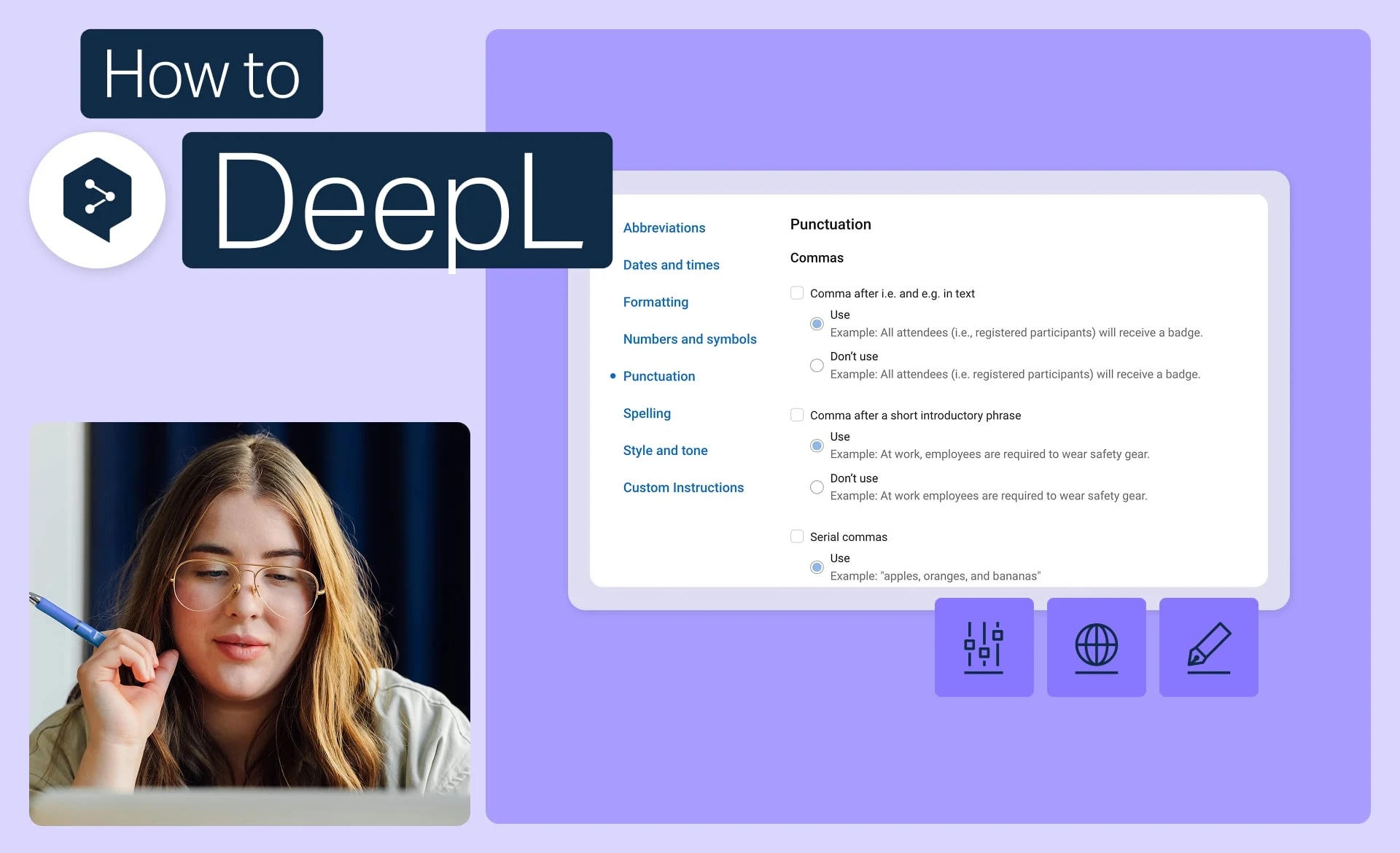
Håll dig till varumärket med stilregler
Ställ in exakt det tilltal, formatering och formulering som ditt varumärke använder, och tillämpa den på varje översättning.
- Tid: 2 minuter
Titta direkt (engelska)
Extrahera stilregler från ett dokument
Har du redan en stilguide? Omvandla den till regler som DeepL tillämpar automatiskt.
- Tid: 1 minut
Titta direkt (engelska)