

Zapněte pravidla stylu během překladu
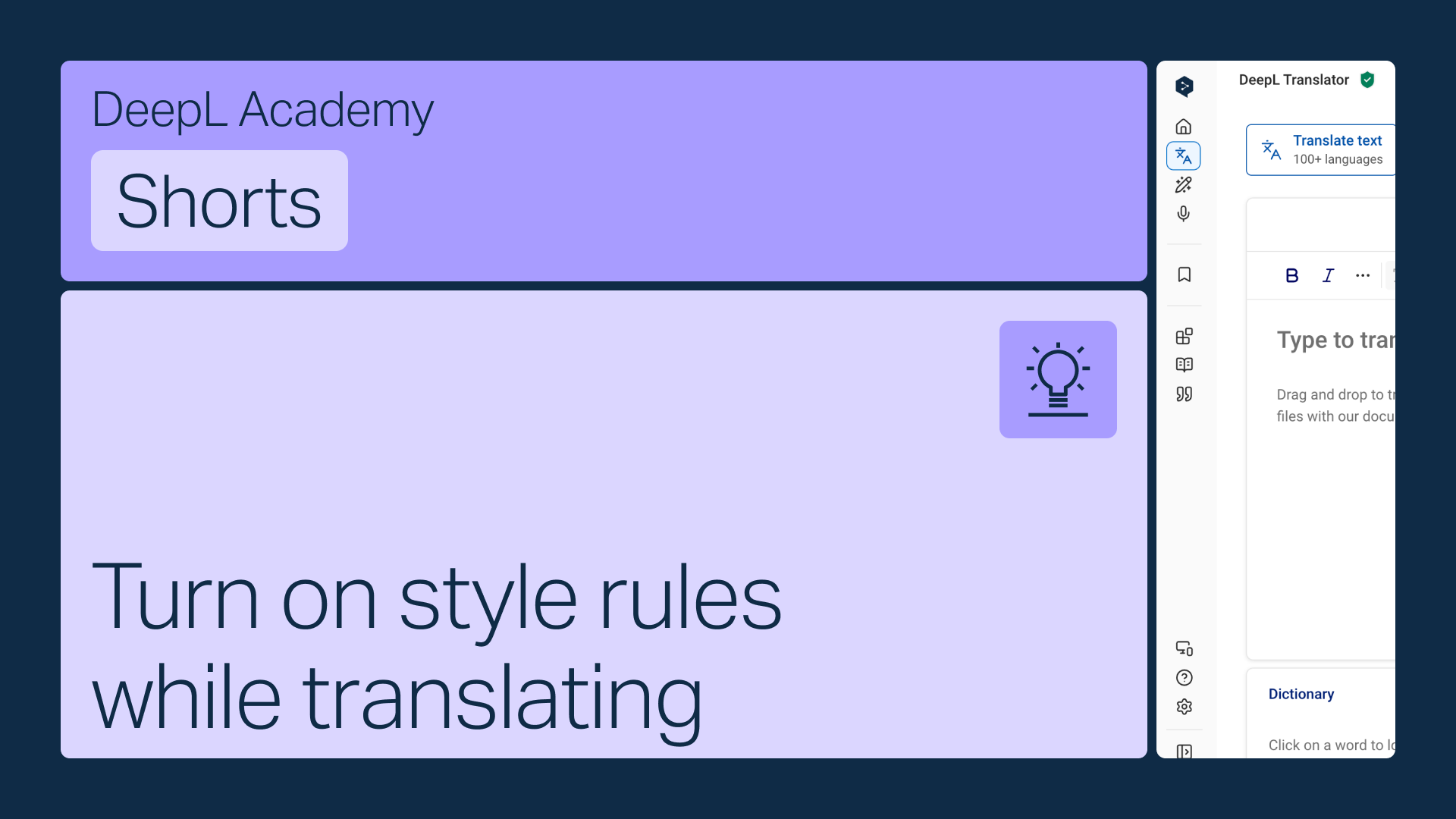
Zapněte svá pravidla stylu přímo na panelu nástrojů Překladače DeepL, aby se automaticky uplatňovala při překladu.
Naučte se:
- Otevřete nabídku pravidel stylu na panelu nástrojů
- Vyberte správný seznam , pokud jich máte více (zobrazí se pouze seznamy odpovídající vámi vybranému jazyku)
- Zapněte je, aby se uplatňovaly automaticky
Ale počkejte, to ještě není všechno!
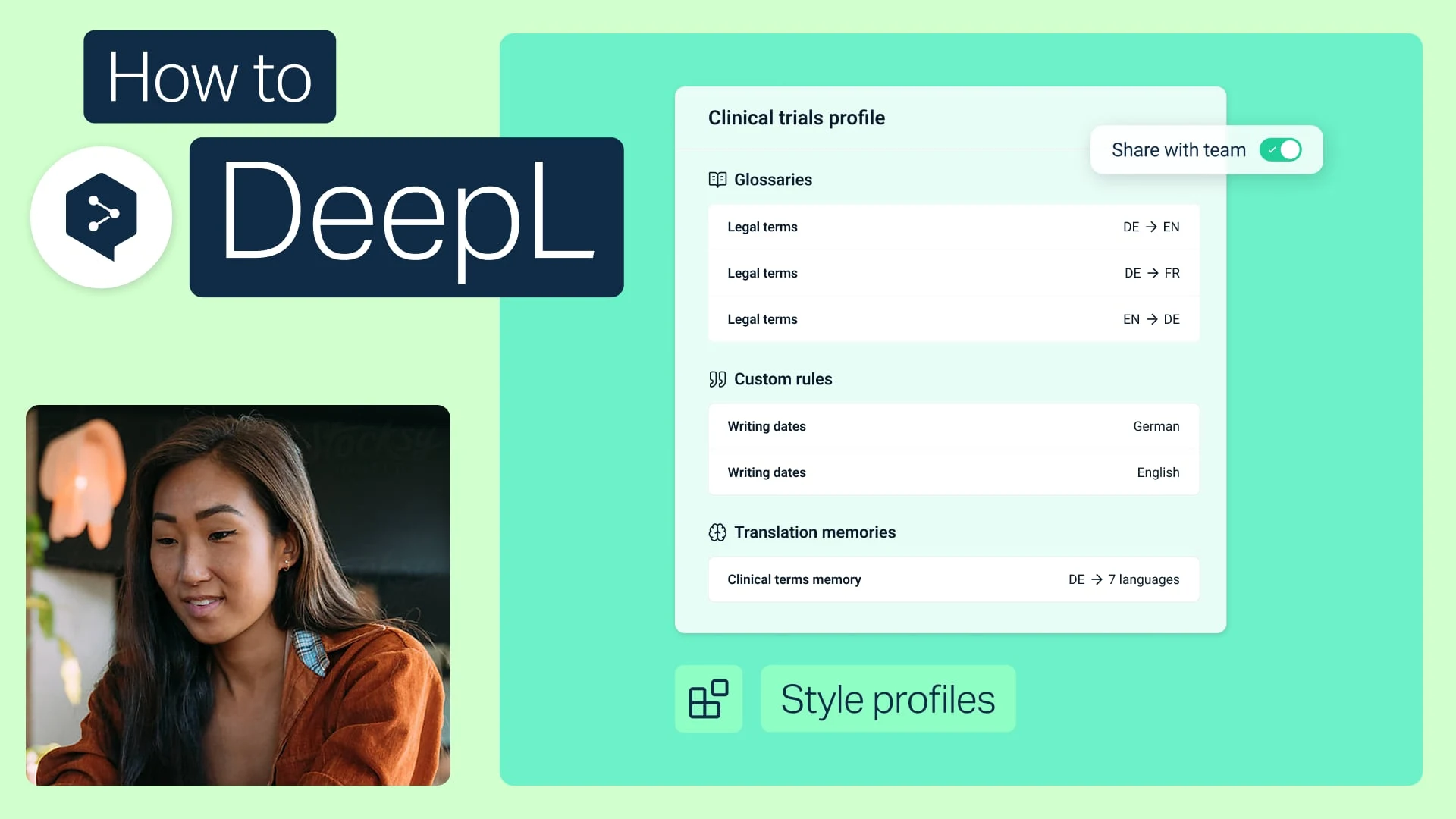
Sdílejte profily stylu se svým týmem
Sdružte své glosáře a pravidla stylu do jednoho profilu a sdílejte jej s kýmkoli ve svém týmu.
- Čas: 2 min.
Sledovat nyní (v angličtině)
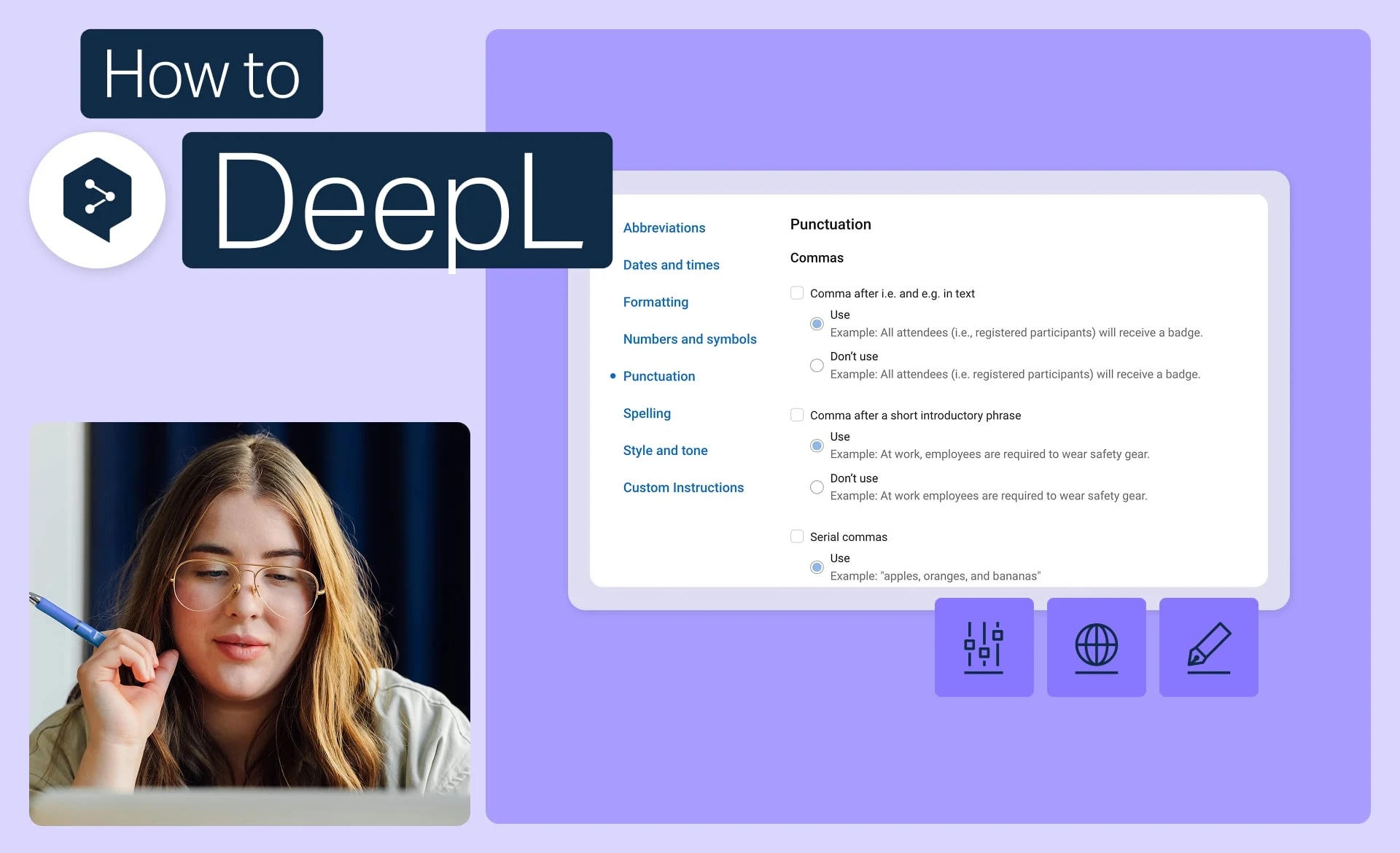
Dodržujte pravidla stylu značky
Nastavte přesný tón, formátování a frázování, které vaše značka používá, a aplikujte je na každý překlad.
- Čas: 2 min.
Sledovat nyní (v angličtině)
Extrahujte pravidla stylu z dokumentu
Máte již stylovou příručku? Převedeme jej na pravidla, která DeepL automaticky aplikuje.
- Čas: 1 min.
Sledovat nyní (v angličtině)