

Włącz reguły stylu podczas tłumaczenia
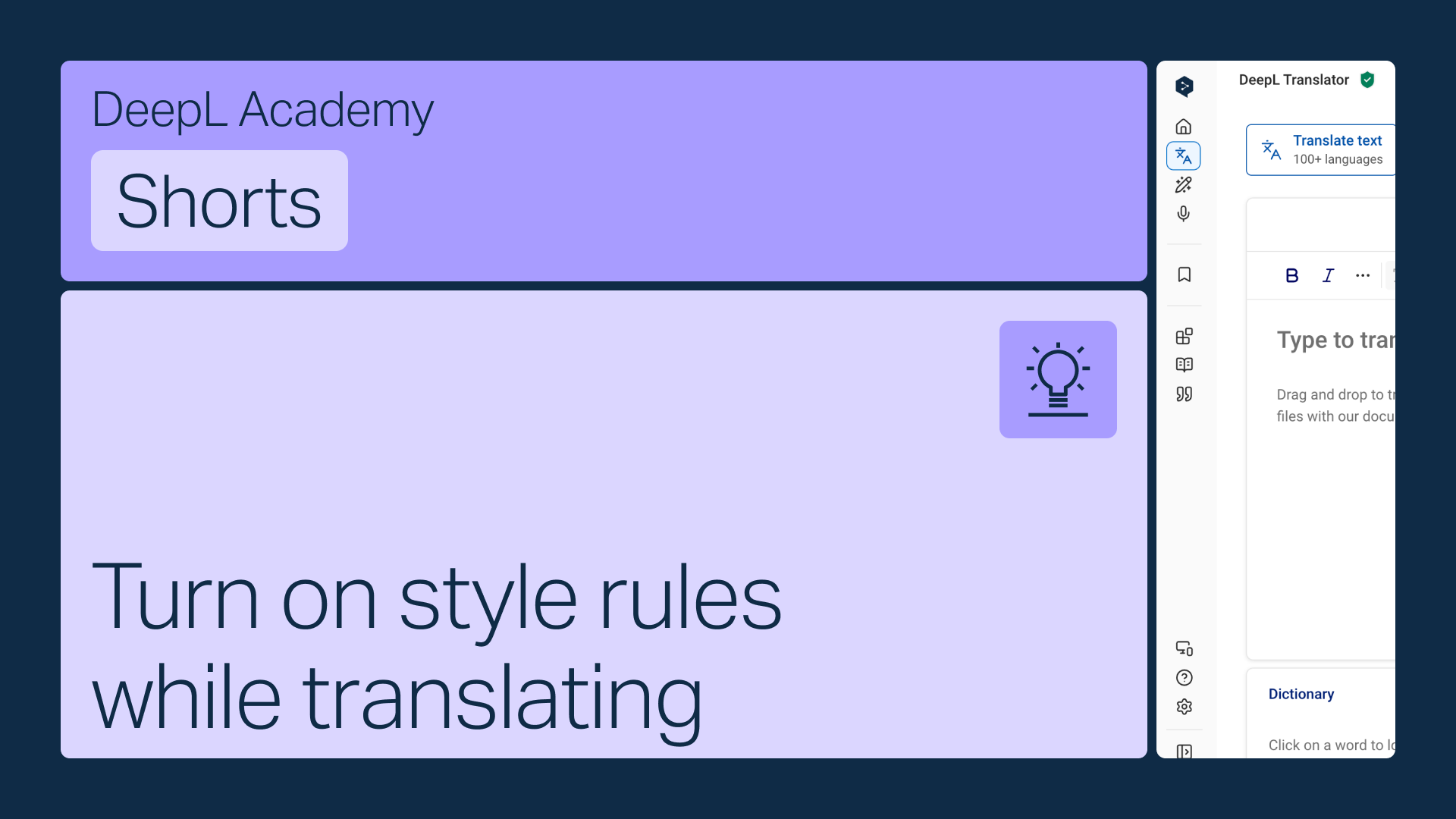
Włącz swoje reguły stylu bezpośrednio na pasku narzędzi Tłumacza DeepL, aby były stosowane automatycznie podczas tłumaczenia.
Dowiedz się, jak:
- Otwórz menu reguł stylu na pasku narzędzi
- Wybierz odpowiednią listę , jeśli masz ich więcej niż jedną (wyświetlą się tylko listy pasujące do wybranego języka)
- Włącz je, aby stosowały się automatycznie
Ale to nie wszystko!
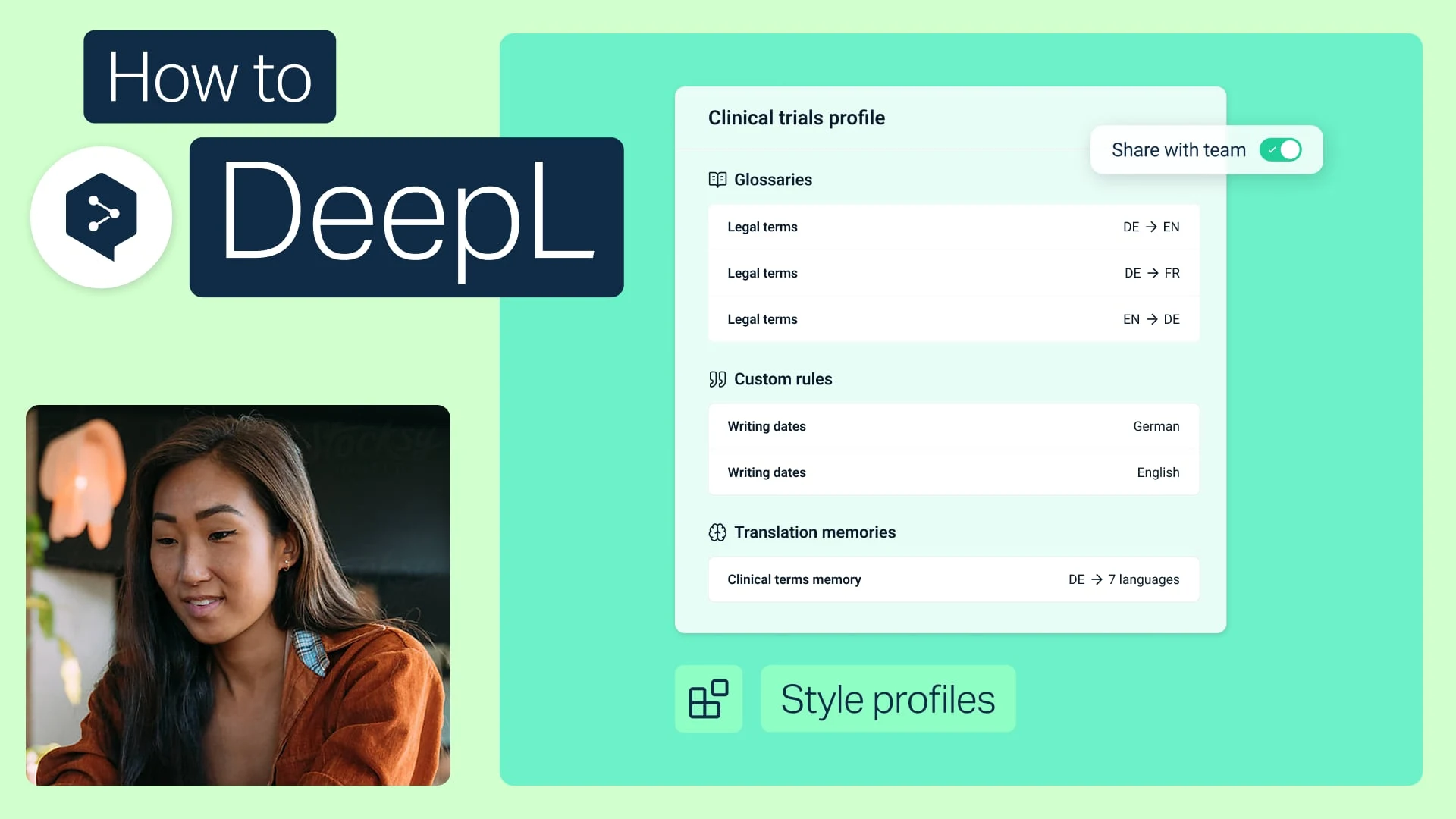
Udostępniaj profile stylu swojemu zespołowi
Połącz swoje glosariuszy i reguły stylu w jeden pakiet i udostępnij go dowolnej osobie z zespołu.
- Czas: 2 min
Obejrzyj teraz
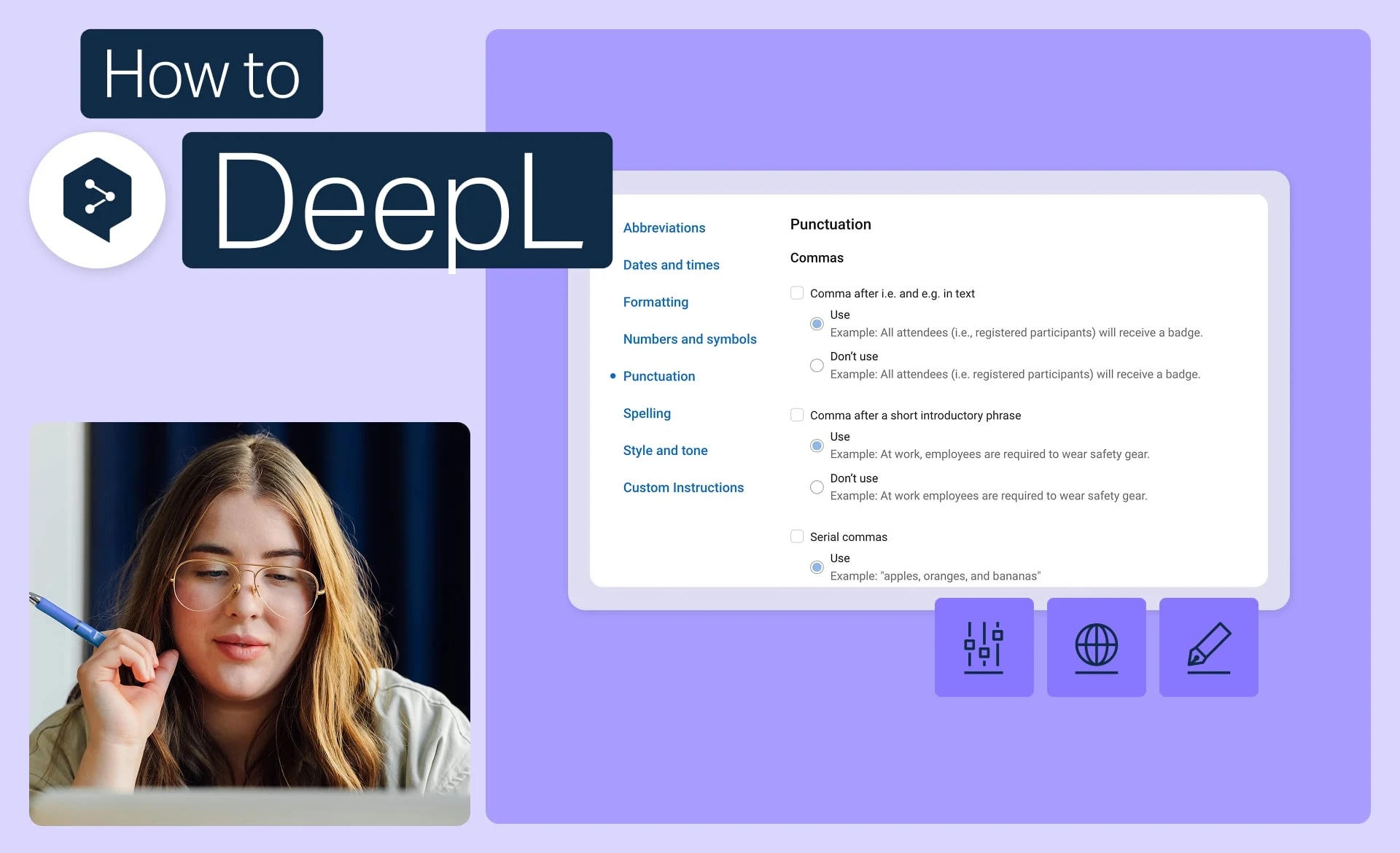
Zachowaj spójność wizerunku marki dzięki regułom stylu
Ustal dokładnie ton, formatowanie i sformułowania używane przez Twoją markę i zastosuj je do każdego tłumaczenia.
- Czas: 2 min
Obejrzyj teraz
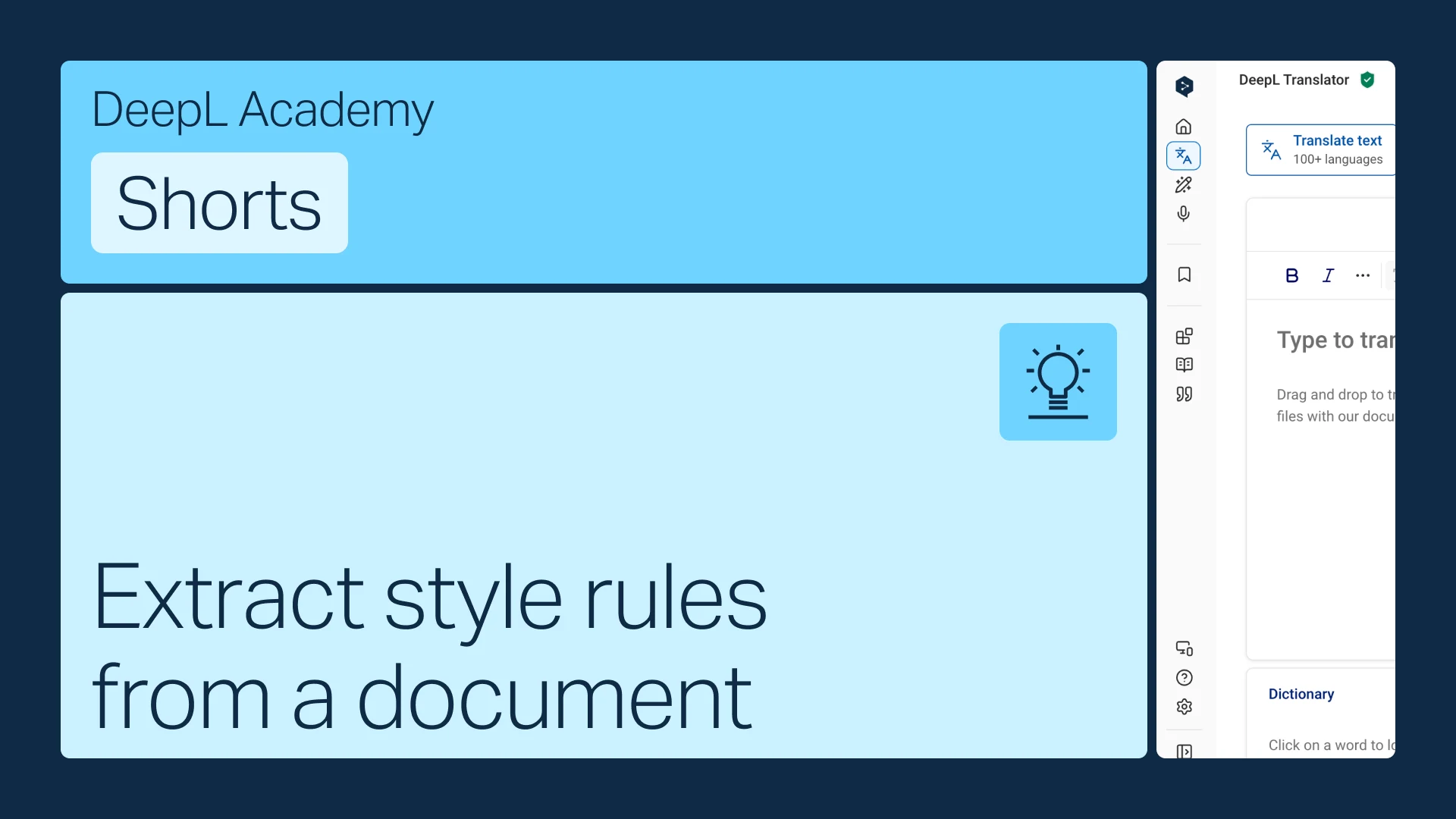
Wyodrębnij reguły stylu z dokumentu
Masz już przewodnik stylistyczny? Zamień go w reguły, które DeepL zastosuje automatycznie.
- Czas: 1 min
Obejrzyj teraz