

Activez les règles de style pendant la traduction
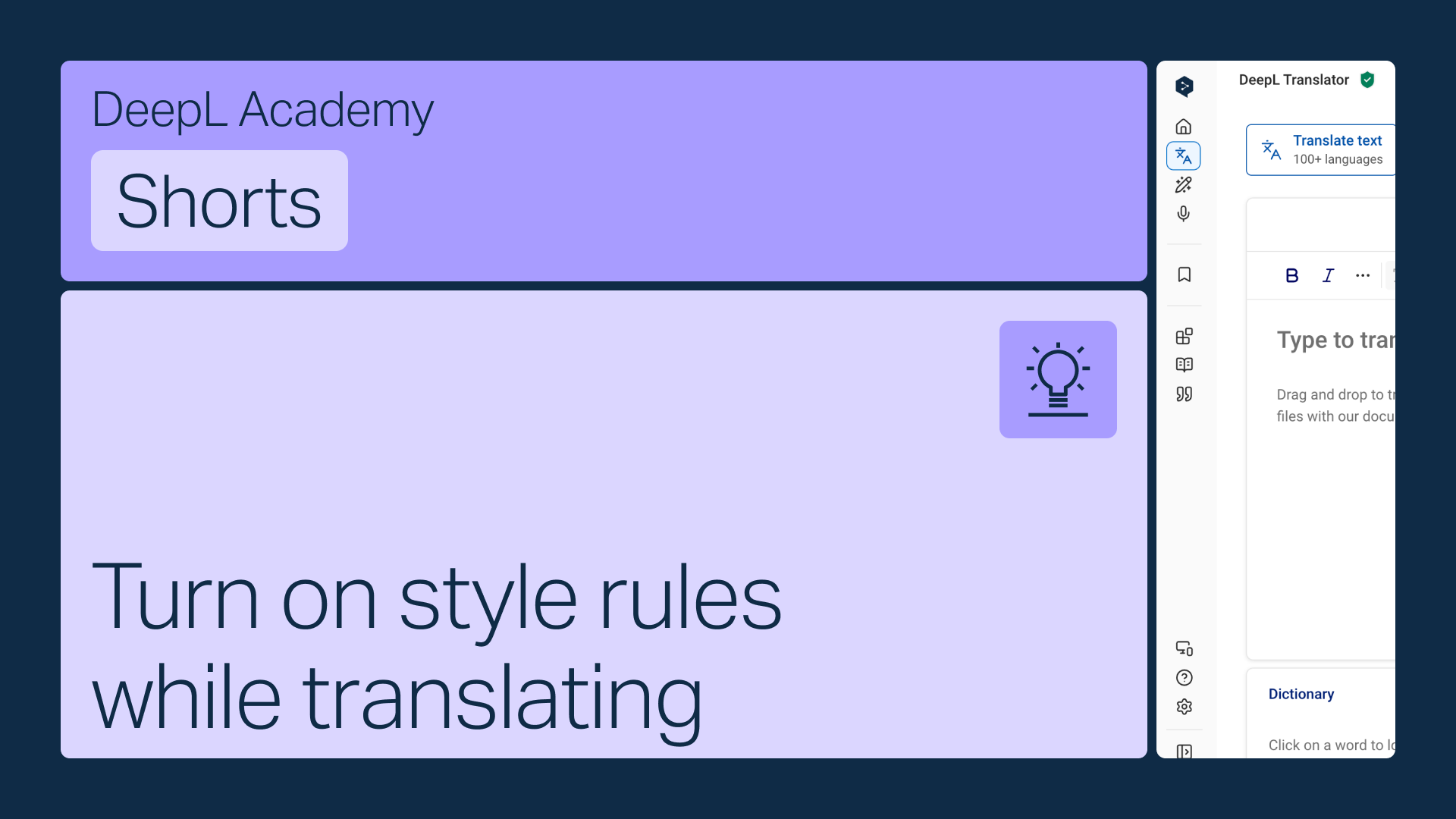
Activez vos règles de style directement dans la barre d’outils du DeepL Traducteur afin qu’elles s’appliquent automatiquement pendant que vous traduisez.
Apprenez à :
- Ouvrez le menu des règles de style dans la barre d’outils
- Sélectionnez la bonne liste si vous en avez plusieurs (seules les listes correspondant à la langue sélectionnée s'afficheront)
- Activez-la pour qu’elle s’applique automatiquement
Ce n’est pas tout !

Partagez des profils de style avec votre équipe
Regroupez vos glossaires et vos règles de style dans un seul profil, puis partagez-le avec tous les membres de votre équipe.
- Durée : 2 minutes
Visionner
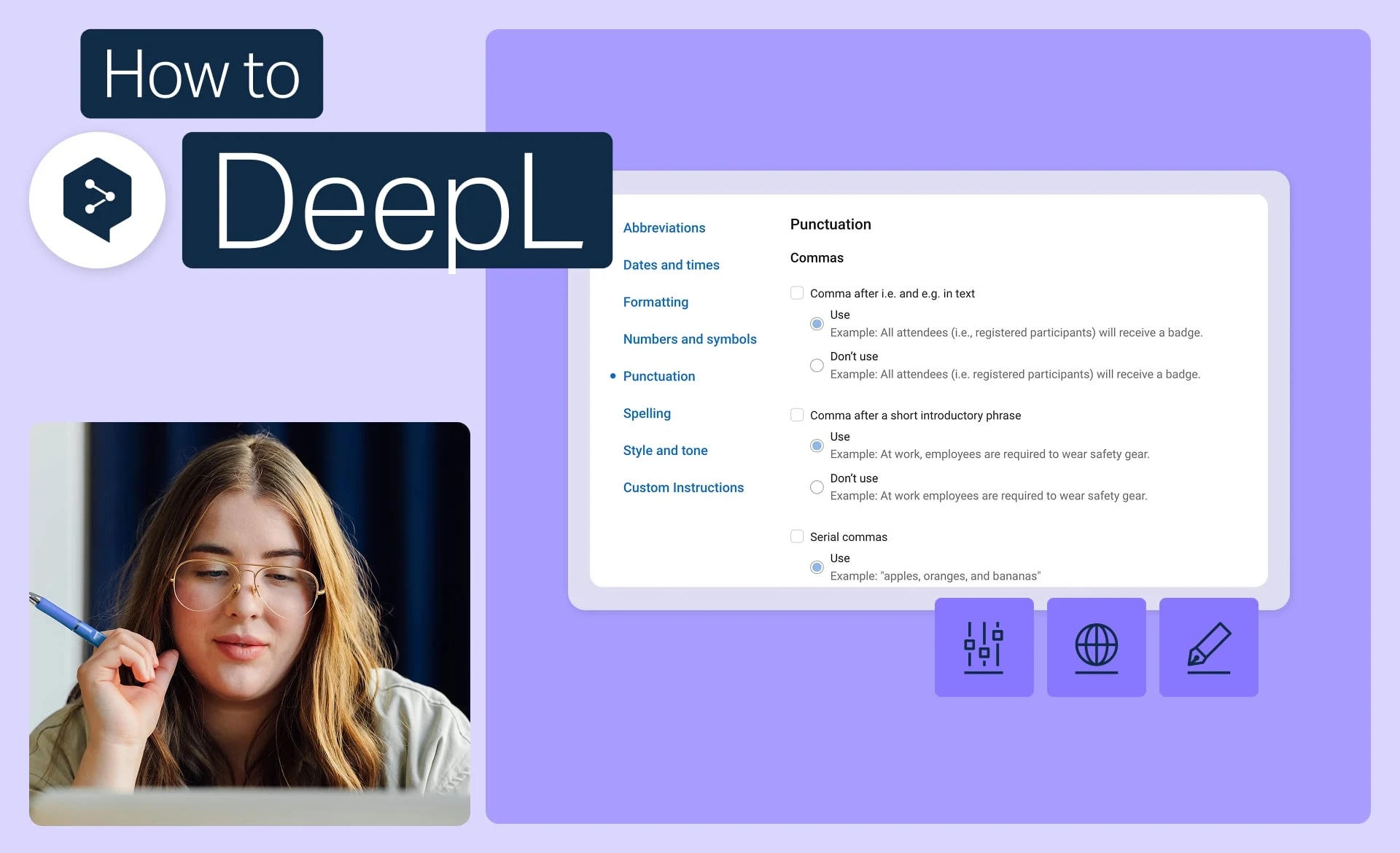
Respectez l’identité de votre marque grâce aux règles de style
Définissez le ton, la mise en forme et la formulation exacts utilisés par votre marque, puis appliquez-les à chaque traduction.
- Durée : 2 minutes
Visionner
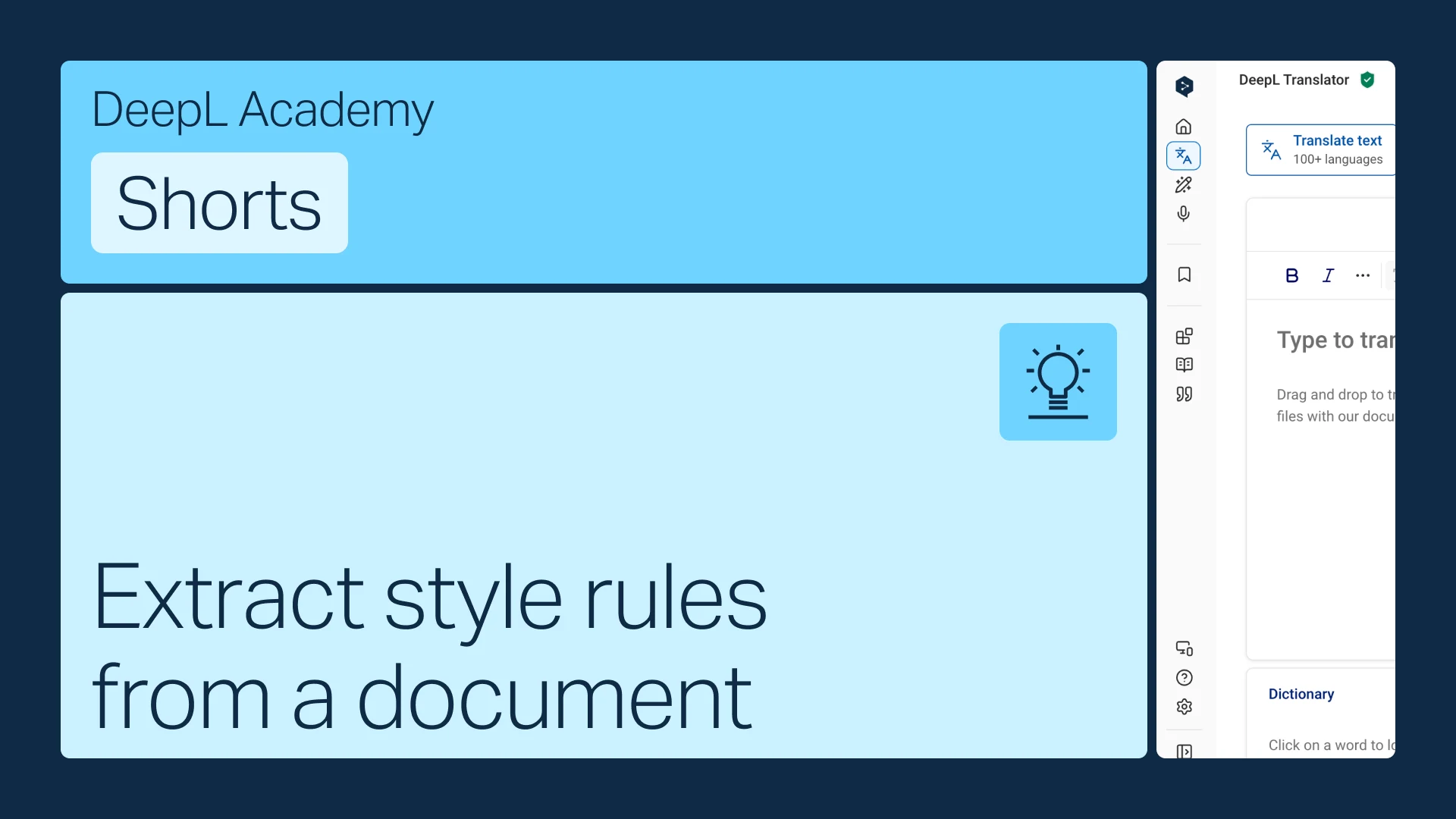
Extraire les règles de style d’un document
Vous disposez déjà d’un guide de style ? Transformez-le en règles que DeepL appliquera automatiquement.
- Durée : 1 minute
Visionner