

Ative as regras de estilo durante a tradução
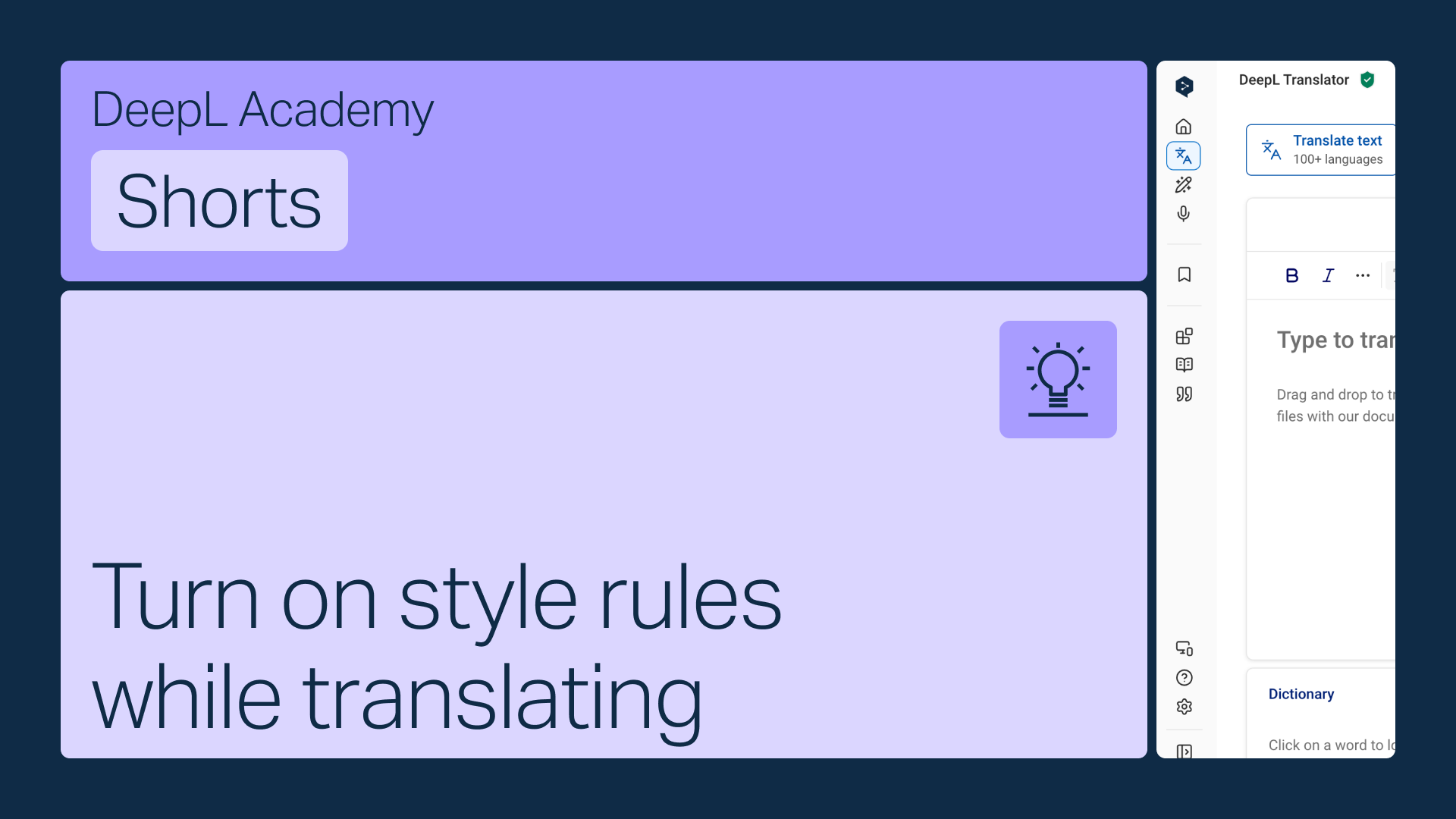
Ative as suas regras de estilo diretamente na barra de ferramentas do Tradutor DeepL, para que sejam aplicadas automaticamente enquanto traduz.
Aprenda a:
- Abra o menu de regras de estilo na barra de ferramentas
- Selecione a lista adequada caso tenha mais do que uma (apenas serão apresentadas as listas correspondentes ao idioma selecionado)
- Ative-as para que sejam aplicadas automaticamente
Mas espera, há mais!

Partilhe perfis de estilo com a sua equipa
Pacote de glossários e regras de estilo num único perfil e partilhe-o com qualquer membro da sua equipa.
- Duração: 2 minutos
Ver agora
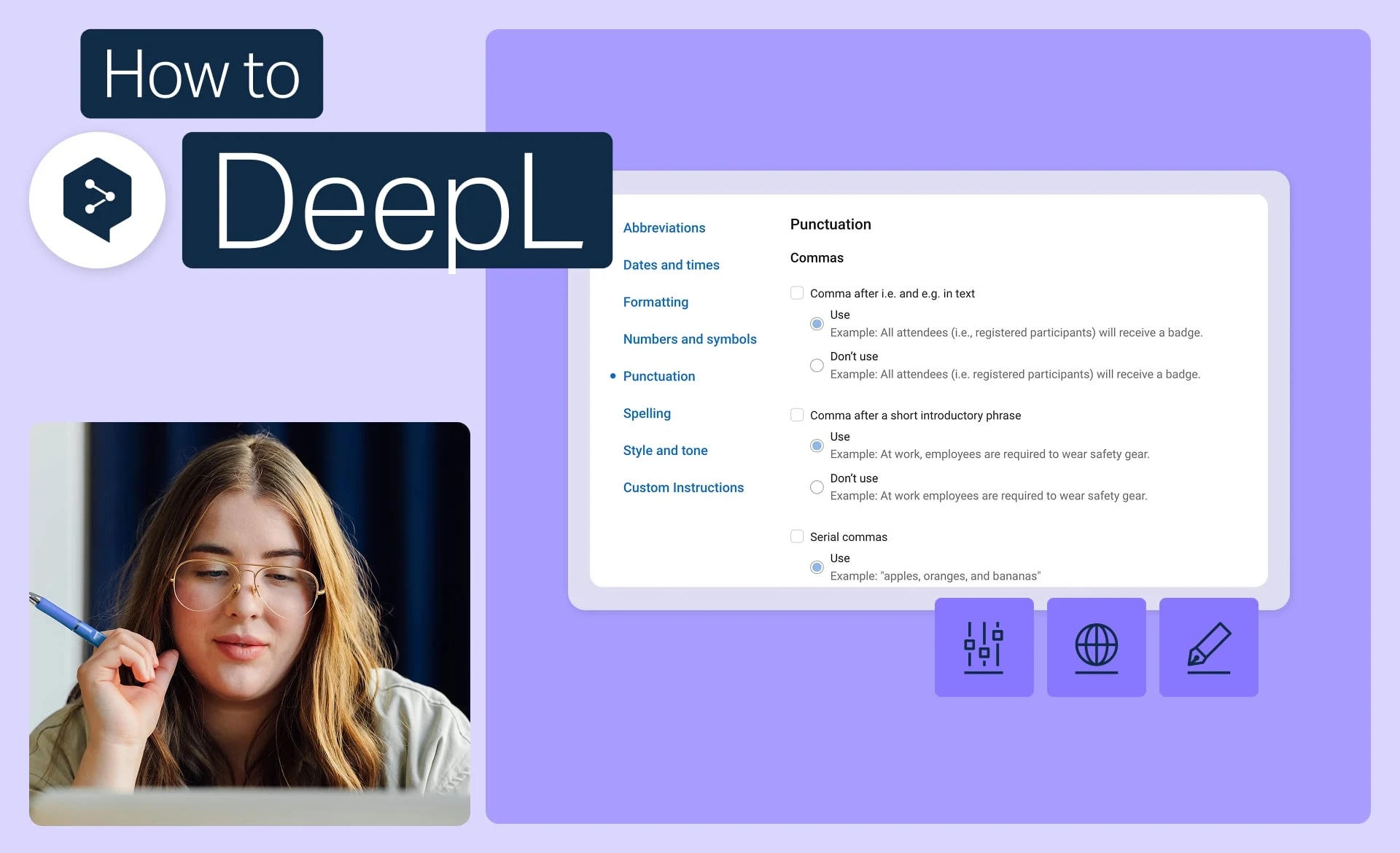
Mantenha a identidade da marca com regras de estilo
Defina o tom, a formatação e a formulação exatos que a sua marca utiliza e aplique-os a todas as traduções.
- Duração: 2 minutos
Ver agora
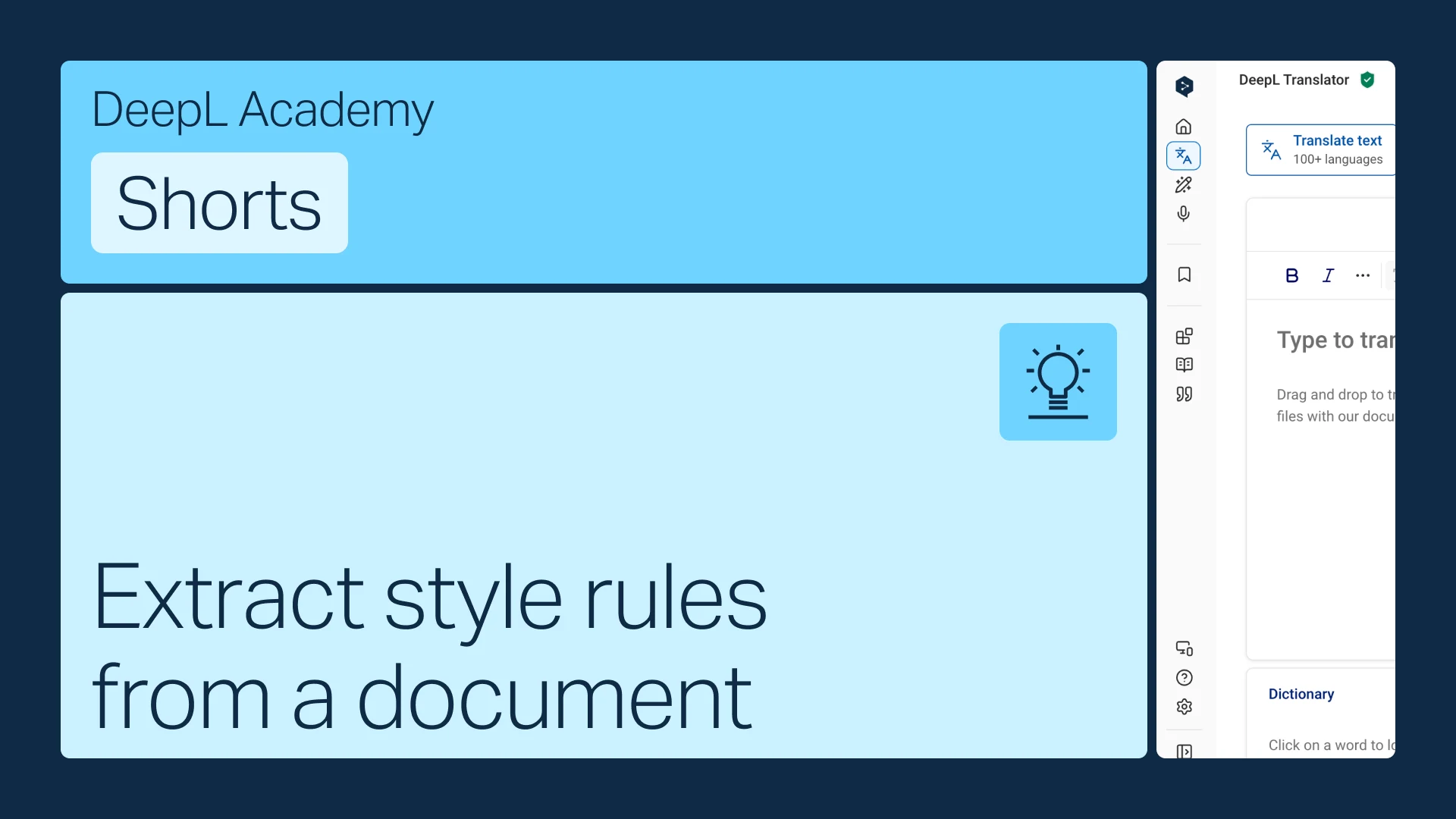
Extraia regras de estilo de um documento
Já dispõe de um guia de estilo? Transforme-o em regras que o DeepL aplica automaticamente.
- Duração: 1 minuto
Ver agora