

Ative as regras de estilo durante a tradução
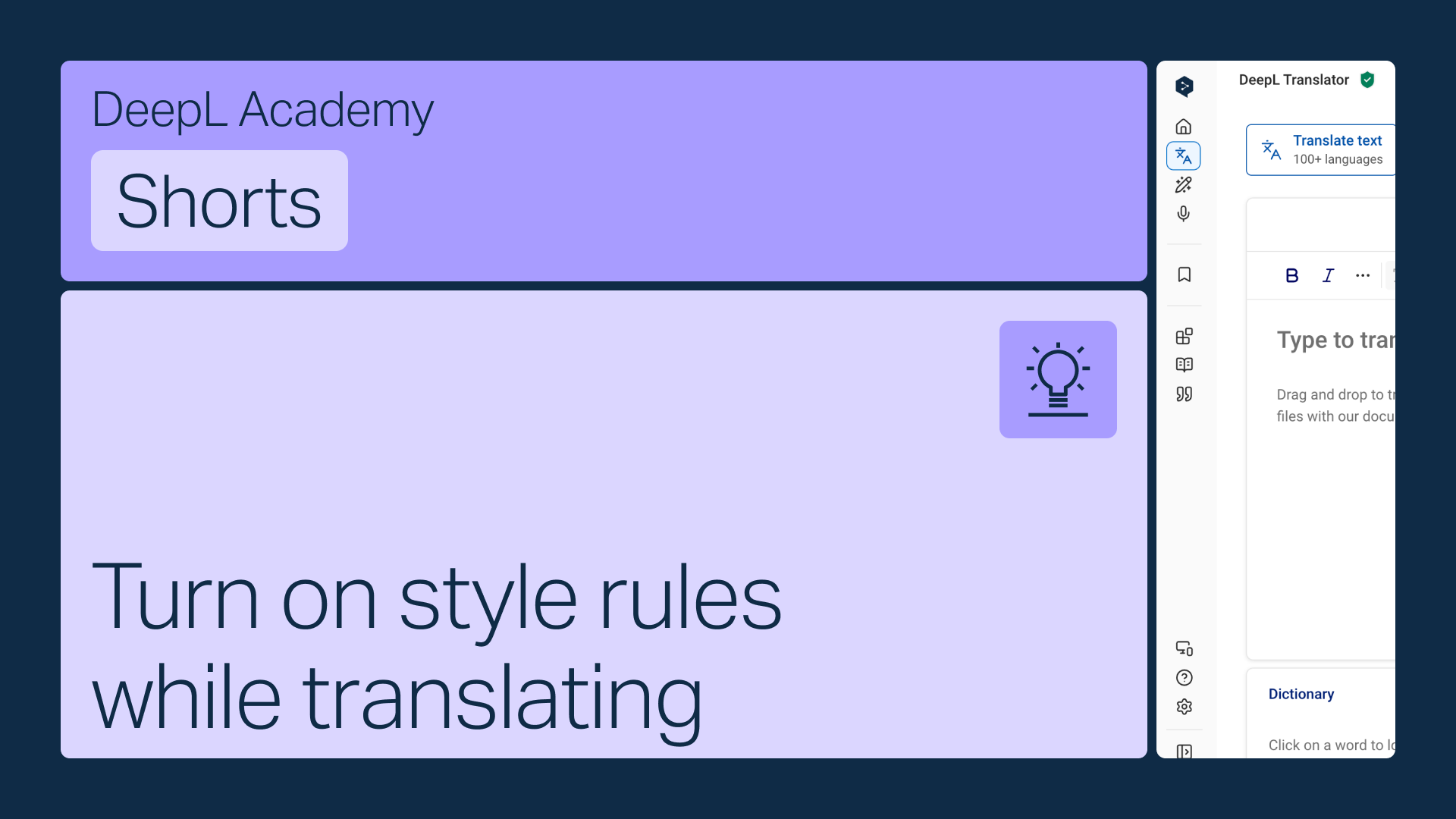
Ative suas regras de estilo diretamente na barra de ferramentas do Tradutor DeepL, para que elas sejam aplicadas automaticamente enquanto você traduz.
Aprenda a:
- Abra o menu de regras de estilo na barra de ferramentas
- Escolha a lista certa se tiver mais de uma (só vão aparecer as listas que correspondem ao idioma que você escolheu)
- Ative-a para que seja aplicada automaticamente
Mas espere, tem mais!

Compartilhe perfis de estilo com sua equipe
Reúna seus glossários e regras de estilo em um único perfil e compartilhe-o com qualquer pessoa da sua equipe.
- 2 min.
Assistir
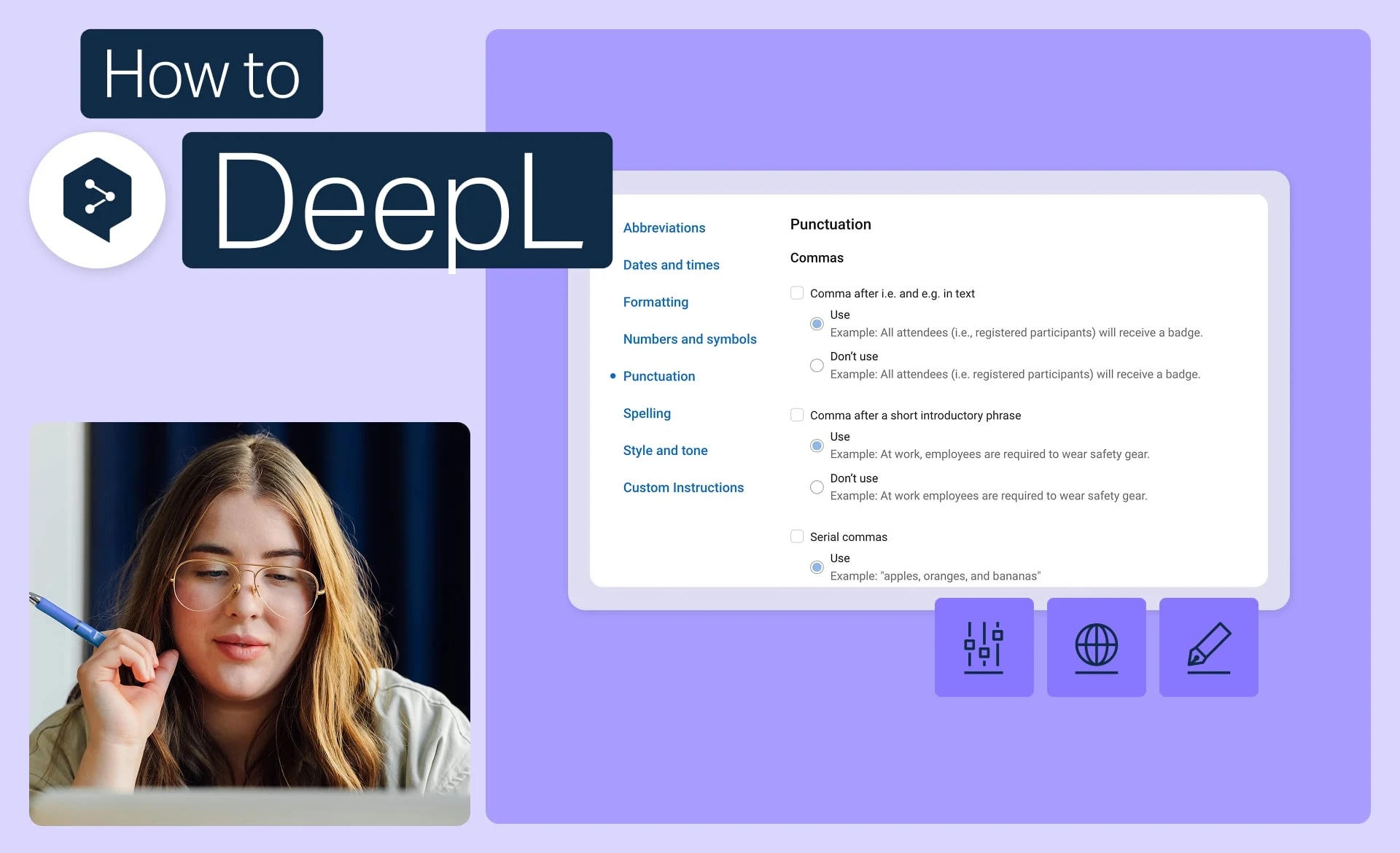
Mantenha a identidade da marca com regras de estilo
Defina o tom, a formatação e o estilo de redação exatos que sua marca usa e aplique isso a todas as traduções.
- 2 min.
Assistir
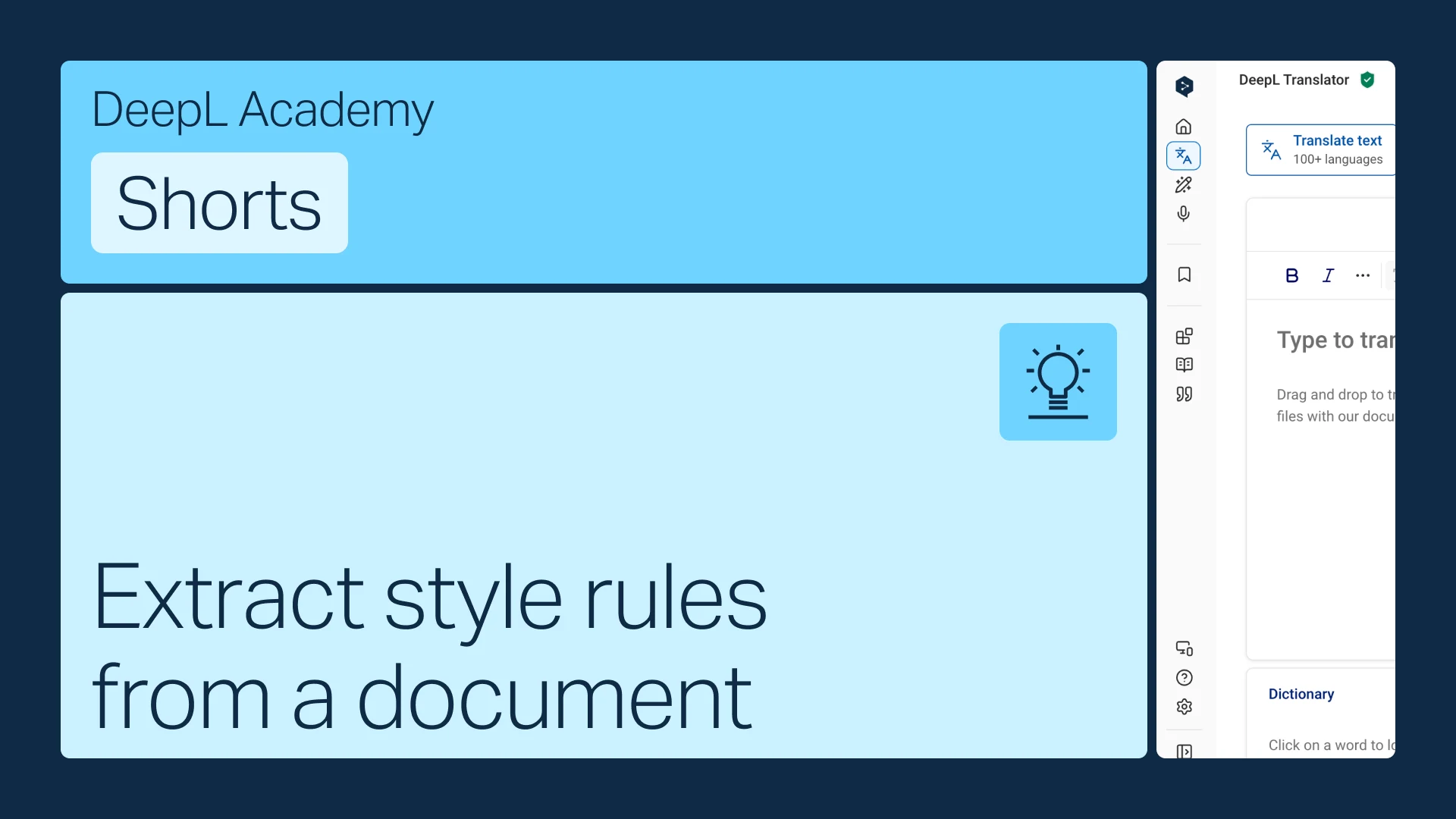
Extraia regras de estilo de um documento
Já tem um guia de estilo? Transforme-o em regras que o DeepL aplica automaticamente.
- 1 min.
Assistir