

Wyodrębnij reguły stylu z dokumentu
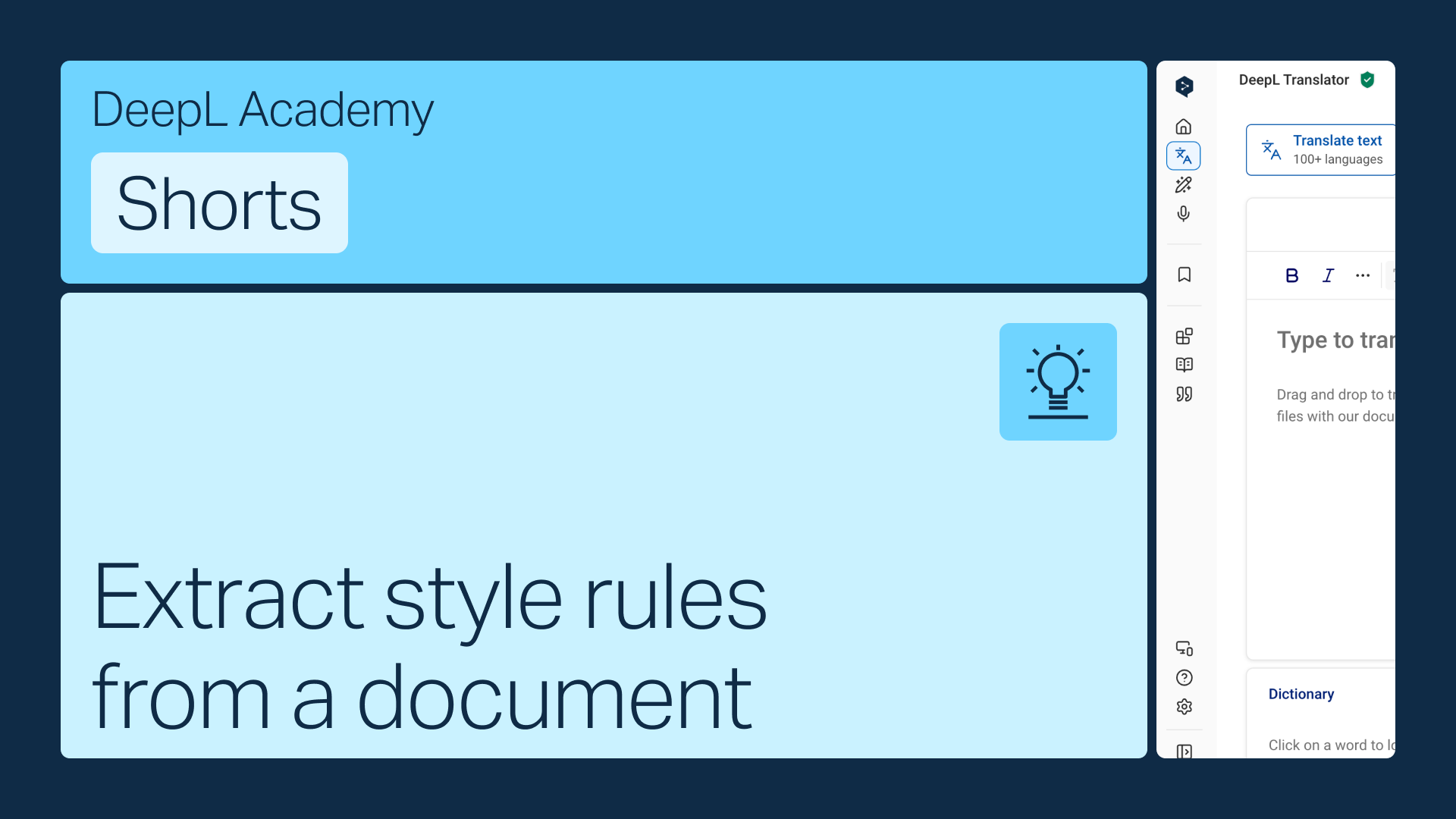
Masz już przewodnik stylistyczny? Nie musisz wpisywać każdej reguły ręcznie: po prostu ją prześlij, a DeepL przekształci ją w reguły, które będą stosowane automatycznie.
Dowiedz się, jak:
- Utwórz nową listę reguł stylu i wybierz Z istniejącego przewodnika stylistycznego (twój administrator DeepL musi najpierw to włączyć)
- Prześlij swój dokument, a DeepL wyodrębni zasady za ciebie
- Sprawdź i Dodaj więcej zasad w dowolnym momencie z tej samej listy
Ale to nie wszystko!

Udostępniaj profile stylu swojemu zespołowi
Połącz swoje glosariuszy i reguły stylu w jeden pakiet i udostępnij go dowolnej osobie z zespołu.
- Czas: 2 min
Obejrzyj teraz
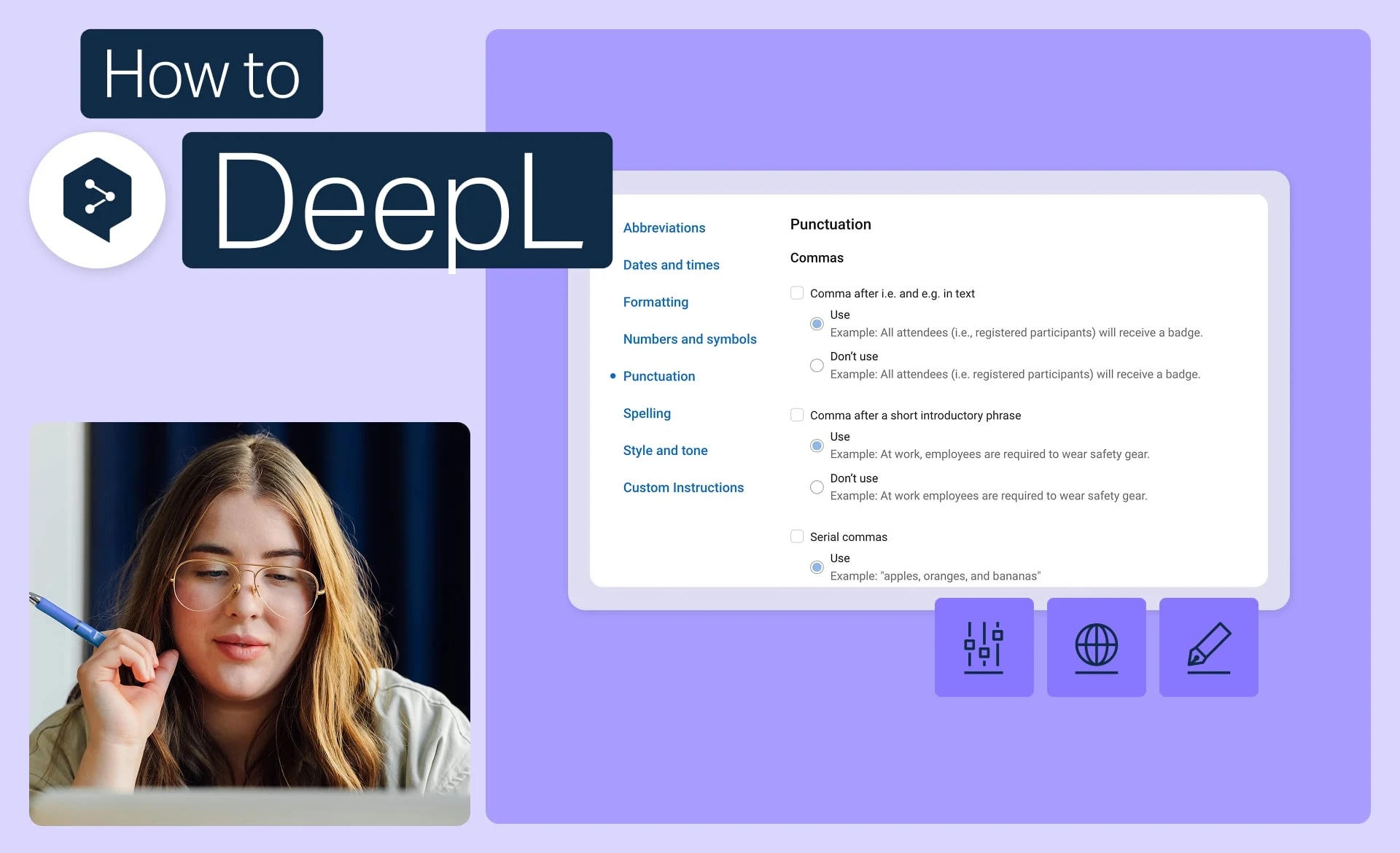
Zachowaj spójność wizerunku marki dzięki regułom stylu
Ustal dokładnie ton, formatowanie i sformułowania używane przez Twoją markę i zastosuj je do każdego tłumaczenia.
- Czas: 2 min
Obejrzyj teraz
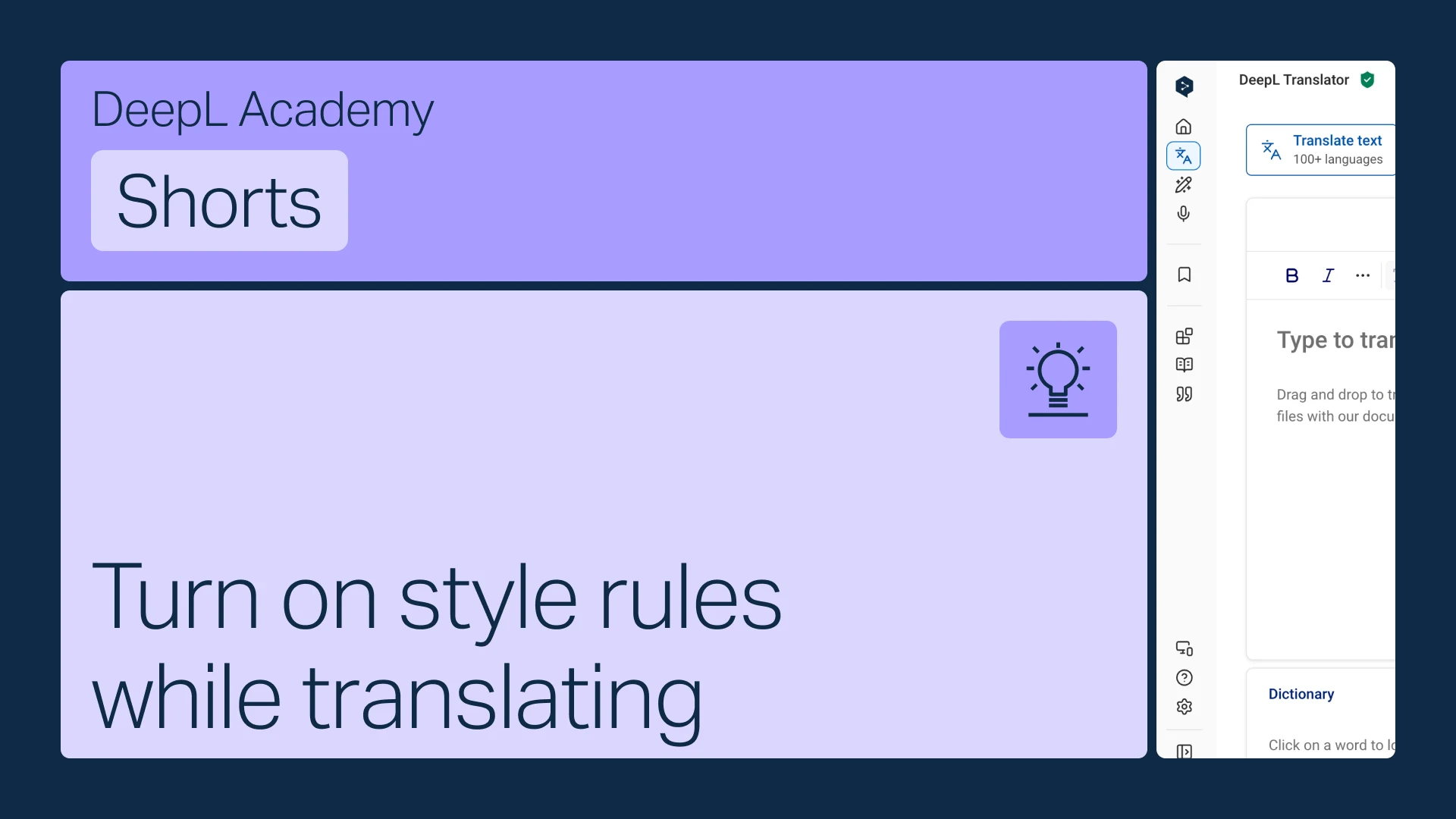
Włącz reguły stylu podczas tłumaczenia
Włącz i stosuj swoje reguły stylu podczas tłumaczenia tekstu w Tłumaczu DeepL.
- Czas: 1 min
Obejrzyj teraz