

PDF file translation built to handle the format's toughest cases
DeepL's PDF translator preserves your document's original layout and formatting after translation. Upload a file, choose your target language, and get a ready-to-use translation in minutes. And with DeepL Pro, you can translate in bulk in multiple languages at the same time.
PDFs make up more than 60% of documents translated with DeepL. Our layout-preservation technology is built specifically for them.
Trusted by over 200,000 businesses globally






Why translate PDF files with DeepL?
We engineered DeepL document translation with PDFs in mind. Here’s what our tool offers.
Layout-preserving, accurate translation
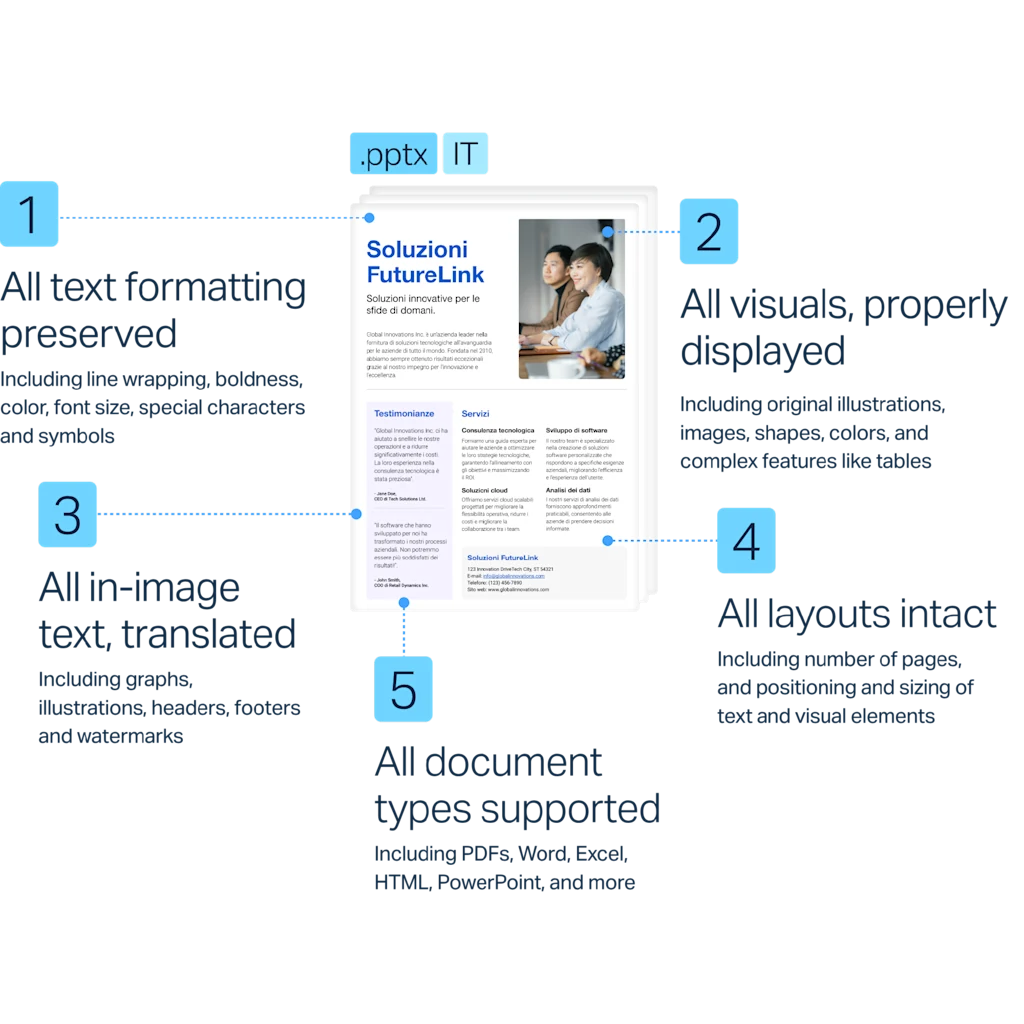
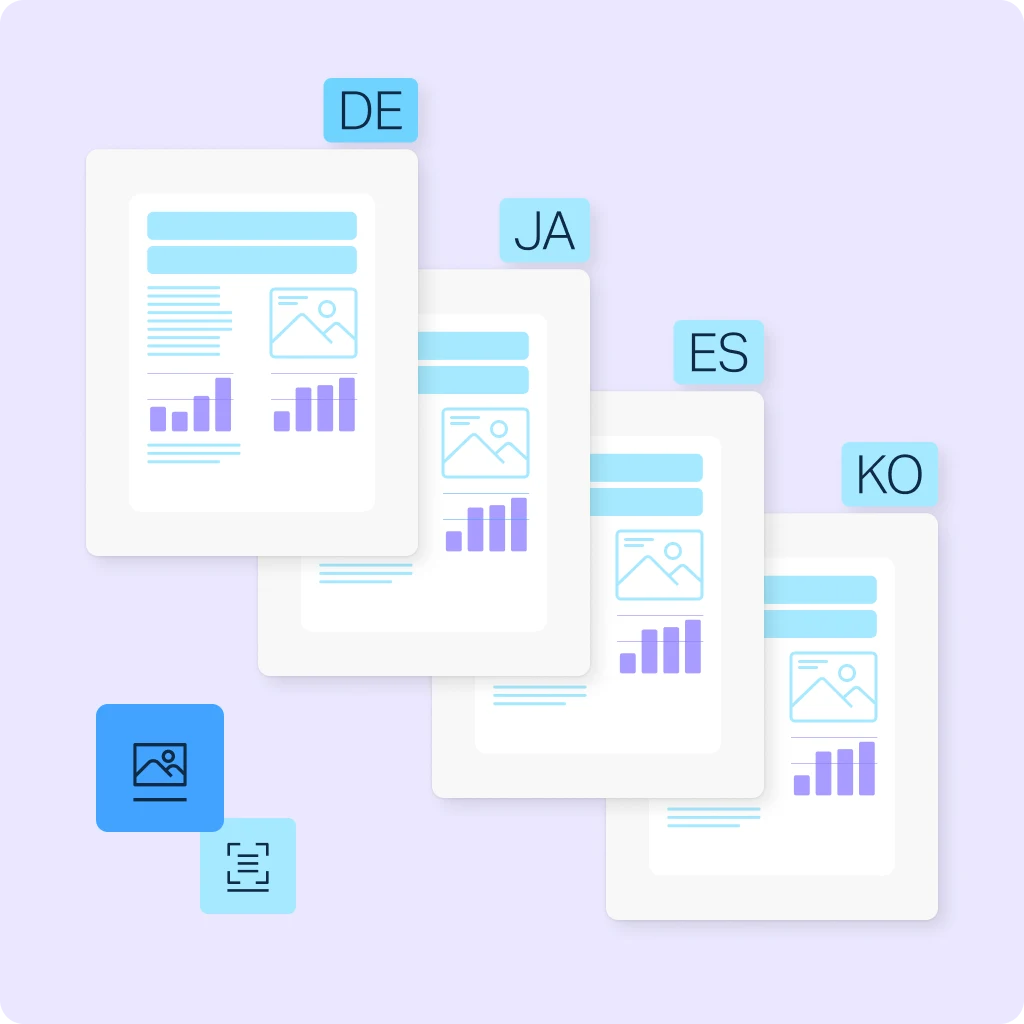
Our PDF translator captures meaning and nuance across larger sections of text for higher-quality results. The translator also uses a custom layout-fidelity system (not just OCR) to keep translated text in the same position, on the same page, and in the same proportions as the original.

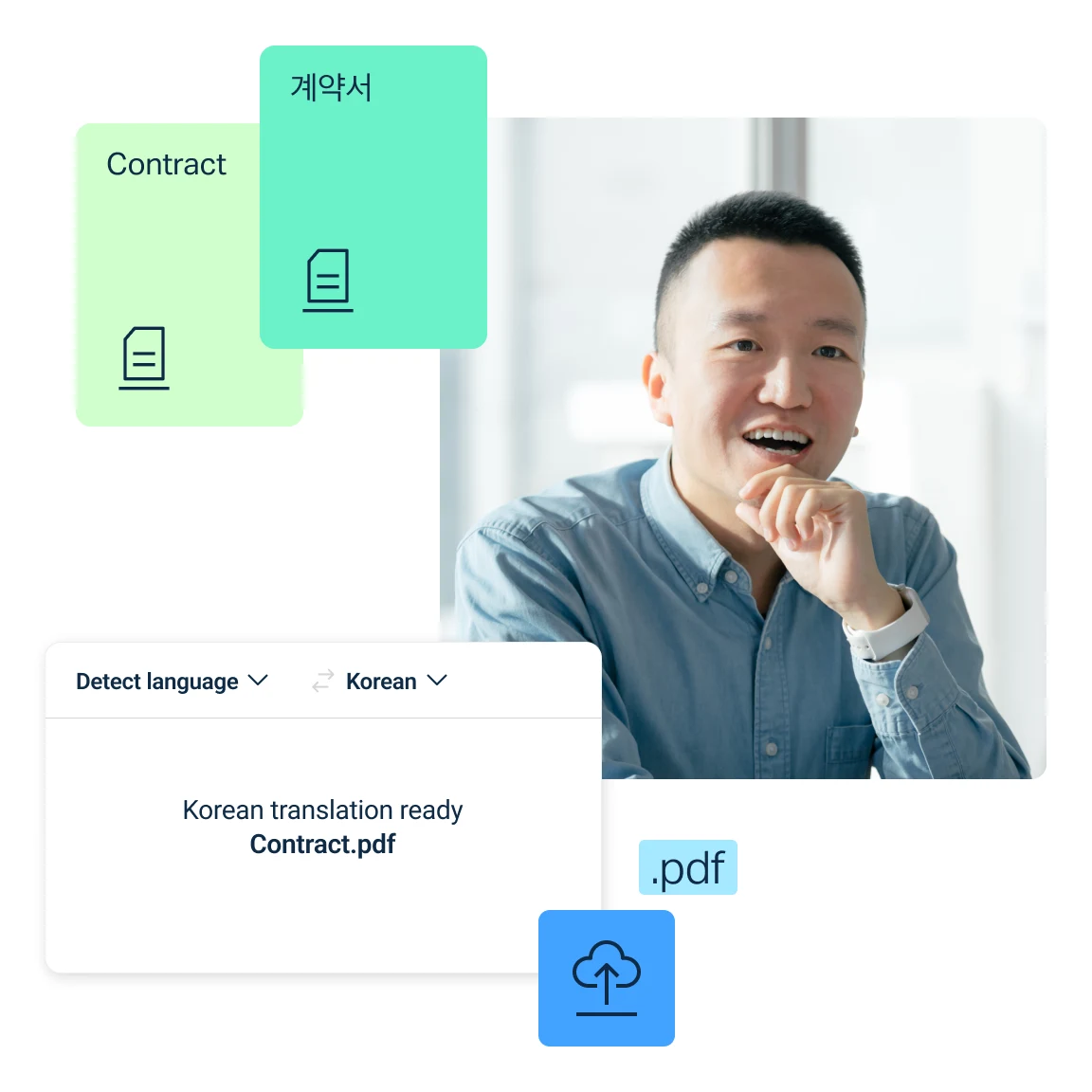
Simply drag, drop, and translate
Upload files directly or import from cloud storage. DeepL preserves formatting across PDFs and other document types, so translated files are ready to use immediately.

Built-in enterprise-grade security
DeepL complies with GDPR, ISO 27001, SOC 2 Type II, HIPAA, and BSI C5 Type 2. Your data is encrypted and, on Pro plans, documents are deleted after translation and never stored. See how DeepL protects your data.

Bulk translation into multiple languages at once
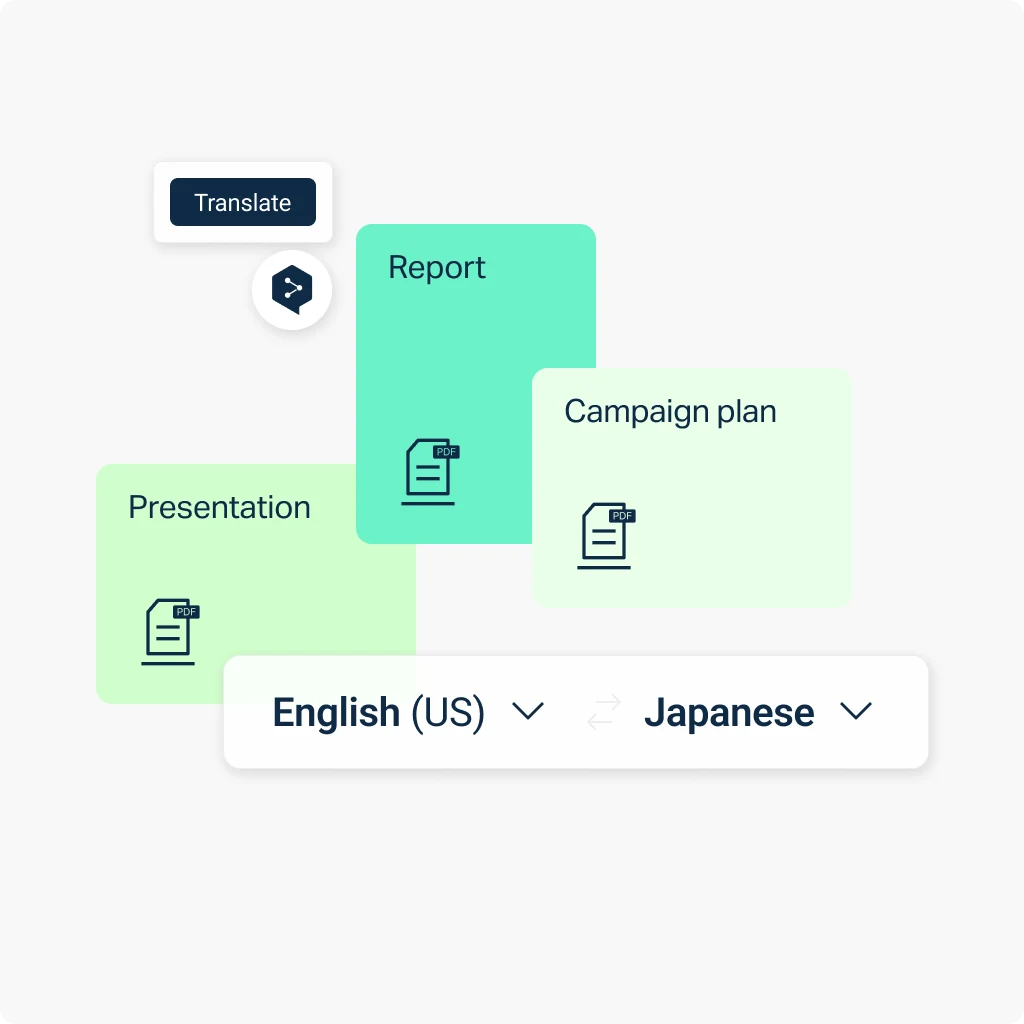
Translate at scale with bulk uploads, and produce translations in several target languages simultaneously. DeepL Translator is built for high-volume teams.

Commitment to quality
PDF translation relies on OCR to extract text, so results can vary with custom fonts, dense layouts, or scanned pages. If your PDF originated from a Word or PowerPoint file, translating that source document directly gives the most accurate result.
Discover DeepL's commitment to quality, including a 50% reduction in post-editing workload for linguists and content teams.
How does our AI-powered PDF translator work?
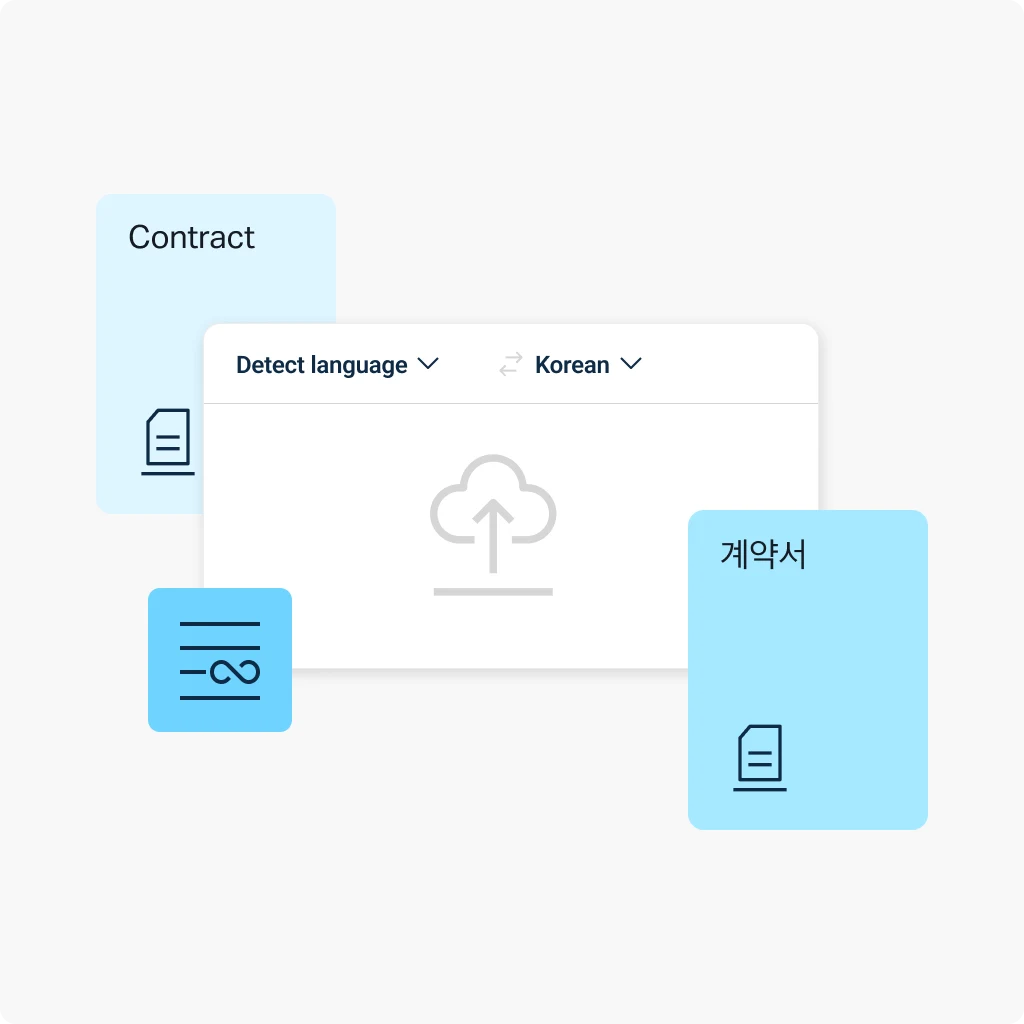
PDF translation is now faster, smarter, and more versatile than ever. PDF translation is faster, smarter, and more versatile with DeepL’s specialized AI. On the web translator, it just takes a few steps:
- Create a free DeepL account.
- Click the "Translate files" tab.
- Select the file from your computer.
- Choose your desired target language.
- Start the translation.
How DeepL Pro elevates your PDF translations
DeepL Pro might be right for you if you need additional features. Here’s what Pro provides:
- Upload files or import them from OneDrive
- Translate multiple files and into multiple target languages at once
- Choose between formal or informal tones
- Apply a glossary to customize output
- Benefit from maximum data security
- Choose how you want to download PDF files (.pdf or .docx)
Need an editable file? Choose .docx as your download format, and DeepL returns your translated PDF as an editable Word document.
Translate consistently across media formats
Need to translate PDFs, images, and other document types? DeepL’s Language AI adapts visual content to match the translation, so your files stay consistent and format-appropriate no matter which filetype you're working with.
Over 200,000 global companies trust DeepL for translation.
Ready to translate PDF files?
Start your free 30-day DeepL Pro trial and translate PDFs, plus Word, PowerPoint, Excel, and more, in minutes.
Need fast, accurate document translation customized for your organization? Speak with our Sales team about enterprise-grade plans.
FAQs
Usually, yes. Because PDF file translation relies on OCR, it may be subject to a higher error rate. The presence of custom fonts and large image sizes in your PDF also might affect the translation quality. If possible, we recommend using documents with fewer visual elements.
Yes. Every .pptx, .docx, .doc, .xlsx, and .pdf file is billed a minimum of 50,000 characters on API plans, regardless of length. Read DeepL’s API documentation.
Yes. We recommend using our desktop and mobile apps to translate scanned documents. In this case, DeepL extracts and translates the scanned PDF’s text.
Yes. Download the iOS app or the Android app to translate PDFs on the go. Both extract and translate the text from your file directly on your device.
PDF file size and character limits by plan
Every DeepL plan has its own upload limits for PowerPoint translation. The table below shows the maximum file size and character count allowed per file on each plan. View limits per plan for all document translation file formats
Plan | Max file size | Max characters |
DeepL Account (Free) | 5 MB | 100,000 |
DeepL Pro Starter | 10 MB | 1,000,000 |
DeepL Pro Advanced | 20 MB | 1,000,000 |
DeepL Pro Ultimate | 100 MB | 1,000,000 |
DeepL Pro Individual | 30 MB | 1,000,000 |
DeepL Pro Team | 30 MB | 1,000,000 |
DeepL Pro Business | 100 MB | 1,000,000 |
DeepL API Free | 10 MB | 500,000 |
DeepL API Pro | 100 MB | 1,000,000 |
DeepL API Developer | 10 MB | 500,000 |
DeepL API Growth | 100 MB | 1,000,000 |