チームの文書ファイルの翻訳上限を設定する
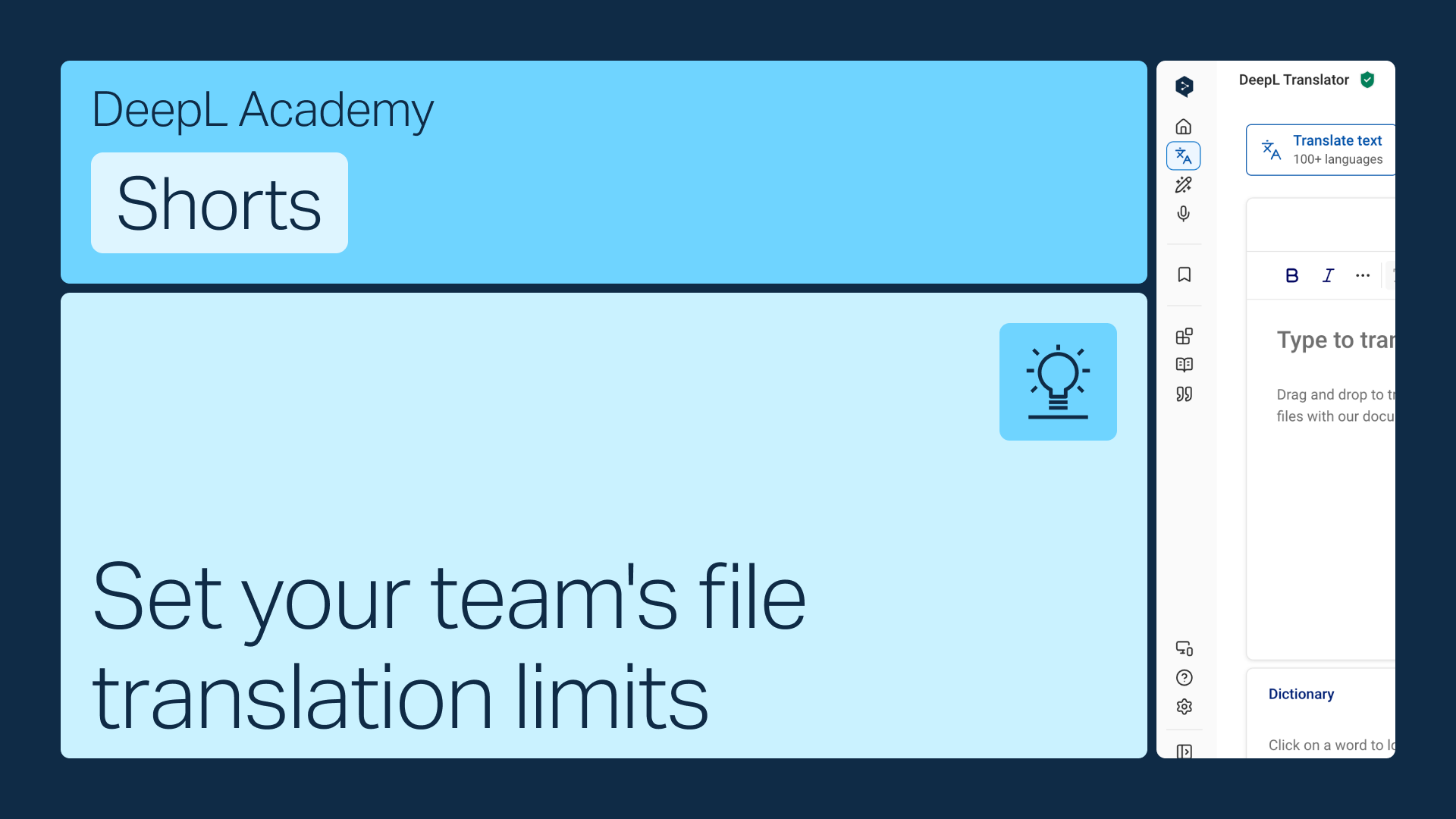
各チームのメンバーに月間の文書ファイル翻訳クォータを割り当てるか、合計割り当てがなくなるまで制限なく翻訳できるようにすることも可能です。どちらの場合も、アカウントの設定で簡単に変更できます。
以下の方法をご確認ください:
- アカウント設定で文書ファイルの翻訳の制限をご確認ください
- ユーザーごとの割り当てを設定するか、文書ファイルの翻訳のプール制に切り替えてください
- 変更内容を保存してください
各チームのメンバーに月間の文書ファイル翻訳クォータを割り当てるか、合計割り当てがなくなるまで制限なく翻訳できるようにすることも可能です。どちらの場合も、アカウントの設定で簡単に変更できます。