

Set your team’s file translation limits
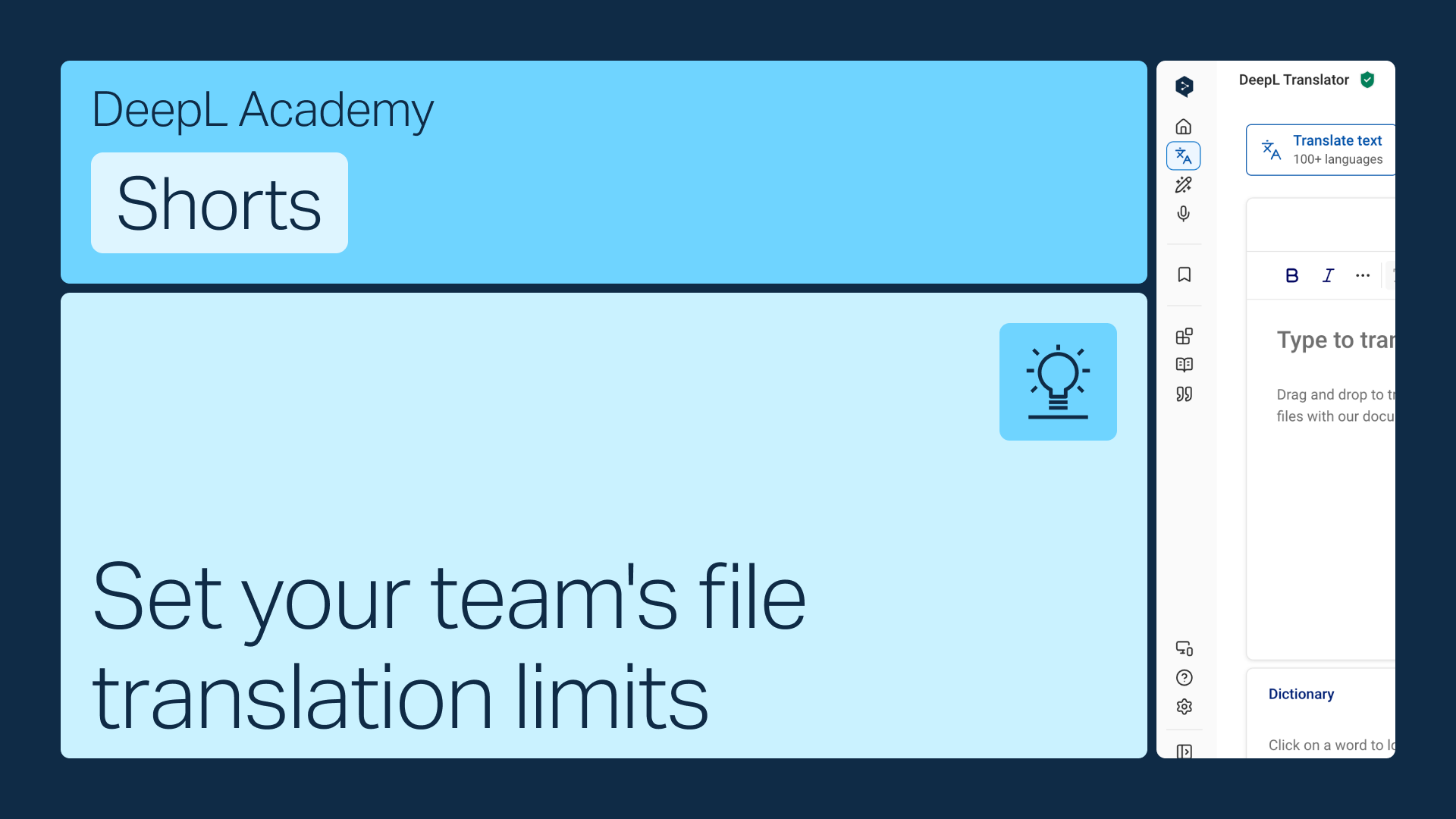
Give each team member a monthly file translation quota, or let them translate without limits until your total allowance runs out. Either way, it's a quick change in account settings.
Learn to:
- Find file translation limits in your account settings
- Set a quota per user, or switch to pooled file translations
- Save your changes
But wait, there's more!
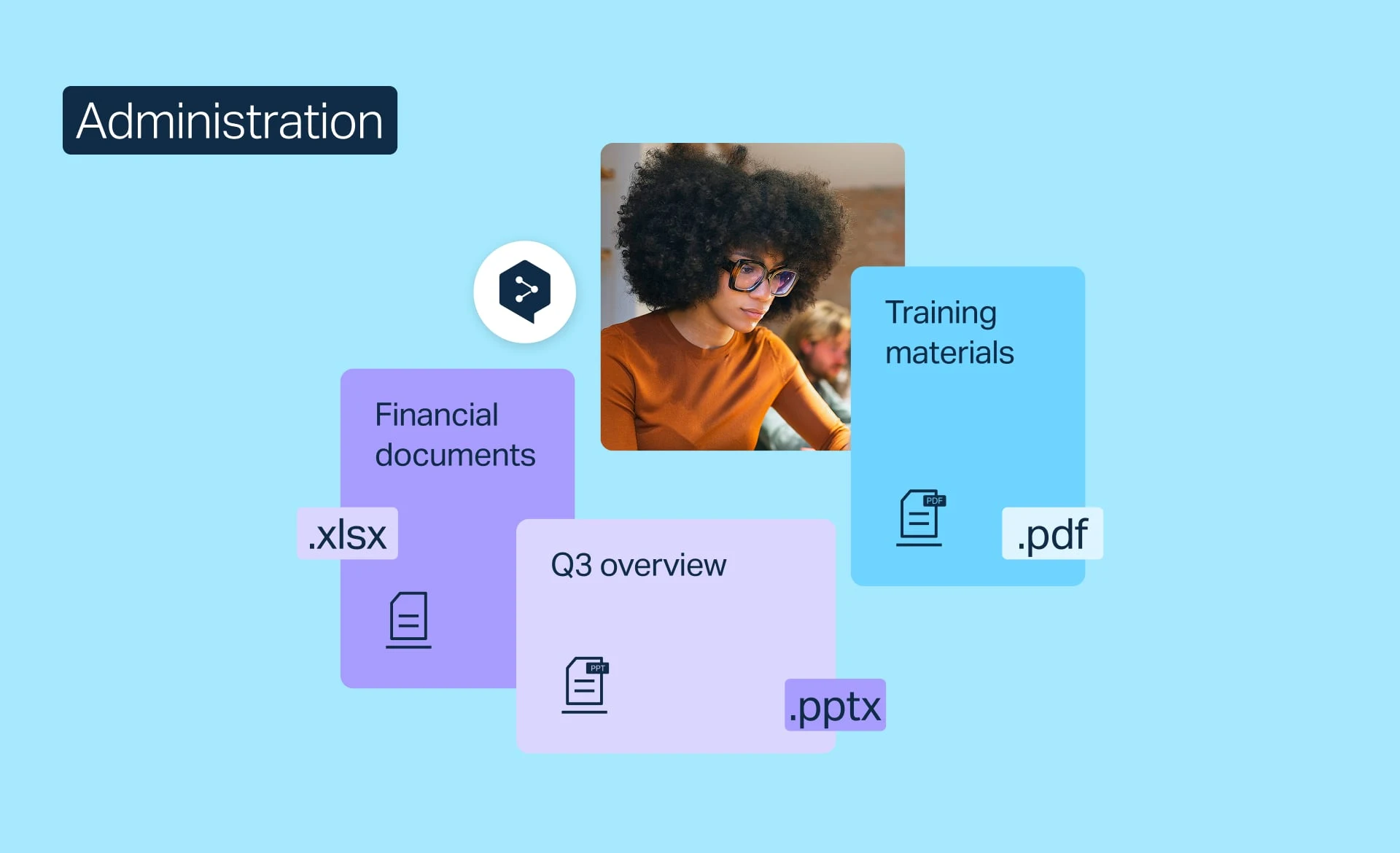
Manage file translation
Monitor file translation usage, raise your monthly allowance, or set limits, whatever your team needs.
- Time: 2 minutes
Watch now
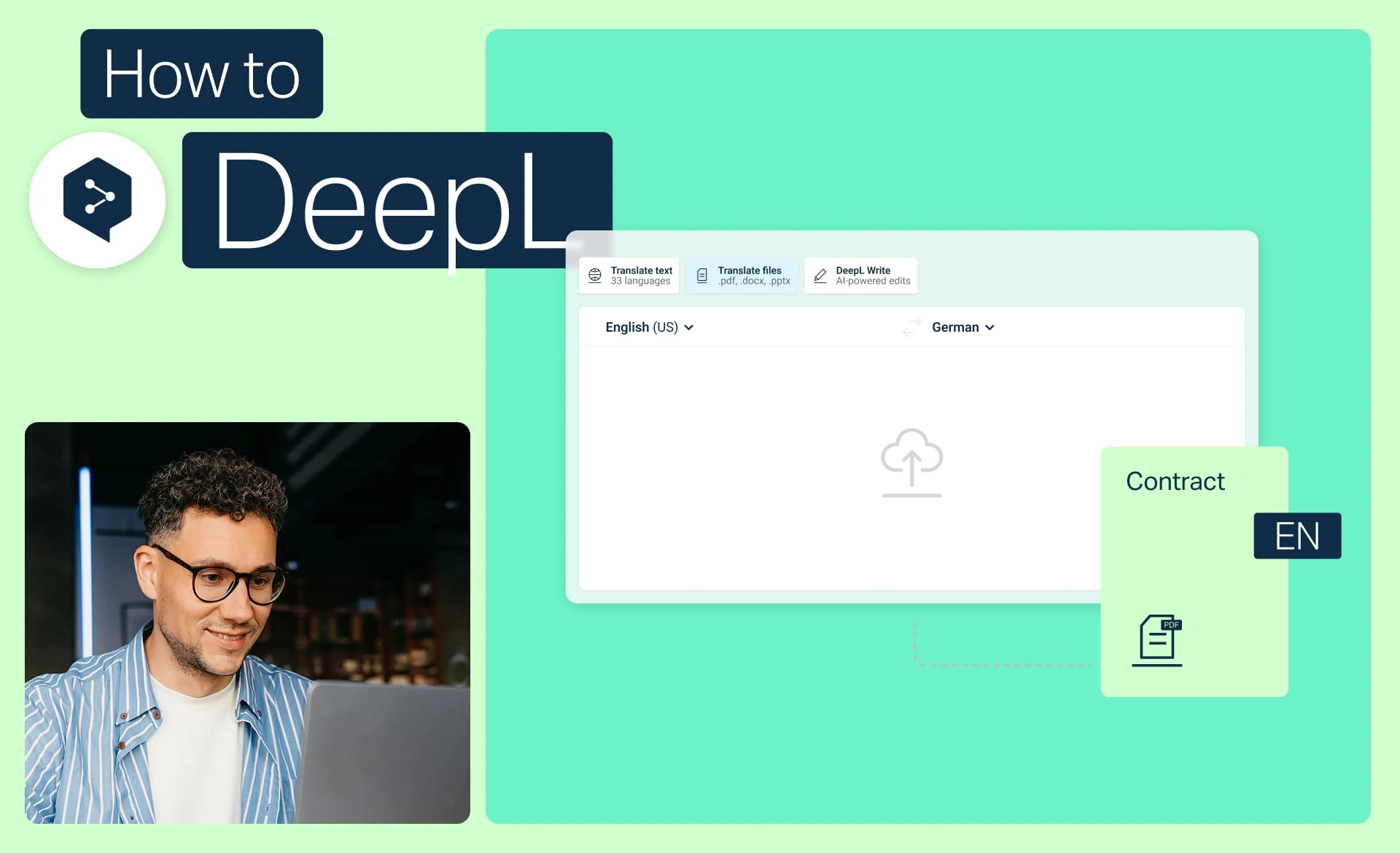
Translate files in a few clicks
Translate one or more files with DeepL, convert PDFs and Word docs, and apply glossaries and formality.
- Time: 2 minutes
Watch now
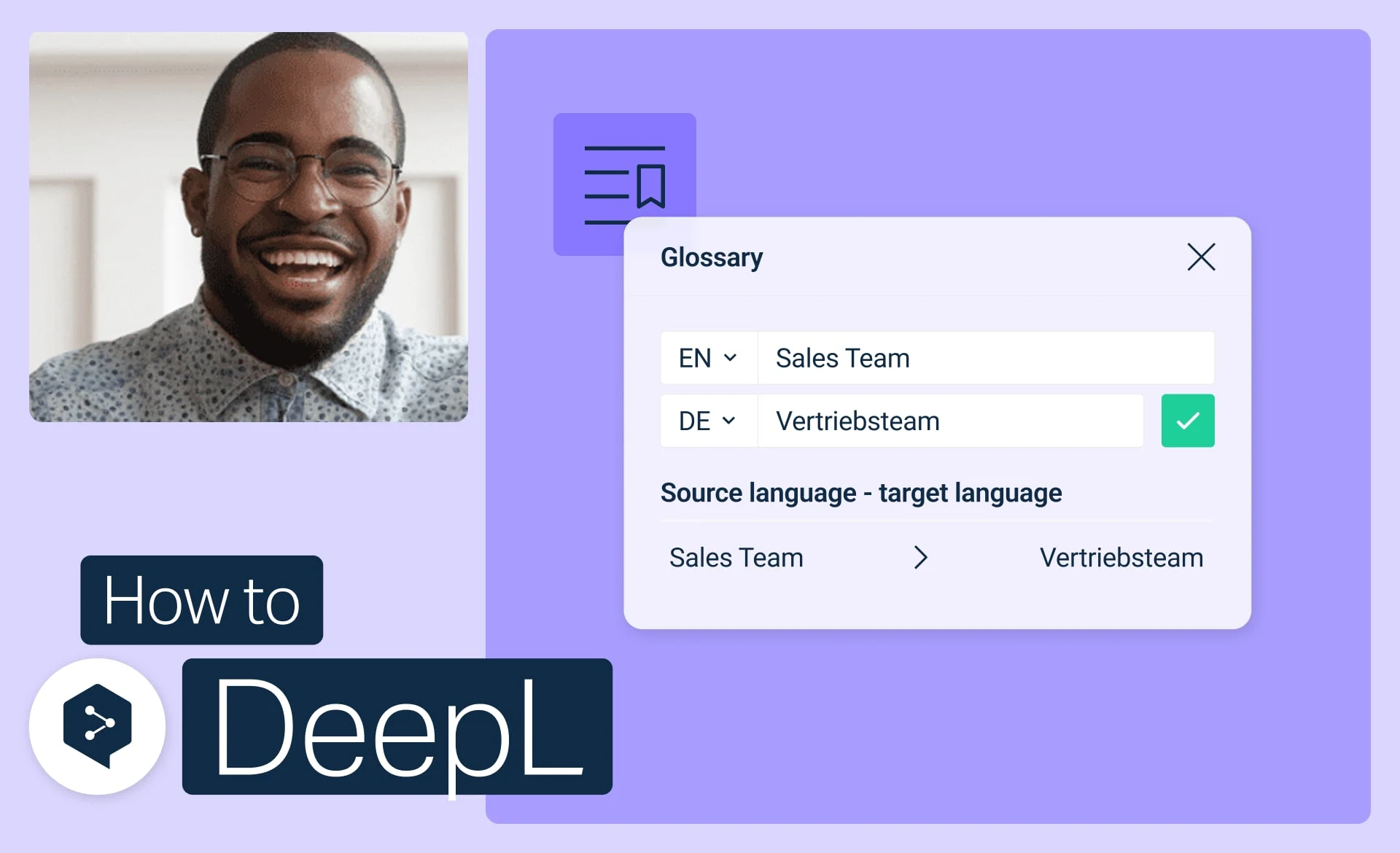
Get started with DeepL glossaries
Create, edit, activate, and manage your glossaries to keep every translation consistent.
- Time: 3 minutes
Watch now