

Defina os limites de tradução de ficheiros da sua equipa
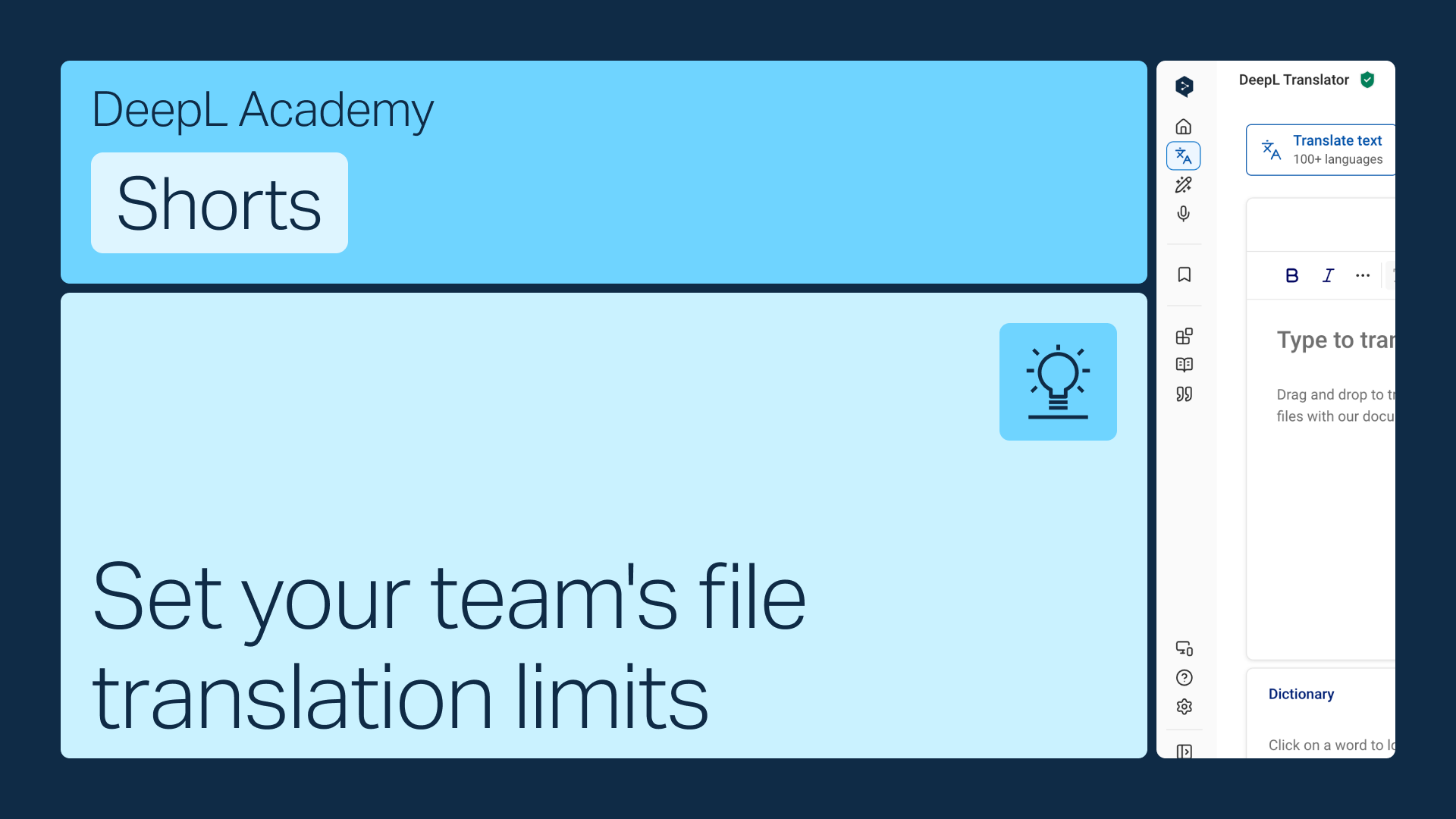
Atribua a cada membro da equipa uma quota mensal de tradução de ficheiros ou permita que traduzam sem limites até que a sua quota total se esgote. Seja como for, trata-se de uma alteração rápida nas definições da conta.
Aprenda a:
- Encontre limites de tradução de ficheiros nas definições da sua conta
- Defina uma cota por utilizador ou mude para traduções de ficheiros partilhadas
- Guarde as suas alterações
Mas espera, há mais!
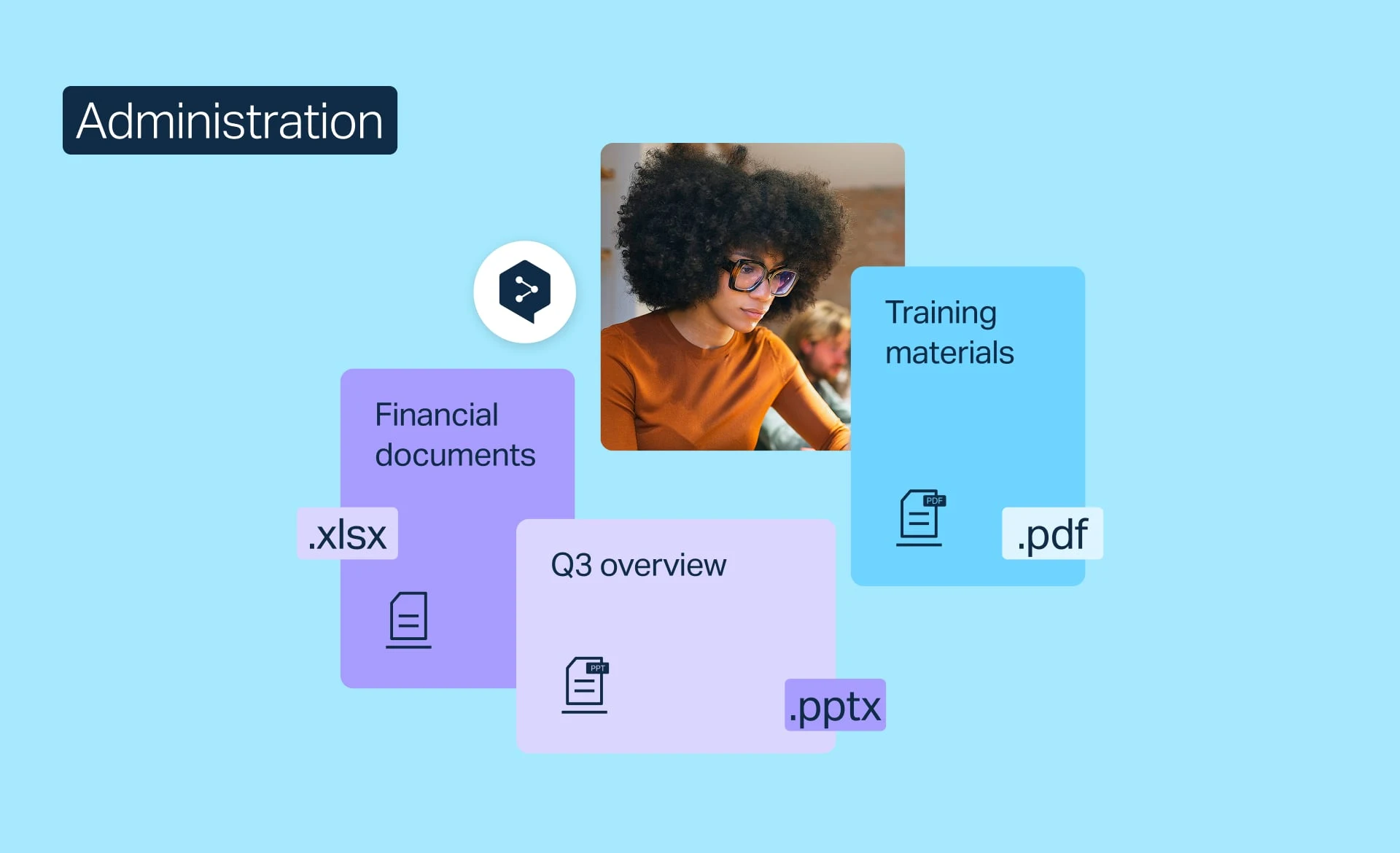
Gerir a tradução de ficheiros
Acompanhe a utilização da tradução de ficheiros, aumente a sua quota mensal ou defina limites, consoante as necessidades da sua equipa.
- Duração: 2 minutos
Ver agora
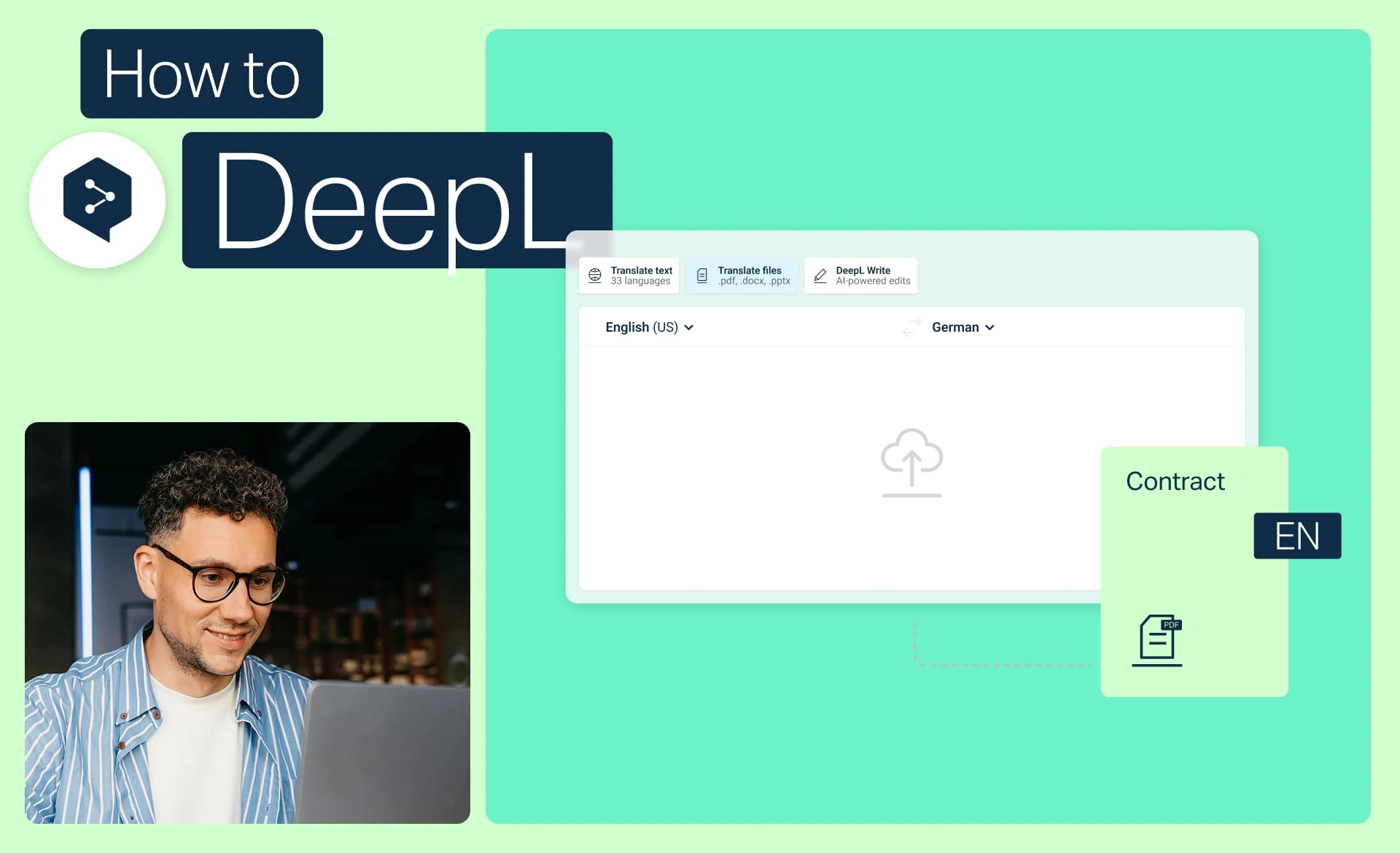
Traduzir ficheiros com apenas alguns cliques
Traduza um ou mais ficheiros com o DeepL, converta PDFs e documentos do Word e aplique glossários e graus de formalidade.
- Duração: 2 minutos
Ver agora
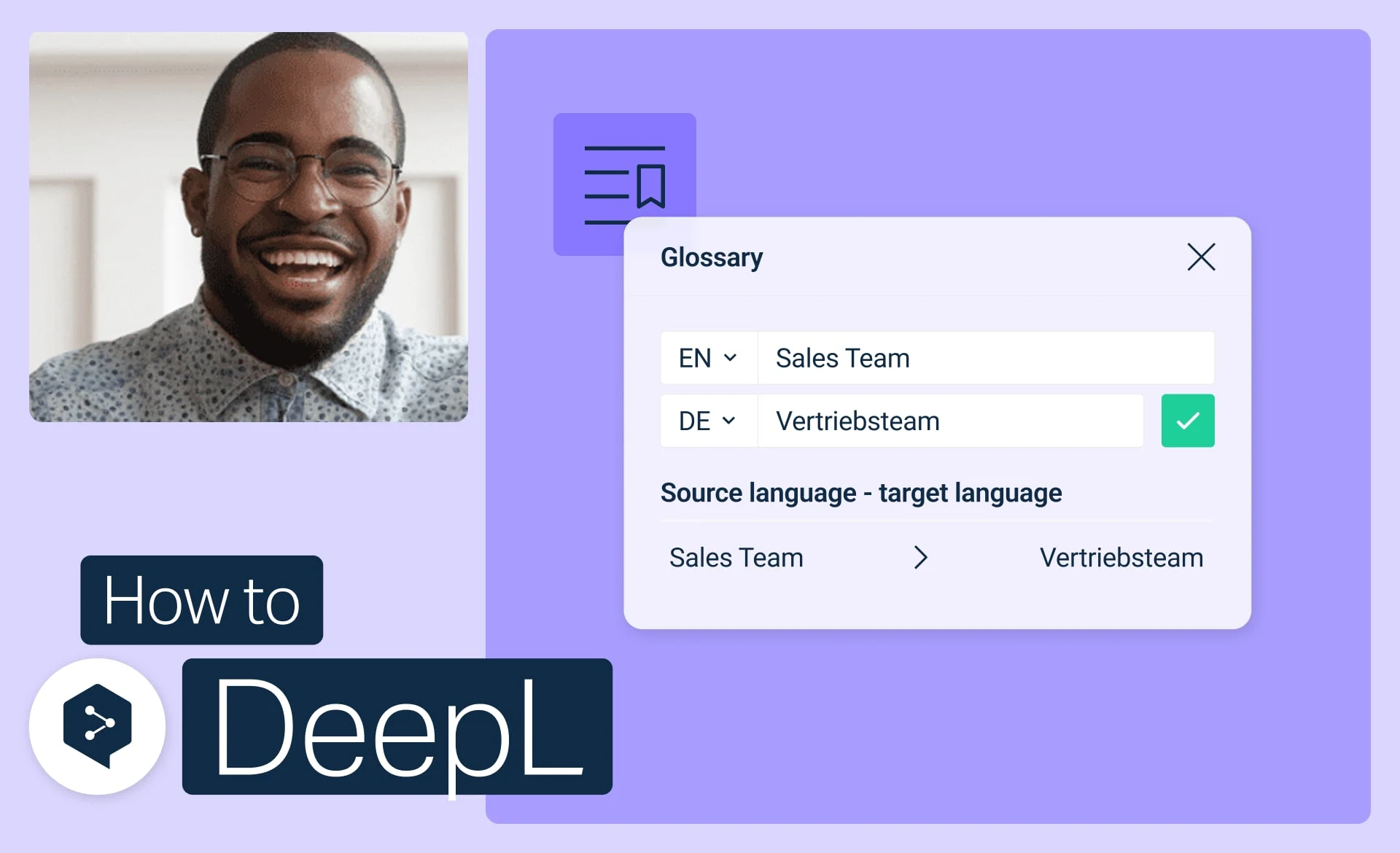
Comece a utilizar os glossários do DeepL
Crie, edite, ative e gere os seus glossários para garantir a consistência de todas as traduções.
- Duração: 3 minutos
Ver agora