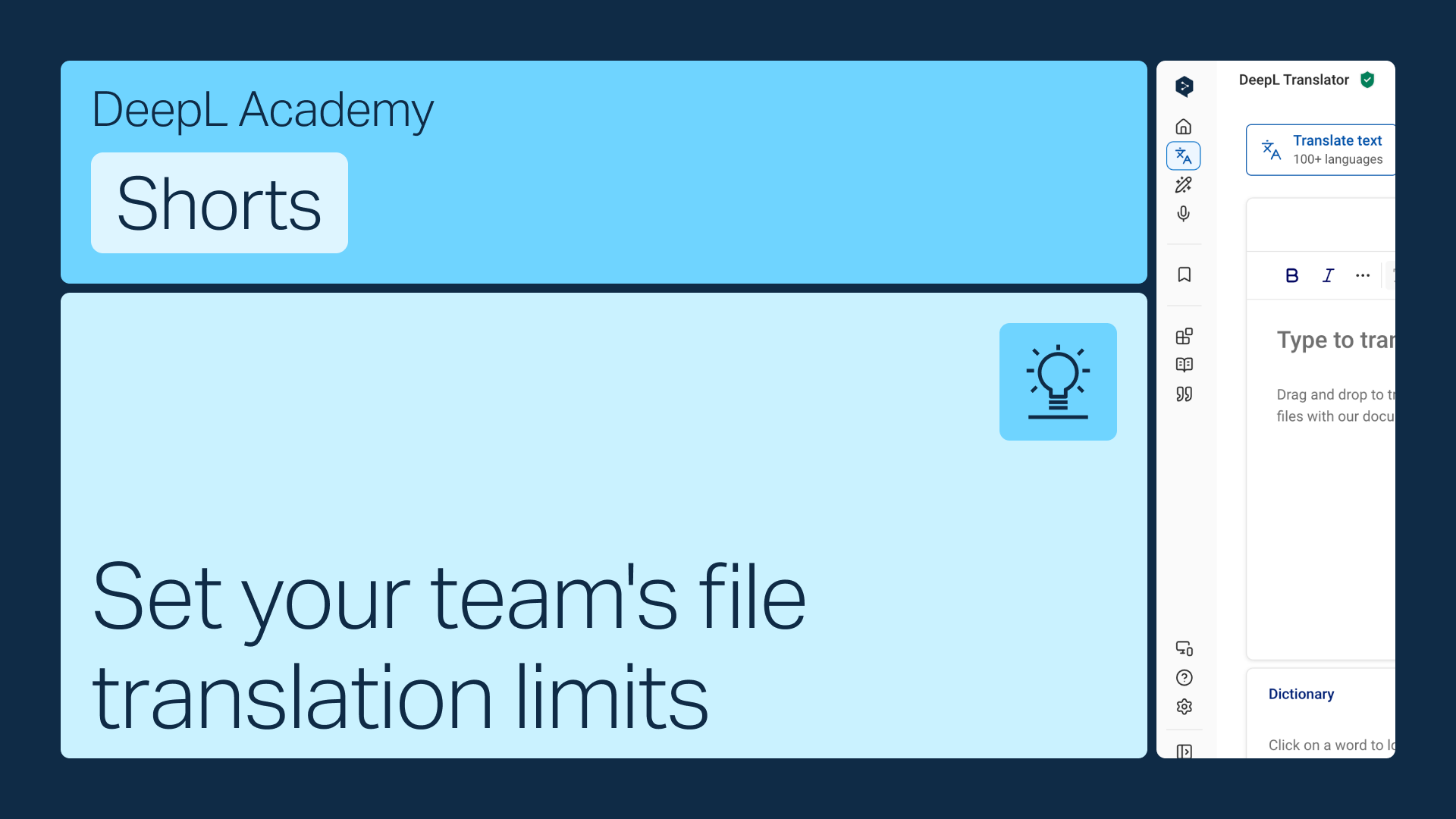
How to allocate monthly file translations for teams subscriptions

To allocate monthly file translations to your teams, follow these steps:

Go to the Settings tab in your account and scroll down to the Document translation section.

Click on Edit.

Here you can change your monthly file translation quota per user (depending on your plan) or allocate "unlimited file translations.

When selected, this option allows users to translate as many files as they like until the total amount is used up.

To save your changes, click on "Save changes".

더 많은 기능이 필요하신가요? 무료 체험을 시작해 보세요!

Pro 계정으로 고급 기능과 다양한 자료를 살펴보세요.