

Stel de limieten voor de documentvertaling voor uw team in
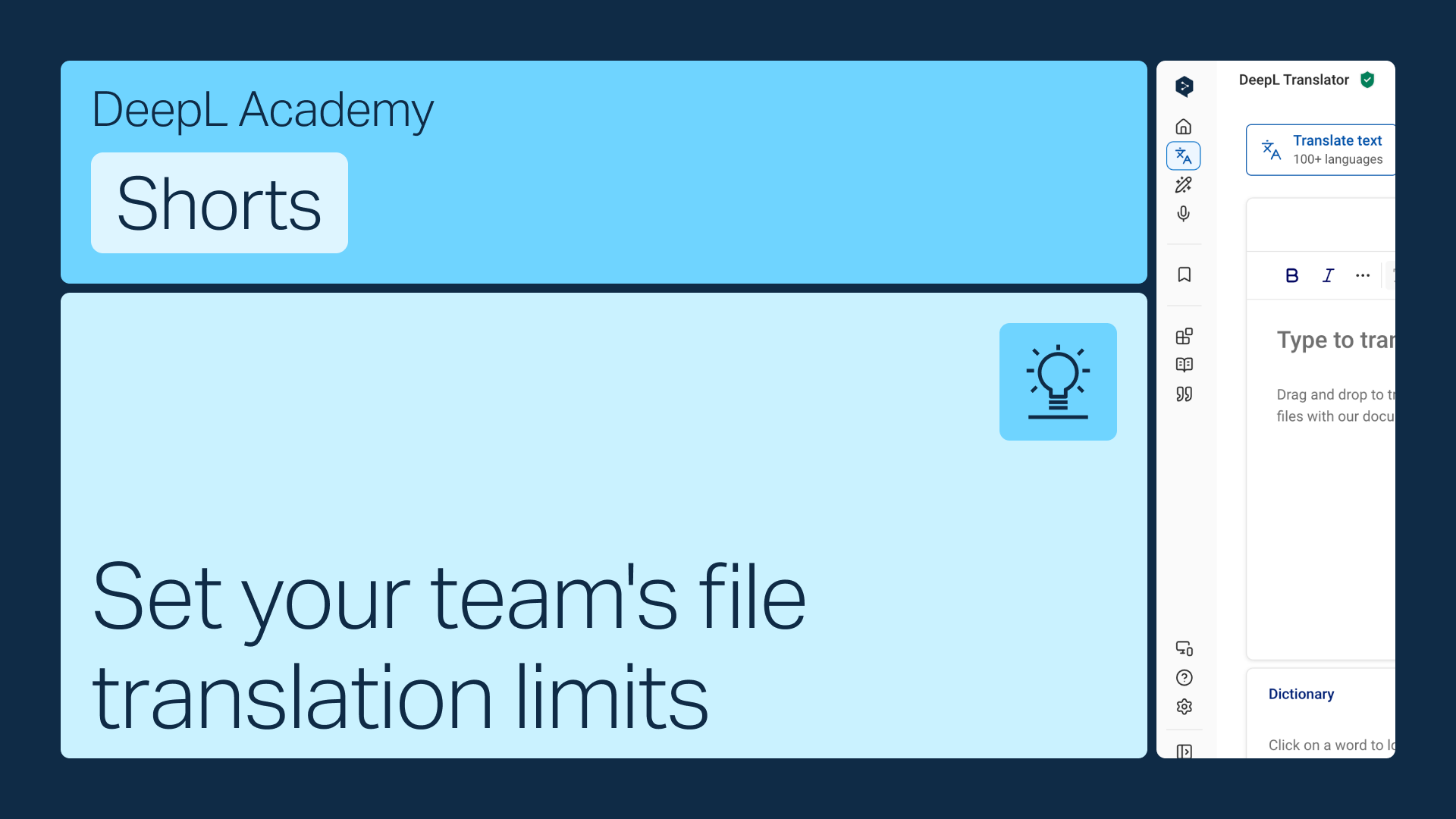
Geef elk teamlid een maandelijkse quota voor documentvertalingen, of laat hen onbeperkt vertalen totdat uw totale quotum op is. Hoe dan ook, het is een snelle aanpassing in de accountinstellingen.
Leer hoe u:
- U vindt limieten voor documentvertalingen in uw accountinstellingen
- Stel een quotum per gebruiker in, of schakel over naar gezamenlijkedocumentvertalingen
- Sla uw wijzigingen op
Maar wacht, er is nog meer!
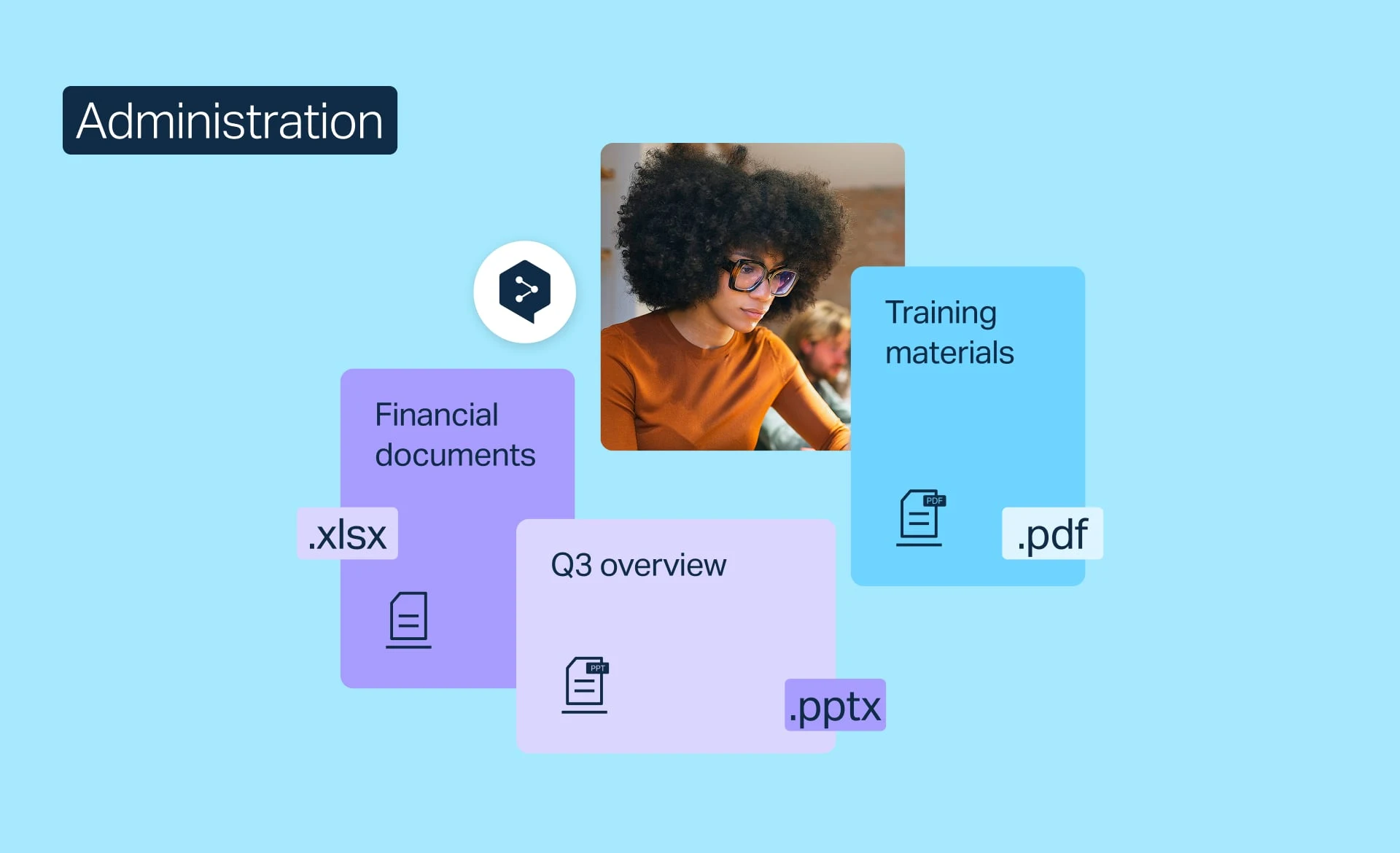
Documentvertaling beheren
Houd het gebruik van documentvertalingen bij, verhoog uw maandelijkse limiet of stel limieten in, geheel naar de behoeften van uw team.
- 2 minuten
Nu bekijken
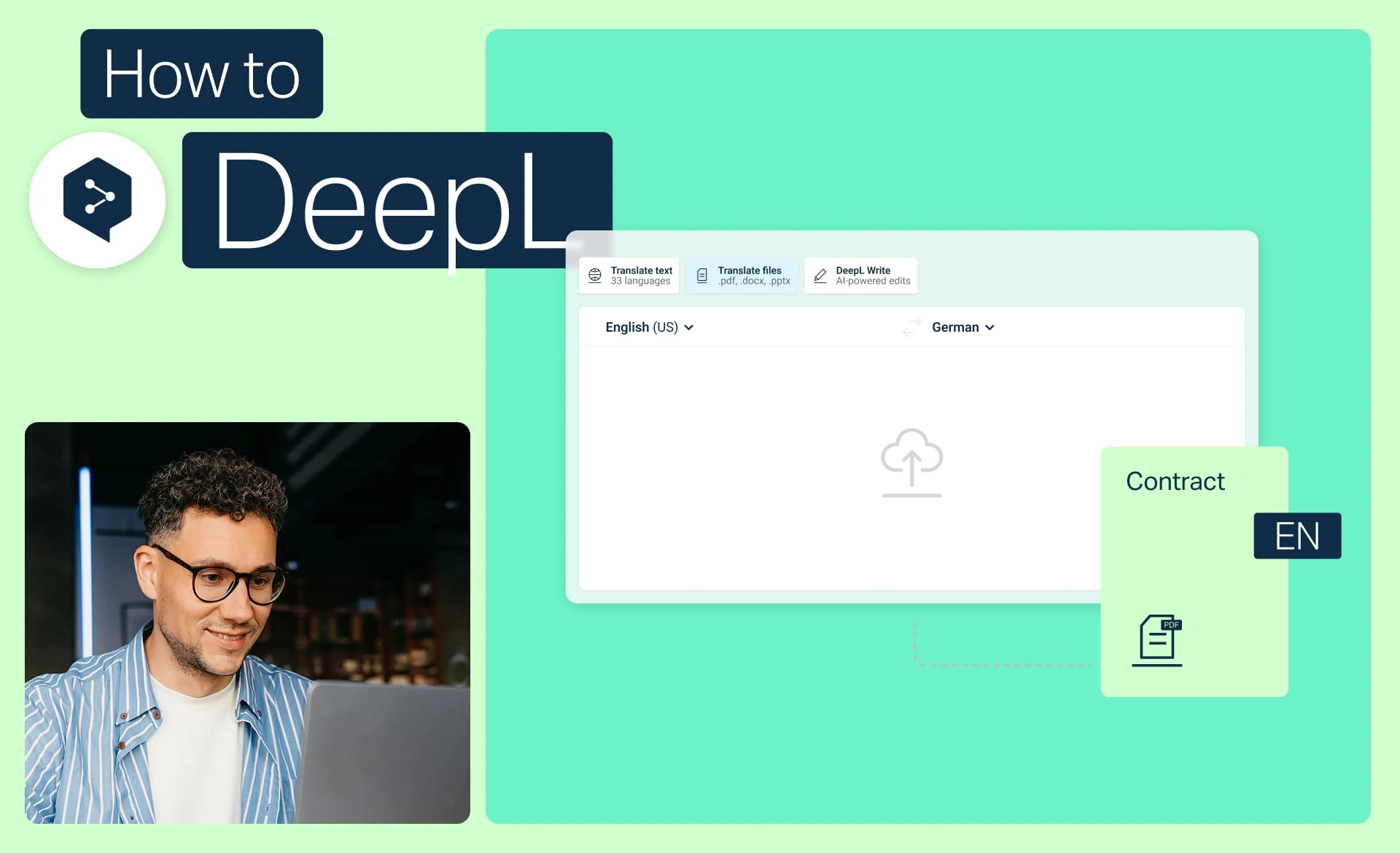
Bestanden vertalen met slechts enkele muisklikken
Vertaal één of meerdere bestanden met DeepL, converteer PDF’s en Word-documenten en pas woordenlijsten en formaliteiten toe.
- 2 minuten
Nu bekijken
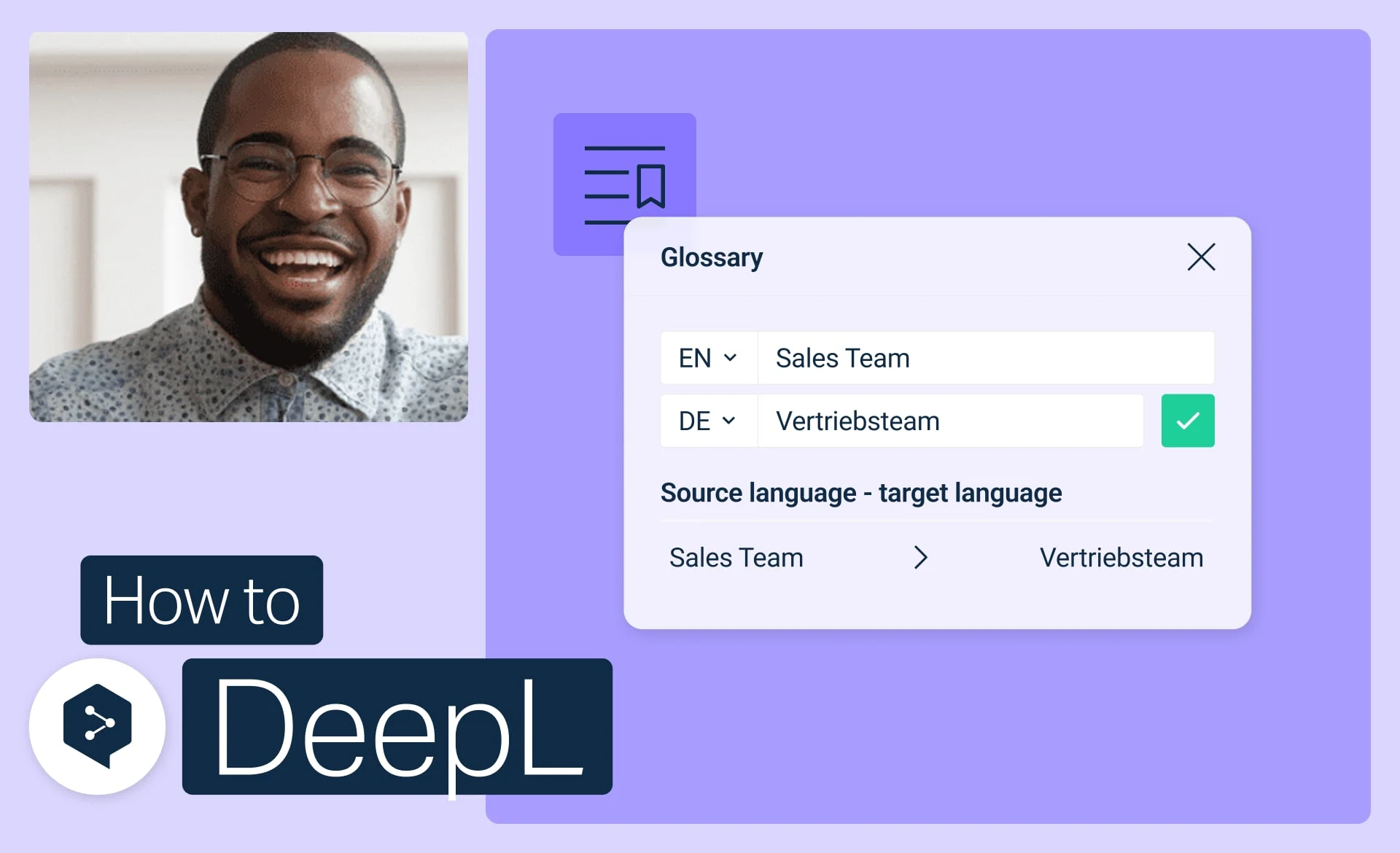
Ga aan de slag met DeepL-woordenlijsten
Maak, wijzig, activeer en beheer uw woordenlijsten om elke vertaling consistent te houden.
- 3 minuten
Nu bekijken