DeepLのデスクトップアプリを使い始めましょう
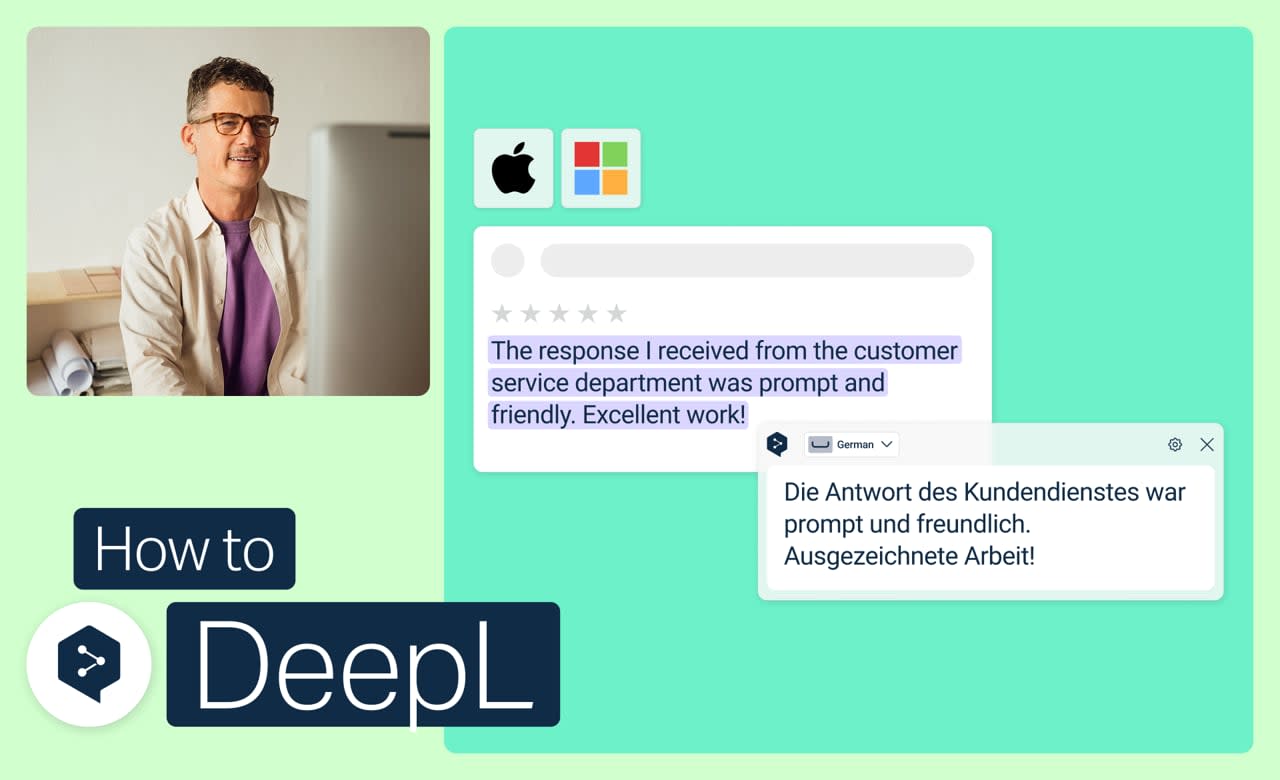
マウスに触れることなく、テキストの翻訳やファイル全体、画面上のあらゆるものを翻訳できます。macOSおよびWindows向けのDeepLのデスクトップアプリなら、普段作業している画面上で、翻訳や文章作成のためのキーボードショートカットをすぐに利用できます。
以下の操作方法を学びましょう:
- 画面上のテキストをキャプチャしてテキストの翻訳
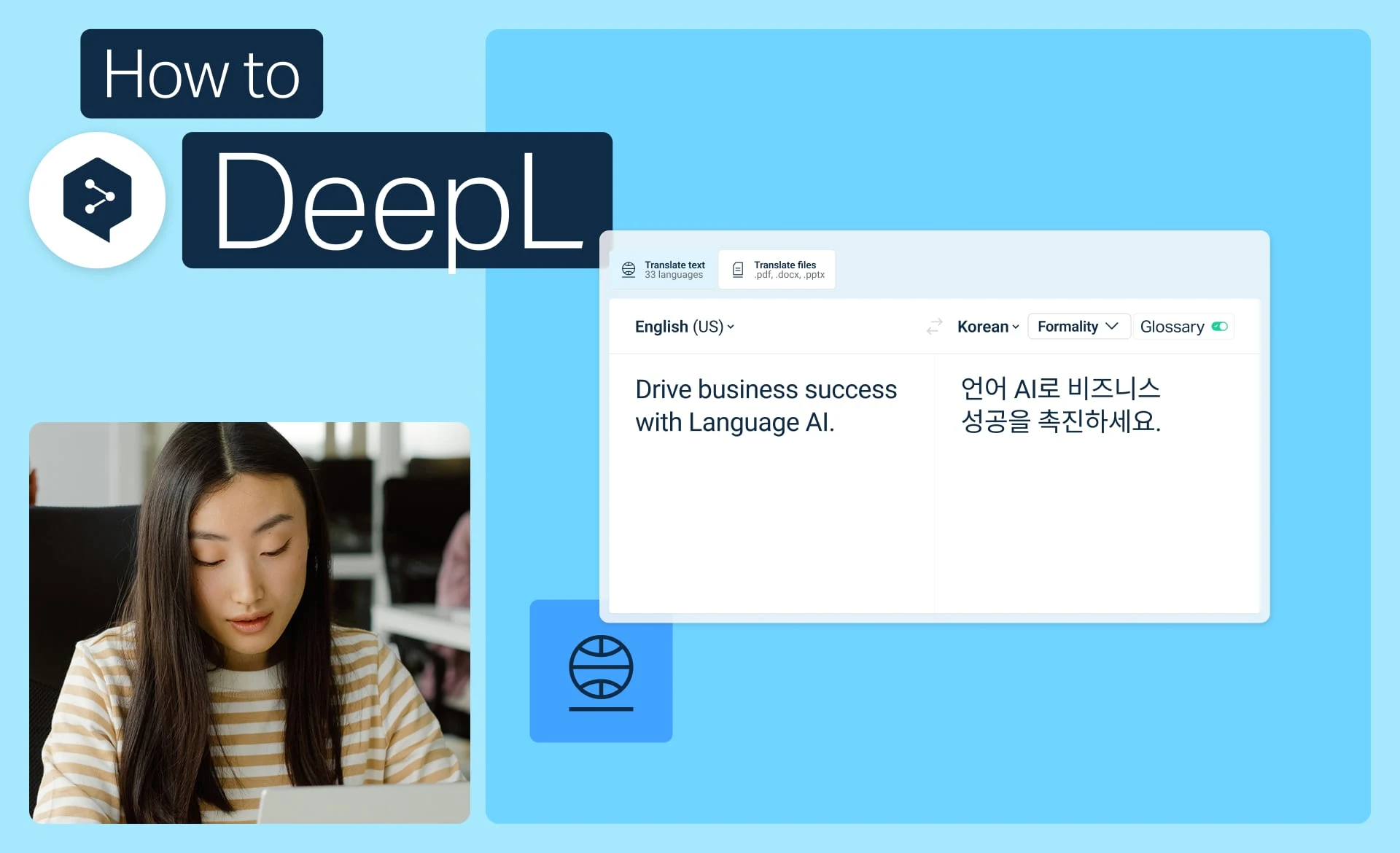
- アプリを閉じることなく、ファイル全体を翻訳
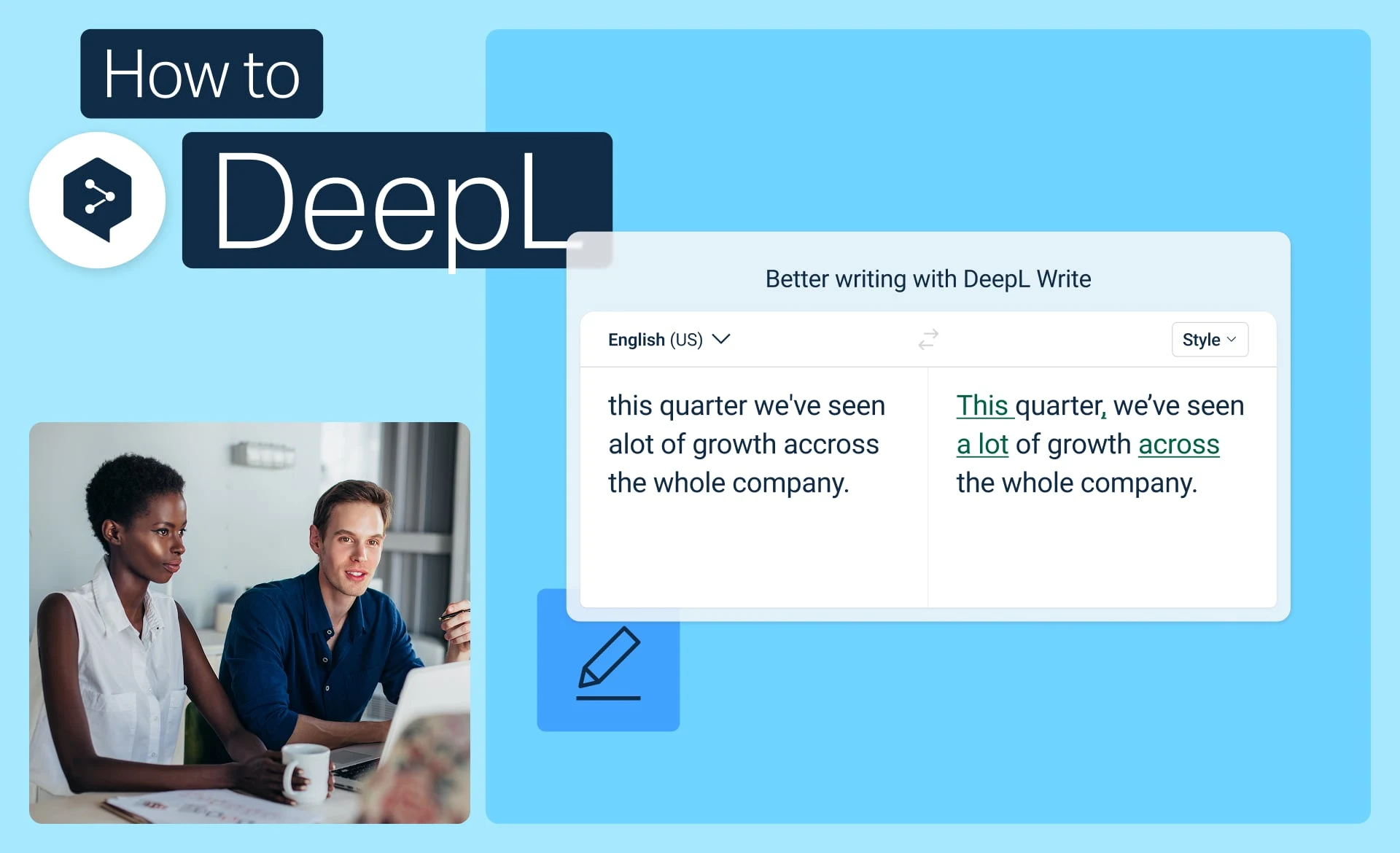
- DeepL Writeで文章を磨き上げましょう (ご利用のプランによります)
- ご自身の作業スタイルに合わせて、ショートカットをカスタマイズしたり無効にしたりできます