

Get started with DeepL's desktop apps
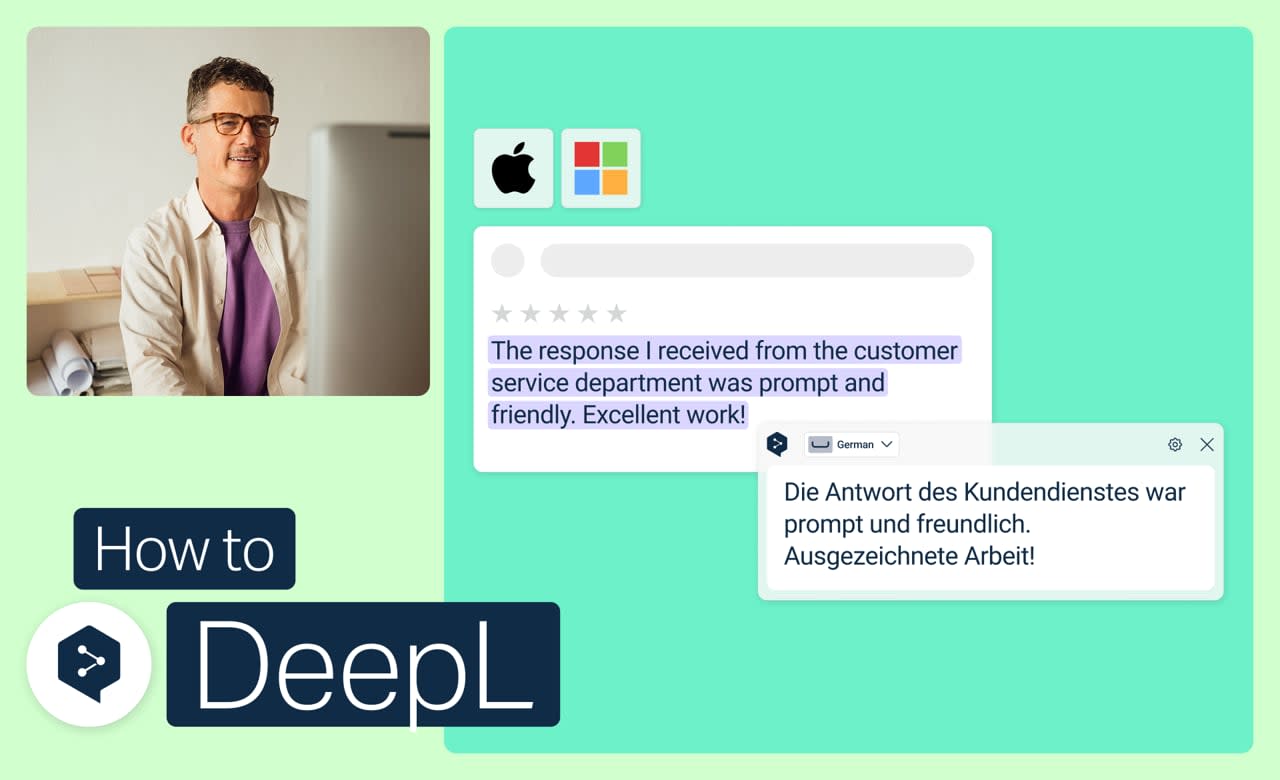
Translate text, whole files, or anything on your screen, all without touching your mouse. DeepL's desktop apps for macOS and Windows put keyboard shortcuts for translating and writing right where you're already working.
Learn to:
- Capture and translate text right off your screen
- Translate whole files without leaving the app
- Improve your writing with DeepL Write (depending on your plan)
- Personalize or turn off shortcuts to fit how you work
But wait, there's more!

Get started with DeepL's mobile apps
Translate text, voice, images, and files on the go, on iOS or Android.
- Time: 4 minutes
Watch now

Get started with DeepL Translator
Translate text, explore alternatives, check the dictionary, and fine-tune every result.
- Time: 2 minutes
Watch now

Get started with DeepL Write
Correct grammar, choose sharper words, and adjust your tone in seconds.
- Time: 2 minutes
Watch now