How DeepL built better document translation

In this post
- Key Takeaways
- Why better document translation was overdue—and the team that fixed it
- Measuring everything that matters in DeepL document translation
- Aleks
- Joshua
- Fabian
- Balancing layout constraints with smarter translation algorithms
- Aleks
- Fabian
- Meeting the PDF translation challenge at scale
- Joshua
- Aleks
- Fabian
- Aleks
- Joshua
- Raising the bar for AI-powered document translation
- Aleks
- Fabian
- Joshua
- Aleks
- Start translating complex documents with DeepL
Key Takeaways
- DeepL turns complex document translation workflows into a simple drag-and-drop experience with layouts, fonts, and formatting preserved.
- The product team translated customer pain points into nine quality metrics to systematically measure and improve document translation.
- DeepL’s layout-aware algorithms treat documents as constraint systems, keeping designs consistent even when text expands or contracts across languages.
- DeepL reliably handles complex PDFs at scale, maintaining alignment, supporting many scripts, and offering export to Word for deeper review.
- Features like glossaries, batch translation, and edit mode give you granular control instead of treating document translation as a black box.
- Continuous measurement and algorithm tuning keep raising the bar for AI-powered document translation quality and reliability.
- DeepL's continuous measurement and innovation roadmap point to document translation that keeps getting smarter, faster, and more reliable.
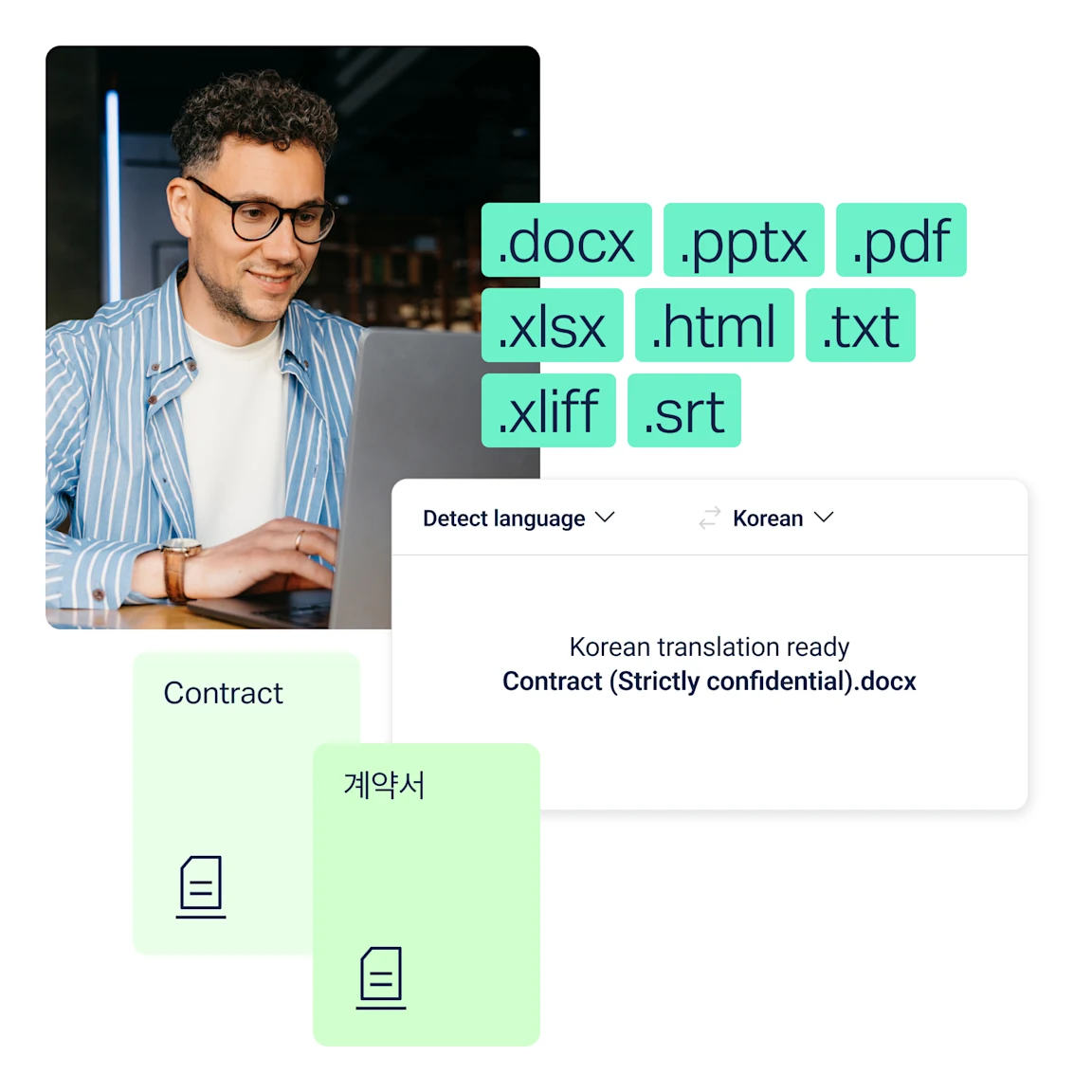
DeepL document translation has a huge impact for businesses across industries and regions and in a wide range of languages. It saves you from those complex, error-prone tasks:
- Extracting text from documents
- Translating text
- Flowing it back into designs
It transforms this into a simple process of drag, drop, done.
You get translated documents with all your original layouts and formatting preserved. Plus, you get all the superior quality and security of DeepL translations, alongside tools like glossaries and edit mode. And you’re always in control of the final result.
You can save even more time by translating batches of documents at once.
Why better document translation was overdue—and the team that fixed it
Behind that simple user experience sits a whole range of different functions. Successful document translation doesn’t just involve translating the text itself. To deliver a ready-to-use document, you also need to complete a range of tasks:
- Read the characters in PDFs accurately
- Adjust to how copy length changes between languages
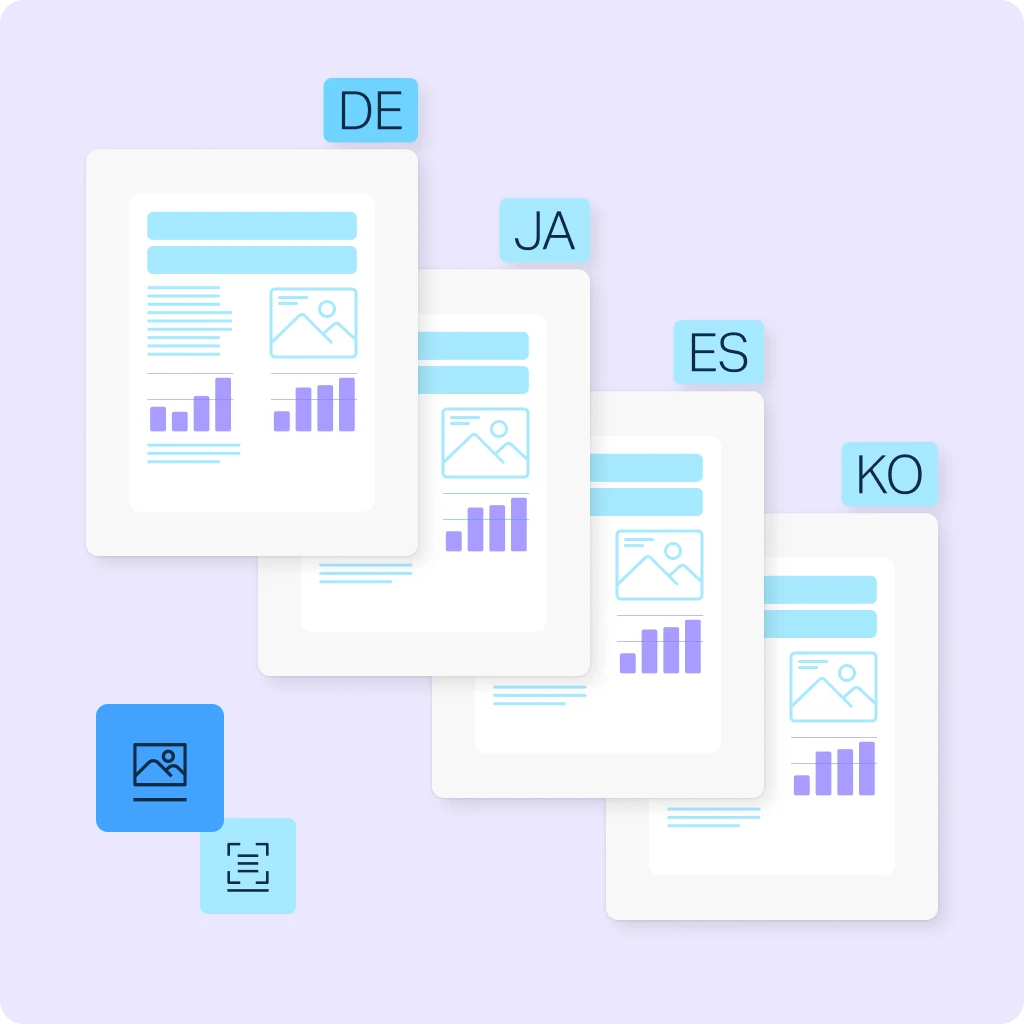
- Preserve layouts so that everything still makes sense visually
Perfecting all these different elements has been a long-running challenge for any document translation solution.
Three DeepL experts set out to fix it. Senior Product Manager Aleks Matiiasevych, Software Engineer Joshua Christl, and Senior Software Developer Fabian Grewing were determined to solve challenges.
They were part of a team that launched a groundbreaking project to raise the bar for document translation. That project meant first quantifying each part of the document translation experience, then testing different ways to balance them.
In the process, they developed innovative new features that enable DeepL to translate even the most complex document types.
This is their story of building a better document translation experience.

Measuring everything that matters in DeepL document translation
Before DeepL could raise the bar on document translation, the team needed hard data on what users value most. They broke the experience down into measurable components: content, layout, readability, and structure. Then, they built a scoring system to track quality over time.
Aleks
Aleks focused on what customers struggled with most in document translation and turned those pain points into measurable requirements.
“My role is to talk to customers and analyze data, to find the biggest pain points in document translation, and the biggest opportunities to improve the experience. We aim to deliver an experience where users drag a document into our tool and then get the perfect, localized version back.
“However, text length always changes when you translate, and this creates lots of technical challenges: how do you prevent text overflowing onto new pages? How do you keep it in the right position? How do you preserve fonts and formatting?
“We formalized the different elements involved in successful document translation into a set of nine metrics, measuring the different parameters that we could score our translations against. It meant we could test our quality and give each document a score on things like whether all of the text was present, whether font size was consistent within paragraphs, whether the original images, hyperlinks and footnotes were all carried over.”
Joshua
Joshua used those metrics on a wide range of real-world PDFs. As a result, the team could benchmark and improve DeepL document translation over time.
“Having consistent measurement in place was a really important part of raising the standards in document translation. Around half of the documents we translate are PDFs and they come in all kinds of different layouts: flyers, brochures, scientific papers, books, multi-column pages.
“We chose a representative corpus of real-world PDF examples, used a combination of manual and automatic scoring, and weighted the different metrics to create a single score for each translation. That way, we could easily track the improvement in our document translations over time.”
Fabian
Then, Fabian experimented with layouts and font handling to raise those scores while keeping each document’s original structure intact.
“My role was to take the scores that Aleks and Joshua generated and find a way to improve them. Document translation uses our text translation but has a lot of other complex functionality as well. We tried various approaches to resizing fonts and reshaping the documents to keep as many of the different elements and proportions in place as we could.”
Together, Aleks, Joshua and Fabian turned customer feedback into metrics, metrics into benchmarks, and benchmarks into better document layouts. Their work laid the foundation for consistently high-quality DeepL document translation, even for complex, multi-column PDFs.
Balancing layout constraints with smarter translation algorithms
DeepL’s team soon realized that great document translation needs more than text accuracy. It also demands layout-aware algorithms that respect how real documents behave across languages.
Aleks
Aleks and the team first tested basic font scaling between languages to see if a simple rule could fix layout issues.
“To begin with, we took quite a simple approach. We know that Portuguese is almost always 25% longer than English, for example, and so we would try simply increasing or decreasing the font size by that proportion.
“We found this sometimes worked, but often didn’t deliver the best result. That’s when we started to look into smarter and more sophisticated approaches.”
Fabian
Fabian then reframed the problem: Treat each document as a system of layout constraints that translation algorithms must satisfy.
“The solution that we developed treats the different elements of the document layout as a set of constraints that we have to respect. We need to make sure that we keep elements and tables in the same positions, keep the size of font consistent within paragraphs, and keep similar ratios between the font sizes of headline and body copy.
“We can quantify all of this, put the numbers into a set of equations, and try to solve those equations in the way that least distorts the original proportions of the document. It’s about keeping things in sync as much as possible.
“A big difference with our approach is that we treat documents as living things, with text that can flow over from one column or box into the next. Google, on the other hand, separates text boxes and panels out and tries to optimize each individually.
“Our approach means that we can choose a font size and style that works for each page as a whole, and that produces a more uniform size and style that fits better.”
By moving beyond simple font scaling and modeling layouts as constraint systems, the team built document translation that adapts intelligently. You get more natural, readable documents that stay true to original designs, even when text expands or shrinks between languages.

Meeting the PDF translation challenge at scale
PDFs are the toughest test for document translation. Their rigid formats leave little room for text expansion, layout errors, or broken designs. DeepL’s team focused on making translated PDFs usable at scale without sacrificing layout, readability, or control.
Joshua
Joshua emphasized how much layout fidelity matters when PDFs can’t flex.
“All of this matters so much more when you’re translating PDFs, because the format is rigid. It’s very important for the user experience that the translated document has all of the different elements in the right place, with text and images aligned and on the correct pages, so that they have a PDF that they can use.”
Aleks
Aleks used the scoring system to compare DeepL’s PDF output to other tools worldwide.
“One of the important benefits of our scoring system is that it enables us to benchmark how we’re doing. We’ve been able to confirm that our quality is superior to most competitors both locally and internationally.”
Fabian
Fabian focused on handling many formats and scripts in a single, consistent experience.
“It’s important for our customers to be able to translate a whole range of different document types and different languages, all within the same solution and the same user experience. I’ve had lots of conversations with our language experts about the expansion and contraction between copy length in different languages.
“We’ve been able to find fonts, styles and script systems that can display all of these different languages effectively, and without too much compromise of the original designs.”
Aleks
Aleks highlighted how edit mode restores control, even inside fixed PDF layouts.
“We also have our edit mode feature, which allows you to edit specific words in the translation, choose different alternatives and rewrite your text before it’s all wrapped up again into the new PDF. That’s a valuable feature that gives people control even when they’re working within the rigid PDF format.”
Joshua
Joshua explained how exporting to Microsoft Word gives teams more space to refine results.
“Besides the edit mode feature, we’ve also created an option for people to save the translated copy from their PDF document as a Word document instead. This gives them the opportunity to review the translation in more detail and reflow into their original design, if that’s what they choose to do.”
These features make DeepL document translation practical for real-world PDFs at scale. Teams keep original layouts, gain edit control, and move between PDF and Word to refine content without rebuilding designs.
Raising the bar for AI-powered document translation
DeepL’s team didn’t just improve document translation quality; they set out to redefine the AI standard. They measured real-world performance, refined algorithms, and stress-tested complex PDFs.
And by doing so, they turned document translation into a disciplined, AI-powered craft instead of a black box.
Aleks
Aleks underscored how metrics made DeepL’s leadership in document translation visible and defensible.
“Our scoring system and the focus we brought to improving document translation really paid off. We can see the progress we’ve made, and that DeepL is now one of the leaders when it comes to document translation.”
Fabian
Fabian reflected on how the new approach unlocked document types that used to break completely.
“Some types of really complex PDFs were almost untranslatable previously. The design just kept breaking. We’ve now got to a place where we can reproduce even those documents really well. I’d say that’s a big win.”
Joshua
Joshua noted how data-driven decisions helped pick the most effective document translation algorithms.
“It all shows the value of having the right metrics to guide you. We were able to identify quickly which paths were taking us in the right direction. It meant that we could pick the algorithms that yielded the best results, and the end result has been to hugely improve document translation quality.”
Aleks
Aleks pointed to the road ahead, focused on more user control and even higher document translation quality.
“The exciting thing is that this is just the start. As a team, we have regular discussions about what we can do next to move things forward.
“There are lots of interesting ideas for us to explore when it comes to giving users more control over how their document appears, which can really multiply the value that this functionality delivers. It’s going to be really interesting to see where document translation with DeepL goes next.”
These perspectives all show how DeepL’s AI-powered document translation keeps improving. Measurable quality gains, reliable handling of complex PDFs, and a strong innovation roadmap all point to a definite outcome.
DeepL aims for document translation that you can trust for your critical content.
Start translating complex documents with DeepL
DeepL document translation turns manual, risky file workflows into a simple drag-and-drop process with layouts, fonts, and formatting preserved.
From sales decks to technical manuals to multi-column PDFs, DeepL helps teams move faster without sacrificing quality.
Need to go further? DeepL’s Language AI suite—Translator, Write, Voice, and API—gives teams the tools to handle multilingual work well beyond document translation.
Try DeepL document translation, or contact Sales to explore DeepL’s Language AI tools.
Visit DeepL AI Labs to explore where we’re heading next.