

How to translate the web and write fluently with DeepL for Chrome
Key Takeaways
- DeepL for Chrome lets you translate as you read and write, directly in your browser.
- Free users can translate selected text, while DeepL Pro users also unlock instant full-page translation.
- DeepL Pro keeps your data secure with encrypted connections and automatic deletion of translated text.
- DeepL for Chrome works alongside DeepL's full Language AI suite for a complete multilingual workflow.
We’re proud to offer you the DeepL for Chrome extension. It brings the quality of our next-gen web translation and desktop apps to your browser.
Whether you’re corresponding with clients abroad or conducting multilingual research, enjoy any page in your own language without ever leaving Chrome.
The Chrome extension offers you three important tools as you browse the web:
- Translate while you write
- Translate sections of text
- Translate full pages
How to translate the web: free and Pro users
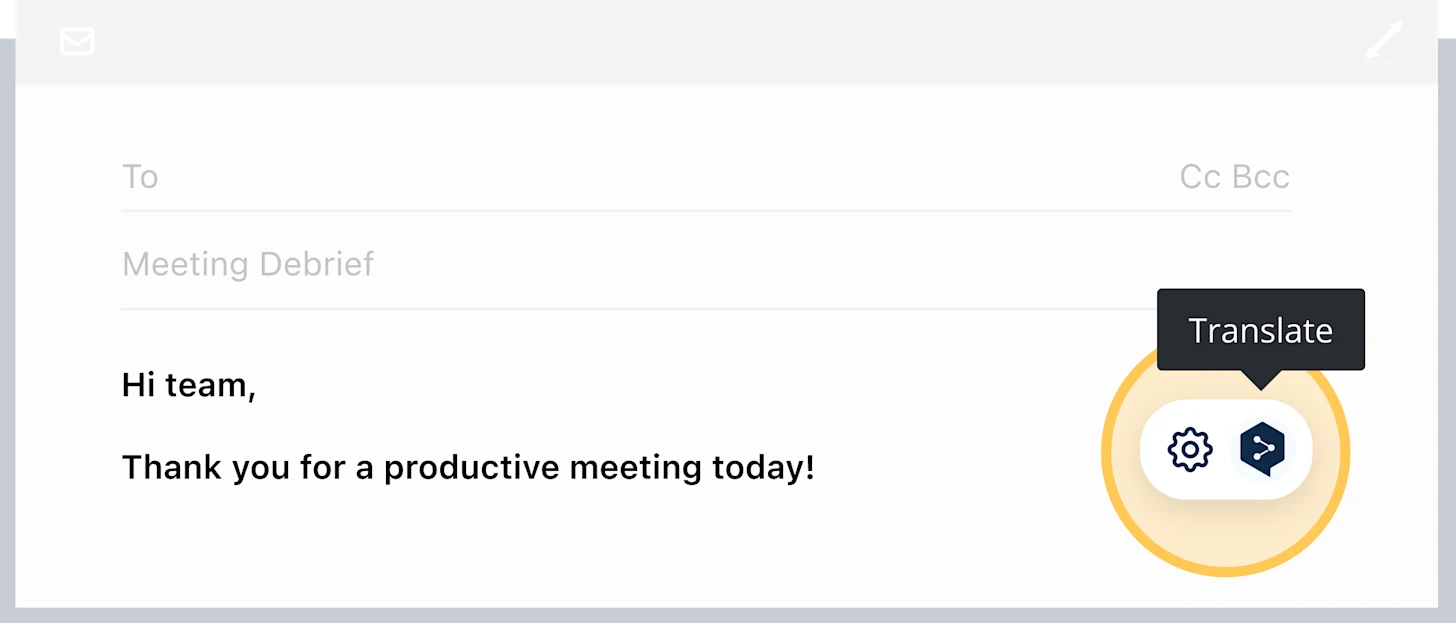
As a free or Pro user, efficiently translate your writing by choosing your target language in the extension settings.
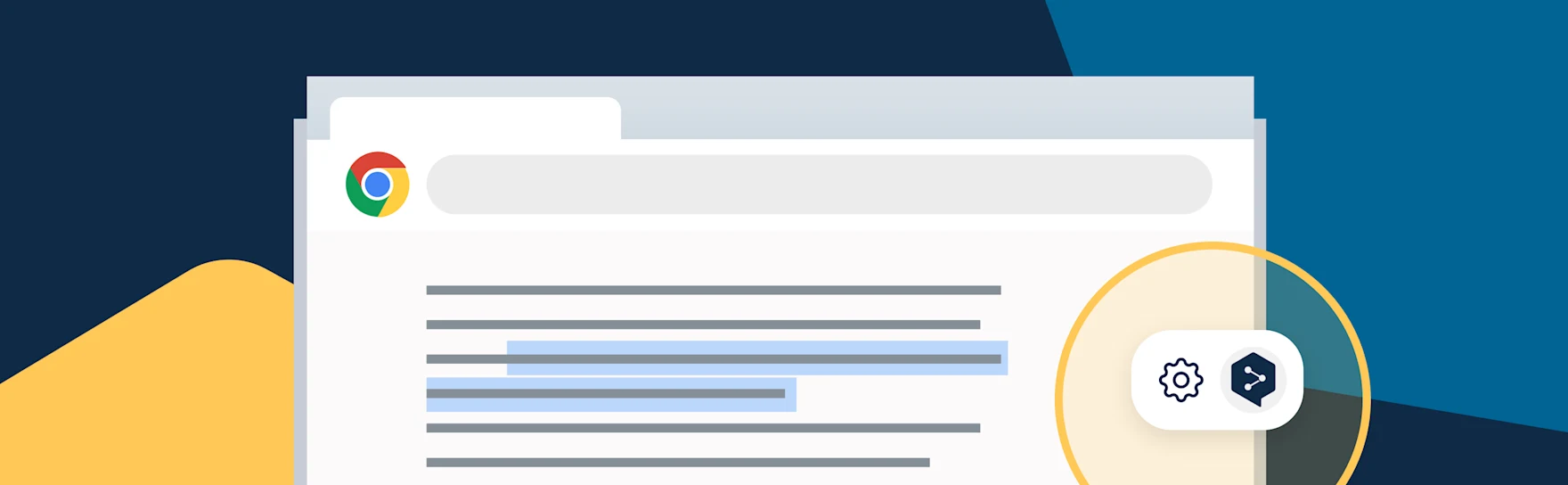
Click the DeepL icon next to your text or paragraph for an instant translation.
Free users can translate selected texts while browsing the web. Highlight the desired section and instantly translate it into your target language.
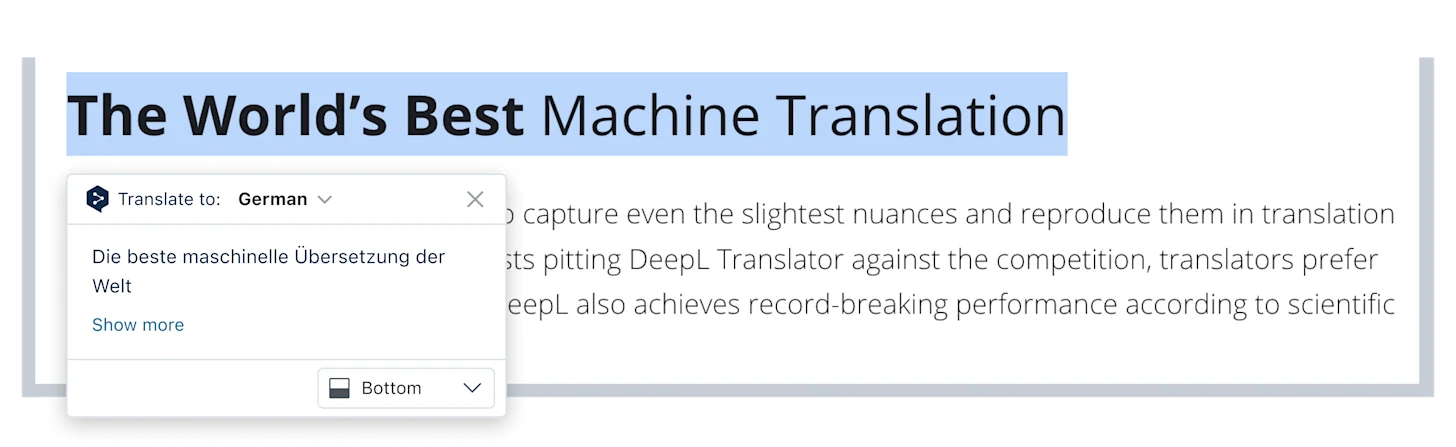
Once you highlight the text, the DeepL icon appears. Choose your target language to see the translation. “Show more” opens the web translator in a new tab.
DeepL Pro users also enjoy full-page translation. Simply log in to your DeepL Pro account on the extension and set all or specific sites to instant translation.
DeepL for Chrome integrates directly into Google Workspace, including Gmail, Google Docs, and Google Slides—as well as YouTube, WhatsApp, LinkedIn, and X. Wherever you read, write, or communicate, DeepL works alongside you.
As with our web translator and desktop apps, we guarantee Pro customers maximum data security and an encrypted connection. The platform deletes all texts after translation.
DeepL for Chrome gives you instant, in-context translation wherever you browse.
Watch how to instantly translate websites with DeepL browser extensions.
Start translating the web with DeepL for Chrome
Download DeepL for Chrome for a fast, efficient translation and writing experience that complements our desktop and mobile apps. It removes language barriers directly in your browser, with translation across 30+ languages and writing assistance for 5+ … and growing.
Contact Sales to explore how specialized AI tools—Translator, Write, Voice, API, and Integrations—can support your multilingual workflows at scale.