

4 DeepL Voice setups for your meetings
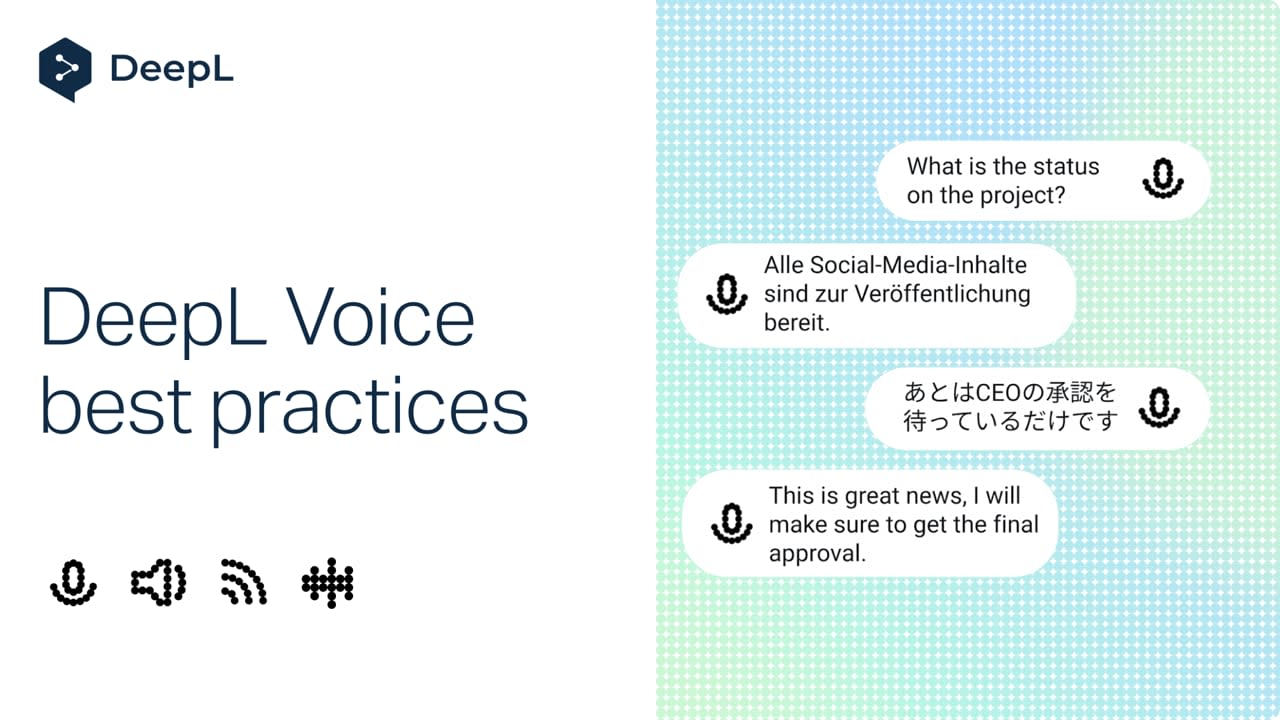
Technical reviews, all-hands, mixed-language calls, site visits: each meeting calls for a slightly different DeepL Voice setup. Here are four you can try once and reuse, so every participant can follow and contribute in their own language, online and in person.
Learn how to:
- Add glossaries and spoken terms, so your technical vocabulary is translated and transcribed the same way every time
- Choose between live captions and Voice to Voice,, set formality to match the meeting, and save transcripts for anyone who missed it
- Run calls with several languages, with automatic language detection across 40+ languages
- Take translation on site with DeepL Voice for In-Person Conversations, from one-to-one chats to group conversations of up to 30 people
But wait, there's more!
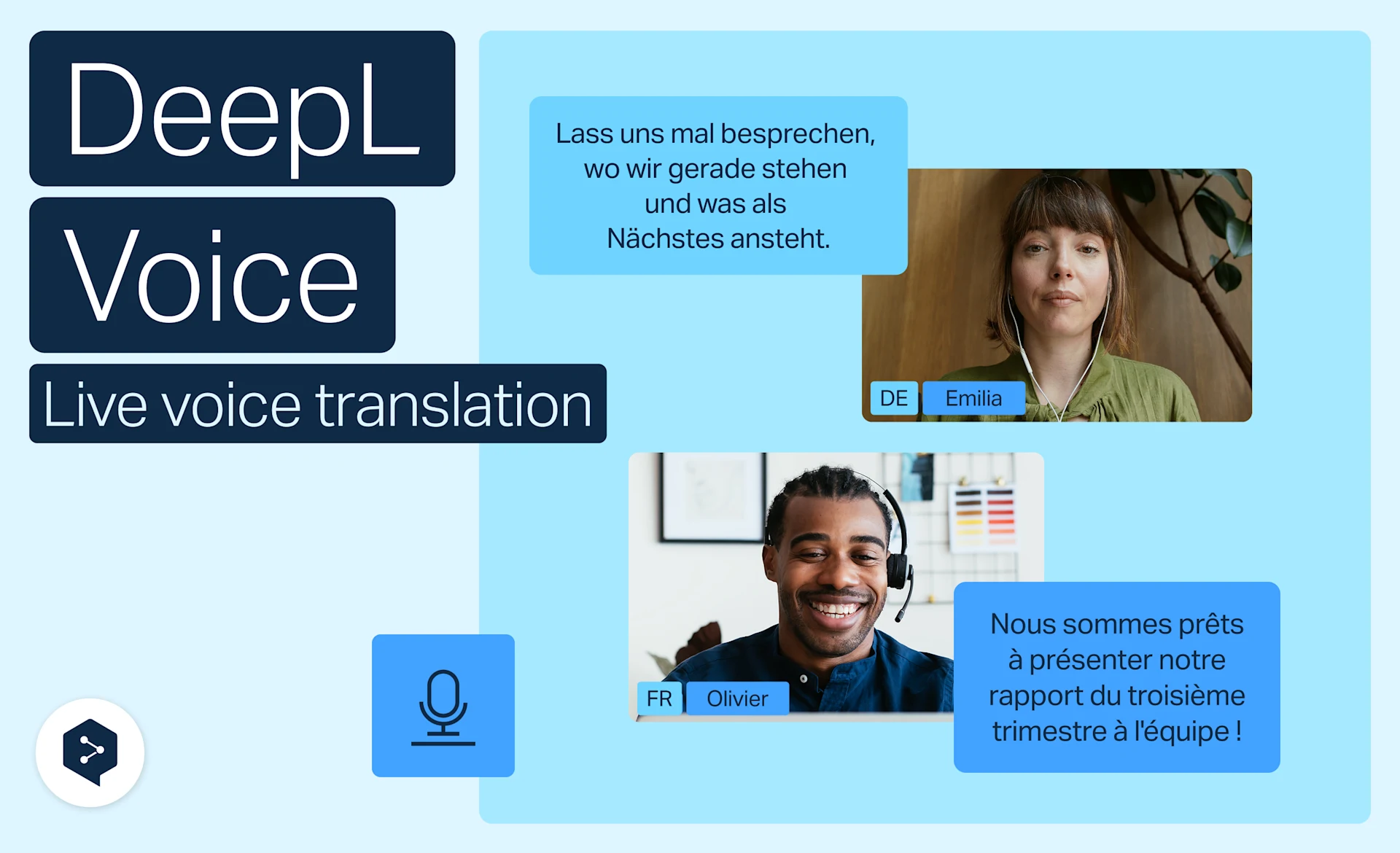
Hear Voice to voice translation in Zoom, Teams, and Meet
With Voice to voice in DeepL Voice, you hear translations spoken out loud in real time, in your own language.
- Time: 3 minutes
Watch now
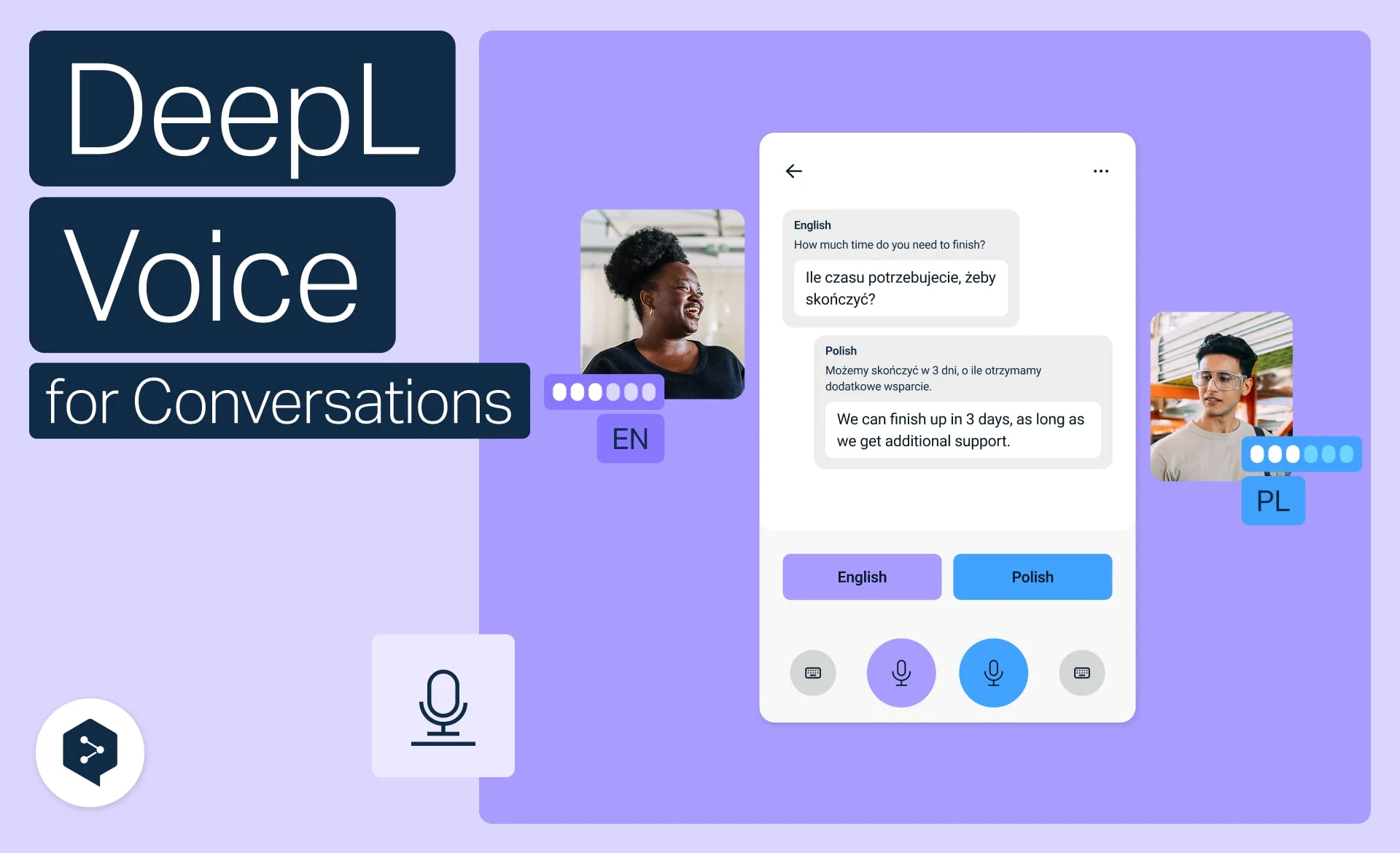
Translate face-to-face conversations on mobile
Translate spoken conversations in real time with DeepL Voice, straight from your phone.
- Time: 2 minutes
Watch now
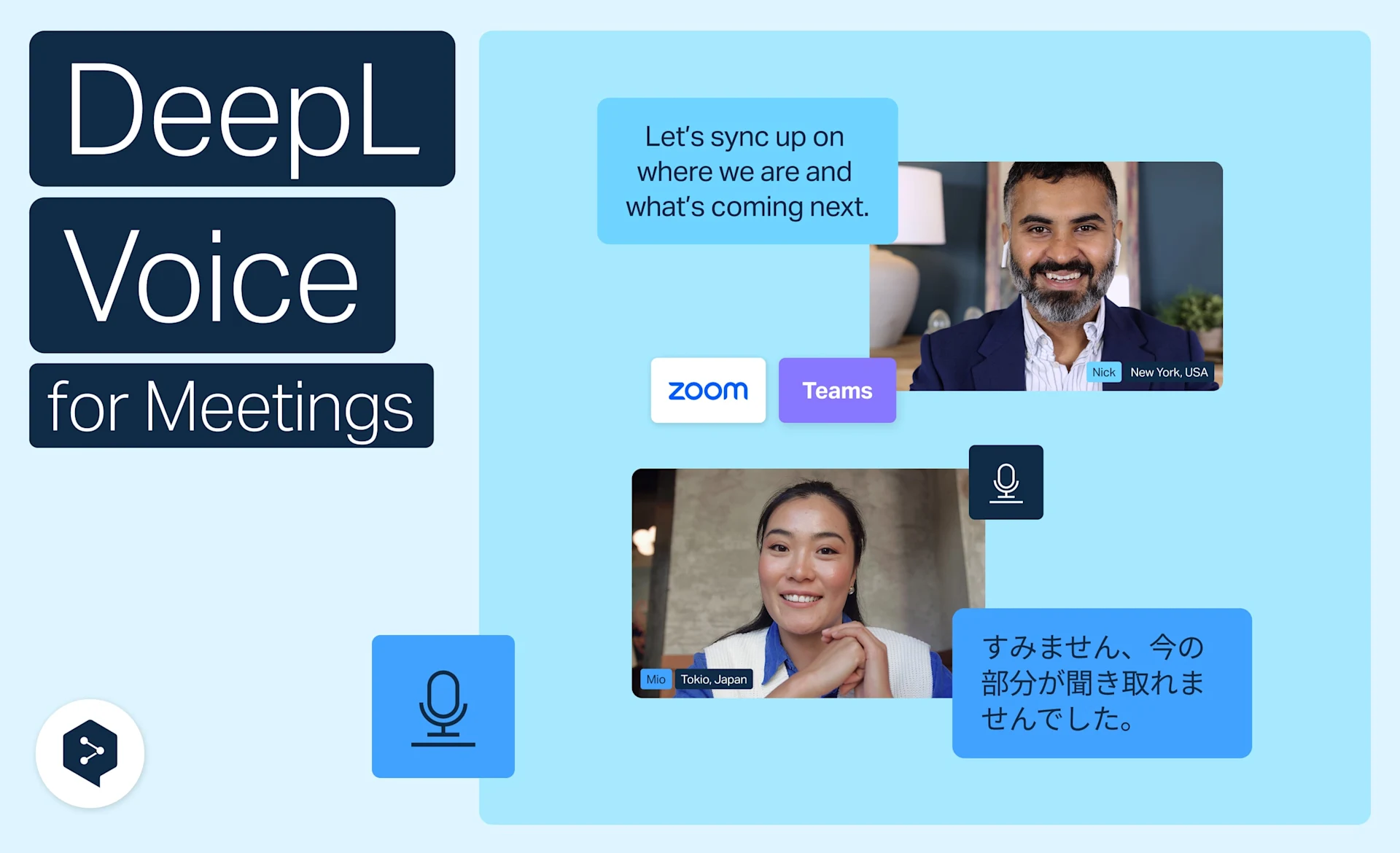
Get live translation in Zoom, Teams, and Meet
Get real-time translation in Zoom, Microsoft Teams and Google Meet with DeepL Voice—no apps or setup, right from your browser.
- Time: 3 minutes
Watch now