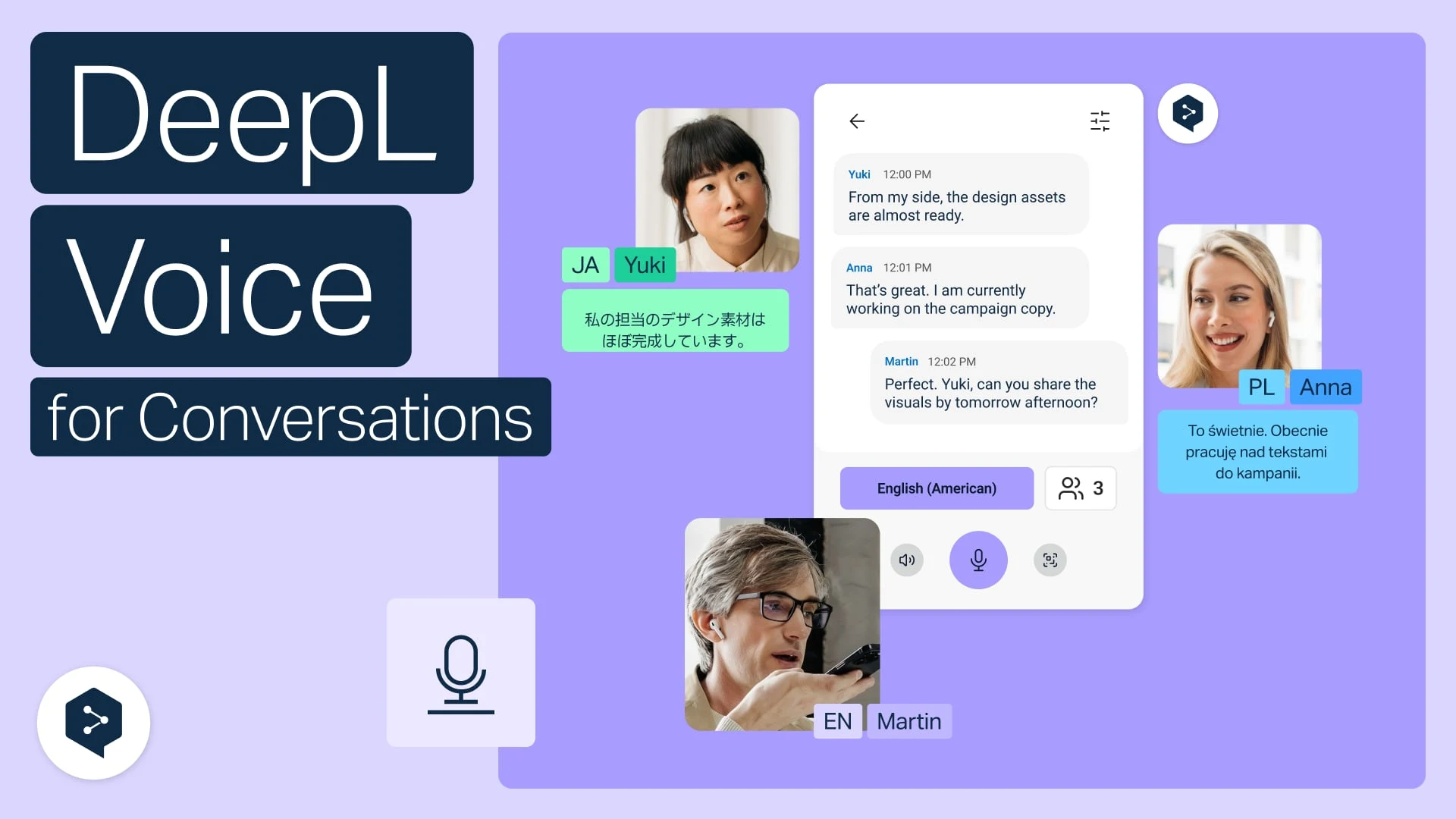
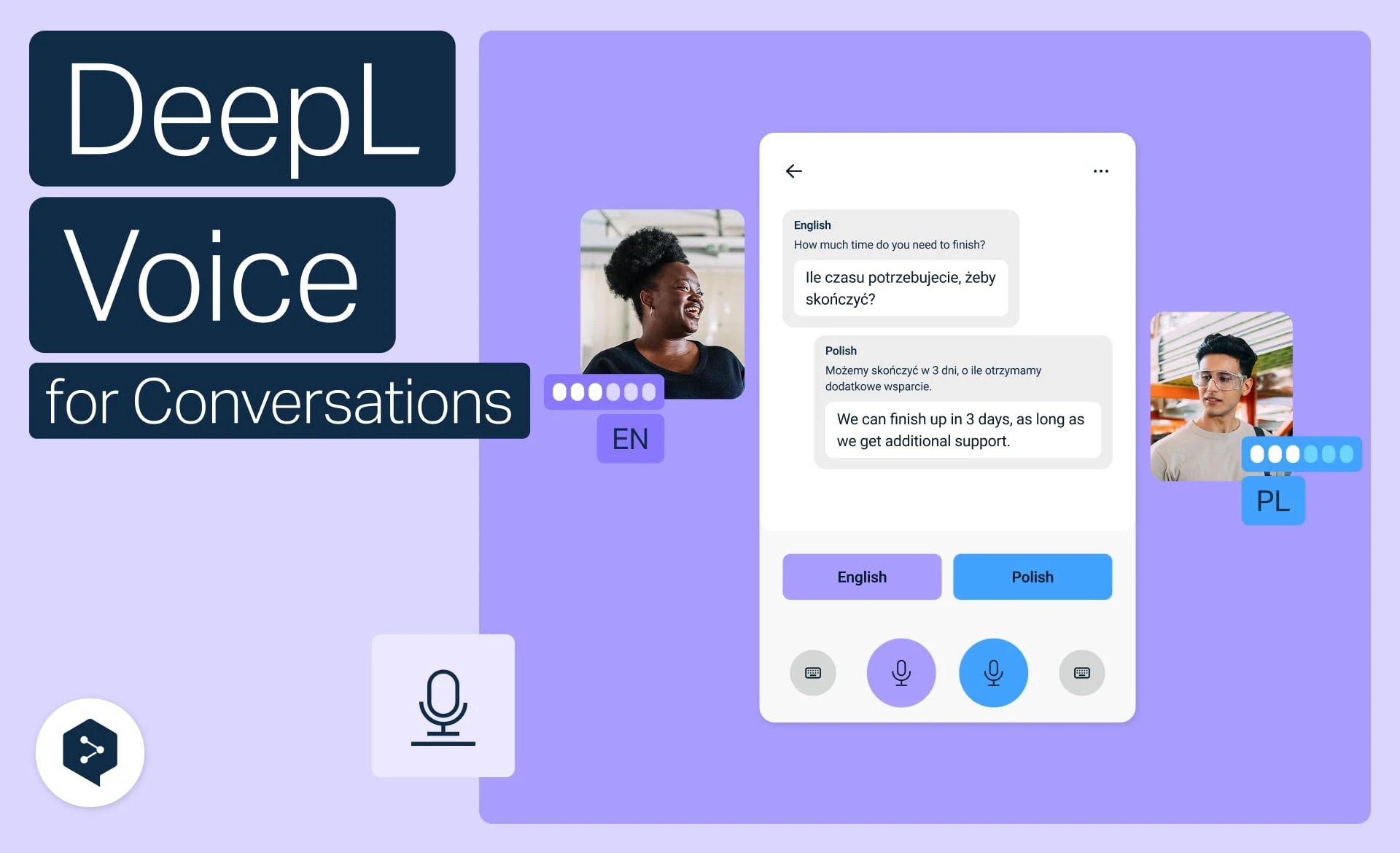
Get live translation in Zoom, Teams, and Meet
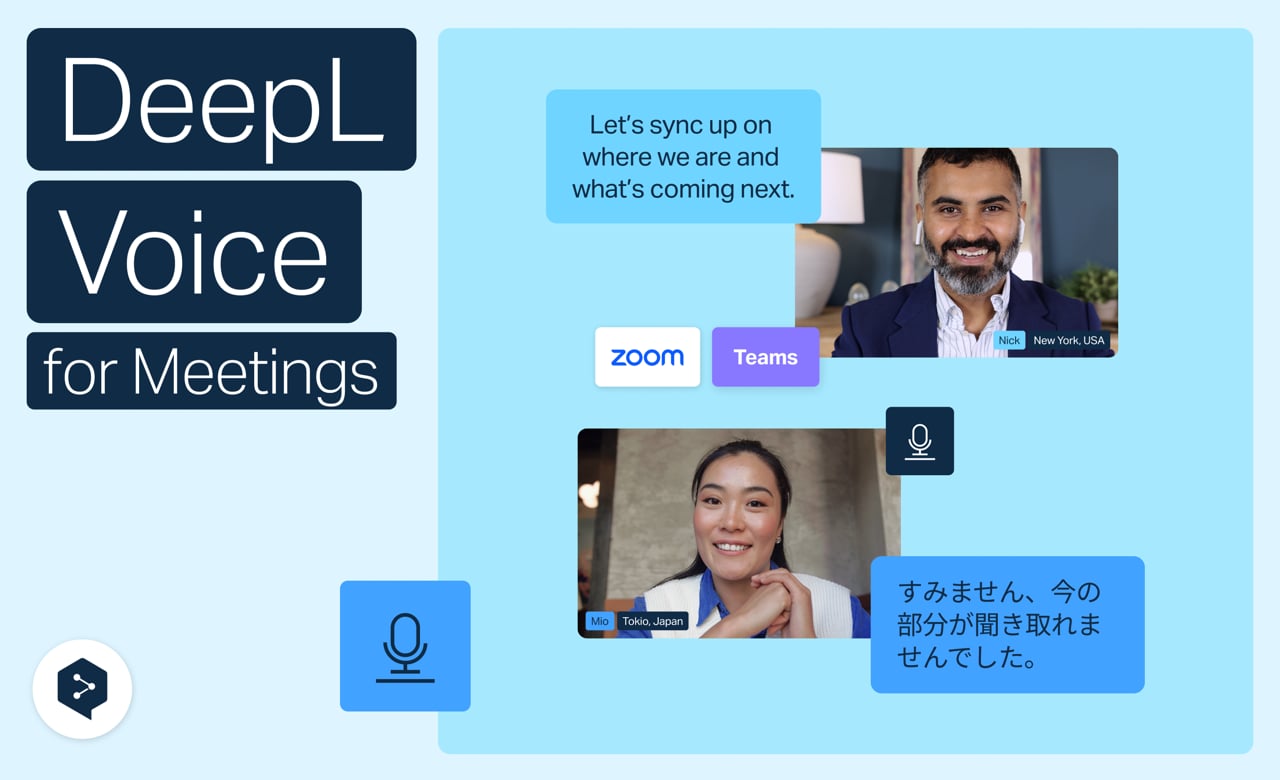
Eliminate language and technical barriers with DeepL Voice. Get real-time translation for Zoom, Microsoft Teams, and Google Meet directly in your browser—no apps, no complex setups, no delays.
Learn to:
- Join any meeting via a single web-based entry point
- Multitask with side-by-side captions and chat
- Control your translation with language and transcription toggles
- Stay on-brand with glossaries, spoken terms, and formality
- Access transcripts directly from your dashboard