

Disfruta de traducción en directo en Zoom, Teams y Meet
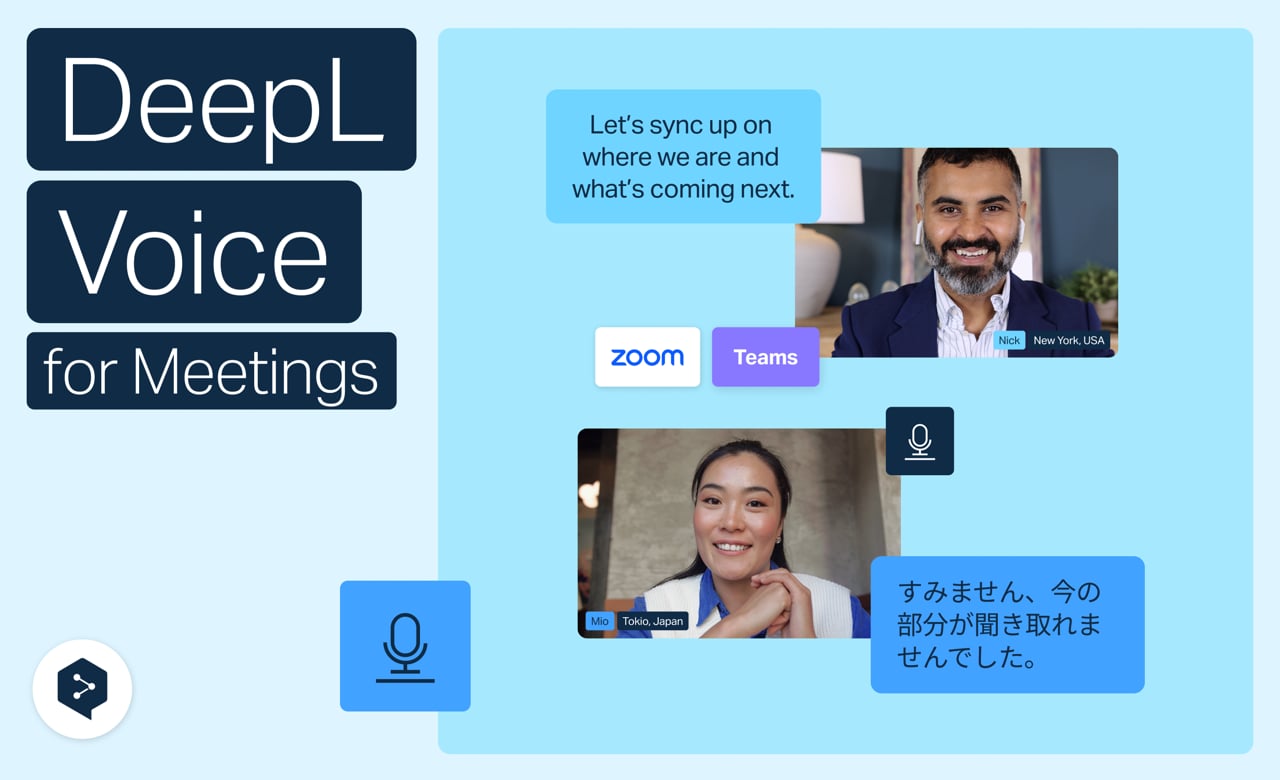
Elimina las barreras de idioma y técnicas con DeepL Voice. Disfruta de traducción en tiempo real para Zoom, Microsoft Teams y Google Meet directamente en tu navegador: sin aplicaciones, sin configuraciones complicadas y sin retrasos.
Aprende a:
- Únete a cualquier reunión a través de un único punto de entrada web
- Haz varias cosas a la vez con subtítulos en paralelo y chat
- Controla tu traducción con idioma y opciones de transcripción
- Mantén la coherencia de tu marca con glosarios, términos mencionados y formalidad
- Accede a las transcripciones directamente desde tu panel de control
¡Y esto no es todo!
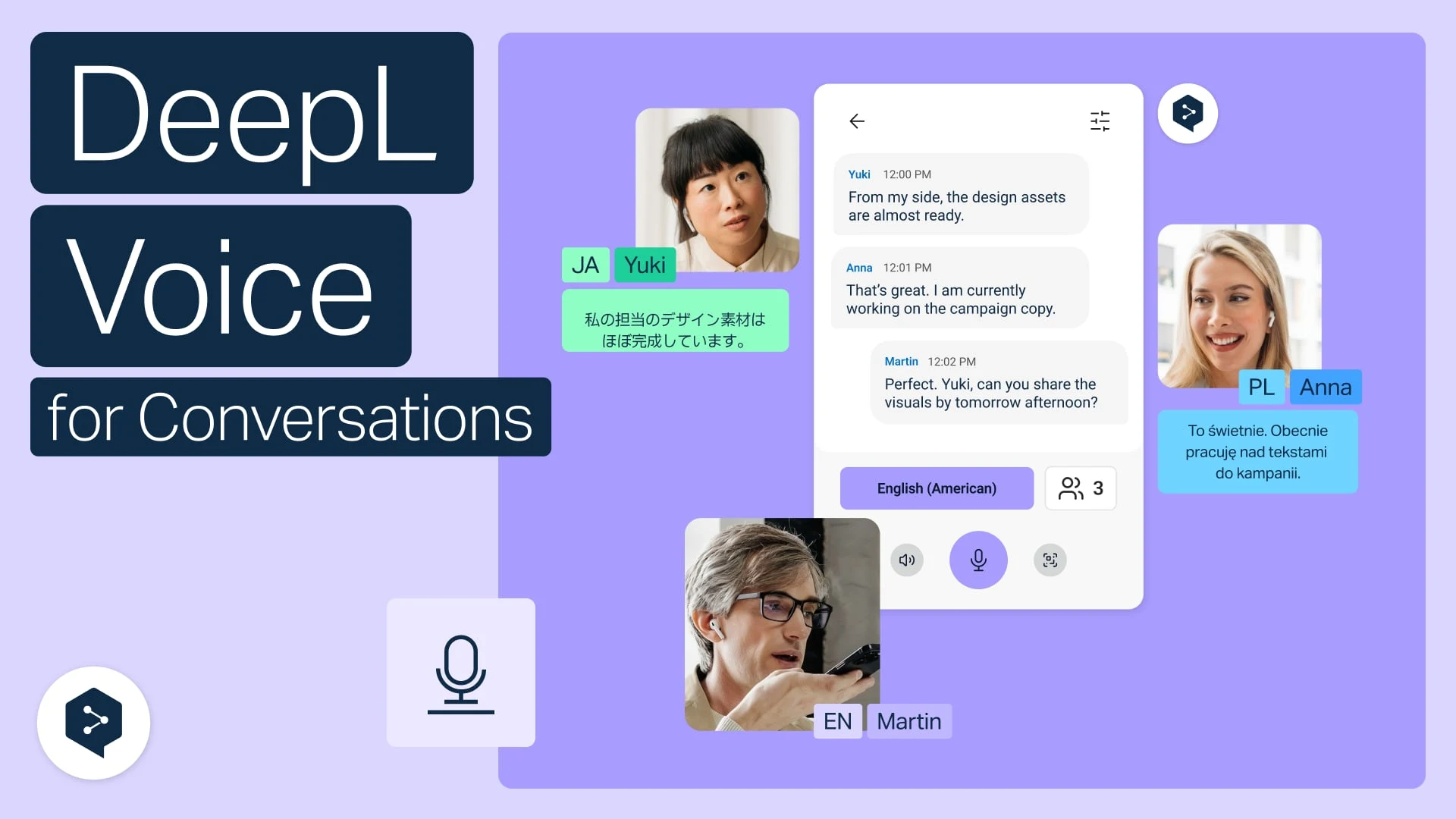
Traduce conversaciones cara a cara en la web
Usa DeepL Voice en tu navegador para chatear cara a cara en diferentes idiomas.
- Tiempo: 2 minutos
Ver ahora
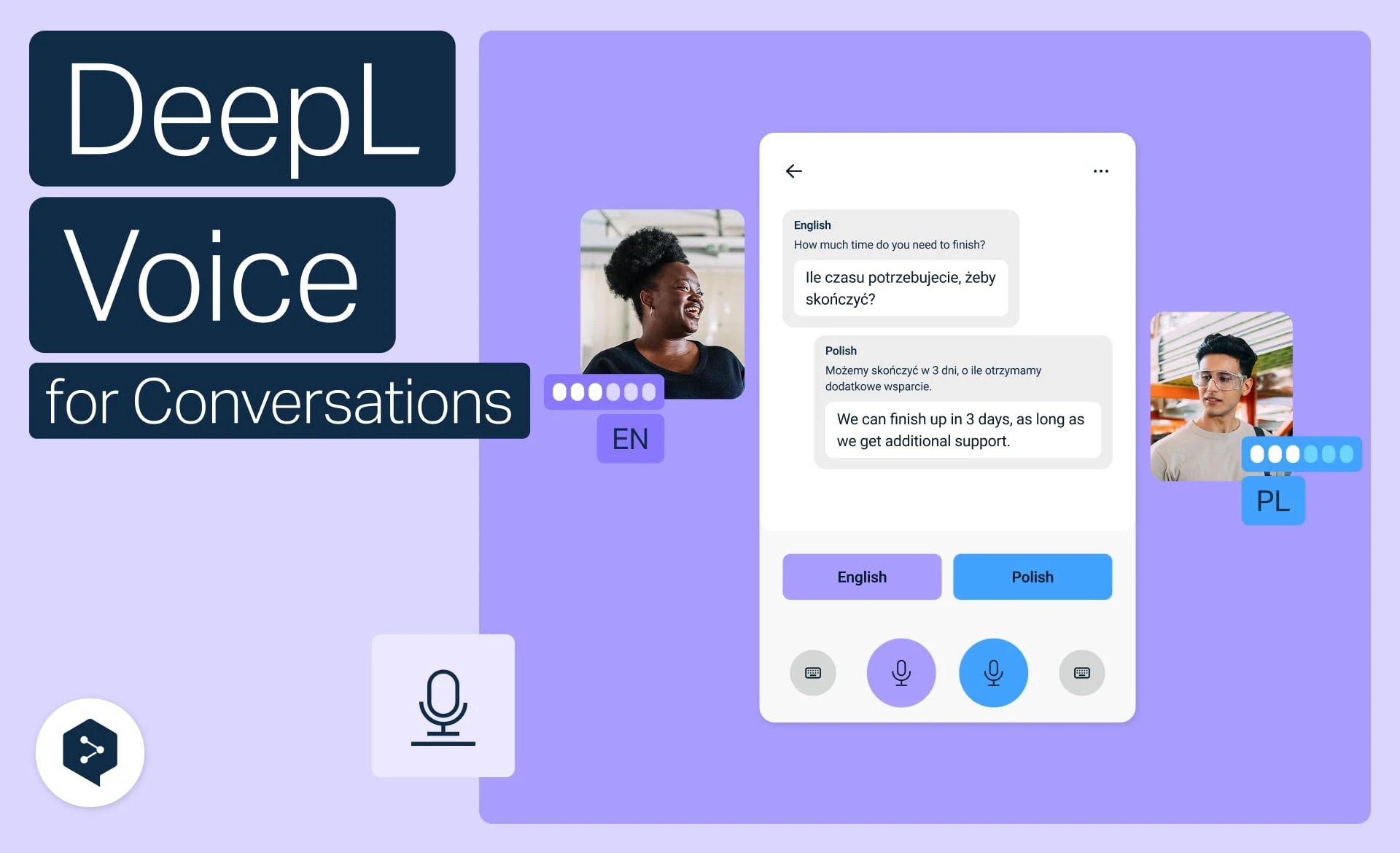
Traduce conversaciones cara a cara en el móvil
Traduce conversaciones orales en tiempo real con DeepL Voice, directamente desde tu móvil.
- Tiempo: 2 minutos
Ver ahora