

Hear Voice to voice translation in Zoom, Teams, and Meet
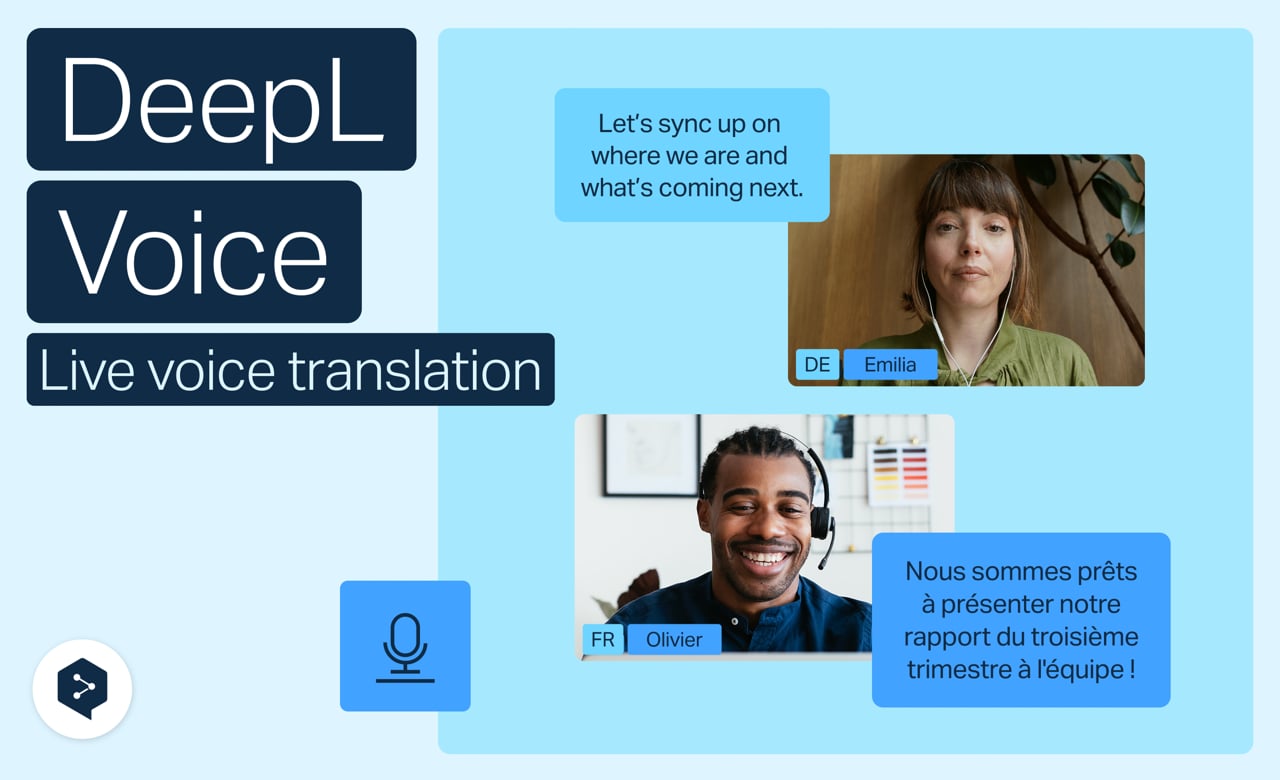
Multilingual meetings just got easier to follow. With voice to voice in DeepL Voice, you hear translations spoken out loud in real time, in your own language—and every speaker still sounds like themselves.
Learn to:
- Turn on voice-to-voice translation in Zoom, Microsoft Teams, or Google Meet
- Set your spoken and target languages
- Adjust the original audio volume during a call
- Fine-tune accuracy with spoken terms, glossaries, and formality
- Turn speaker match on or off to control how translated voices sound
But wait, there's more!
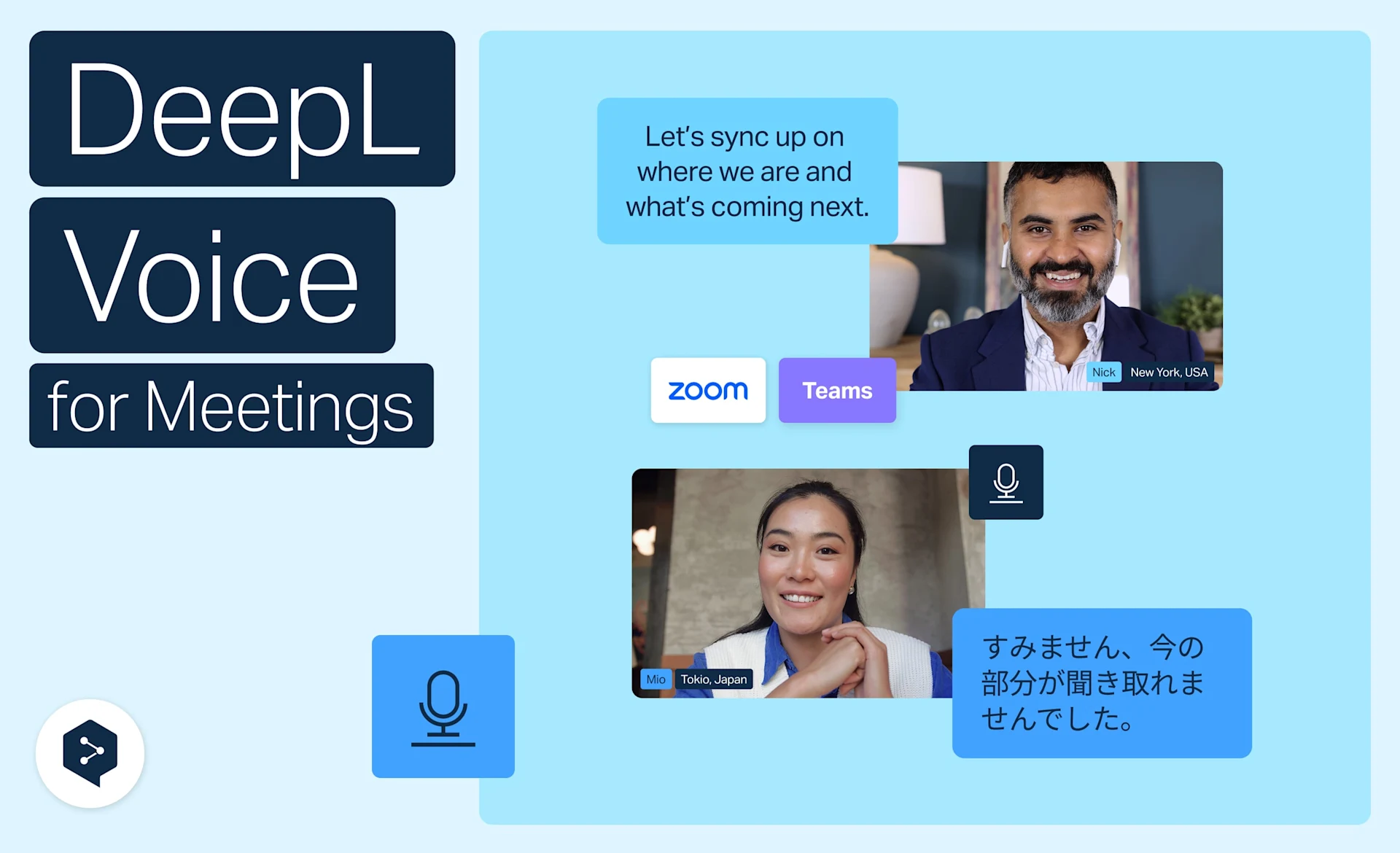
Get live translation in Zoom, Teams, and Meet
Get real-time translation in Zoom, Microsoft Teams and Google Meet with DeepL Voice—no apps or setup, right from your browser.
- Time: 3 minutes
Watch now
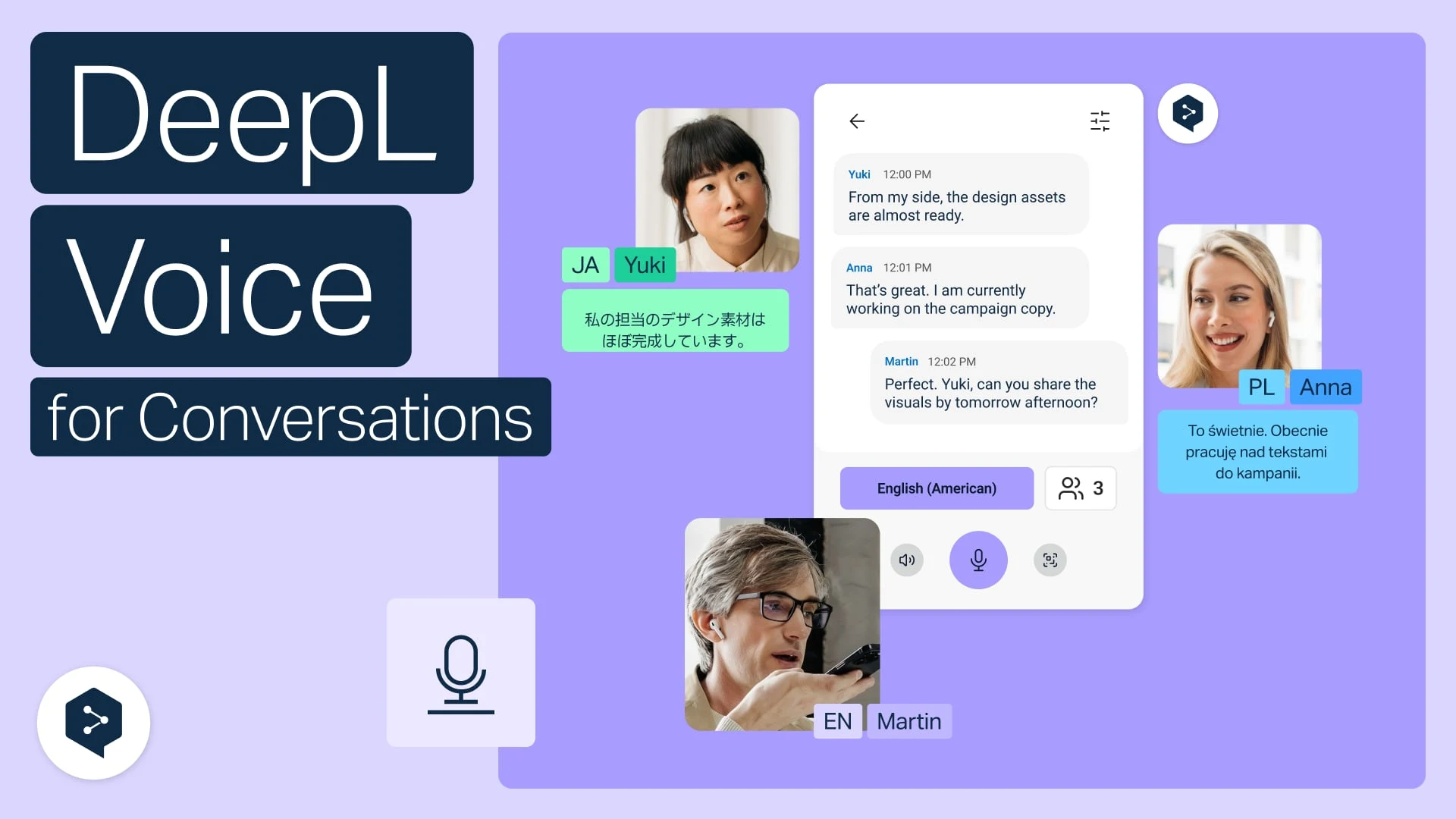
Translate face-to-face conversations on web
Use DeepL Voice in your web browser to chat face-to-face across languages.
- Time: 2 minutes
Watch now
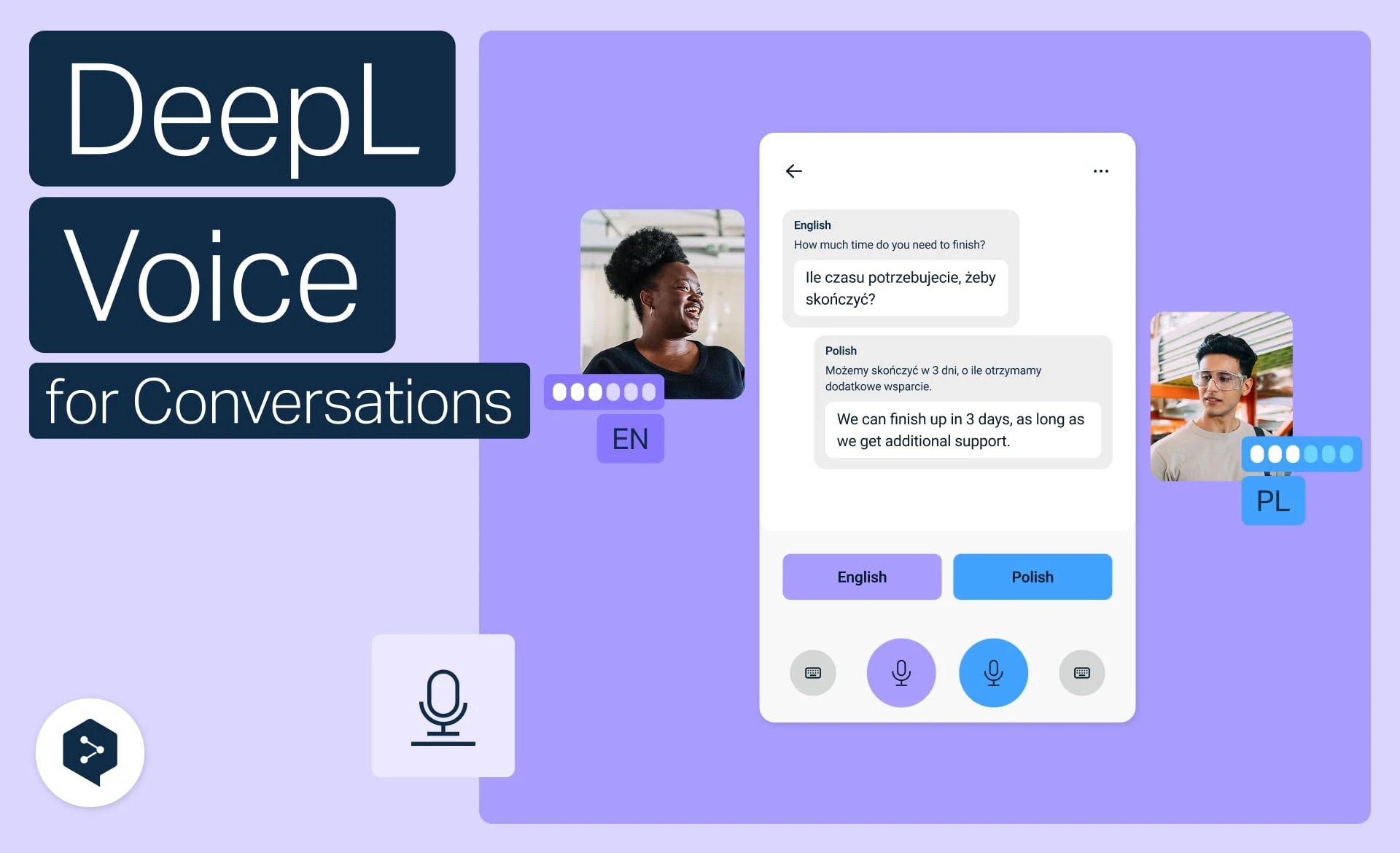
Translate face-to-face conversations on mobile
Translate spoken conversations in real time with DeepL Voice, straight from your phone.
- Time: 2 minutes
Watch now