• DeepL Translation Flow: New AI-powered workflows for key use cases and integrations
  • The ROI of AI-native translation
  • Major DeepL Voice Update: Improve Transcription Accuracy With Spoken Terms V2!
  • Discover Translation Flow: Localization that automates translation workflows end-to-end, for every team that needs them
  • Decoding Trust in Enterprise Language AI. In conversation with Slator
  • Meet DeepL: Bringing a builder mentality to marketing, with pride
  • From high-quality text translation to a real-time voice platform
  • Building an instantly accessible voice demo with DeepL Voice API
  • NVIDIA: Powering AI innovation
DeepL LogoDeepL
DeepL Translator

Translate securely, efficiently, and accurately

DeepL Write

Enhance your writing and adapt to your audience

DeepL Voice

Converse across languages in real time

DeepL API

Build multilingual experiences into your products

DeepL Integrations

Combine Language AI with essential productivity tools


Overview
EnterpriseOverviewEnterprise security & trustMarket-leading QualityCustomization HubDeepL on AWS MarketplaceNew
Use casesDocument translationCustomer supportInternal communicationMarketingGlobal expansion
TeamsLocalizationLegalMarketing & CommunicationsCustomer ServiceSalesBusiness Operations
IndustryLegal & professional servicesRetail & e-commerceManufacturingGovernmentFinancial servicesPharma & life sciencesHealthcareISV & technology
Contact Sales
DocumentationAPI referenceAPI pricingBuilt with DeepLGitHub
Pricing
AppsDesktop appBrowser extensionMobile appsExplore all apps
IntegrationsMicrosoft WordGoogle WorkspaceMicrosoft 365Explore all integrations
LearnBlogCustomer storiesEvents & WebinarsDeepL AcademyReports & guidesBorderless business reportDeepL Spring Event HubDeepL AI LabsCommunity
Get supportHelp CenterApps and integrationsBecome a Partner
Start free trial
Back to all videos

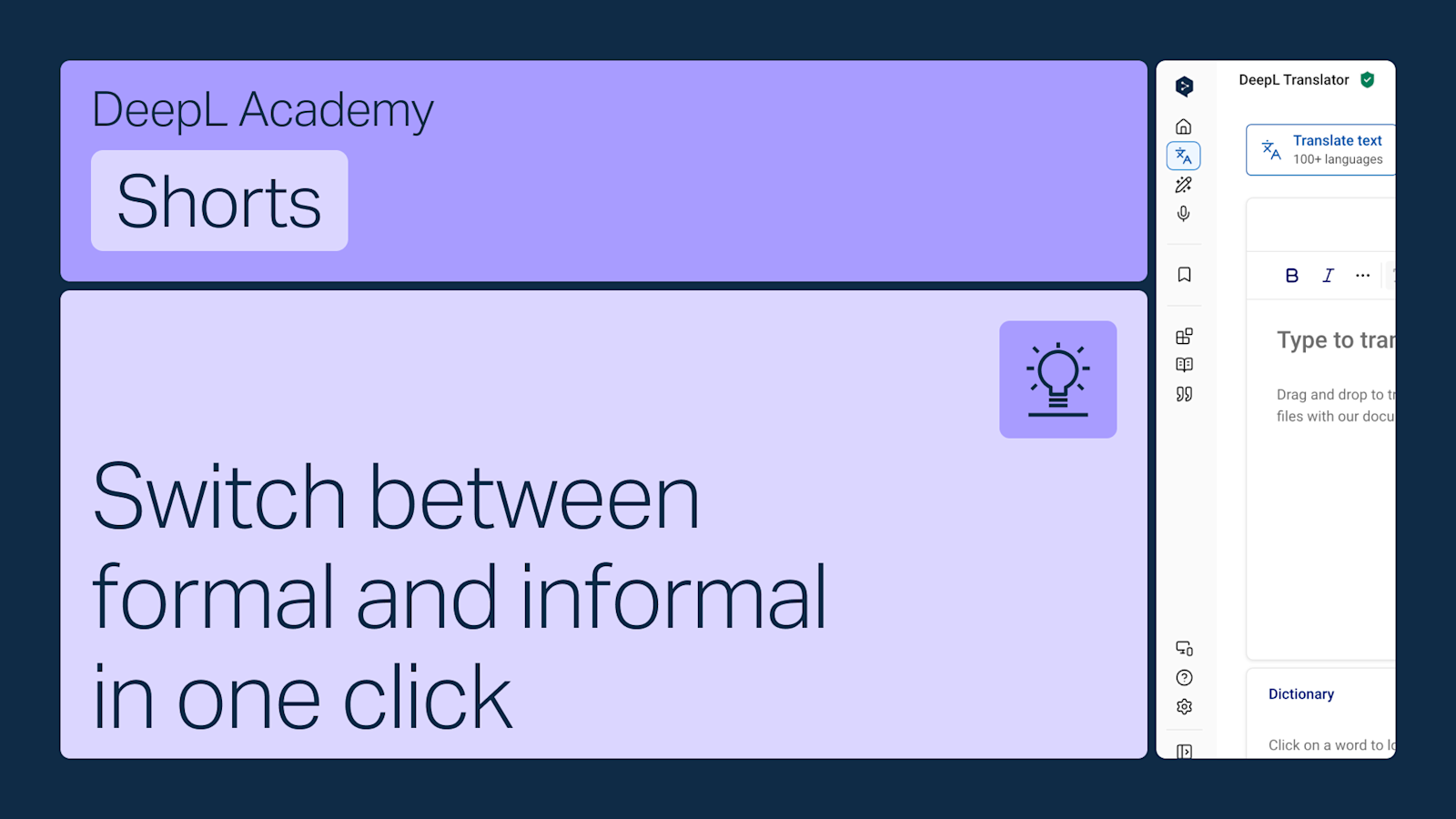
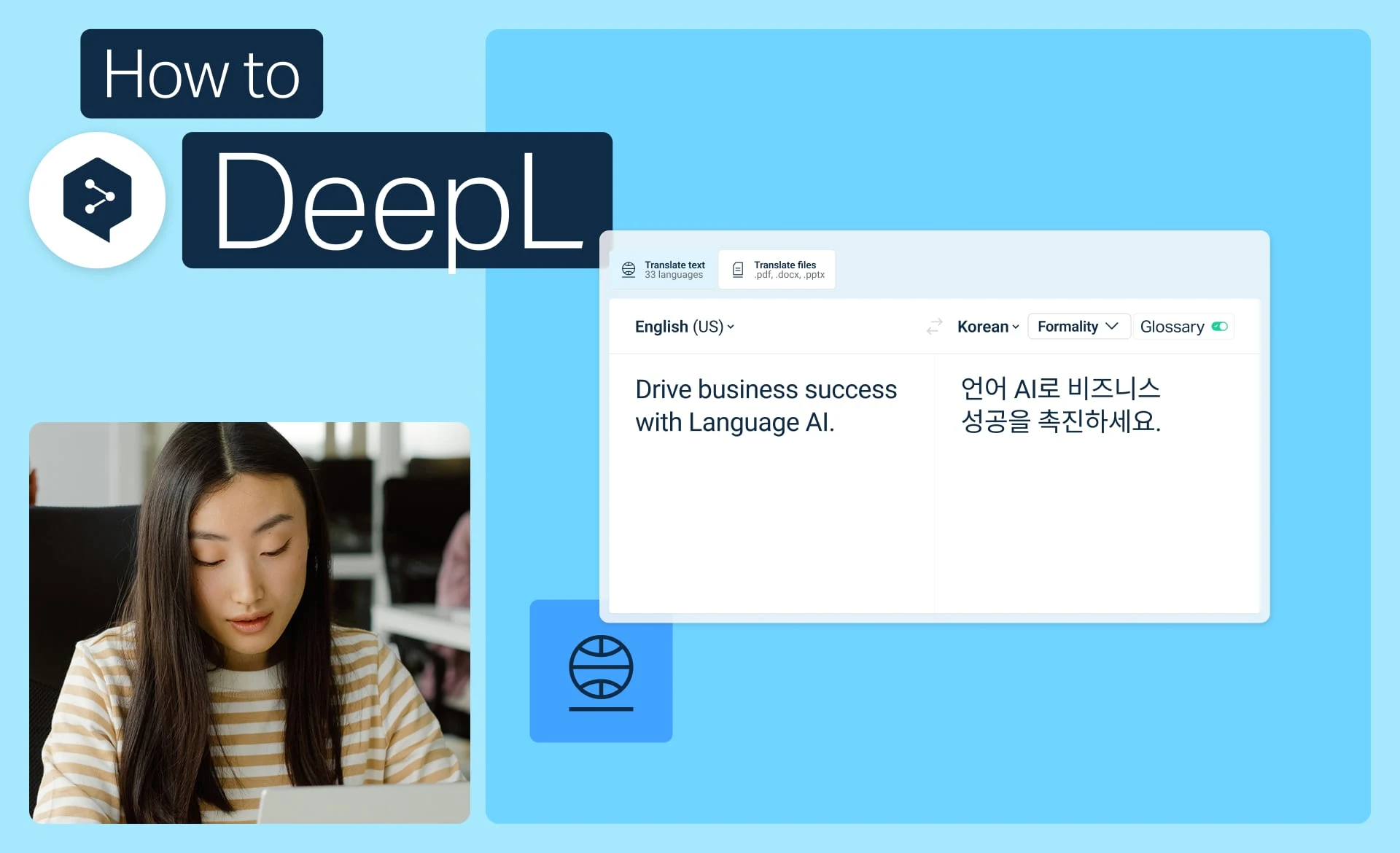
How to use the formality feature

To change the formality of your texts on the web platform, do the following:

Select a language pair.

If the languages support it, you can click the formality button and select a tone between automatic, formal and informal.

Your chosen tone will be applied to the translated text.

Explore related content

How to get started with DeepL Translator

Get started with DeepL Translator: translate text, pick alternatives, use the dictionary, and personalize results.

  • Time: 2 minutes
Watch now

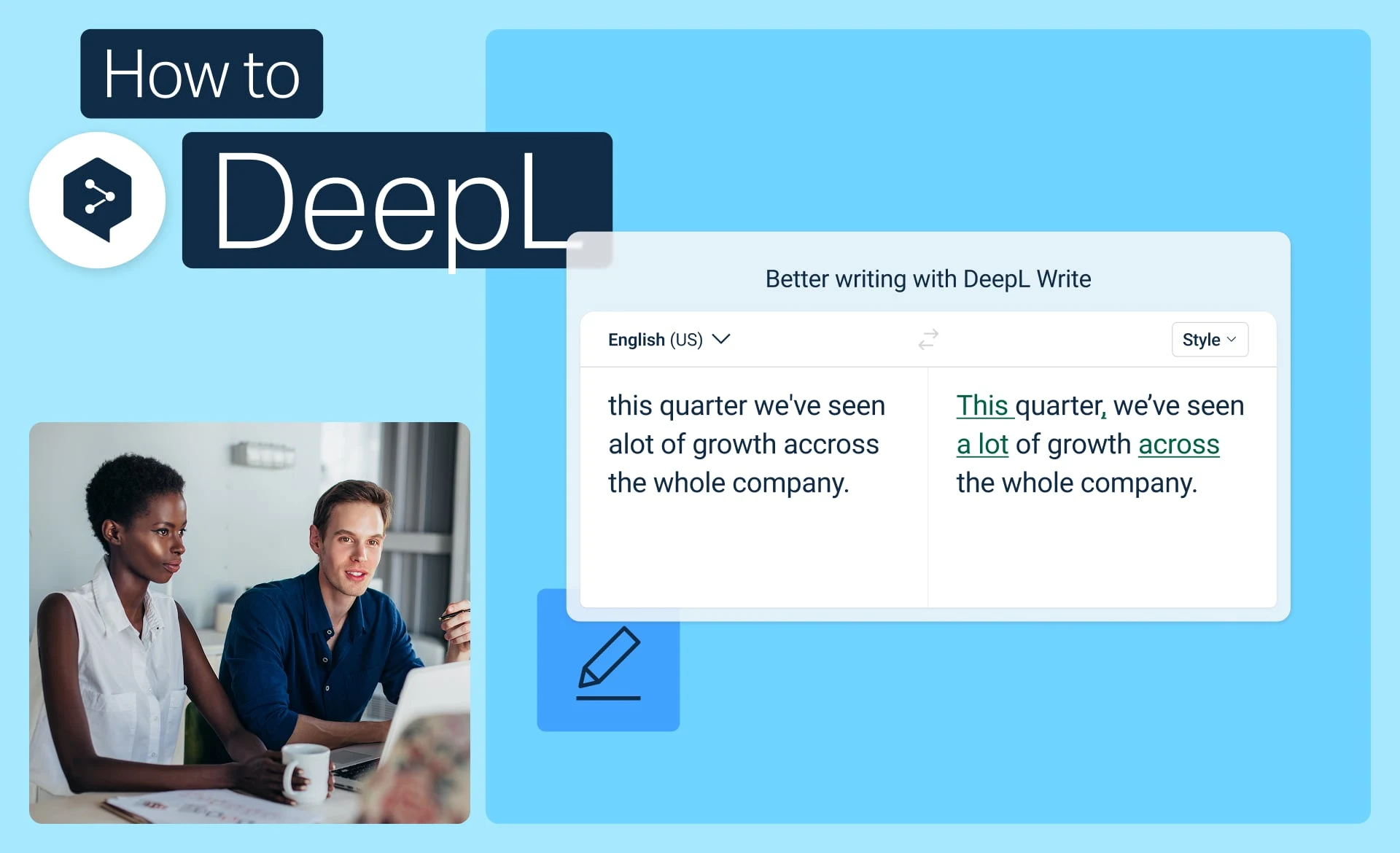
How to get started with DeepL Write

Get started with DeepL Write to correct grammar, choose better words, and adjust the tone of your writing.

  • Time: 2 minutes
Watch now

How to use alternatives in DeepL Write

Learn the two ways to choose alternative words and phrases in DeepL Write for short and long texts.

  • Time: 1 minutes
Watch now
  • Deutsch
  • English
  • Español
  • 日本語
  • Français
  • Italiano
  • Bahasa Indonesia
  • 한국어
  • Nederlands
  • Čeština
  • Svenska
  • Polski
  • Português (Brasil)
  • Português
  • Türkçe
  • Русский
  • 简体中文
  • Українська
  • العربية
  • Products

  • Platform overview
  • Free translator
  • DeepL API
  • DeepL Write
  • DeepL Voice
  • DeepL Voice for Meetings
  • DeepL Voice for Conversations
  • Apps & Integrations
  • DeepL Pro
  • Why DeepL

  • Data Security
  • Quality
  • Customization Hub
  • Accessibility
  • Features

  • Document Translation
  • Translate PDF documents
  • Translate Word documents
  • Translate PPT documents
  • Translate Excel files
  • Translate images
  • Translation glossary
  • SSO
  • Alternatives
  • See all our features
  • Solutions

  • DeepL for Enterprise
  • Legal & Professional Services
  • Retail & eCommerce
  • Manufacturing
  • Government
  • Financial Services
  • Pharma & Life science
  • Healthcare
  • ISV & technology
  • Download

  • DeepL for Android
  • DeepL for iPhone
  • DeepL for Windows
  • DeepL Chrome extension
  • DeepL for Microsoft Outlook
  • DeepL for Microsoft Word
  • DeepL for Microsoft Powerpoint
  • DeepL for Google Workspace
  • DeepL for Mac
  • DeepL Firefox extension
  • DeepL Edge extension
  • DeepL for iPad
  • DeepL Integrations
  • Resources

  • Help Center
  • Blog
  • API documentation
  • Community
  • Customer Stories
  • Events & Webinars
  • Trust Center
  • DeepL Academy
  • Reports & guides
  • Borderless business report
  • DeepL Spring Event Hub
  • Privacy Policy
  • Terms & Conditions
  • Cancel subscriptions here
  • Status
  • DeepL AI Labs
  • Company

  • About Us
  • Sustainability
  • Contact Sales
  • Become a Partner
  • Careers
  • Press
  • Publisher
  • Deutsch
  • English
  • Español
  • 日本語
  • Français
  • Italiano
  • Bahasa Indonesia
  • 한국어
  • Nederlands
  • Čeština
  • Svenska
  • Polski
  • Português (Brasil)
  • Português
  • Türkçe
  • Русский
  • 简体中文
  • Українська
  • العربية