• Translation Flow di DeepL: Nuovi flussi di lavoro basati sull'IA per casi d'uso chiave e integrazioni
  • The ROI of AI-native translation
  • Major DeepL Voice Update: Improve Transcription Accuracy With Spoken Terms V2!
  • Scopri Translation Flow: La localizzazione che automatizza i flussi di lavoro di traduzione dall'inizio alla fine, per ogni team che ne ha bisogno
  • Decifrare la fiducia nell'IA linguistica aziendale. A colloquio con Slator
  • Ti presentiamo DeepL: Portare la mentalità da costruttore nel marketing, con orgoglio
  • Da traduzione testi a piattaforma vocale in tempo reale
  • Building an instantly accessible voice demo with DeepL Voice API
  • NVIDIA: il motore dell’innovazione IA
DeepL LogoDeepL
DeepL Traduttore

Traduci in modo sicuro, efficiente e preciso

DeepL Write

Scrivi meglio e adatta i testi al tuo pubblico

DeepL Voice

Fai conversazione in più lingue in tempo reale

API di DeepL

Crea un’esperienza multilingue per i tuoi prodotti

Integrazioni di DeepL

Integra l’IA linguistica nei tuoi strumenti di lavoro


Panoramica
EnterprisePanoramicaMassima sicurezzaQualità senza pariPersonalizzazioneDeepL on AWS Marketplacenovità
Casi d’usoTraduzione di documentiSupporto clientiComunicazione internaMarketingCrescita internazionale
TeamLocalizzazioneLegaleMarketing e comunicazioneServizio clientiVenditeOperations
SettoriServizi legaliRetail e e-commerceManifatturieroEnti governativiServizi finanziariFarmaceuticoSanitarioISV e tecnologia
Contattaci
DocumentationRiferimento APIAPI pricingBuilt with DeepLGitHub
Tariffe
ApplicazioniApp desktopEstensione per il browserApp mobiliScopri tutte le app
IntegrazioniMicrosoft WordGoogle WorkspaceMicrosoft 365Scopri tutte le integrazioni
InformazioniBlogStorie dei clientiEventi e webinarDeepL AcademyReport e guideReport Business senza confiniEvento primaverile di DeepLDeepL AI LabsCommunity
AiutoCentro assistenzaApp e integrazioniDiventa partner
Inizia la prova gratuita
Torna a tutti i video

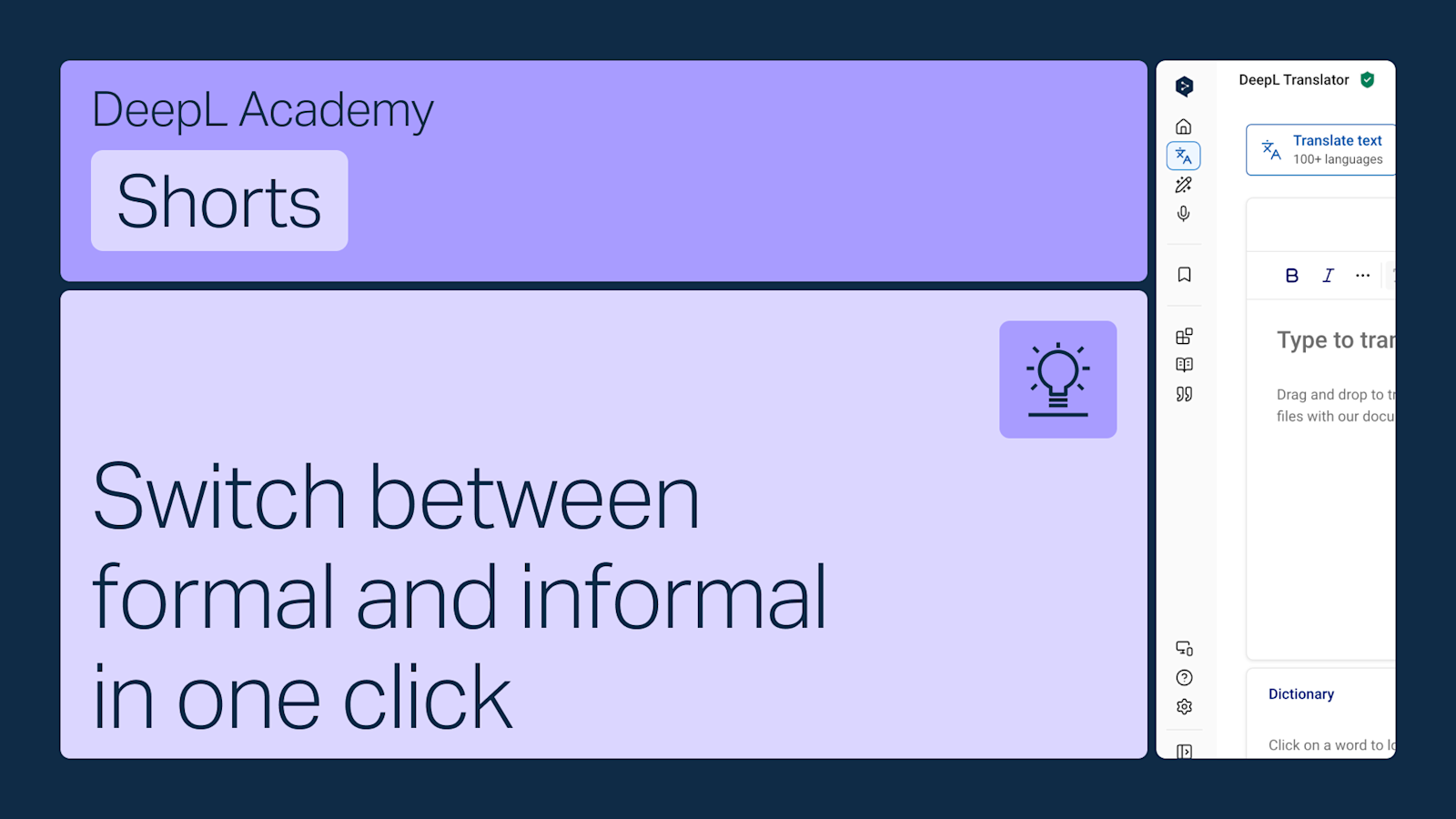
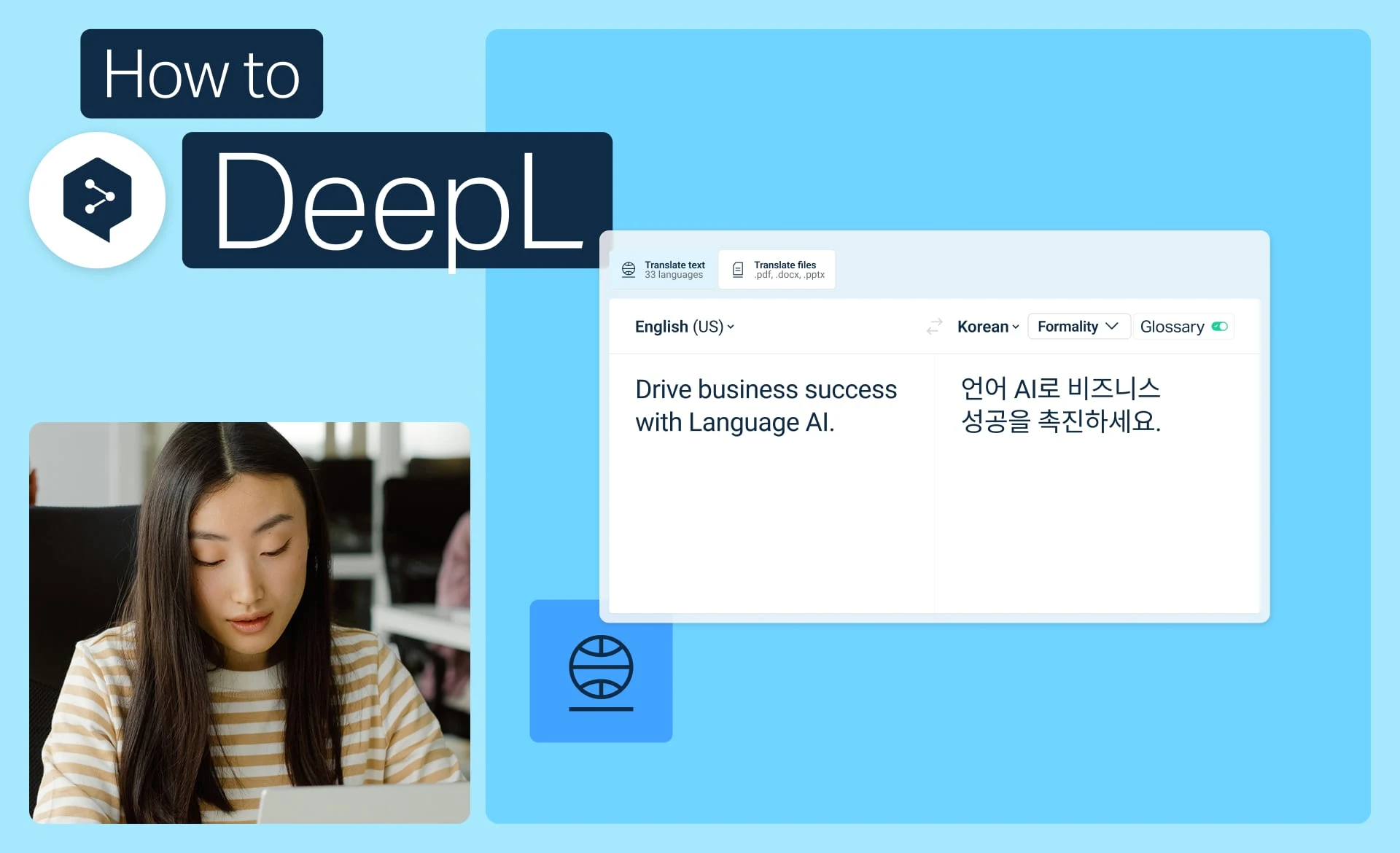
How to use the formality feature

To change the formality of your texts on the web platform, do the following:

Select a language pair.

If the languages support it, you can click the formality button and select a tone between automatic, formal and informal.

Your chosen tone will be applied to the translated text.

Contenuti simili

How to get started with DeepL Translator

Get started with DeepL Translator: translate text, pick alternatives, use the dictionary, and personalize results.

  • Durata: 2 minuti
Guarda ora

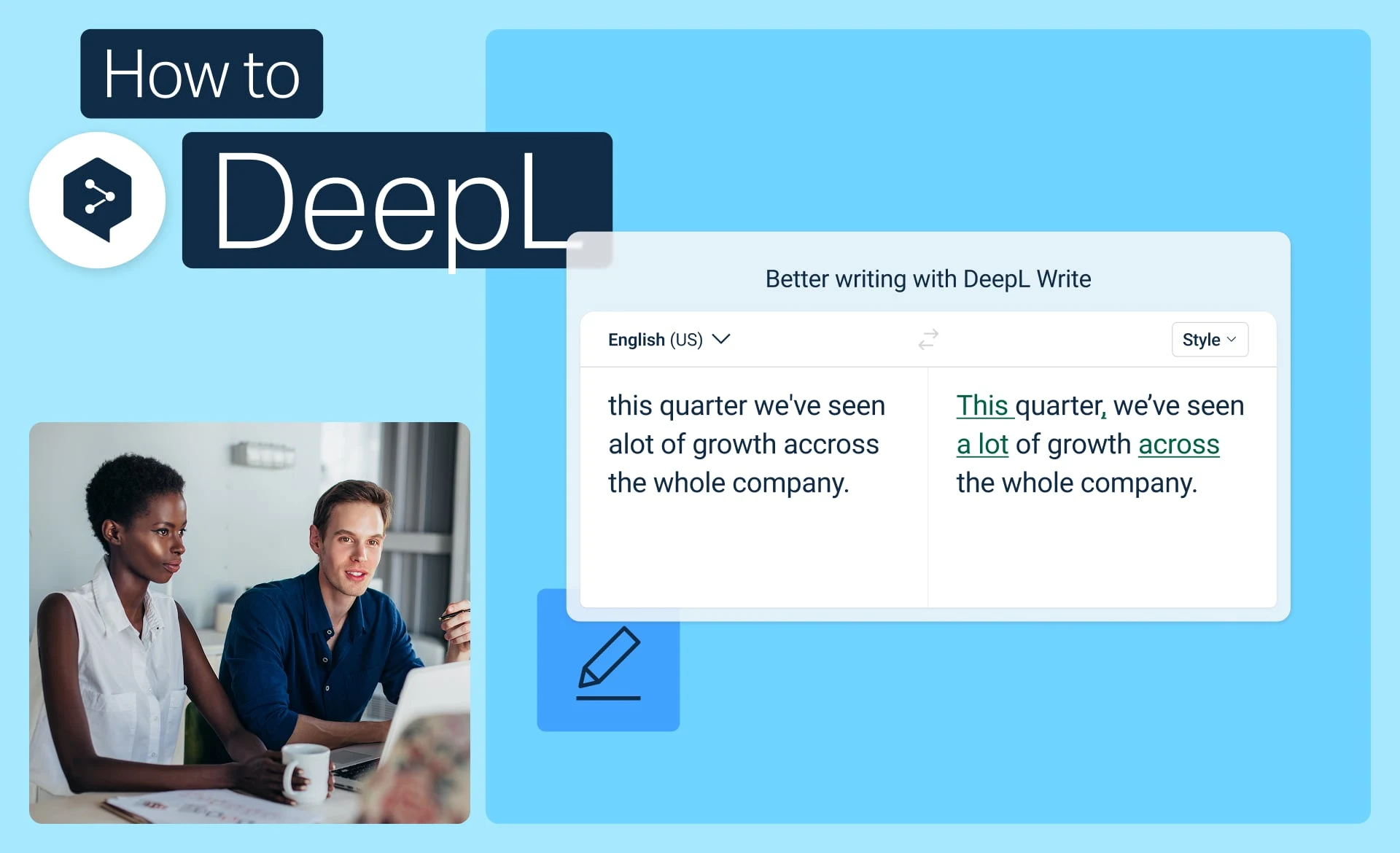
How to get started with DeepL Write

Get started with DeepL Write to correct grammar, choose better words, and adjust the tone of your writing.

  • Durata: 2 minuti
Guarda ora

How to use alternatives in DeepL Write

Learn the two ways to choose alternative words and phrases in DeepL Write for short and long texts.

  • Durata: 1 minuti
Guarda ora
  • Deutsch
  • English
  • Español
  • 日本語
  • Français
  • Italiano
  • Bahasa Indonesia
  • 한국어
  • Nederlands
  • Čeština
  • Svenska
  • Polski
  • Português (Brasil)
  • Português
  • Türkçe
  • Русский
  • 简体中文
  • Українська
  • العربية
  • Prodotti

  • Panoramica della piattaforma
  • Traduttore gratuito
  • API di DeepL
  • DeepL Write
  • DeepL Voice
  • DeepL Voice for Meetings
  • DeepL Voice for Conversations
  • App e integrazioni
  • DeepL Pro
  • Perché DeepL

  • Sicurezza dei dati
  • Qualità
  • NOVITÀ: Customization Hub
  • Accessibilità
  • Funzioni

  • Traduzione di documenti
  • Traduzione di file PDF
  • Traduzione di file Word
  • Traduzione di file PPT
  • Traduzione di file Excel
  • Traduzione di immagini
  • Glossari
  • SSO
  • Alternative
  • Altre funzioni
  • Soluzioni

  • DeepL Pro per l’impresa
  • Servizi legali
  • Retail e e‑commerce
  • Manifattura
  • Enti governativi
  • Servizi finanziari
  • Industria farmaceutica
  • Sanità
  • ISV e tecnologia
  • App ed estensioni

  • DeepL per Android
  • DeepL per iPhone
  • DeepL per Windows
  • DeepL per Chrome
  • DeepL per Microsoft Outlook
  • DeepL per Microsoft Word
  • DeepL per Microsoft PowerPoint
  • DeepL per Google Workspace
  • DeepL per Mac
  • DeepL per Firefox
  • DeepL per Edge
  • DeepL per iPad
  • Integrazioni di DeepL
  • Risorse

  • Centro assistenza
  • Blog
  • Documentazione API
  • Community
  • Storie dei clienti
  • Eventi e webinar
  • Trust Center
  • DeepL Academy
  • Report e guide
  • Report Business senza confini
  • Evento primaverile di DeepL
  • Informativa sulla privacy
  • Termini e condizioni
  • Annulla l’abbonamento
  • Stato
  • NOVITÀ: DeepL AI Labs
  • Azienda

  • Chi siamo
  • Sostenibilità
  • Contatto vendite
  • Diventa partner
  • Lavora con noi
  • Stampa
  • Note legali
  • Deutsch
  • English
  • Español
  • 日本語
  • Français
  • Italiano
  • Bahasa Indonesia
  • 한국어
  • Nederlands
  • Čeština
  • Svenska
  • Polski
  • Português (Brasil)
  • Português
  • Türkçe
  • Русский
  • 简体中文
  • Українська
  • العربية