

إدارة المجموعات لعدة منتجات من DeepL
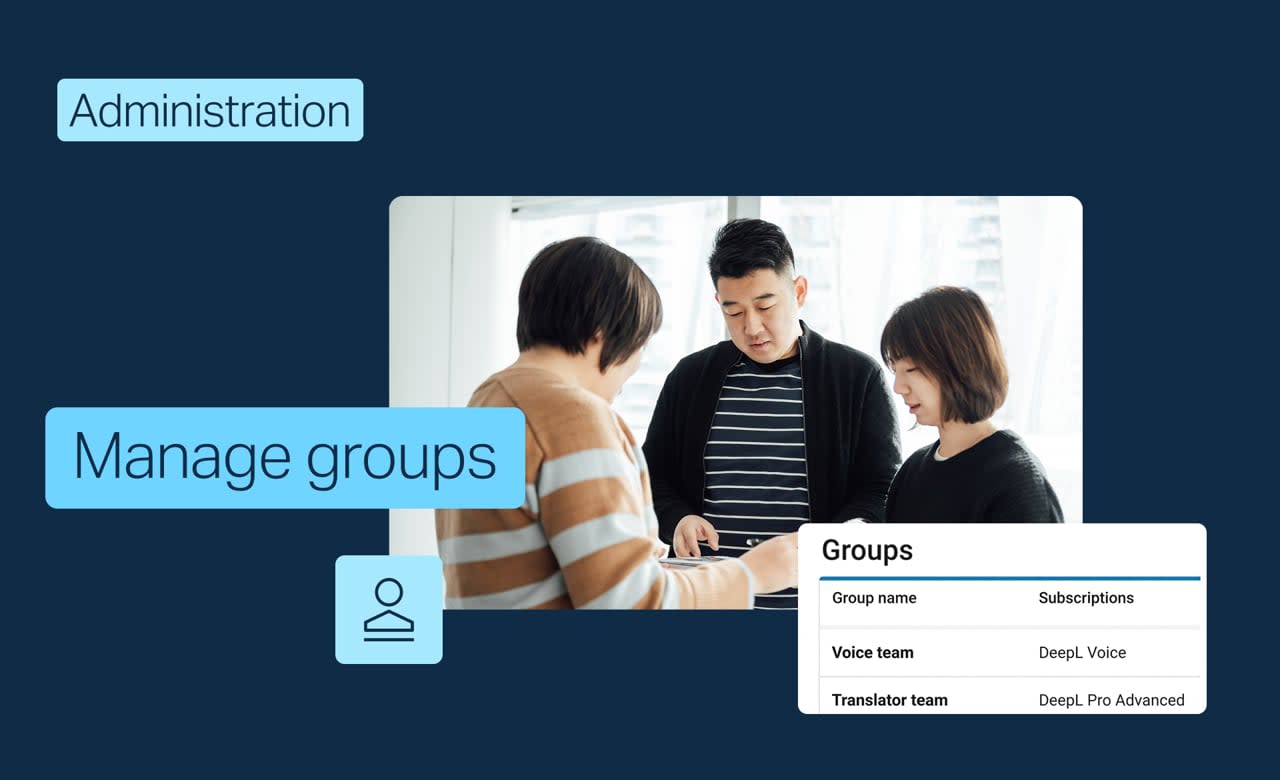
إذا كنت تدير عدة اشتراكات ومنتجات DeepL، فقد تحاول إضافة مستخدمين مباشرة إلى أحدها. ومع ذلك، يتم الوصول من خلال المجموعات: حيث تربط المجموعة اشتراكًا (أو أكثر) بالمستخدمين الذين يجب أن يحصلوا عليه. تعرف على كيفية:
- إنشاء مجموعة وربط اشتراك بها
- تحرير اشتراكات ومستخدمي مجموعة موجودة
- تحديد ما إذا كنت ستستخدم مجموعة واحدة لكل اشتراك أو مجموعة مشتركة واحدة، اعتمادًا على كيفية تقسيم الرخصات/التراخيص لديك
كوّن فريقك الآن
لكن انتظر، هناك المزيد!
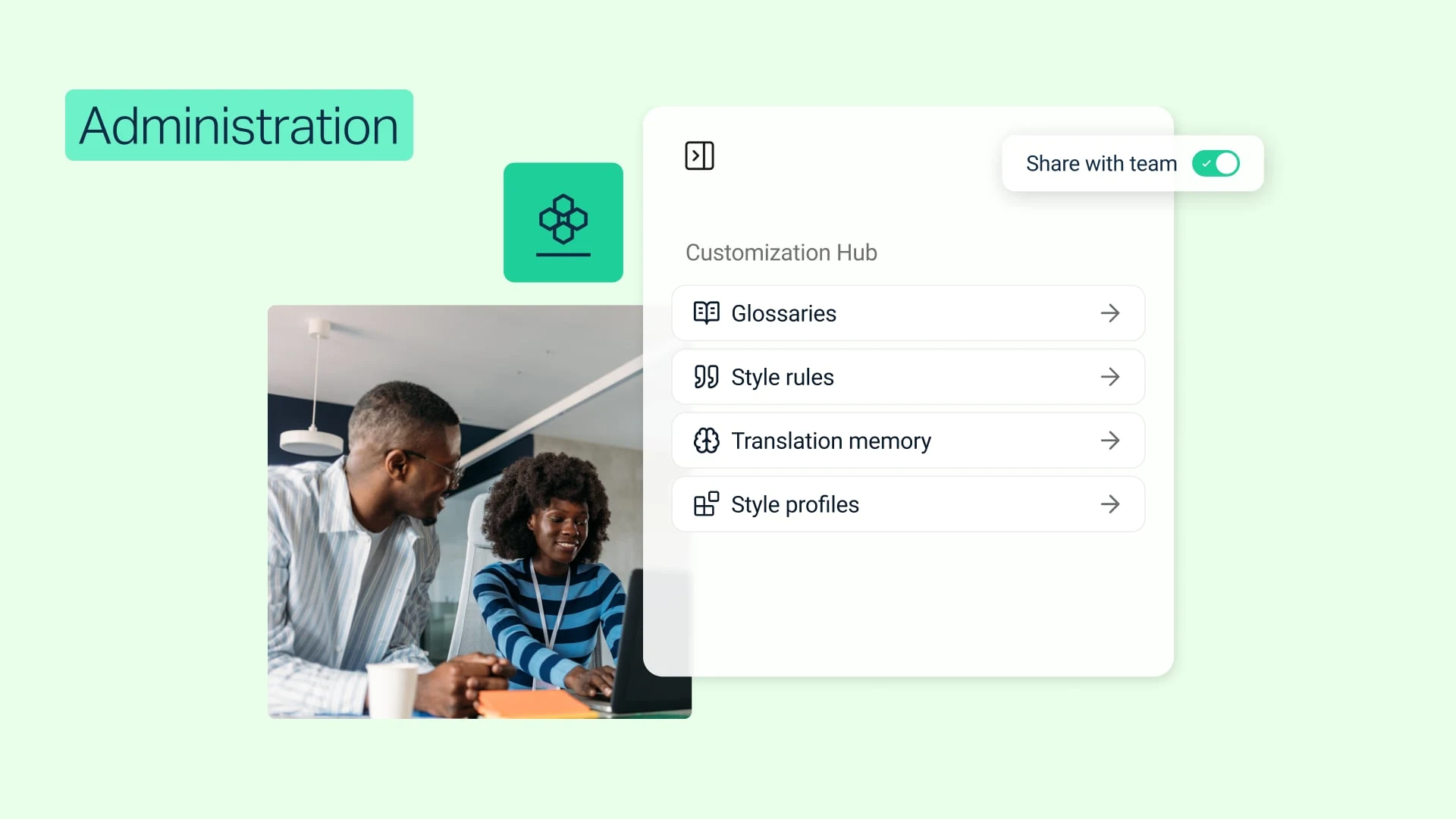
إعداد مسؤولي التخصيص
أسند إدارة Customization Hub إلى خبراء اللغة في فريقك.
- الوقت: 1 دقيقة
المشاهدة الآن (باللغة الانكليزية)

أضف مستخدمين جدد إلى اشتراكك في DeepL
أضف أعضاء جدد إلى فريقك وقم بتصنيفهم إلى مجموعات ببضع نقرات.
- الوقت: 1 دقيقة
المشاهدة الآن (باللغة الانكليزية)
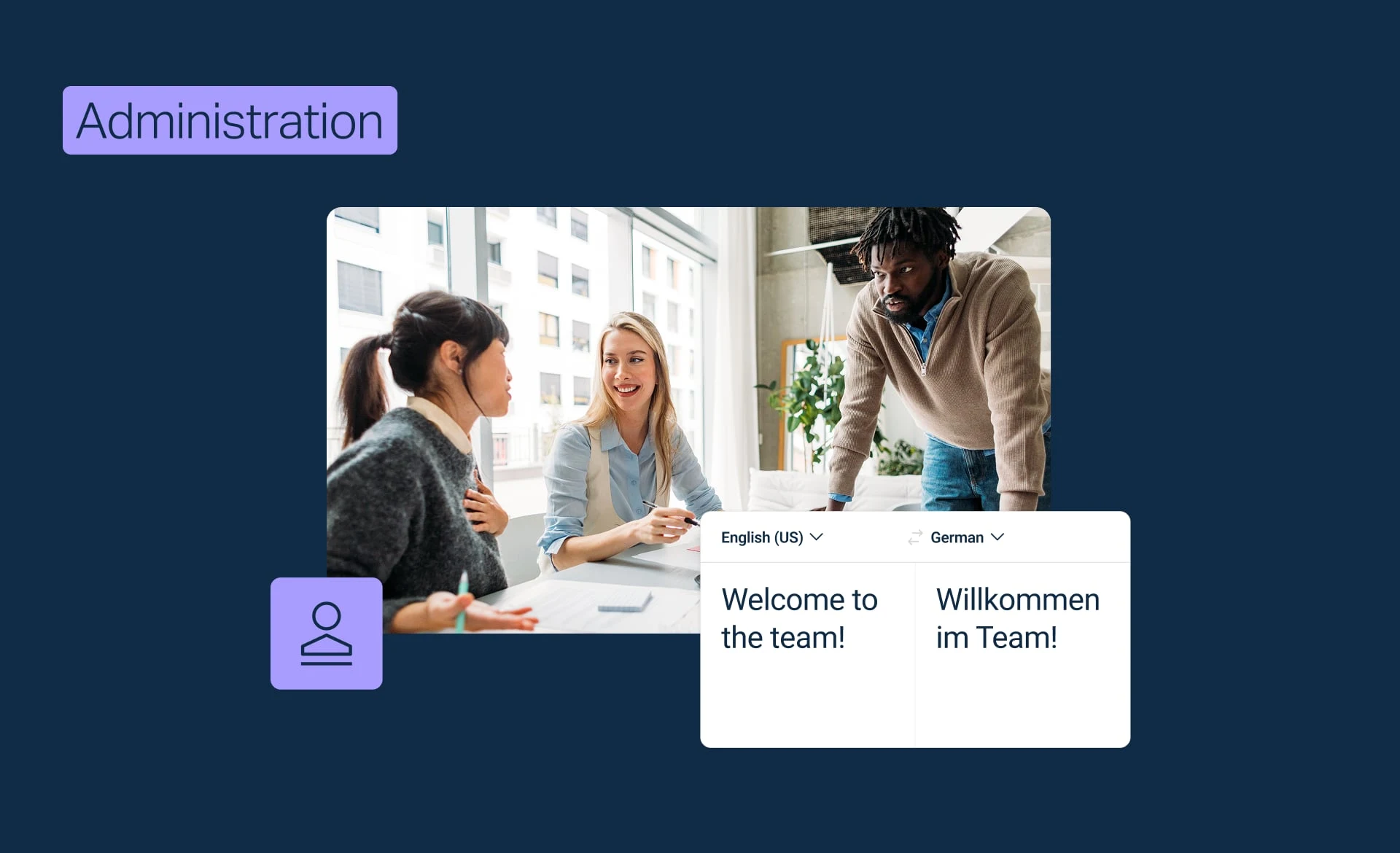
كوّن فريق DeepL الخاص بك
أضف أعضاء الفريق، وإدارة التراخيص، واطلع على فريقك بأكمله في لمحة.
- الوقت: 3 دقائق
المشاهدة الآن (باللغة الانكليزية)