

Generate a glossary from your files
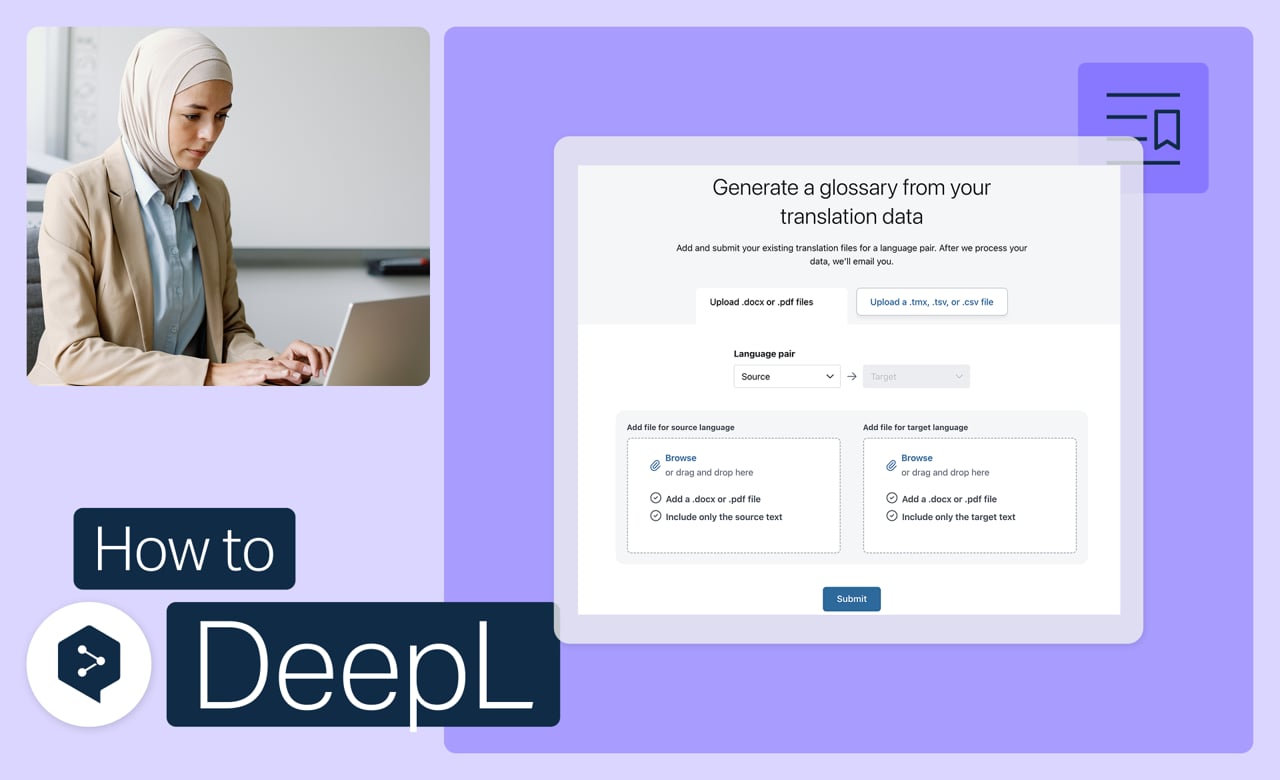
Skip typing out terms one by one. Submit files you've already translated, and DeepL pulls out consistent glossary entries automatically, ready for you to review.
Learn to:
- Submit translated files to generate entries automatically
- Review and edit the suggested entries
- Add the finished glossary to your account
But wait, there's more!
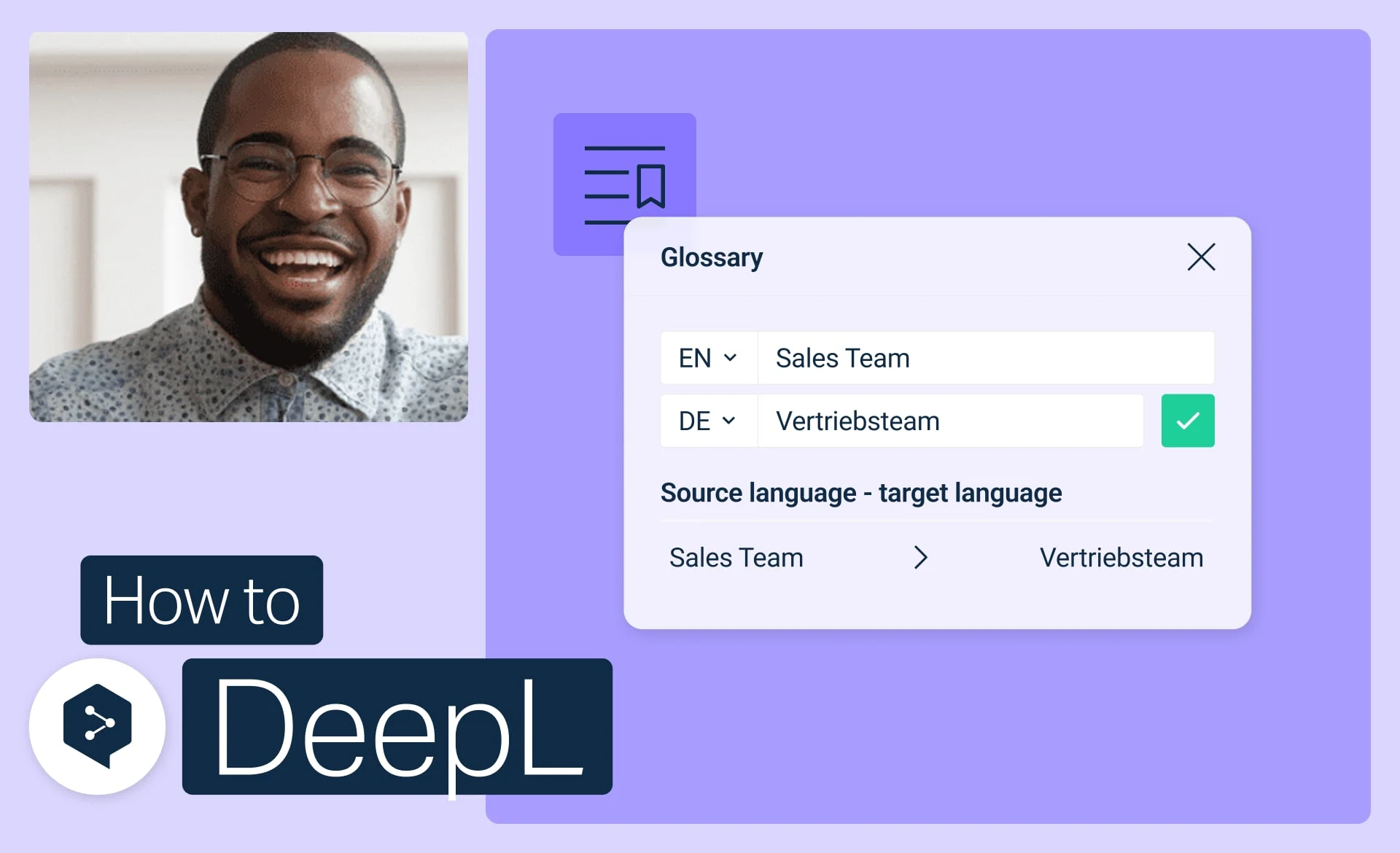
Get started with DeepL glossaries
Create, edit, activate, and manage your glossaries to keep every translation consistent.
- Time: 3 minutes
Watch now

Import a glossary from CSV
Download, edit, and upload your glossary as a simple CSV file.
- Time: 3 minutes
Watch now
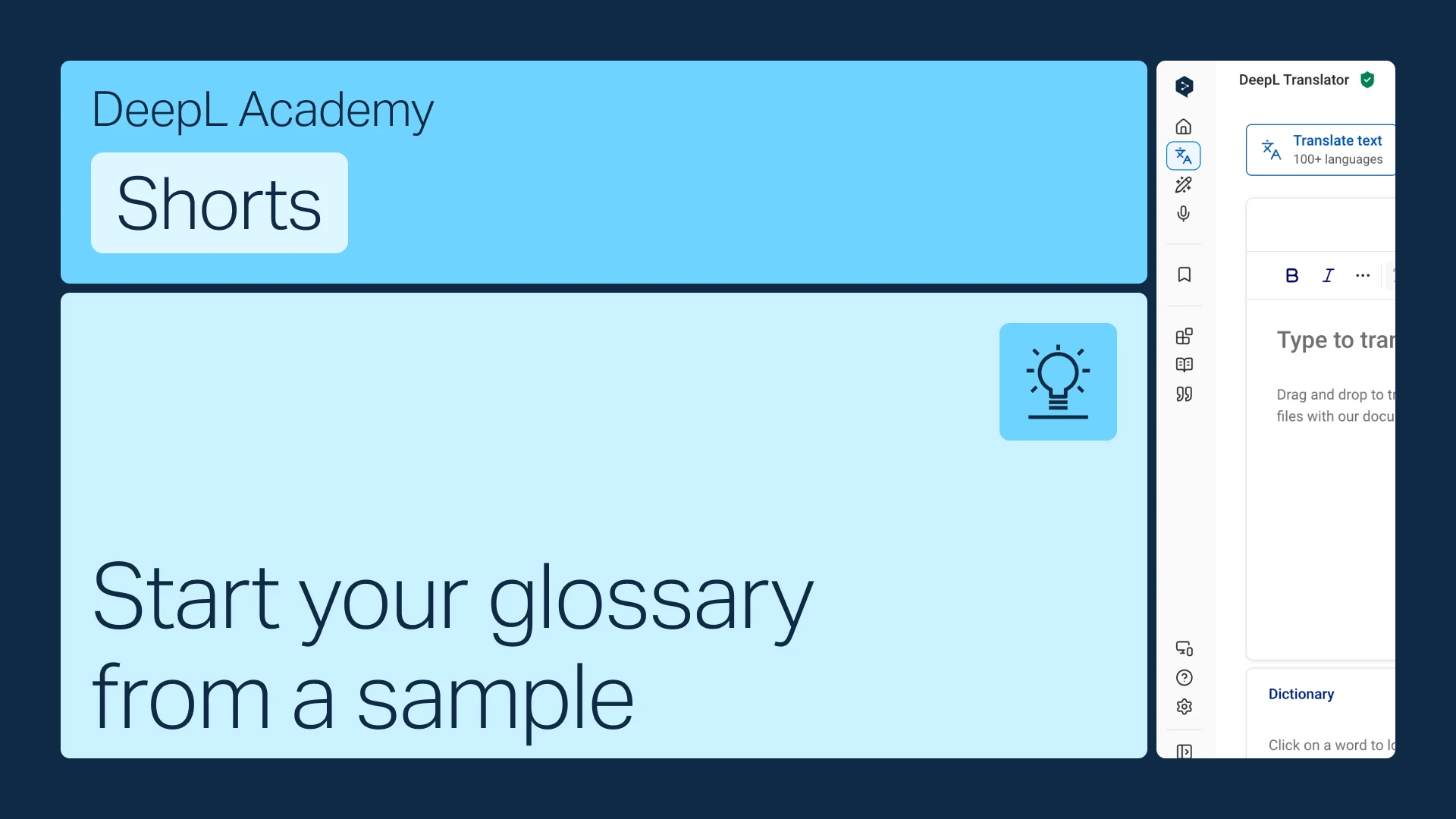
Start your glossary from a sample
No terms on hand? Start from an industry-aligned sample and customize it to fit.
- Time: 1 minute
Watch now