

DeepL sözlükçeleriyle çalışmaya başlayın
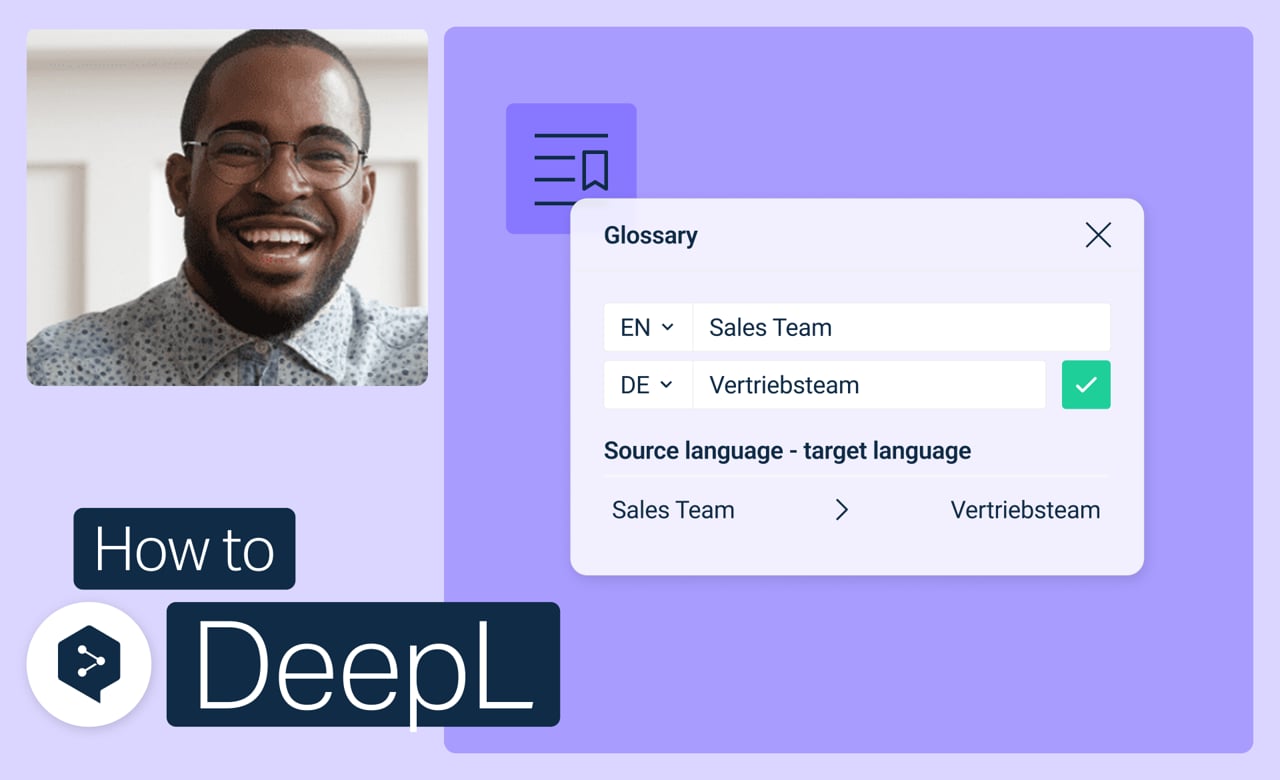
Anahtar terimlerinizi bir kez belirleyin, DeepL çevirileriniz bundan sonra bunları otomatik olarak algılayacaktır. Artık her seferinde doğru kelimenin kullanılıp kullanılmadığını iki kez kontrol etmenize gerek yok.
Şunları öğrenin:
- Sıfırdan bir sözlükçe oluşturun
- İstediğiniz zaman girdileri ekleyin, düzenleyin veya silin
- Belirli çeviriler için sözlükçeleri etkinleştirin veya devre dışı bırakın
- Artık ihtiyacınız olmayan sözlükçeleri birleştirin veya silin
Ama dur, daha bitmedi!
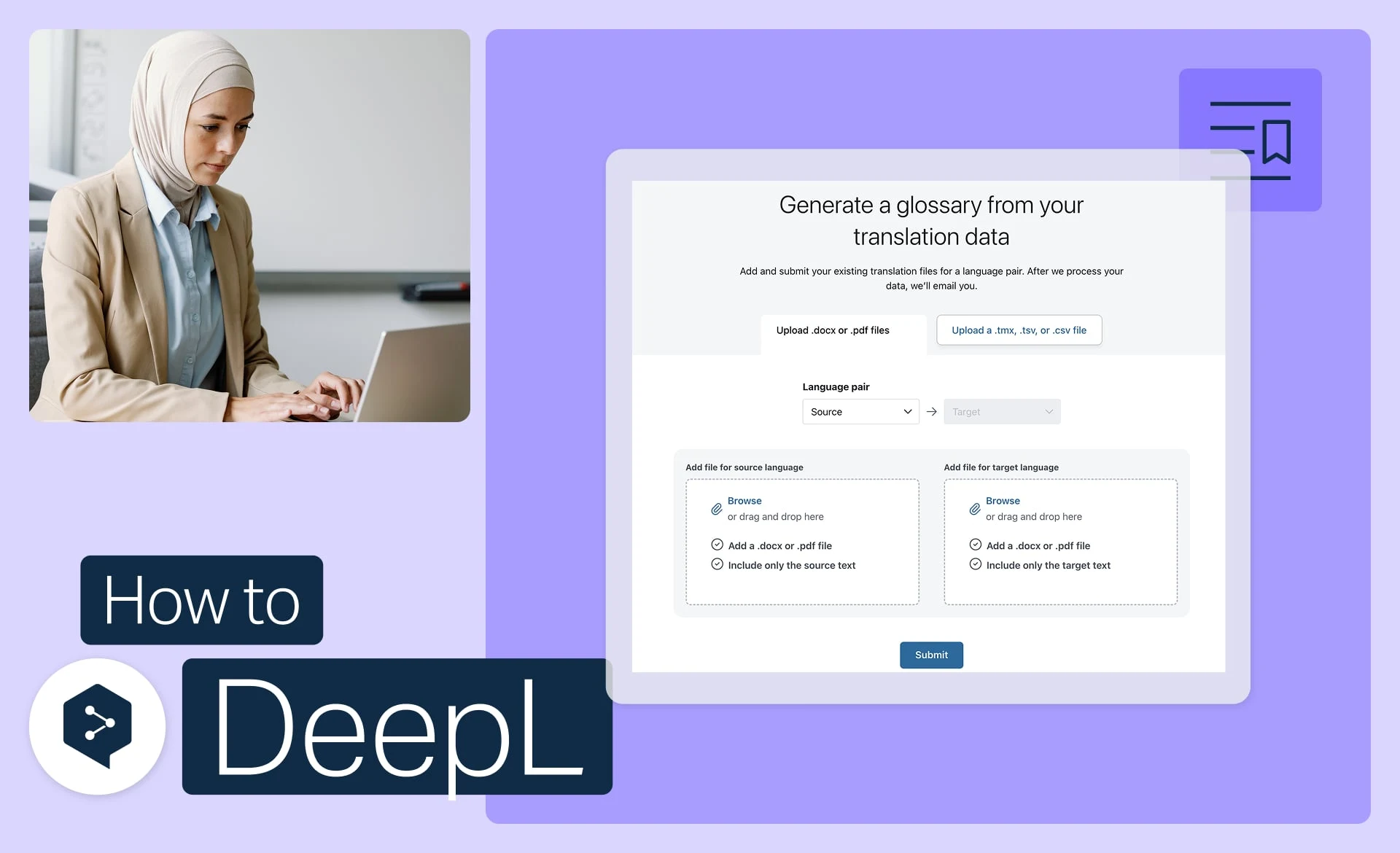
Dosyalarınızdan bir sözlükçe oluşturun
Mevcut dosyalarınızı otomatik olarak kullanıma hazır sözlükçe girişlerine dönüştürün.
- Süre: 3 dakika
Şimdi izle

CSV dosyasından sözlükçe içe aktarın
Sözlükçenizi indir, düzenle ve yükle.
- Süre: 3 dakika
Şimdi izle
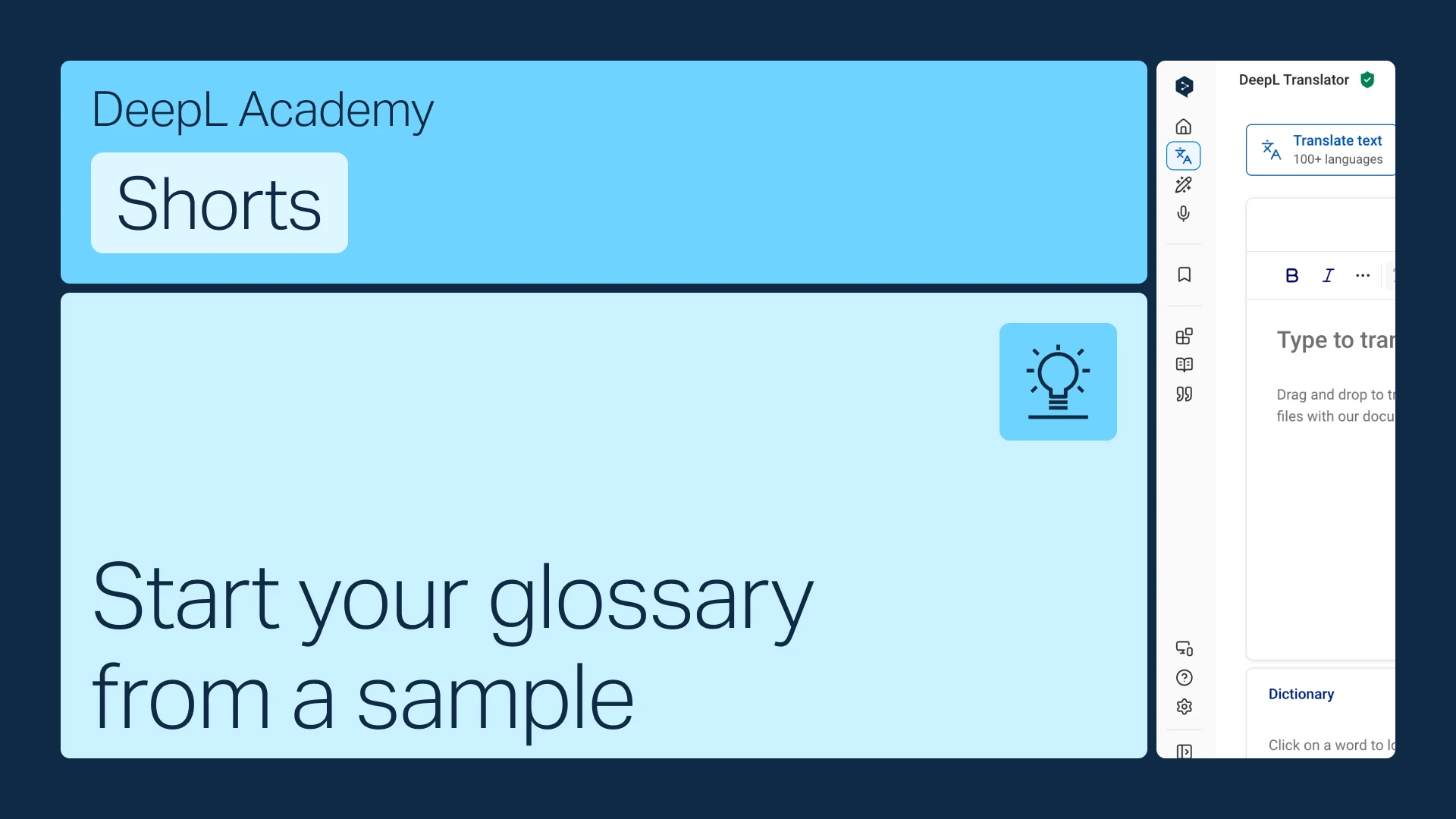
Örnekten sözlükçenizi oluşturun
Elinizde terimler yok mu? Sektörünüze uygun bir örnekten başlayın ve ihtiyaçlarınıza göre özelleştirin.
- Süre: 1 dakika
Şimdi izle