

Mulailah menggunakan glosarium DeepL
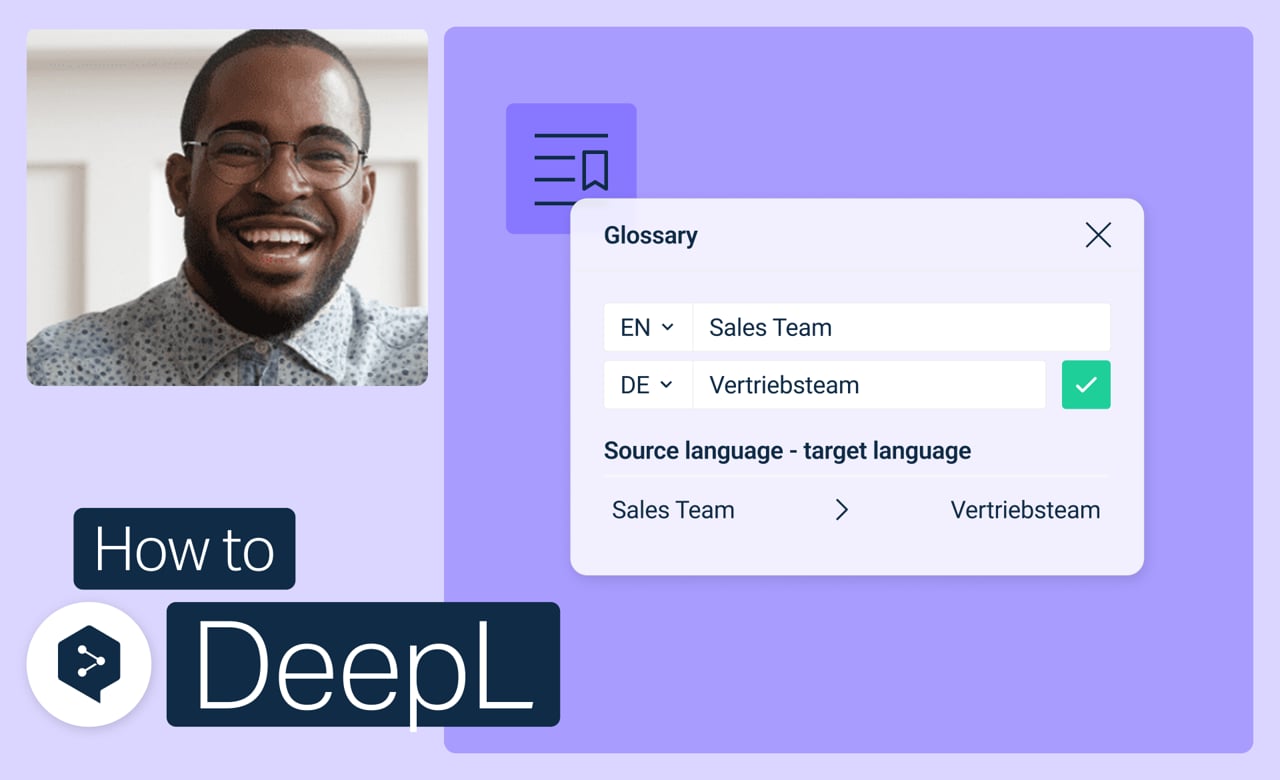
Atur istilah kunci Anda sekali saja, dan terjemahan DeepL Anda akan menggunakannya secara otomatis mulai saat itu. Tidak perlu lagi memeriksa ulang apakah kata yang tepat sudah digunakan setiap kali.
Pelajari cara:
- Buat glosarium dari awal
- Tambahkan, edit, atau hapus entri kapan saja
- Aktifkan atau nonaktifkan glosarium untuk terjemahan tertentu
- Gabungkan atau hapus glosarium yang tidak lagi Anda perlukan
Tapi tunggu dulu, masih ada lagi!
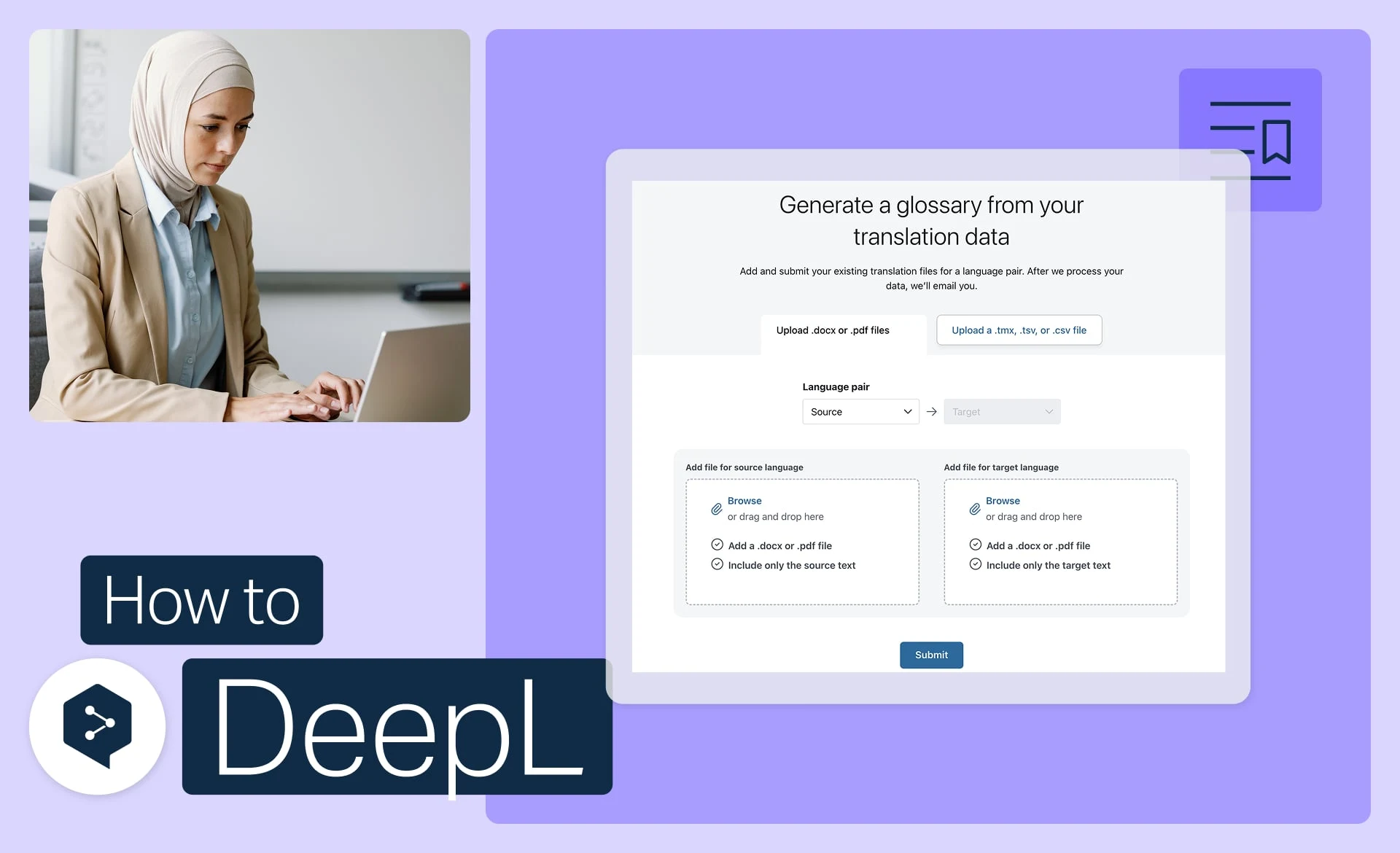
Hasilkan glosarium dari file Anda
Ubah file yang sudah ada menjadi entri glosarium yang siap digunakan, secara otomatis.
- Waktu: 3 menit
Tonton sekarang (dalam bahasa Inggris)
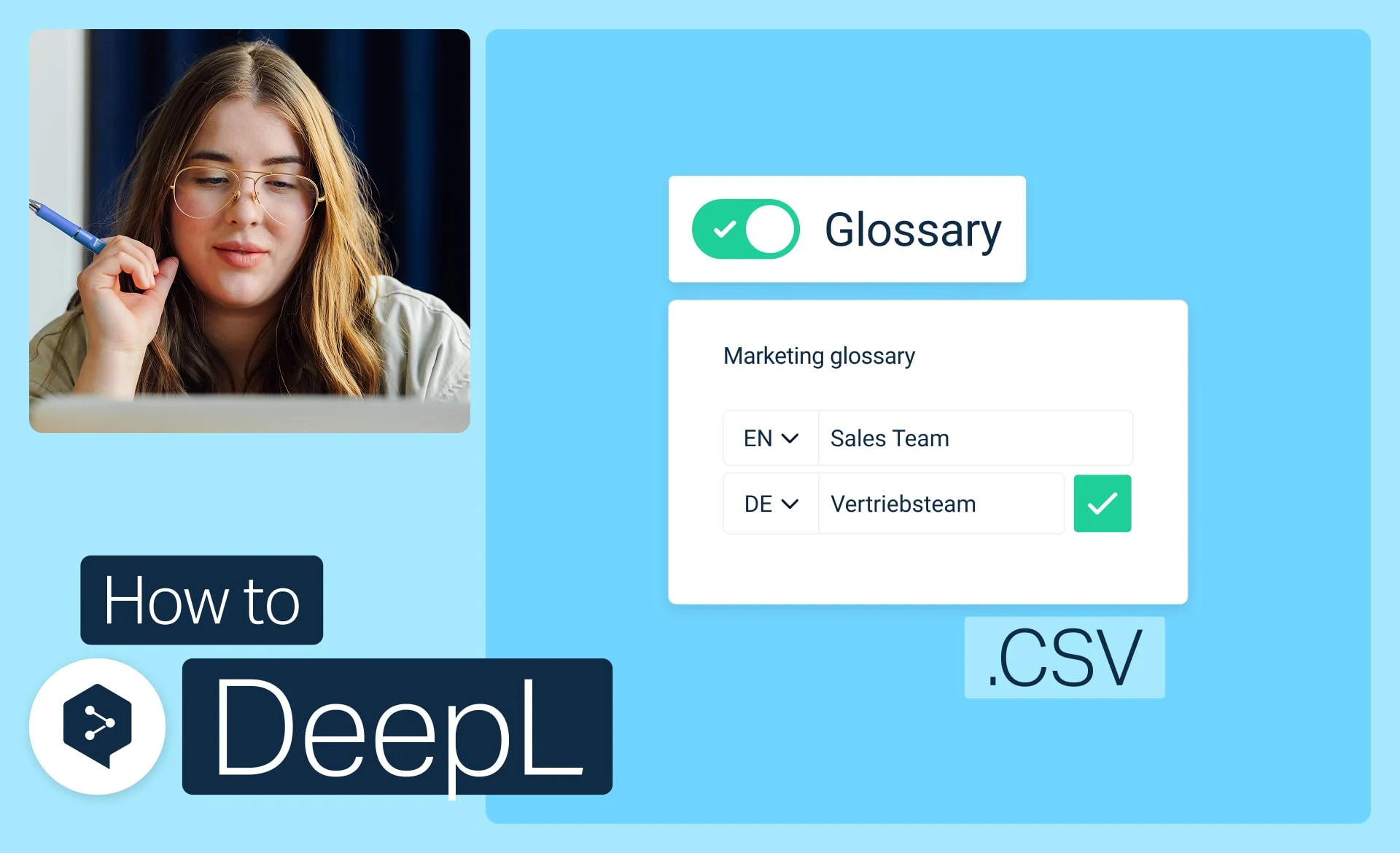
Impor glosarium dari CSV
Unduh, edit, dan unggah glosarium Anda sebagai file CSV sederhana.
- Waktu: 3 menit
Tonton sekarang (dalam bahasa Inggris)
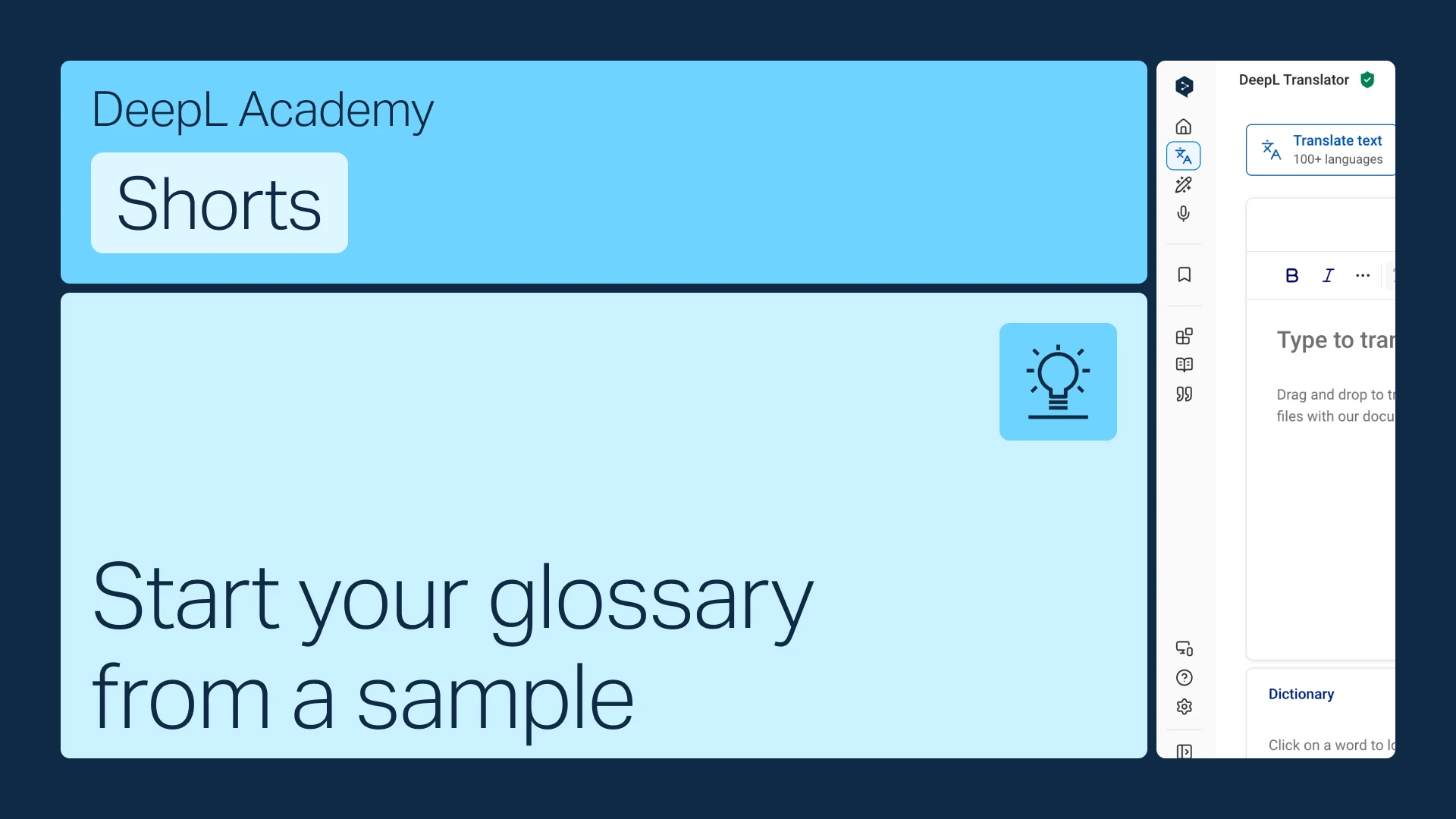
Mulailah glosarium Anda dari contoh
Belum punya istilah? Mulailah dari contoh yang sesuai dengan industri Anda, lalu sesuaikan agar sesuai.
- Waktu: 1 menit
Tonton sekarang (dalam bahasa Inggris)