

Inizia a usare i glossari di DeepL
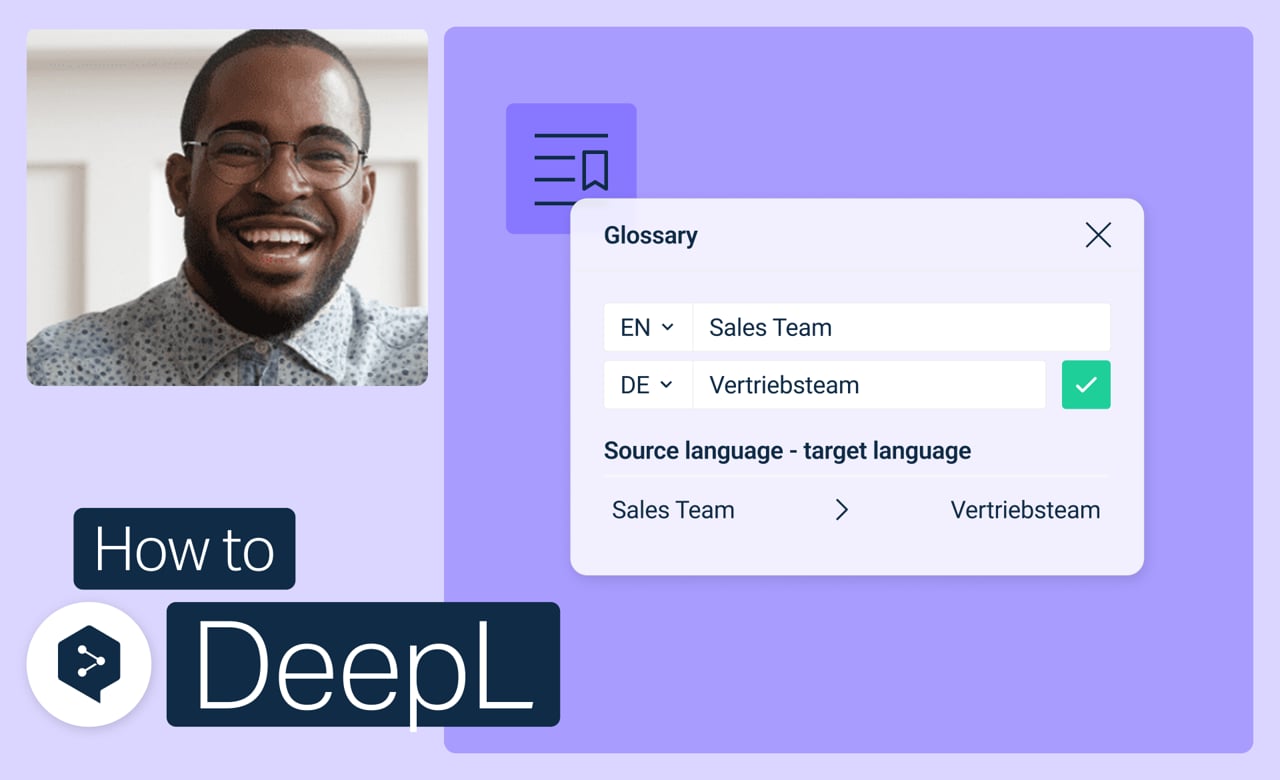
Configura i termini chiave una volta sola e, da quel momento in poi, le tue traduzioni DeepL li riconosceranno in automatico. Non dovrai più controllare ogni volta che sia stata utilizzata la parola giusta.
Scopri come:
- Crea un glossario da zero
- Aggiungi, modifica o rimuovi voci in qualsiasi momento
- Attiva o disattiva i glossari per traduzioni specifiche
- Unisci o elimina i glossari che non ti servono più
Ma aspetta, c’è dell’altro!
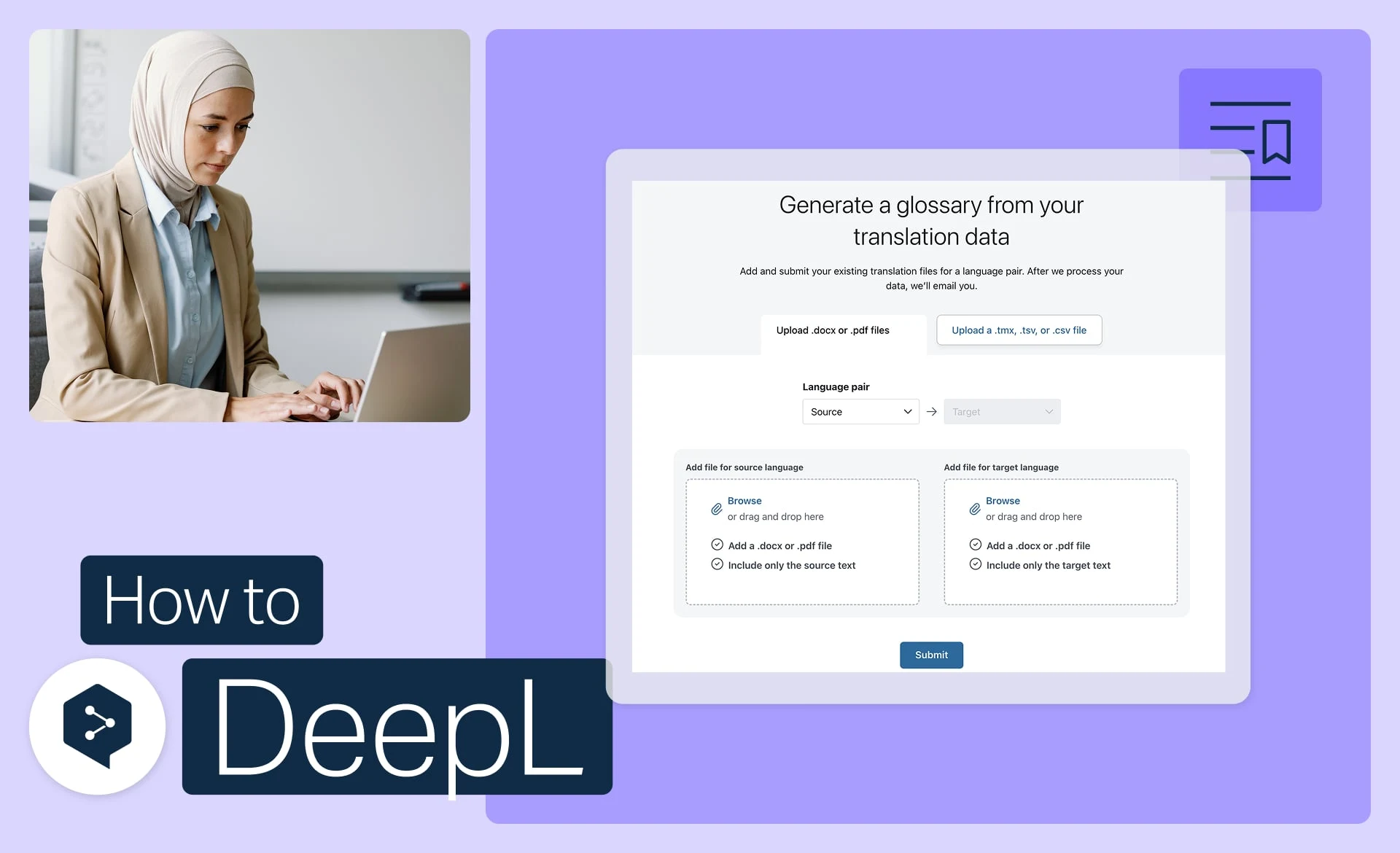
Crea un glossario dai tuoi file
Trasforma in automatico i tuoi file esistenti in voci di glossario pronte all’uso.
- Durata: 3 minuti
Guarda ora
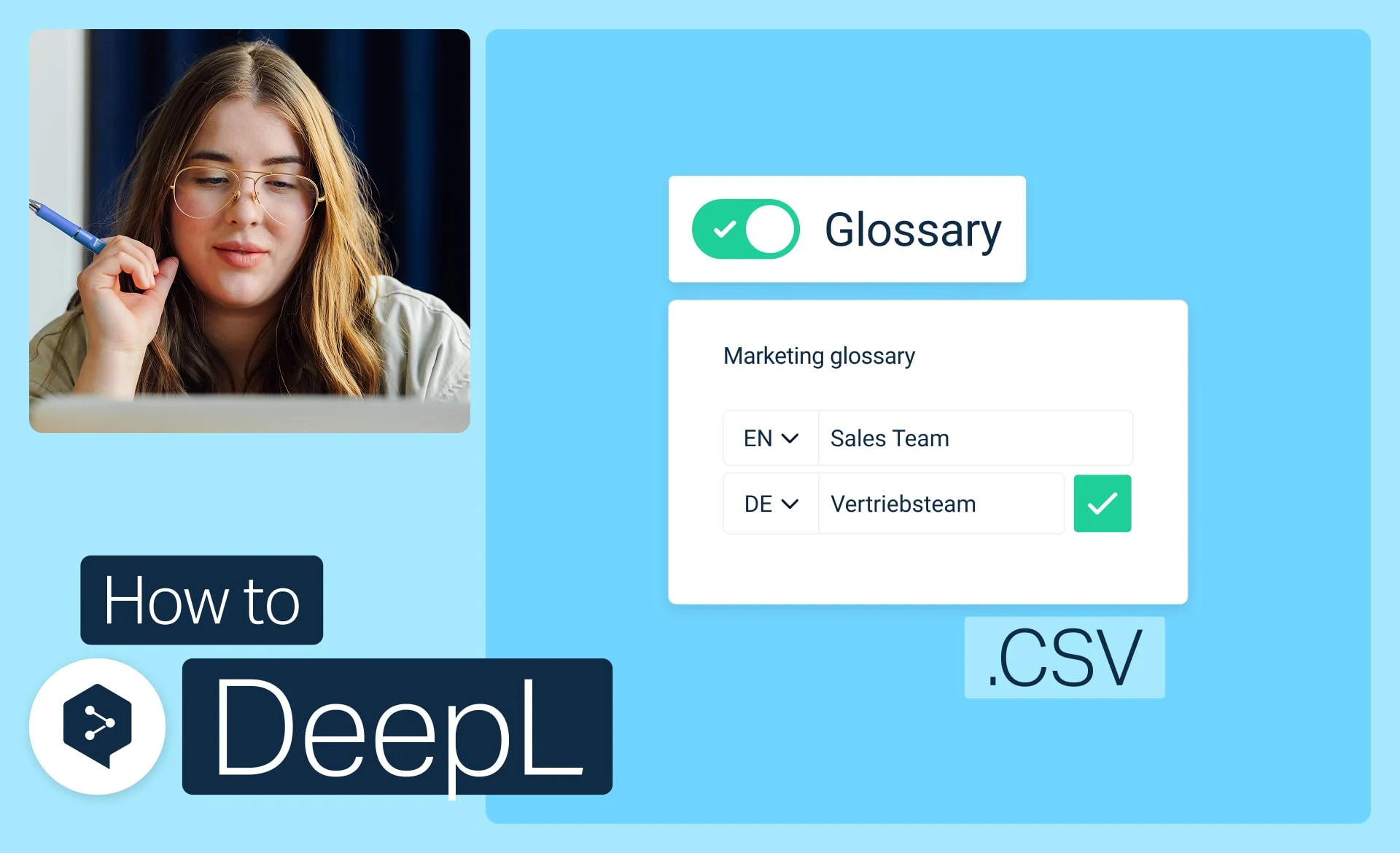
Importa un glossario da un file CSV
Scarica, modifica e importa il tuo glossario come un semplice file CSV.
- Durata: 3 minuti
Guarda ora
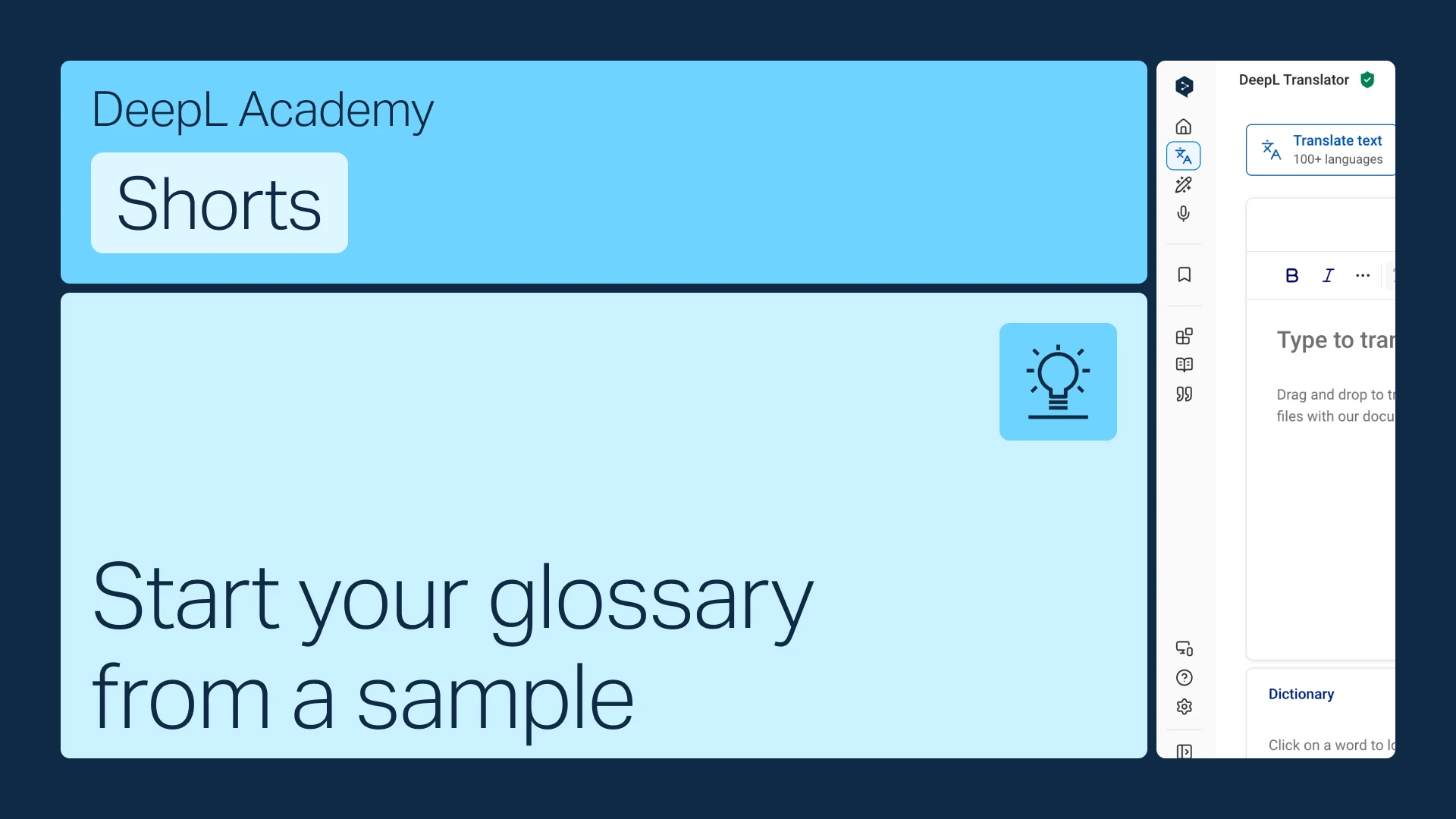
Crea il tuo glossario partendo da un modello
Non hai termini a disposizione? Parti da un modello specifico per il tuo settore e personalizzalo in base alle tue esigenze.
- Durata: 1 minuto
Guarda ora