

Use DeepL’s Translation Flow
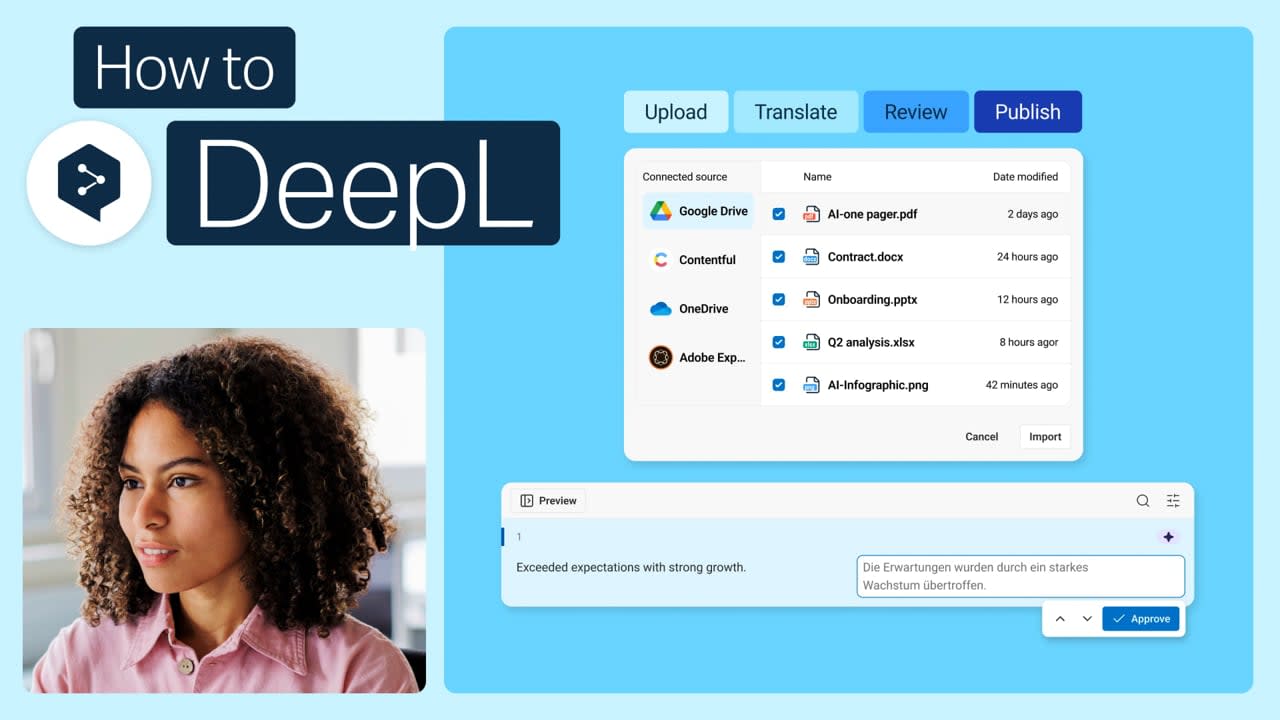
Translation Flow allows you to run automated file translation workflows in DeepL. It keeps them all in one place for easy reviewing and sharing and it lets you save your settings and reuse them whenever you translate a file.
Learn to:
- Connect DeepL to your cloud systems
- Create flows with the Flow Builder for ease of translation
- Enable a quality evaluation score
- Save translations as projects
- Automatically set review routes
- Edit translated files
But wait, there's more!

Set up DeepL’s Customization Hub
Your terminology, your style, your rules. Customization Hub is where you set them up, so translations stay consistent. Start with these best practices.
- Time: 2 minutes
Watch now
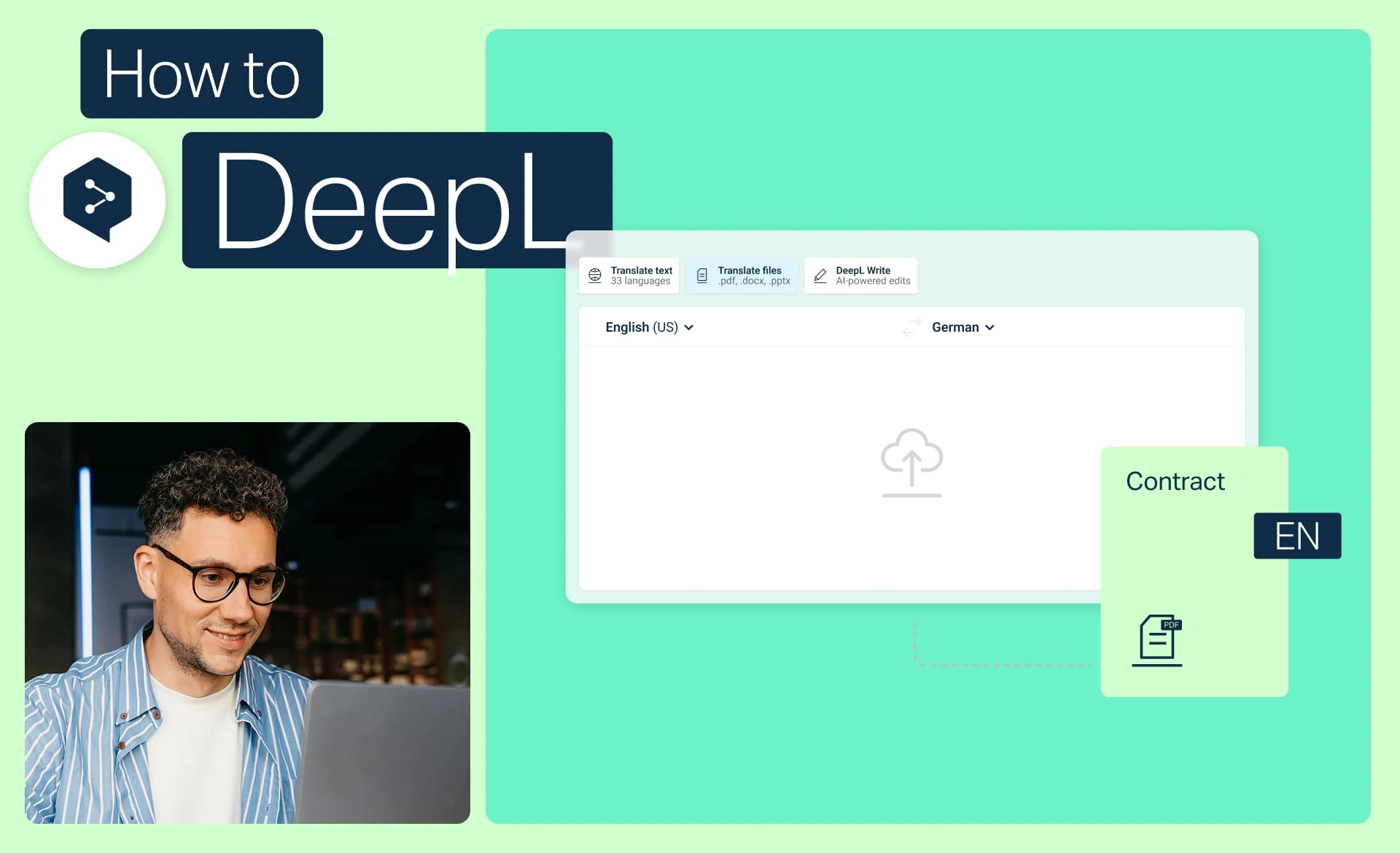
Translate files in a few clicks
Translate one or more files with DeepL, convert PDFs and Word docs, and apply glossaries and formality.
- Time: 2 minutes
Watch now

Make your file translation smarter
Stop translating files one by one. Discover best practices for file management, batch translation, and custom settings.
- Time: 2 minutes
Watch now