

DeepL 人工智能智能体
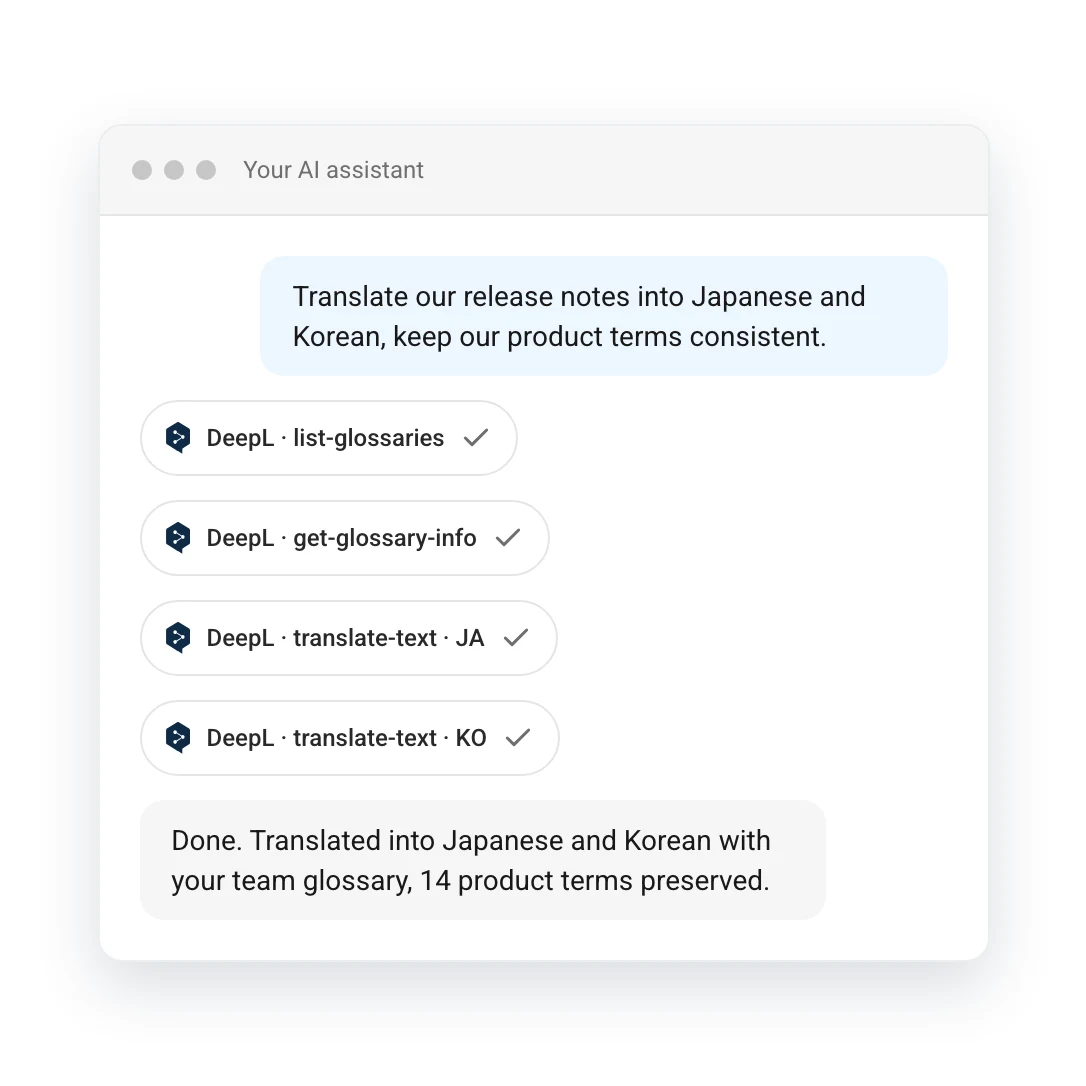
您的智能体已经具备翻译能力。DeepL 让智能体按照企业自己的方式完成翻译:使用您的术语,保持您的语气,并满足您的质量标准。
支持 Claude、ChatGPT、Microsoft Copilot 以及任何支持 MCP 的人工智能智能体。
选择连接 DeepL 的方式
将 MCP URL 或命令复制到人工智能工具中,其余操作由智能体完成。

Claude
在 Claude 中安装 DeepL 插件。

ChatGPT
在 ChatGPT 中安装 DeepL 插件。

Microsoft Copilot
从 Microsoft Marketplace 获取 DeepL。

任何人工智能智能体
https://mcp.deepl.com/v1/mcp
仅需使用 DeepL 账户登录一次,无需 API 密钥。适用于席位计划和企业计划。

DeepL CLI
通过终端翻译文本和文件,也可让编程智能体代为执行。
为何将 DeepL 连接至人工智能工具
DeepL 是智能体的语言层,为团队使用的每款工具提供统一的术语、风格和质量标准。
无论智能体在哪里工作,都保持统一标准
在 Claude、ChatGPT、Copilot、Word 和 Outlook 中,使用一致的 DeepL 翻译、术语表和风格。

只需提出请求,即可应用自定义设置
使用自然语言提出请求,DeepL 会自动应用相应的术语表、语气和风格。

企业级安全与认证
您的文本不会用于训练模型,管理员可以控制访问权限。经 Microsoft Copilot 和 Claude 认证。

始终确保使用真实的 DeepL
每次翻译均通过真实的 DeepL 服务调用完成,可以溯源,而非模型推测结果。

使用场景
无需离开工作流程,即可完成本地化
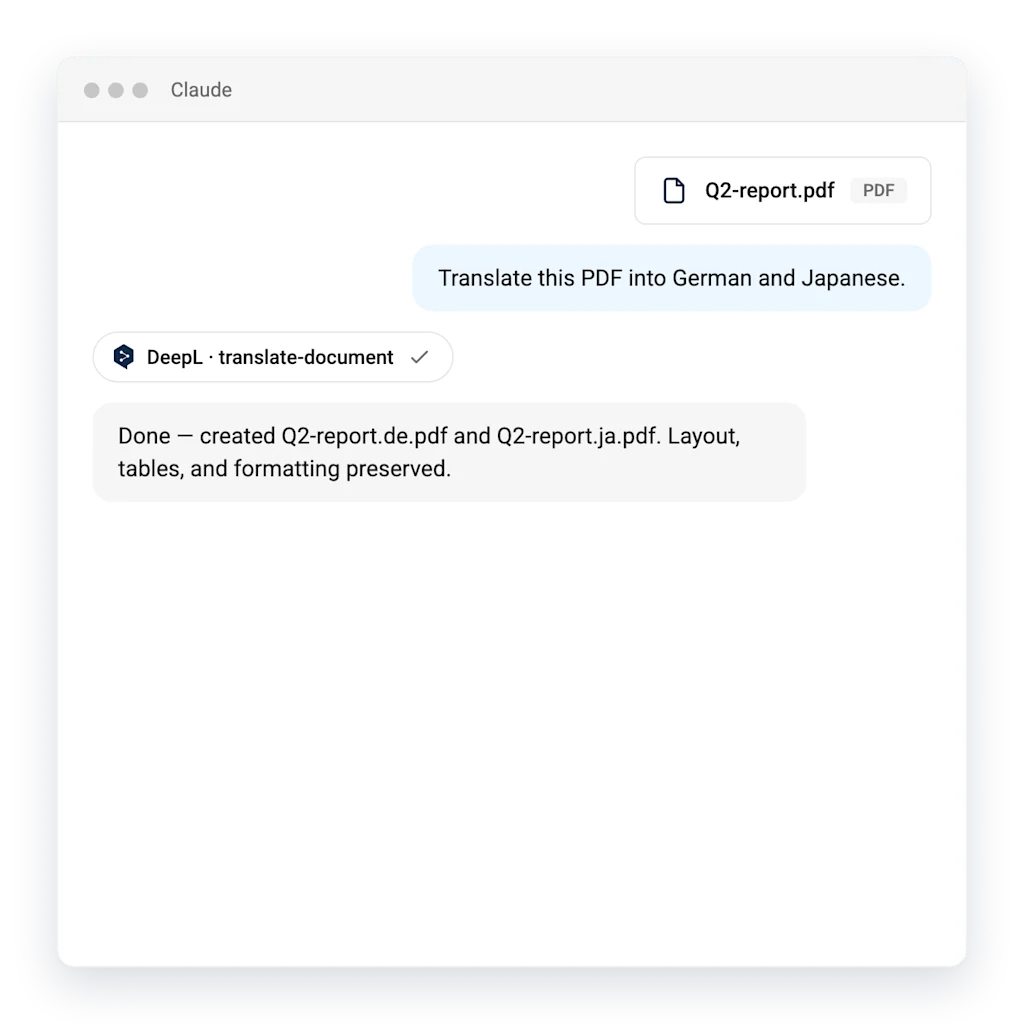
上传文档,并要求智能体进行翻译。DeepL 负责语言处理,文件保持原有版式。
- 保留原有版式和格式:表格、标题和图片均保持原位
- 术语表条目应用于每个文件
客服支持任何语言
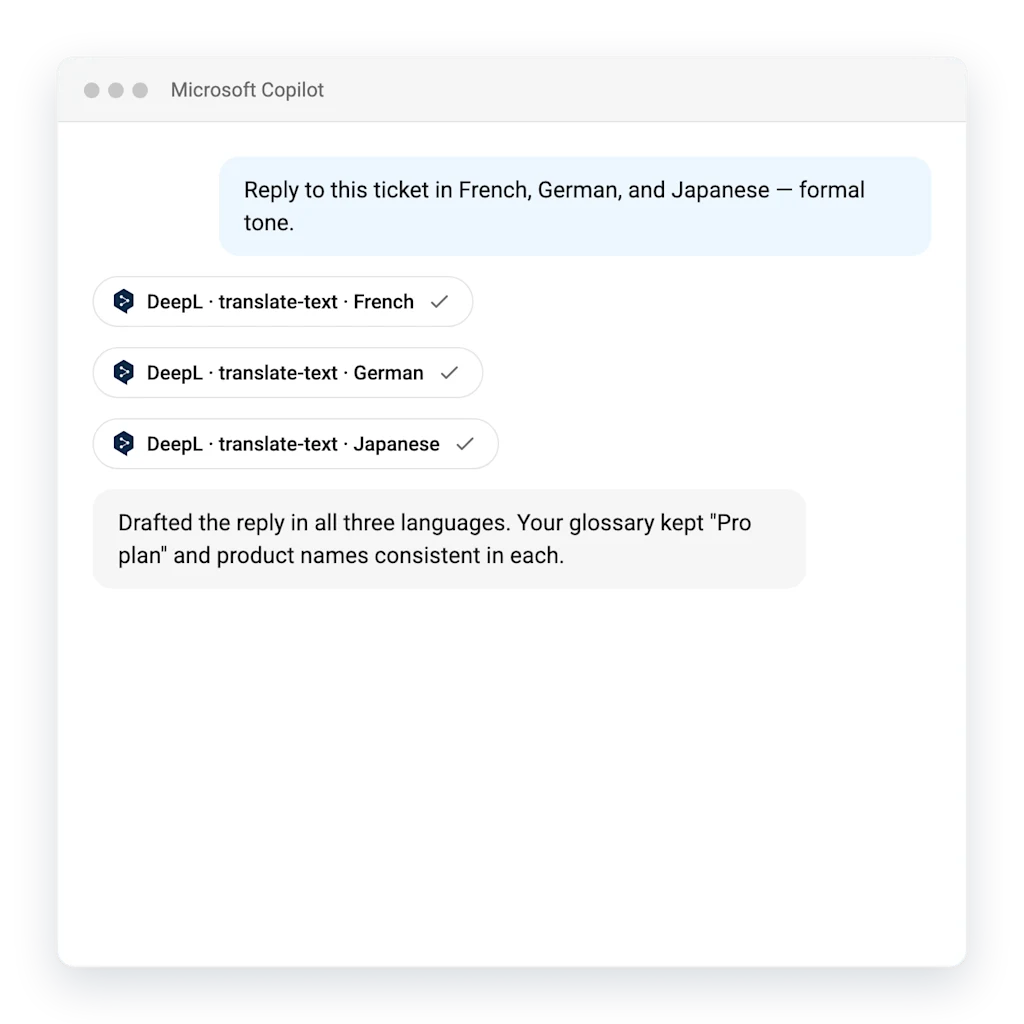
一次生成所有客户语言的回复:准确、符合品牌风格,并即时完成。
- 一次请求即可翻译为多种语言
- 客服术语表确保产品名称保持一致
充分利用术语表
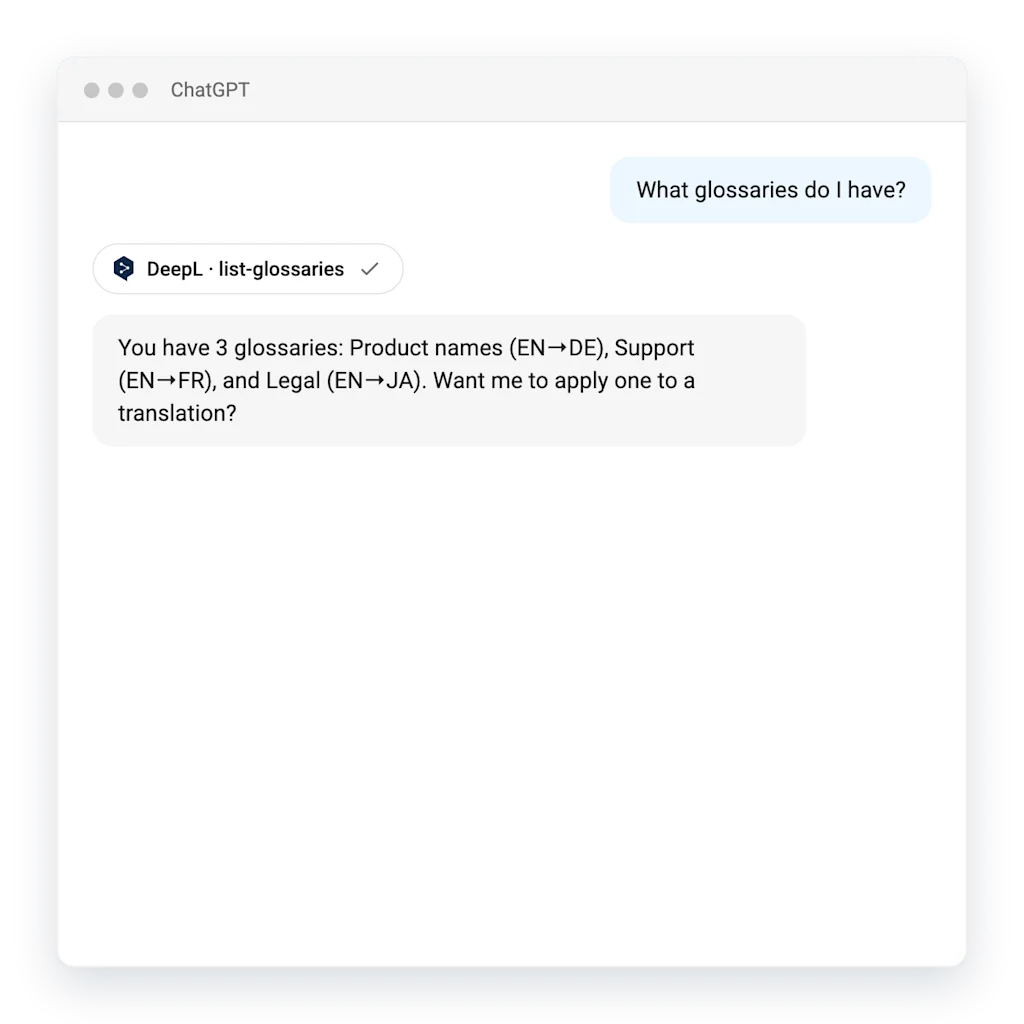
您的智能体了解您的术语。查询已有的术语表,并轻松将其应用于任何翻译。
- 直接通过聊天查看和使用术语表
- 所有语言的术语保持一致
智能体可以翻译,DeepL 让翻译达到生产级标准
仅使用智能体 | 配合 DeepL 使用 | |
|---|---|---|
一致性 | 每次运行的输出结果可能不同 | 每次均输出一致稳定的结果 |
您的术语 | 每次提示词中都需要重新说明术语 | 一次设置术语表和风格,即可在所有场景中统一应用 |
文档处理 | 内容可能遗漏或产生幻觉 | 完整翻译文件内容,保留原有版式,避免幻觉问题 |
大规模使用成本 | 文档双向处理均按 Token 计费 | 仅按源文本计费,而非双向 Token 消耗 |
常见问题
模型上下文协议(MCP)是一项开放标准,可帮助人工智能助手安全连接外部工具。DeepL MCP 服务器可让任何兼容的人工智能助手直接使用 DeepL 的翻译、写作和术语表功能,无需进行自定义集成。
支持 Claude、ChatGPT、Microsoft Copilot,以及 Cursor、Continue 等开发者工具。任何支持远程 MCP 服务器的客户端均可连接 DeepL。
对于席位计划(Individual、Team 或 Business 版)或 DeepL 企业版,只需在人工智能工具请求时使用 DeepL 账户登录,无需 API 密钥。
您只需使用 DeepL 账户登录一次,即可完成连接。如果所在组织通过 DeepL 使用单点登录(SSO),登录流程将按原有方式通过身份提供商完成,无需管理额外凭据。管理员可在组织层级控制哪些用户可以连接。
当您使用 DeepL 账户登录时,MCP 使用量已包含在您的订阅中,并在其合理使用限额内运行——无需单独付费。该连接器本身免费。
安全。请求将在现有的 DeepL 协议范围内进行处理,您的文本不会用于训练模型。管理员可为整个组织启用或停用智能体访问权限。