

Створіть свій глосарій на основі зразка
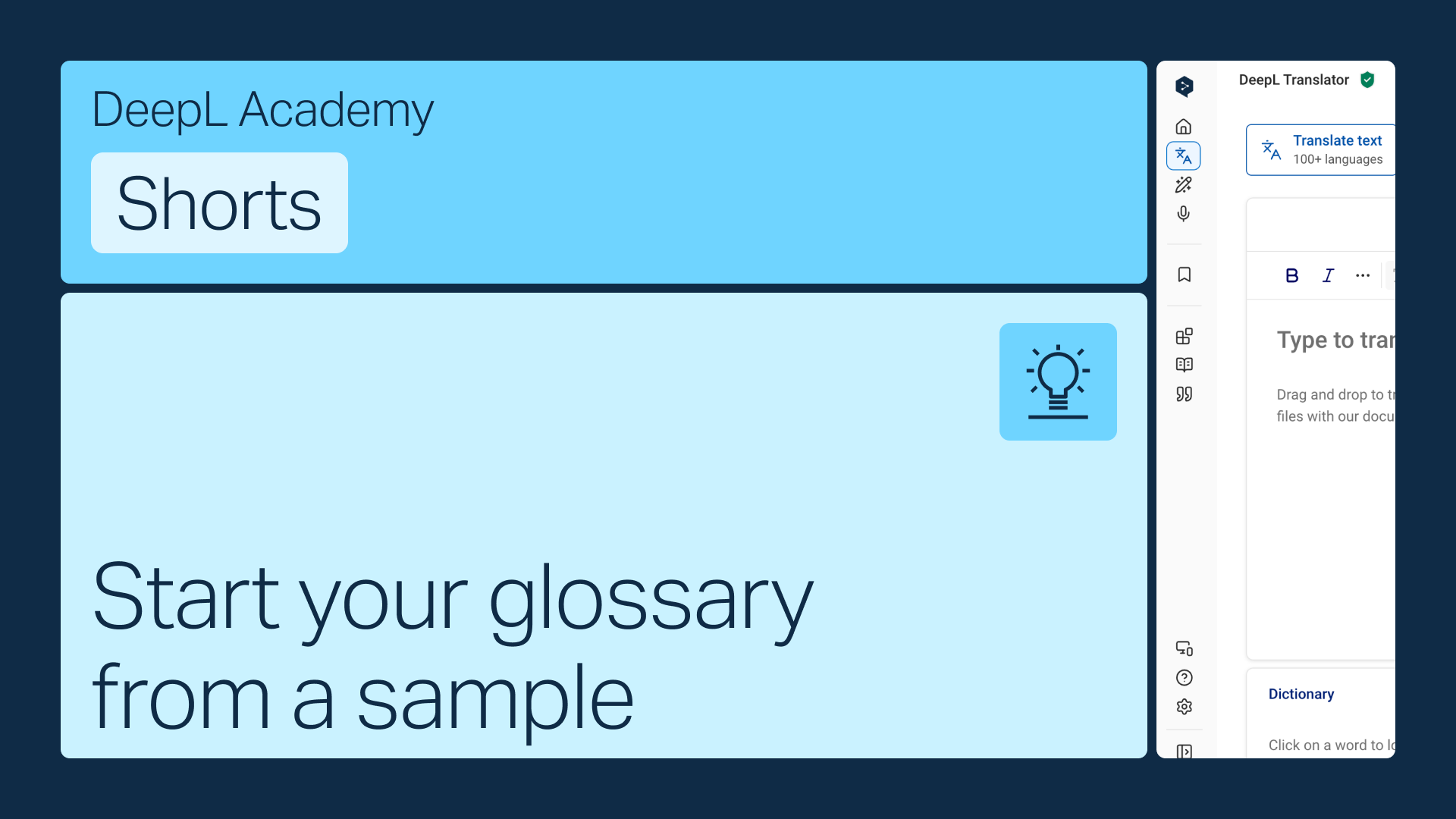
Не маєте готового списку термінів? Тоді скористайтеся зразком глосарія, створеним і перевіреним нашими експертами, і адаптуйте його під свої потреби.
Дізнайтеся, як:
- Виберіть Почати з прикладу під час створення нового глосарію
- Виберіть зразок, що відповідає вашій галузі та мовній парі
- Налаштуйте, редагуйте та керуйте кожним записом
Але зачекай, це ще не все!
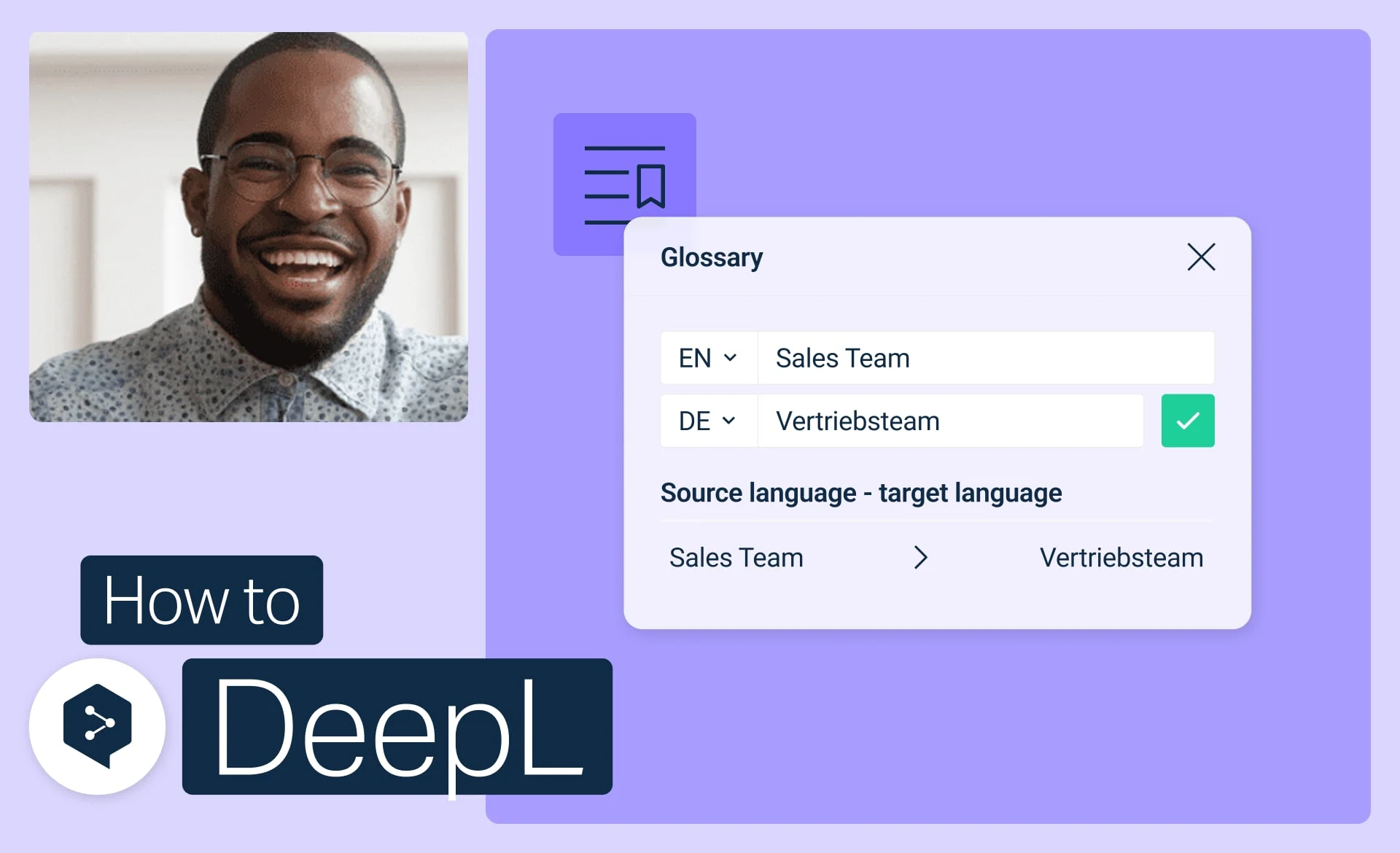
Почніть роботу з глосаріями DeepL
Створюйте, редагуйте, активуйте та керуйте своїми глосаріями, щоб забезпечити узгодженість кожного перекладу.
- Час: 3 хвилини
Дивитися зараз (англійською)
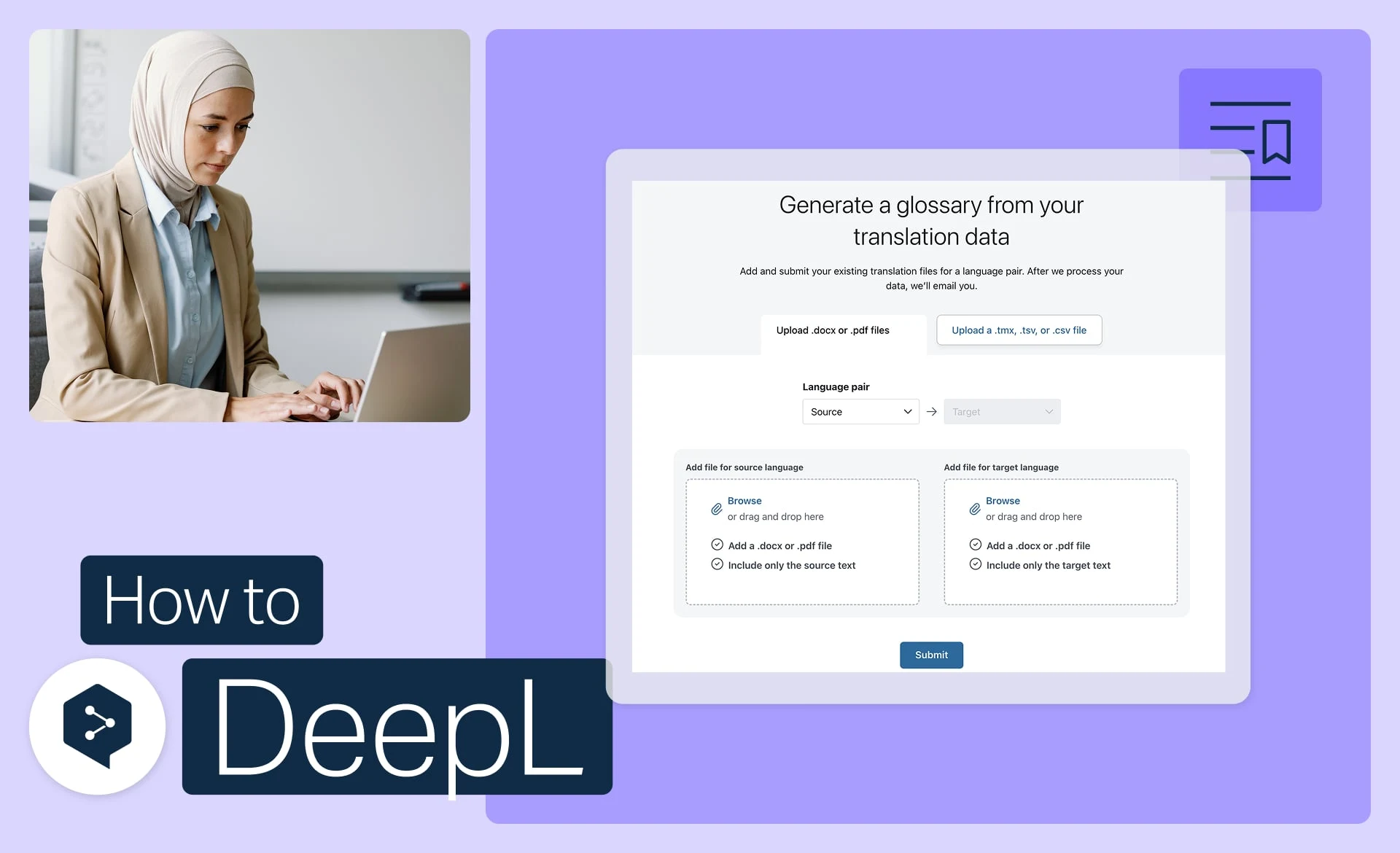
Генеруйте глосарій на основі ваших файлів
Автоматично перетворіть ваші існуючі файли на готові до використання записи глосарію.
- Час: 3 хвилини
Дивитися зараз (англійською)
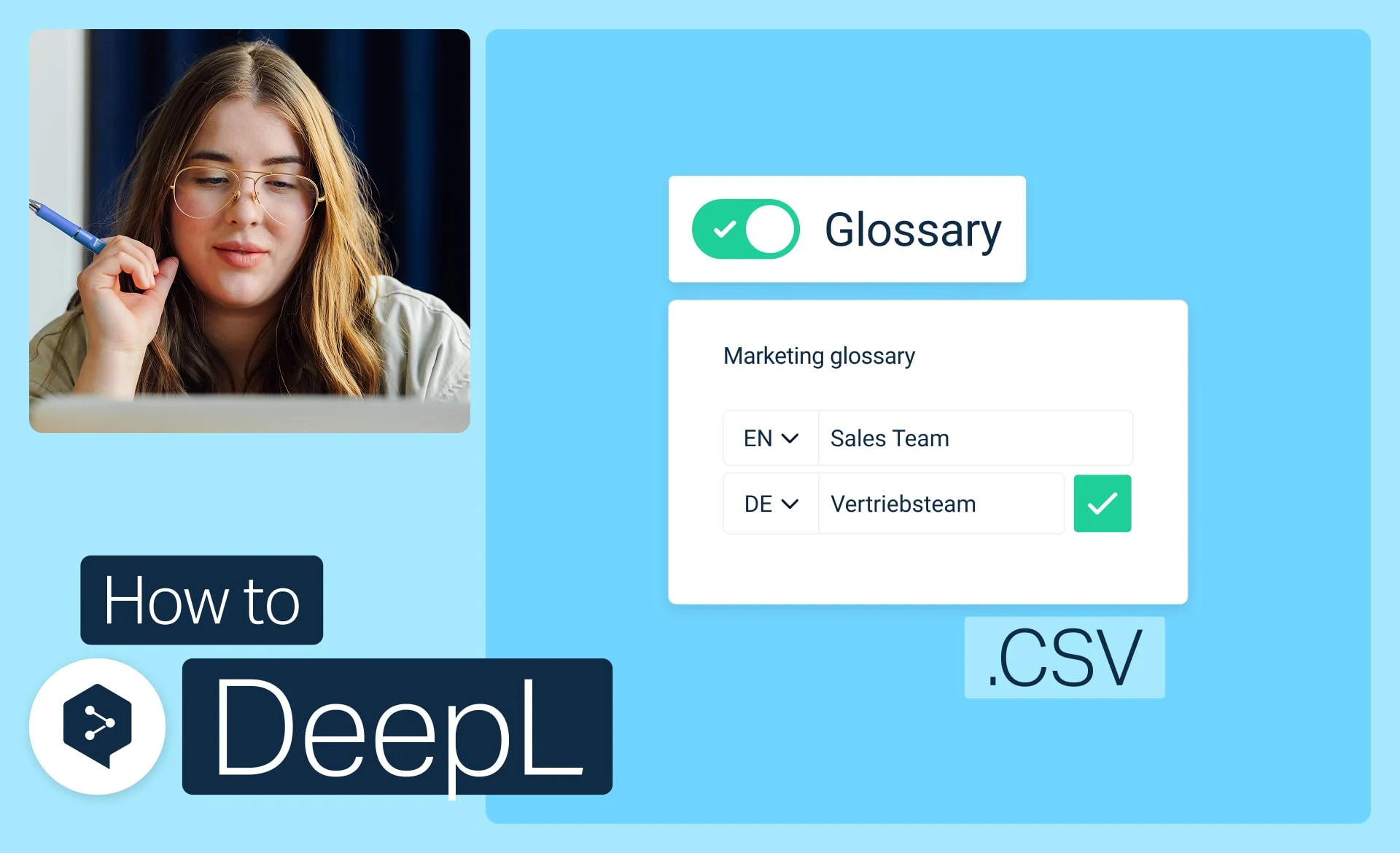
Імпортуйте глосарій із CSV
Завантажте, редагуйте та вивантажуйте свій глосарій у вигляді простого файлу CSV.
- Час: 3 хвилини
Дивитися зараз (англійською)