

Начните создание глоссария с образца
У вас нет готового списка терминов? В таком случае воспользуйтесь образцом глоссария, составленным и проверенным нашими экспертами, и адаптируйте его под свои нужды.
Узнайте, как:
- При создании нового глоссария выберите Начать с примера
- Выберите образец, соответствующий вашей отрасли и языковой паре
- Настройте, измените и управляйте каждой записью
Но подождите, это еще не все!
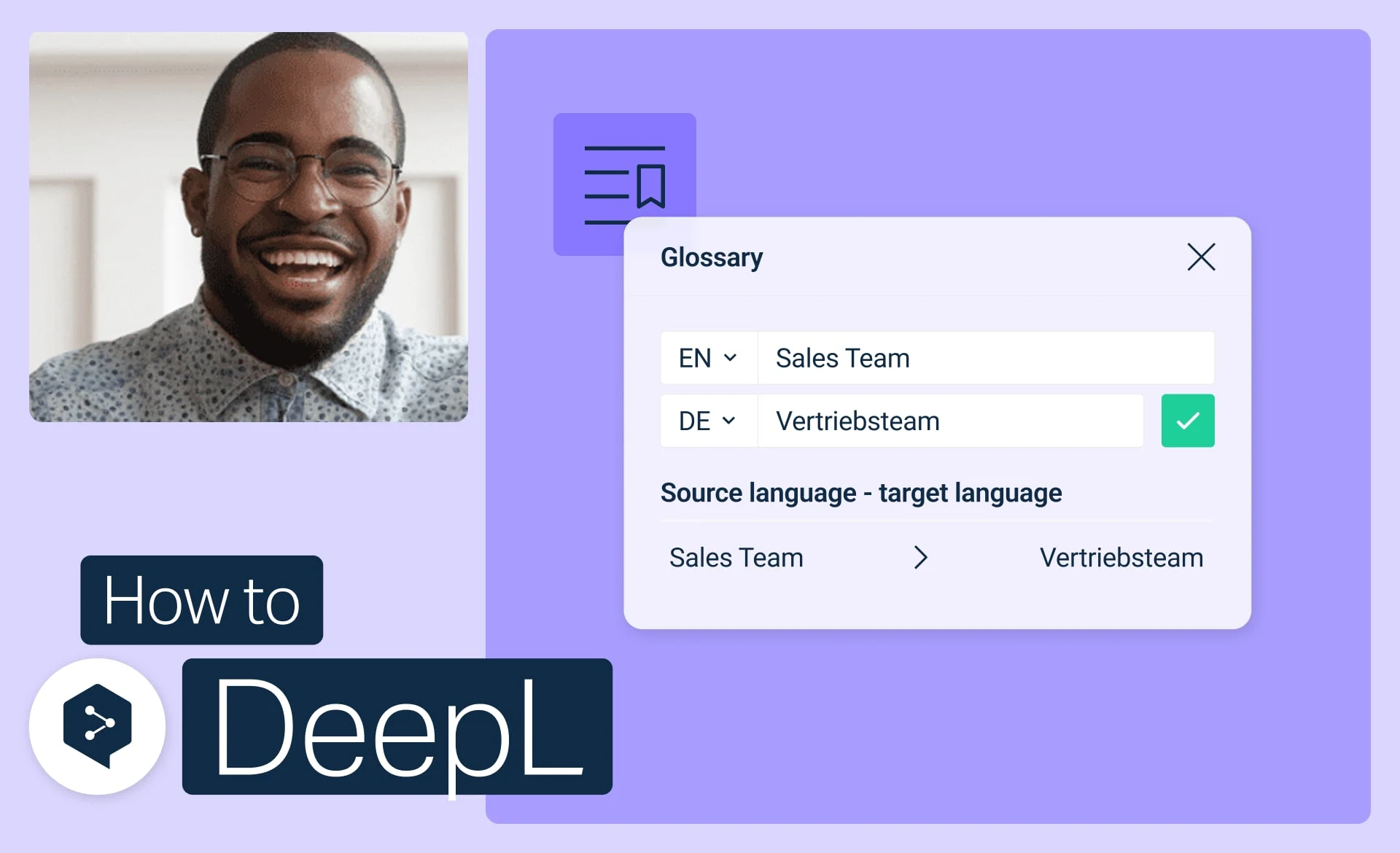
Начните работу с глоссариями DeepL
Создавайте, изменяйте, активируйте и управляйте своими глоссариями, чтобы обеспечить единообразие всех переводов.
- Время: 3 мин.
Смотреть
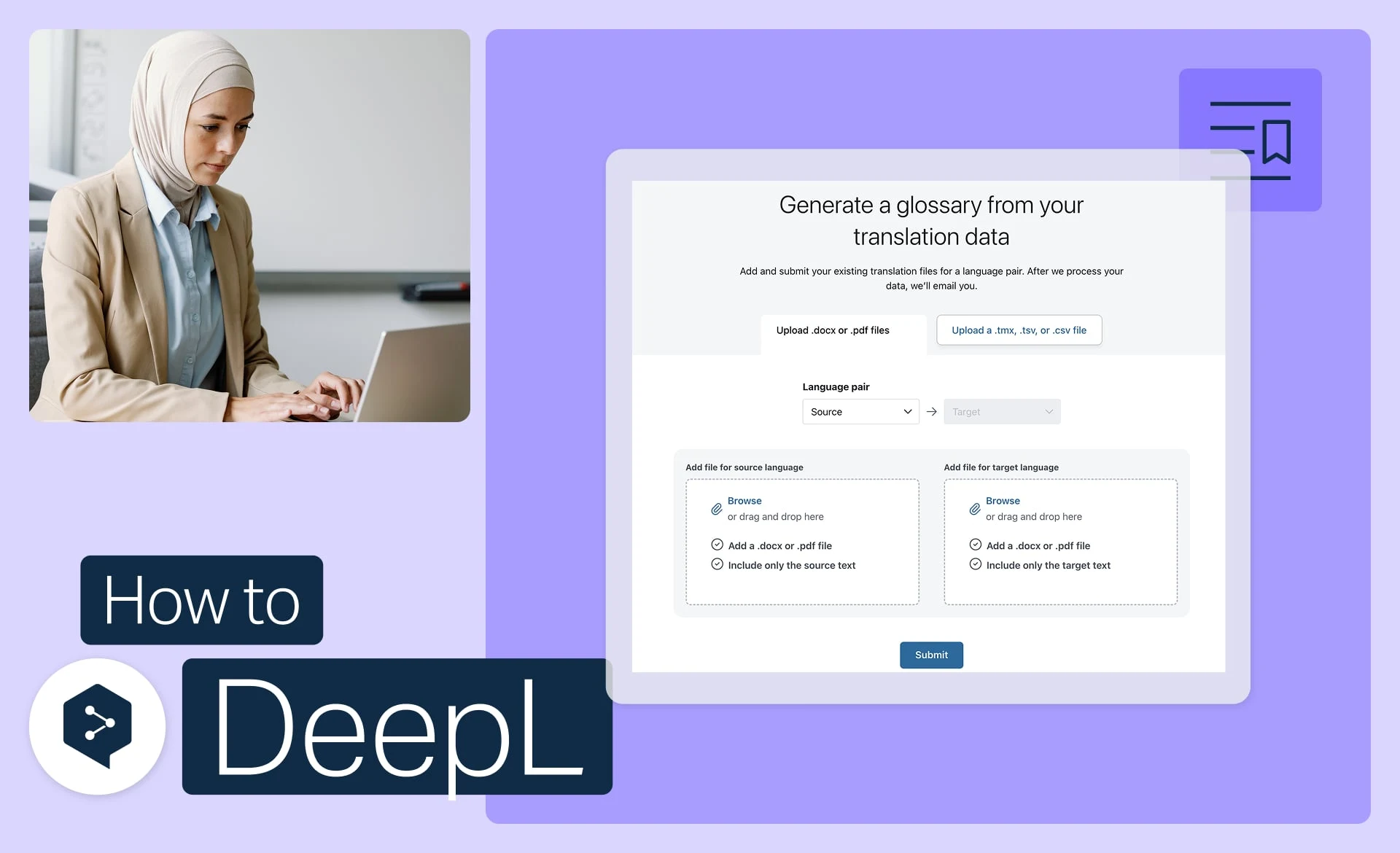
Создайте глоссарий на основе ваших файлов
Автоматически преобразуйте имеющиеся файлы в готовые к использованию записи глоссария.
- Время: 3 мин.
Смотреть
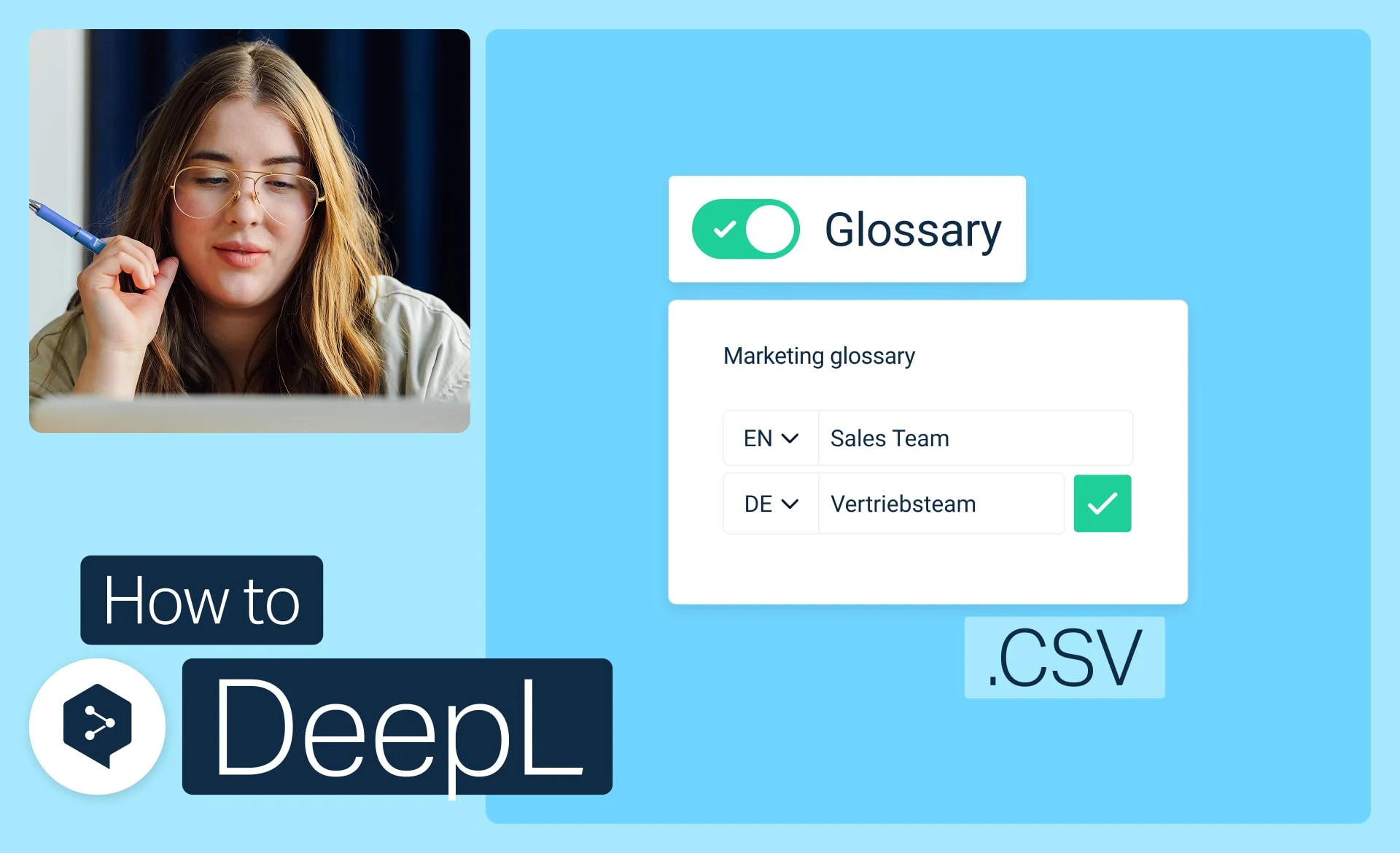
Импортируйте глоссарий из файла CSV
Скачайте, измените и загрузите свой глоссарий в виде простого файла CSV.
- Время: 3 мин.
Смотреть