

Vertaal face-to-face-gesprekken op uw mobiele apparaat
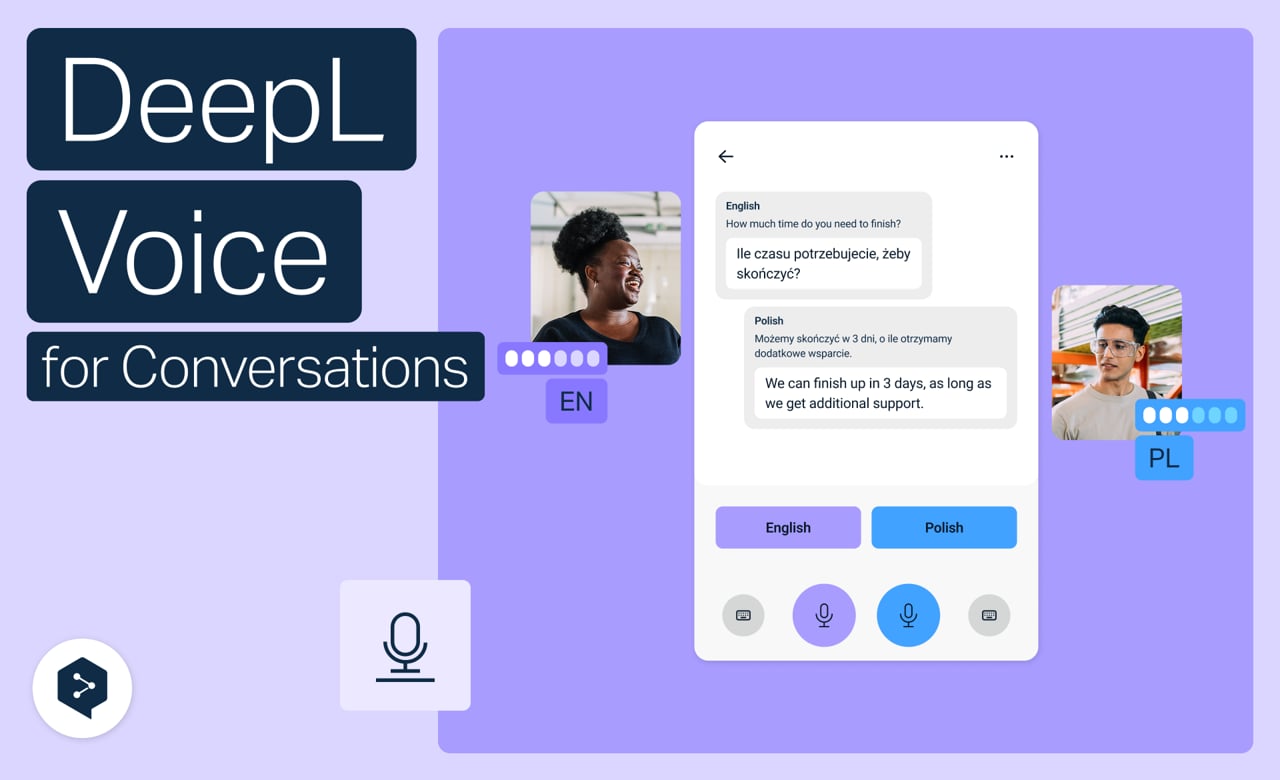
Vertaal persoonlijke gesprekken in realtime, rechtstreeks vanaf uw telefoon. Open DeepL Voice, kies uw talen en spreek op natuurlijke wijze, zonder toetsenbord.
Leer hoe u:
- Open DeepL Voice op uw telefoon voor persoonlijke gesprekken
- Kies de talen die u en uw gesprekspartner spreken
- Schakel over naar de face-to-face-weergave zodat u de telefoon heen en weer kunt doorgeven
- Pas woordenlijsten en „Gesproken termen“ toe
- Start groepsgesprekken met meerdere gebruikers
Maar wacht, er is nog meer!

Vertaal face-to-face-gesprekken op het web
Gebruik DeepL Voice in uw browser om face-to-face te chatten in verschillende talen.
- 2 minuten
Nu bekijken
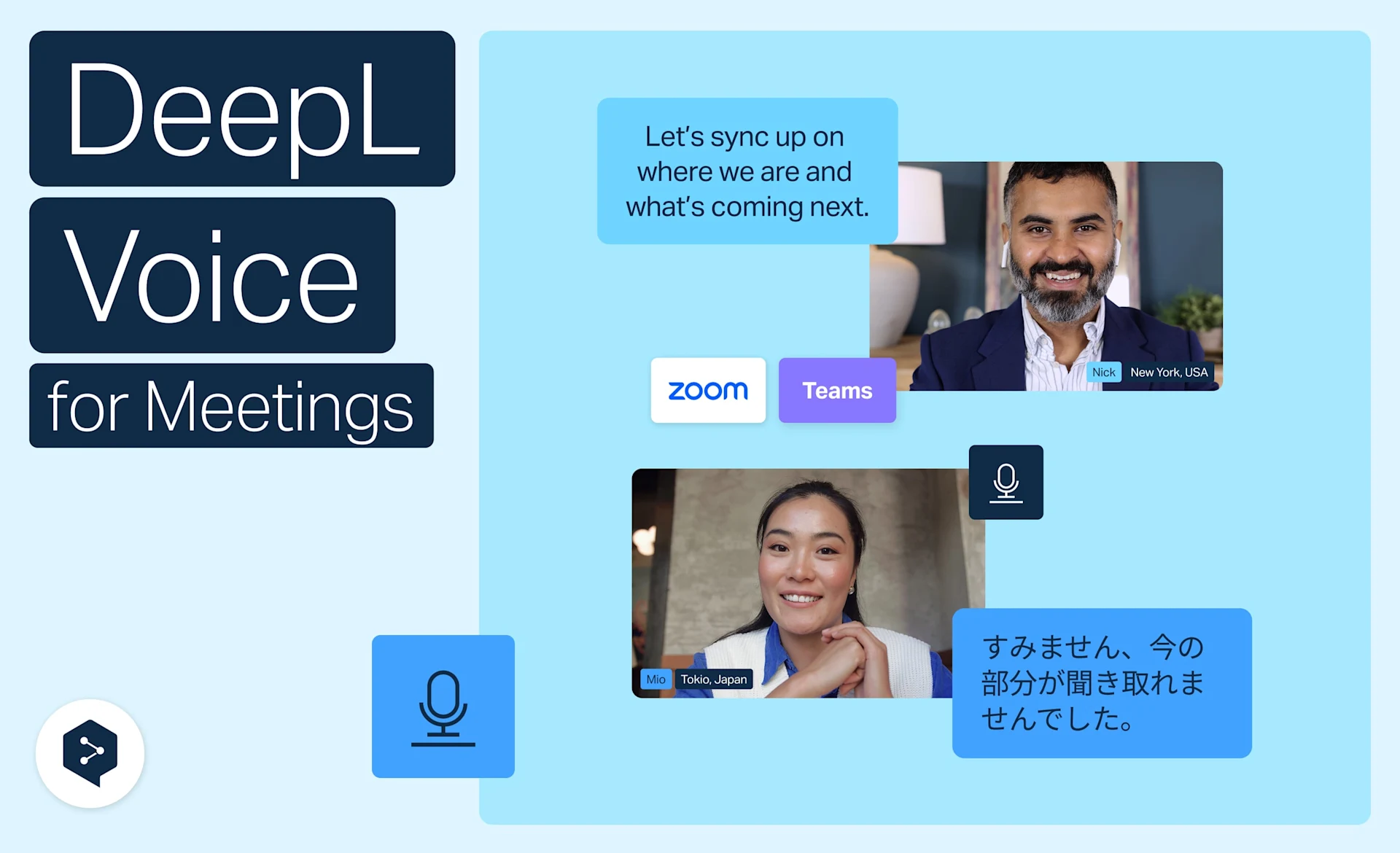
Profiteer van livevertaling in Zoom, Teams en Meet
Profiteer van realtime vertalingen in Zoom, Microsoft Teams en Google Meet met DeepL Voice – zonder apps of installatie, rechtstreeks vanuit uw browser.
- 3 minuten
Nu bekijken